New Workflow
Status: Open · Asked by Dan Cook on · 0 views
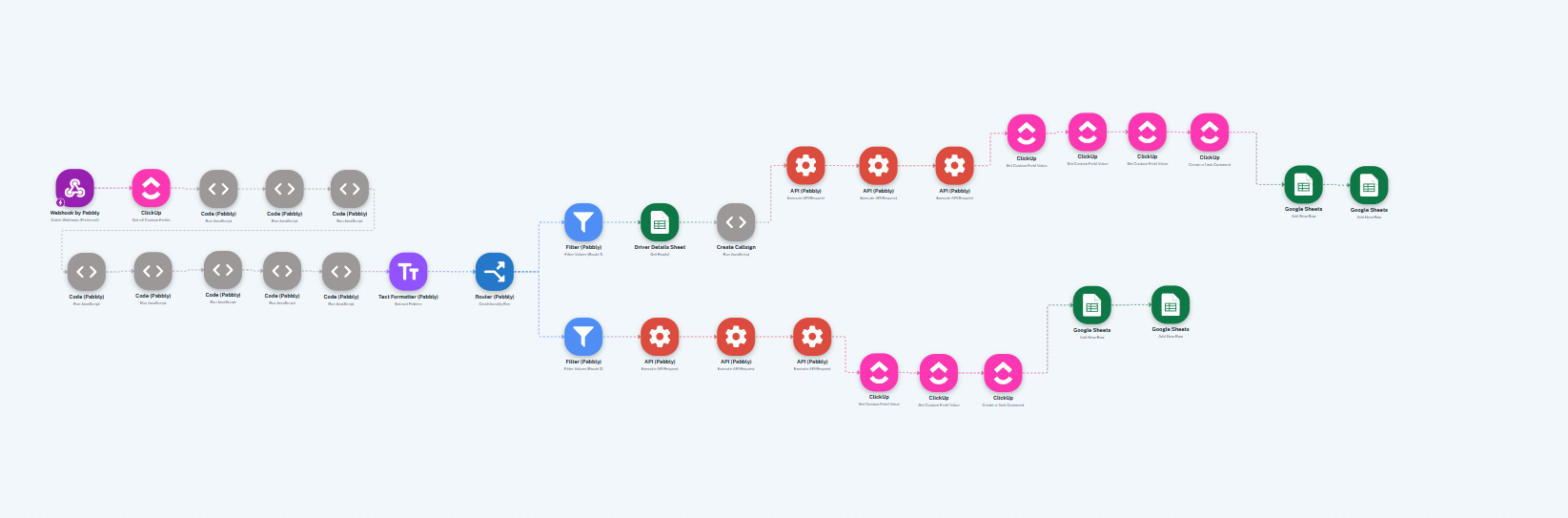
I had named all the steps in my workflow but now the names have vanished.
With workflows with large amounts of steps and a lot of assigning of dynamic fields this is a bit of a pain.
Is this expected behaviour or a glitch?
https://connect.pabbly.com/v2/app/workflow/mapping/IjU3NjYwNTZhMDYzMzA0MzY1MjZmNTUzNTUxMzYi_pc
Hello @dan90,
Could you please try renaming the actions in your workflow after clearing your browser cache? Once done, refresh the page and check if the renamed action titles are retained.
If you continue to face issues, please let us know. We’ll be happy to assist you further.
I am encountering this issue across multiple browsers, devices and workflows unfortunately.
If It was a cache issue I would hoped to have seen it resolved when I went from my laptop to my desktop computer but I didn't.
Any further advice on this? This never happened with the classic workflow map.
Hello @dan90,
Thank you for sharing the details.
We went ahead and tested the issue by renaming a few steps in your workflow. Upon refreshing, the updated names were retained and did not disappear. You can refer to the attached screen recording for a detailed view of the process we followed.
https://www.awesomescreenshot.com/video/42874438?key=2f963431bba2297565e1e8204990cf4d