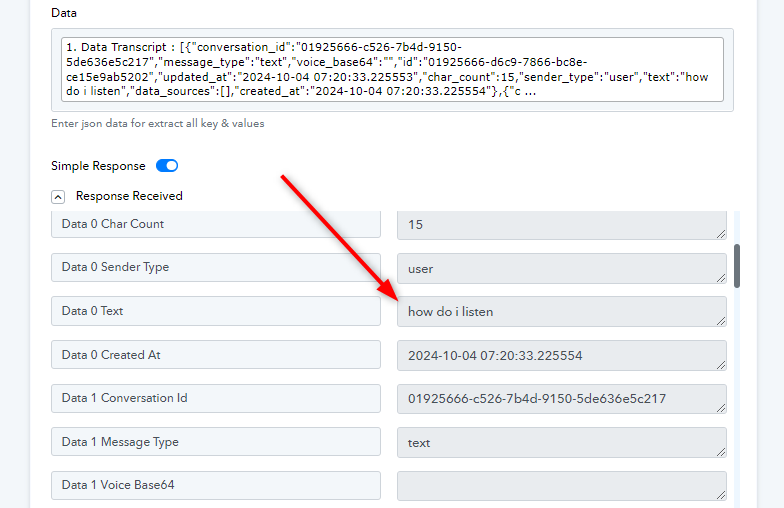
No information getting passed to iterator
Status: Closed · Asked by Daragh O'Sullivan on · 0 views
Hi
I've watched the iterator video, but still can't get info to pass from the webhook block into the iterator block. Would you mind taking a look at the workflow attached to the history id below. I'm sure it's a simple thing but cant figure it out. I have tried toggling the 'simple response' on and off but no luck either way.
Thanks
Daragh
Hey @daraghos
It appears that you are capturing the response in Simple Mode. Kindly try and capture the response in Advanced Mode by turning off the toggle button.
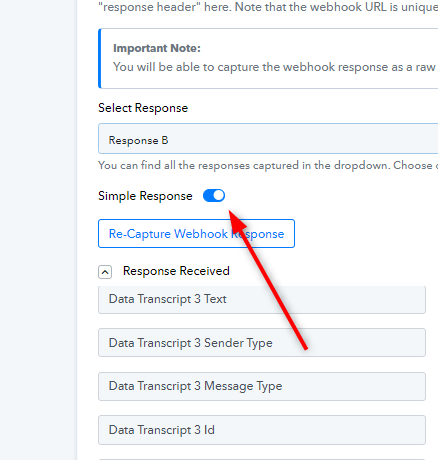
You can the pass the Array into Iterator. Kindly refer to this video below,
youtube.com/watch?v=zJaGQ-SIB0I
Let us know if it works for you.
Hi
Thanks for that. Yes, I had tried that however, I tried using the 'Catch Webhook with Headers' option and that worked, the 'preferred' method does not seems to work.
I am passing the info from the iterator to a google sheet, in this case it is a chatbot conversation. So each part of the conversation is getting passed. Is there a way of collating this data (the full conversation that is flowing to sheets) into a text file and then passing it through to another step in the workflow.
Thanks
I think you answered someone else's question here?
I am passing the info from the iterator to a google sheet, in this case it is a chatbot conversation. So each part of the conversation is getting passed. Is there a way of collating this data (the full conversation that is flowing to sheets) into a text file and then passing it through to another step in the workflow.
Hey @daraghos
You can use "Google Docs - Create Document from Template" for getting the response in a text file. Kindly refer to this video tutorial mentioned below.
youtube.com/watch?v=8D9HTG1ZsLw
Although, in this video it is mentioned that you can enter one text at a time. As a workaround, you can use "JSON Extractor" after the trigger step, this will extract each and you can map them in further steps.
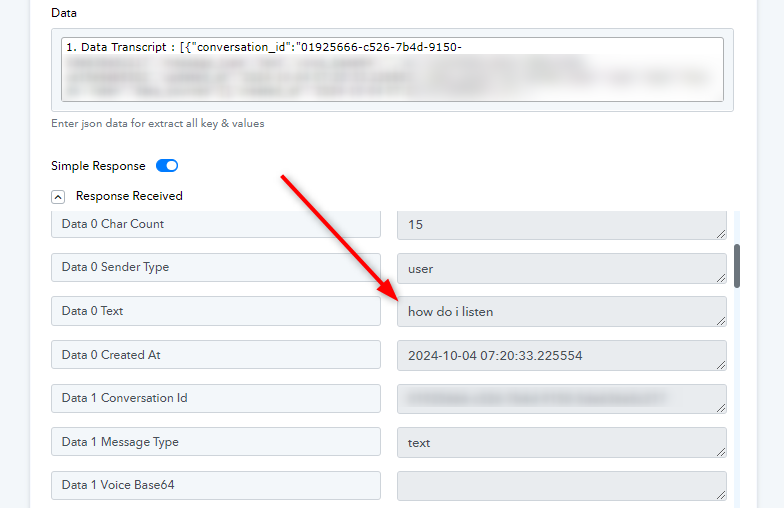
Further, you will have to create a different workflow which triggers with "New Document" so that you can pass the document data to further steps.
Let us know if it works for you.
Attachments