Not able to add Pabbly Connect Webhook extension in Google Sheets
Status: Closed · Asked by Vijay Singh Rathore on · 0 views
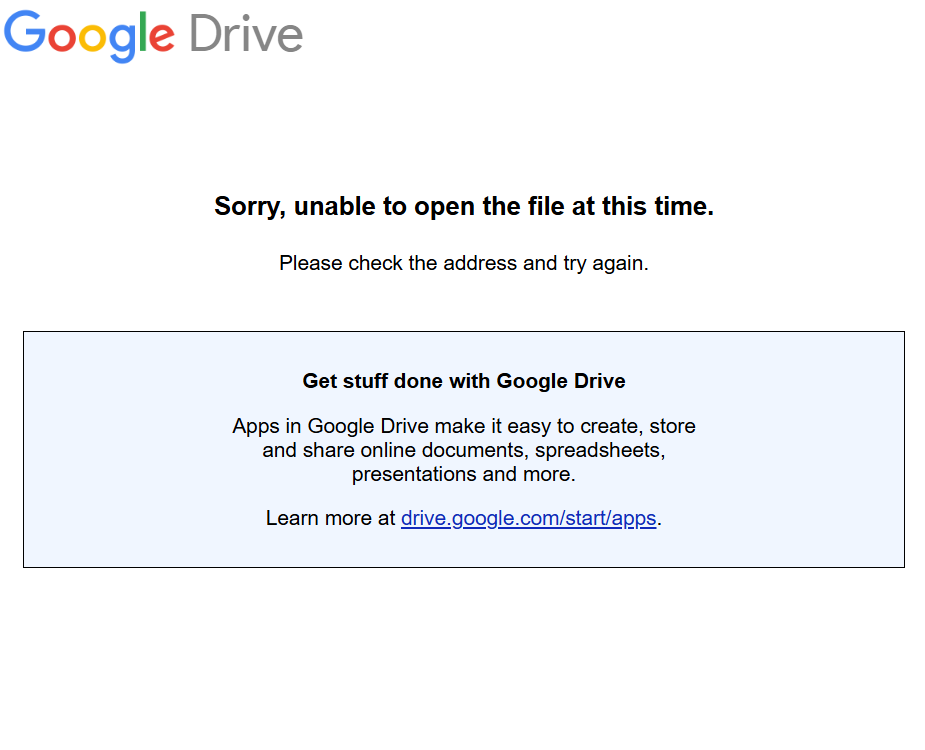
Hi Vijay,
Thank you for reaching out and sharing the screenshot.
The screen you are seeing is a common Google redirect error. This typically happens for one of two reasons:
Multiple Google Accounts Logged In: If you are logged into more than one Gmail/Google account in the same browser session, Google’s Marketplace authorization gets confused.
Workspace Restrictions: If you are using an official business email (Google Workspace), your organization's IT administrator may have restricted users from installing third-party marketplace add-ons.
How to Fix This:
Method 1 (Recommended): Open a fresh Incognito Window / Private Browsing Window in your browser. Log into your primary Google account (
[email protected]) and try installing the Pabbly Connect Webhook extension from there. This completely bypasses any account conflict.Method 2: Log out of all Google accounts currently active in your browser, log back into just the one account where you need the sheet, and try the installation again.
Please give the Incognito method a try and let us know if the extension installs successfully!
Thanks & Regards,
Hrishabh
Customer Support Associate
🌐 Pabbly.com
👉 Rate your support