Not getting failed flows details.
Status: Closed · Asked by vivekpathak2025 on · 0 views
Hello Pabbly Team, I am using Pabbly Connect Manager to track failed and partially failed flows and send the details to Google Sheets. It works sometimes, but many failures are not getting detected consistently. Some flows are captured, and then it stops detecting new failed or partially failed steps. I want a reliable way to track all failed flows and their failed steps. Please check why the Connect Manager is not detecting all failures and guide me on the correct setup or best method to monitor them properly.
Here are my flow detials.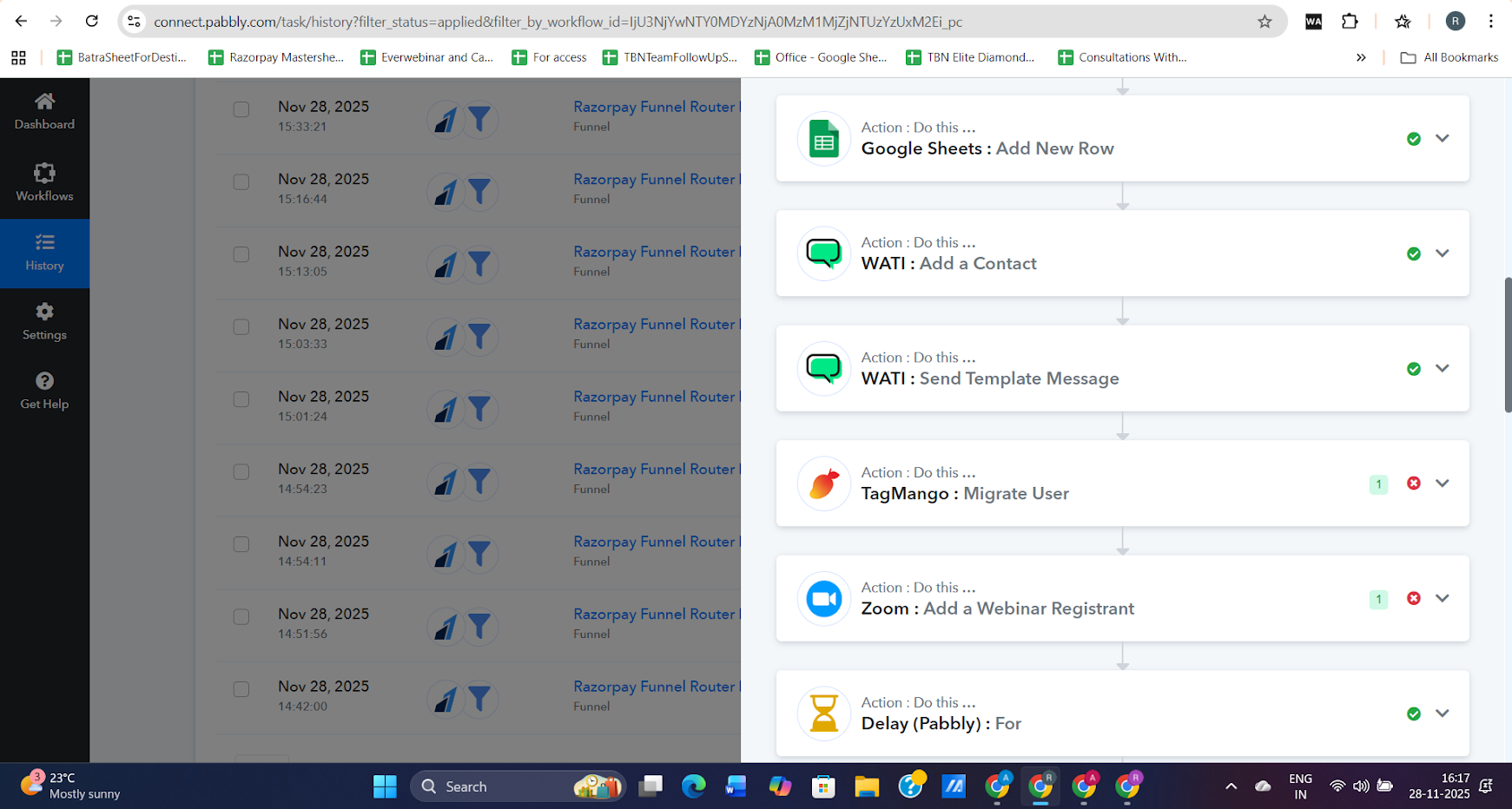
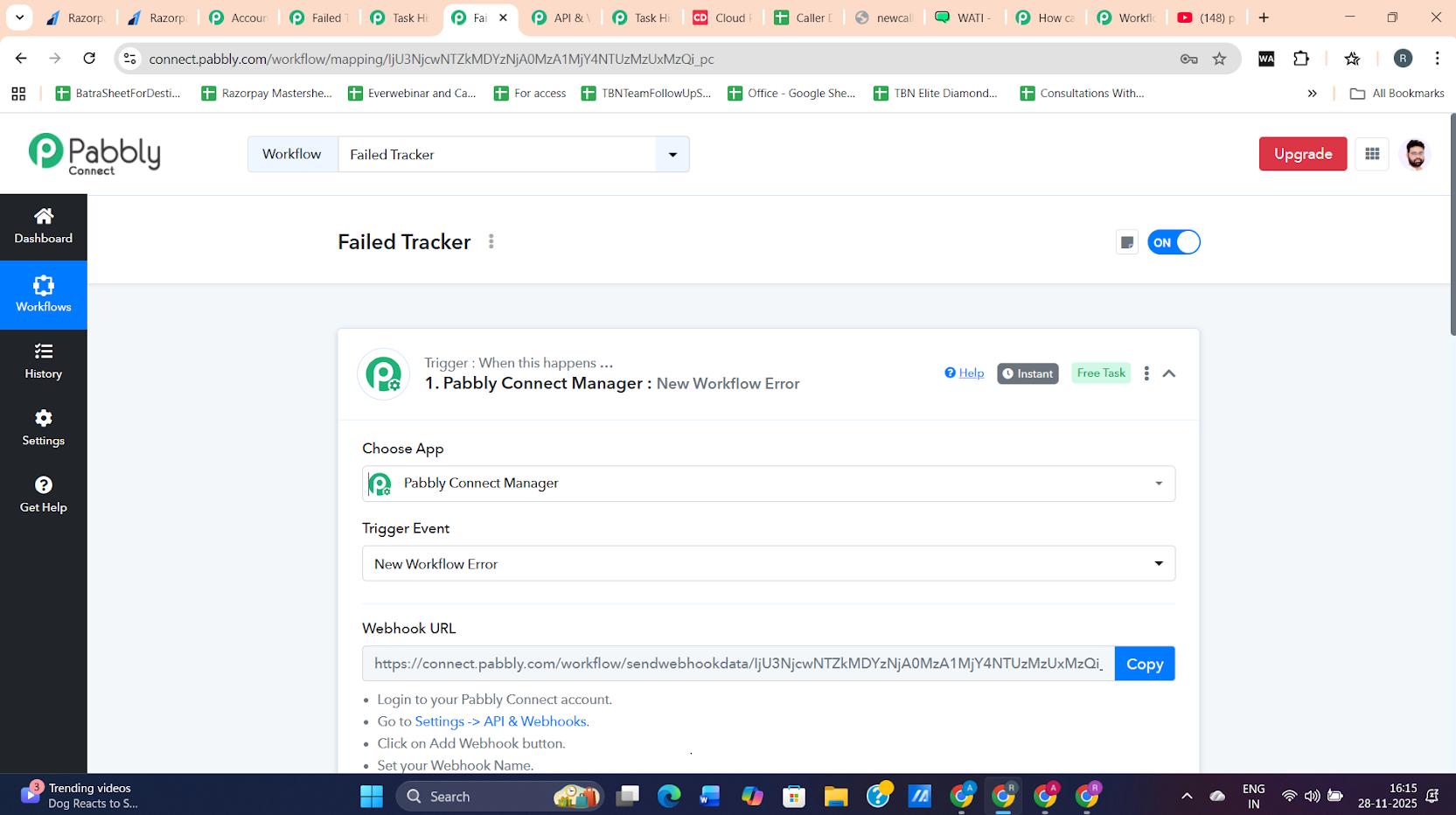
The flow was not triggered many partially failed flows.
User Id is: [EMAIL][email hidden][/EMAIL]
Hello @vivekpathak2025,
Thank you for sharing the details. Could you please provide any task histories that should have been recorded in the Google Sheet but were not? This will help us investigate the issue more effectively.
Additionally, it would be helpful if you could share view access to the Google Sheet with us. Please grant access to the email address mentioned below so we can review the data and assist you further.
Hello @vivekpathak2025,Thank you for sharing the details. Could you please provide any task histories that should have been recorded in the Google Sheet but were not? This will help us investigate the issue more effectively.
Additionally, it would be helpful if you could share view access to the Google Sheet with us. Please grant access to the email address mentioned below so we can review the data and assist you further.
[EMAIL][email protected][/EMAIL], [EMAIL][email protected][/EMAIL]
Thank you Preeti for your response.
The second image I shared about should be on the sheet.
And the view access has been share with you on your given mail id, [EMAIL][email protected][/EMAIL], [EMAIL][email protected][/EMAIL].
and Will share more failed flows there with you.
Please allow us some time to look into this concern. We will get back to you with an update soon.
Thanks & Regards,
Arshil Ahmad
Customer Support Associate
? Pabbly.com
?Rate your support
@ArshilAhmad Any Updates on this issue?
Hello @vivekpathak2025,
As of now, we have not received any update on this issue. We have followed up with our internal team for the latest status. Kindly allow us some time, and we will get back to you as soon as we have an update.
Hello @Preeti Paryani,
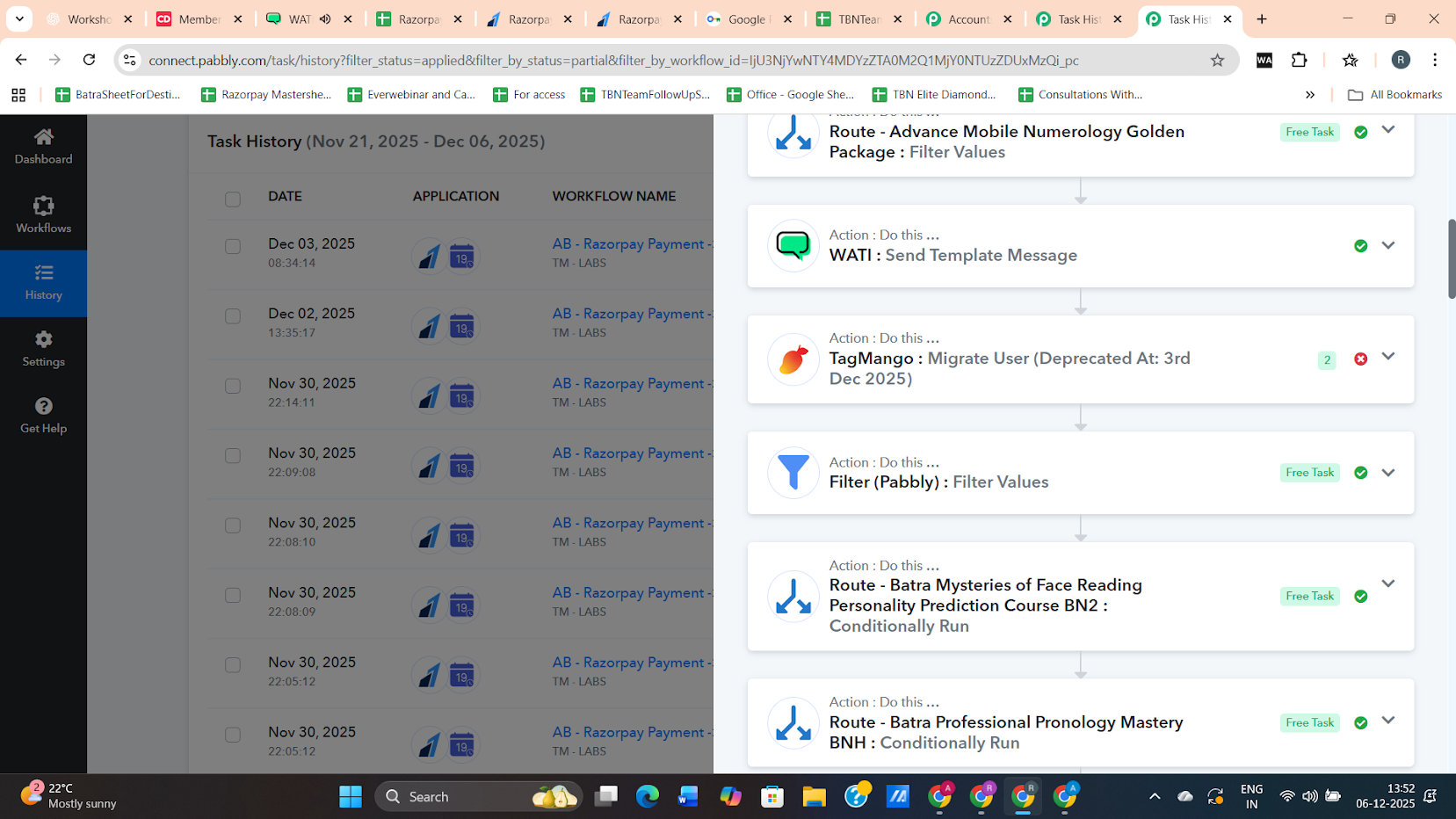
I’m sharing a few images for your reference. These screenshots show that some partially failed flows are not appearing on the sheet that was shared with you via email. This should help in diagnosing the issue.
Please let me know if there are any updates on this.
Also, kindly share the expected turnaround time for resolving this, if possible.
Thank you!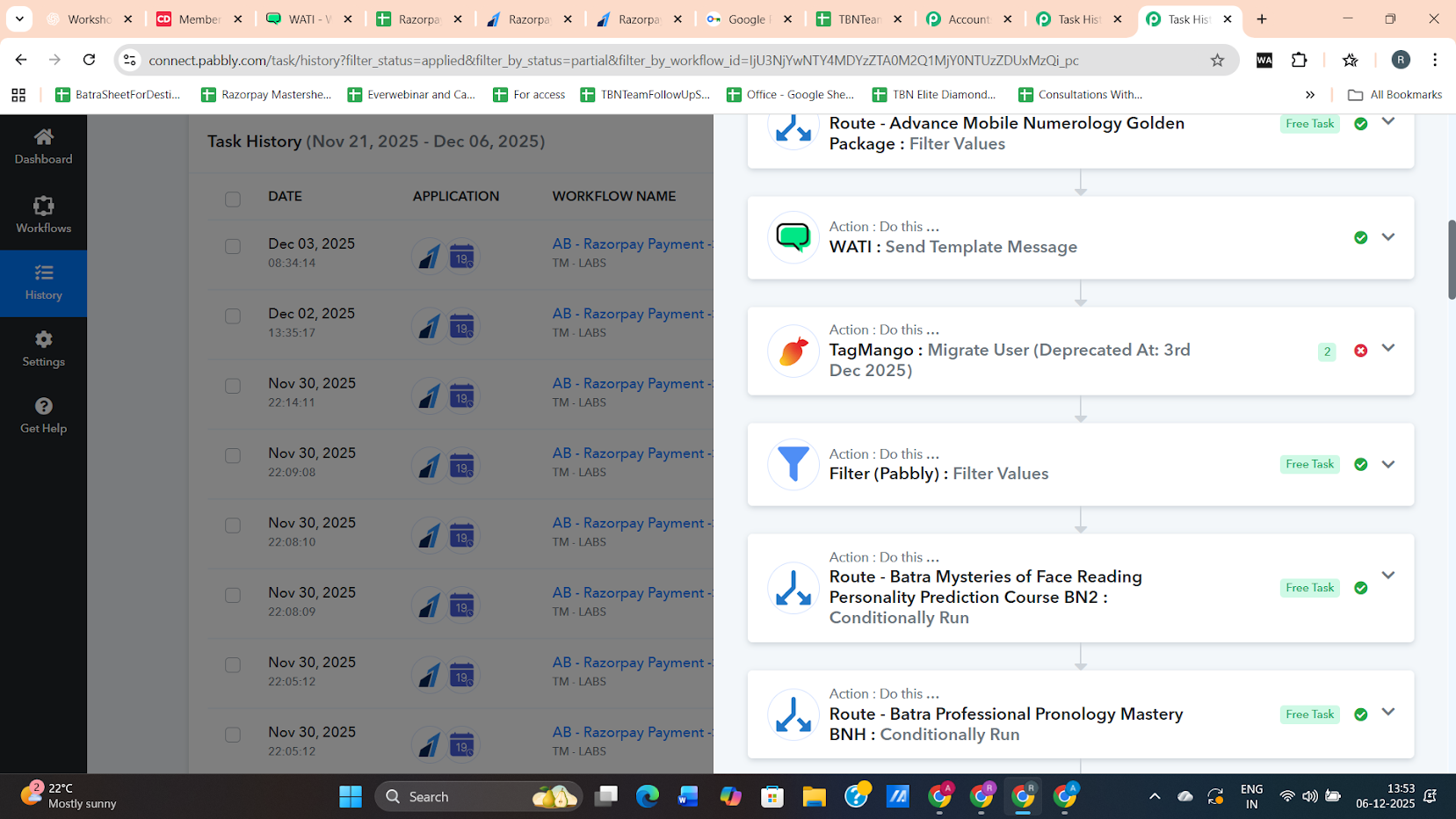
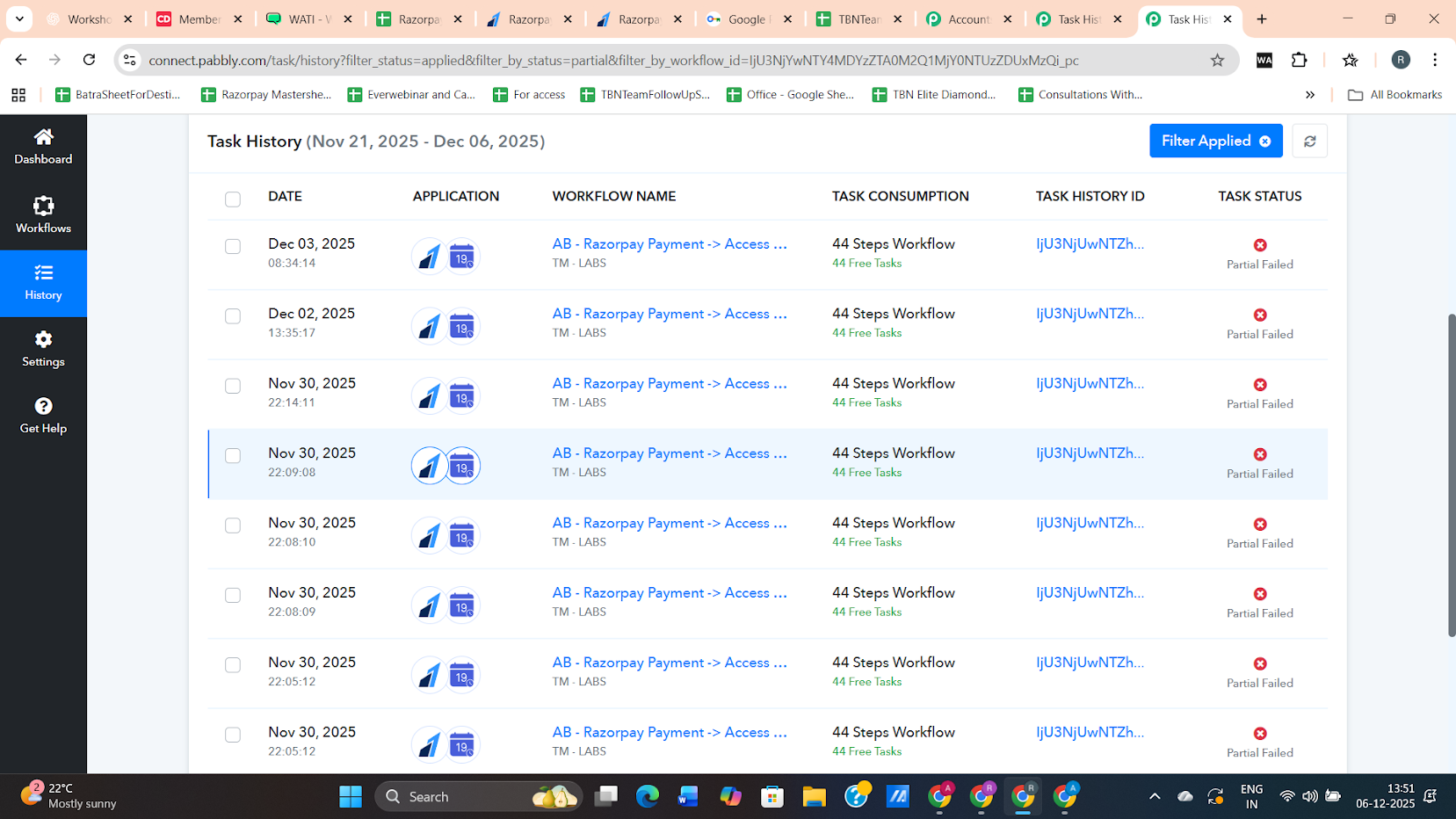
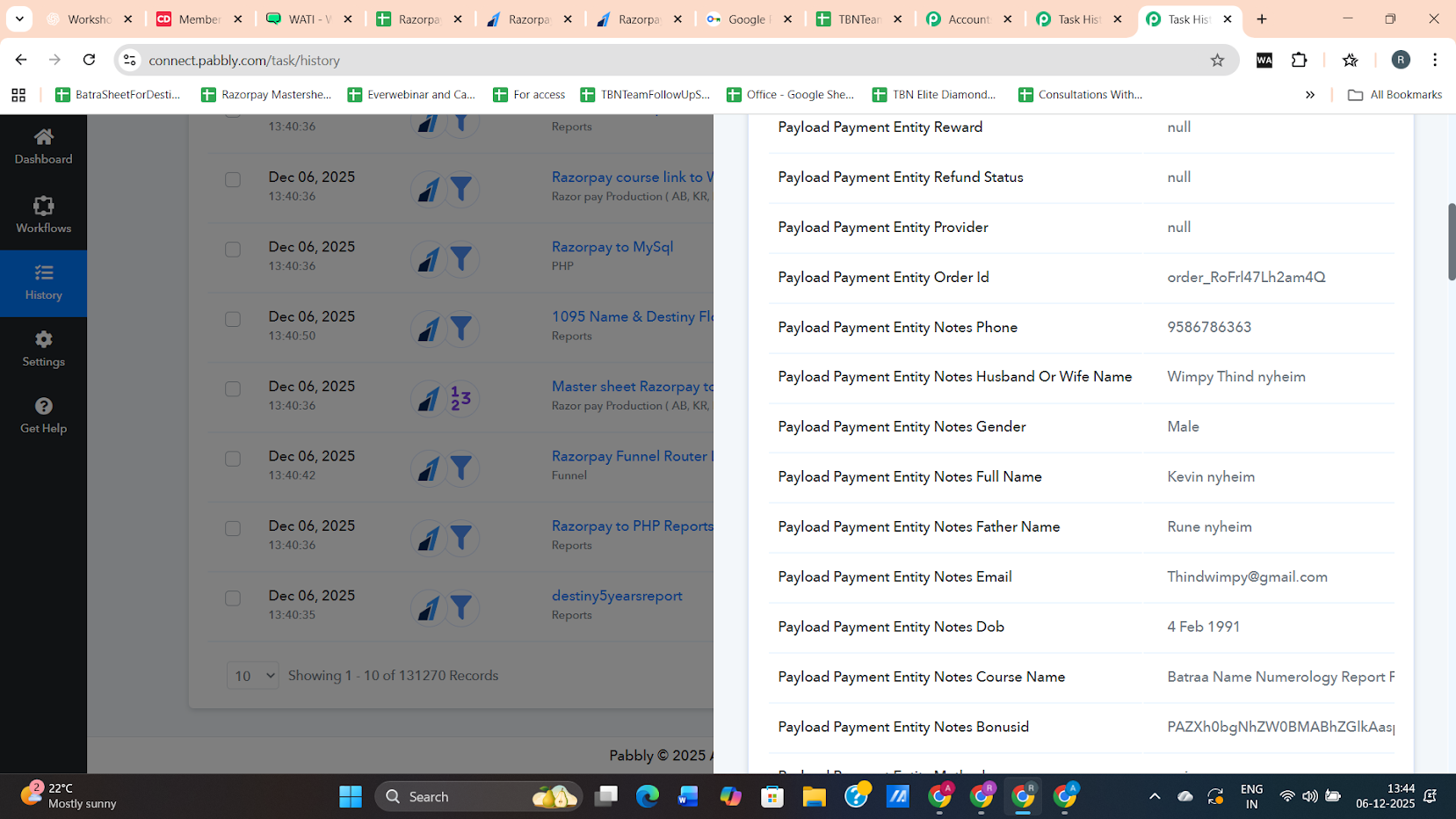
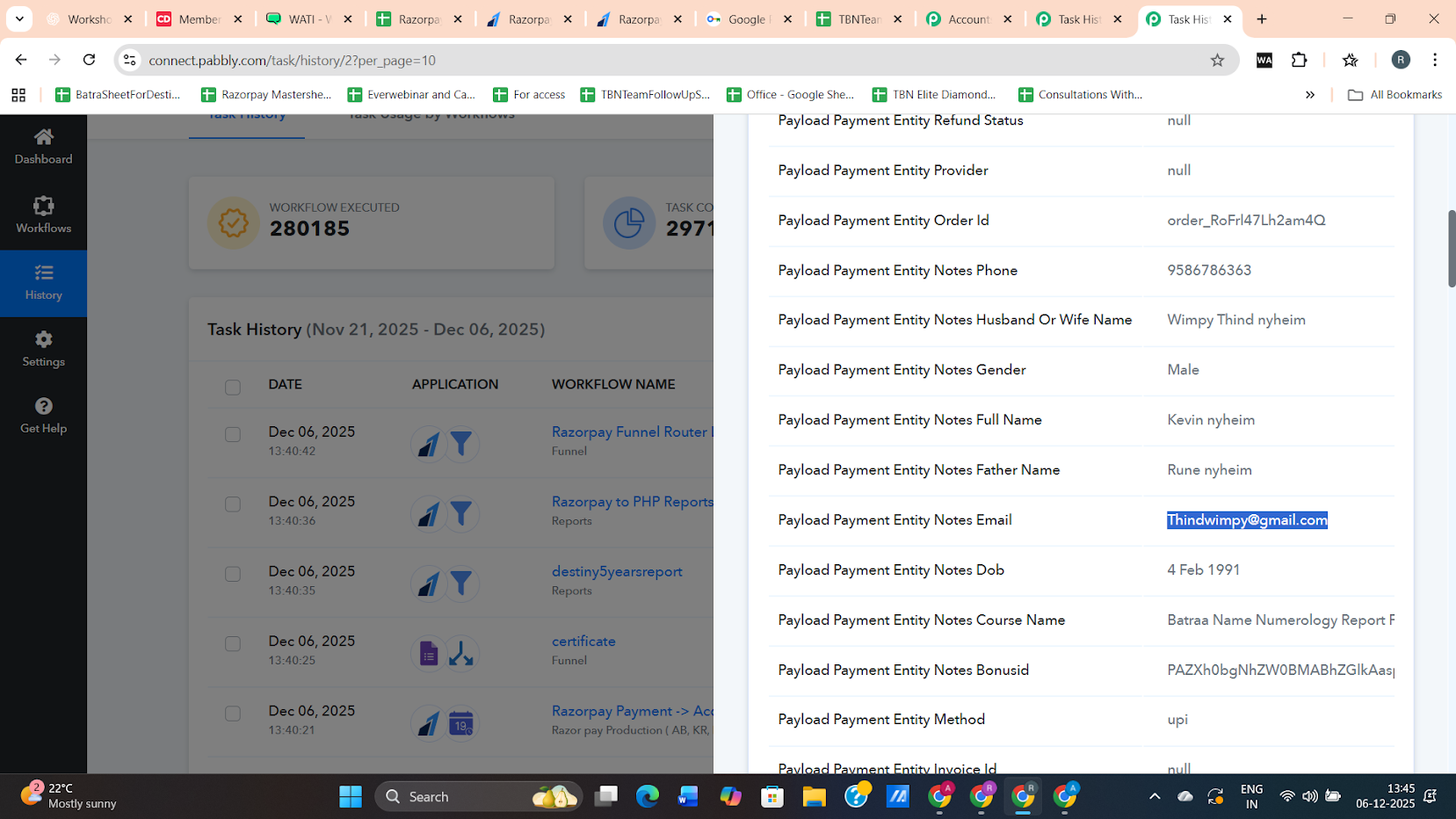
Please allow us some time. We will get back to you shortly.
Thanks & Regards,
Arshil Ahmad
Customer Support Associate
? Pabbly.com
?Rate your support
Hi @Preeti Paryani @ArshilAhmad,
Any Update on this?
Hello @vivekpathak2025 ,
Our team is still actively working on the issue.
We will update you as soon as we have more information.
Thank you for your patience.
Hello @vivekpathak2025,
Thank you for your patience.
We have checked this from our end and found that the error email notification and the error webhook to the workflow are triggered only once per day.
Due to this behaviour, any subsequent failed or partially failed tasks that occur after the first error notification of the day are not sent again, which is why they are not getting captured in your Google Sheet.
This is the reason why some erroneous runs are not appearing consistently.
If you have any further questions, let us know.
So what is the fix for that. as you are saying error email notification and the error webhook to the workflow are triggered only once per day. ok but actually can you please explain it more.
and let me know required changes for the fix.
Thank You.
Regards
Hello @vivekpathak2025,
Thank you for your response.
To clarify, Pabbly Connect Manager triggers the error webhook only once per day per workflow, even if the workflow fails multiple times during that day. This is intentional behavior to avoid sending duplicate error notifications and repeated webhook hits.
For example, if a workflow fails 10 times in a single day, the error webhook will be triggered only once, and only one entry will be added to your Google Sheet. Any additional failures on the same day will not trigger the error webhook again.
Because of this design, there is no configuration change or fix required on your end—this is how the error notification system currently works.
Ok, Got this. Thank you @Preeti Paryani for clarification.
Now I am clear with this.
Thank You.
Regards
Vivek Pathak
Hello @vivekpathak2025,
Glad to be of help!
As your issue has been resolved, we’d appreciate it if you could share quick feedback on the support received:
https://forms.gle/GAjS4wdPYKuhnEYV9
Thank you for your time.
PS: We are closing this thread as the issue is resolved. Please feel free to reach out to us if you face any issues in the future.