Open Ai Assistant Response?
Status: Open · Asked by Peter G on · 0 views
Hi:
I'm trying to get a response from one of my AI assistants via an action.
I selected the "Create message" action from the open ai connection. But I send the thread id, and input, etc I don't see any response from the assistant in the response. I only the initial message I submitted from the user "this is a test messge."
There is also no input for the assistant ID in the fields.
How do i get a response back from the assistant? What am I missing?
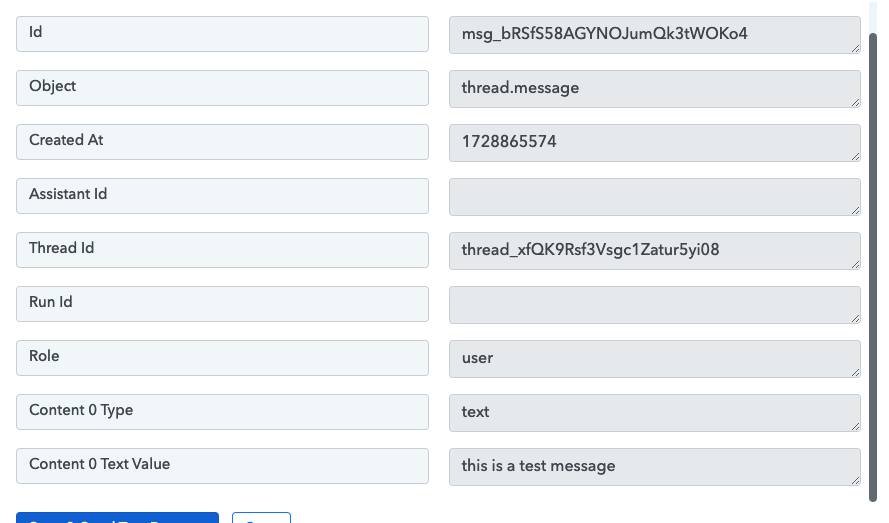
Hello @Peter G
As I have checked your workflow named "New Chat Message", I can only find the Create message step please note that to get a message generated from an assistant you will have to add a "Create Run" action step as well. Please refer to this tutorial from 12:00 timestamp to better understand the process -
Hi Preeti,
Thanks for the message! I figured I was missing something key like this. The video is helpful.
This seems like a pretty poor integration design for what is probably a very popular integration.
1 main problem:
I'm trying to build a back and forth messenger bot like in your telegram example, but how am I able to know which data line to retrieve for the response? Especially since it's going to change each time. That'll require even more steps and logic that aren't even clear to me right now.
Secondary problem:
This adds like 4 or 5 unnecessary actions to the workflow (and costs), on top of being super complicated. Make allows you to do all of this with just 1 module without extra logic etc and is super simple, which means I'll be using it for this part of the process, which is unfortunate because I like pabbly and want to use it for the whole process.
Hey @Peter G
For your first problem, as you can see in the video at 28:20 minutes, you are entering or mapping the Chat ID from which the message came from. That is how you know, the message sent will be a reply to the correct message.
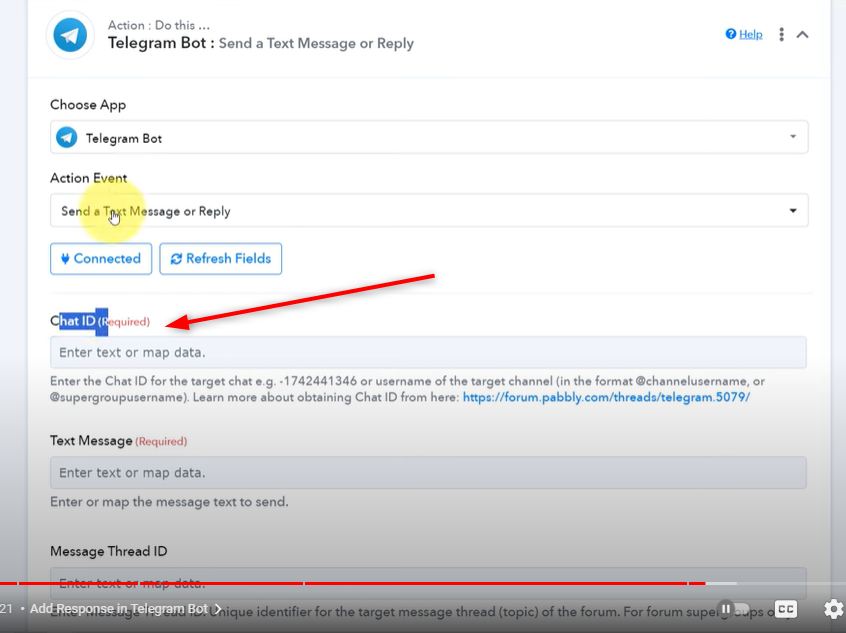
Further for your second problem, as you want the workflow with less steps, you can just remove any filters or delays if you don't require them.
Let us know if it works for you.
Looks like this action was removed. Can we get an updated video on how to do this using the new actions? Response API?
The video shared above is quite old. We now have an inbuilt AI Assistant within Pabbly Chatflow itself. Please watch the video shared below to understand how you can create an AI assistant within your Pabbly Chatflow account.
youtube.com/watch?v=lLD8-45Yyuc
Thanks & Regards,
Arshil Ahmad
Customer Support Associate
? Pabbly.com
?Rate your support
Hi Arshil,
I am actually looking to use the AI Assistant but with my own frontend. I dont want to use your widget or WhatsApp. Is that possible?
We are assuming that you are looking to use the AI assistant in Pabbly Connect without involving Pabbly Chatflow.
In that case, you can use the “AI Assistant (Pabbly): Create Assistant” action step. It will allow you to create an assistant using your database.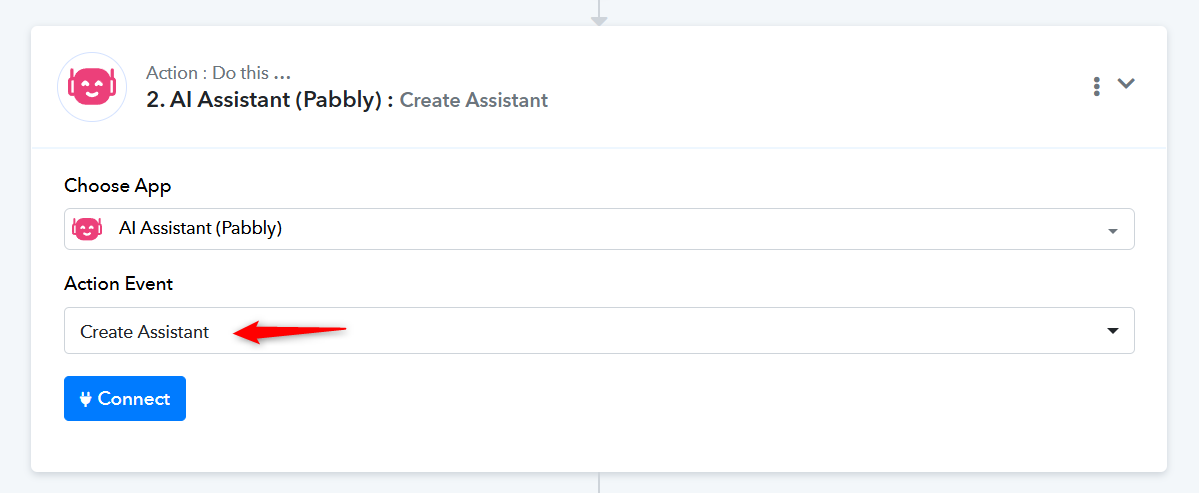
You can then use the “AI Assistant (Pabbly): Ask Assistant” action step, which will provide answers based on your database.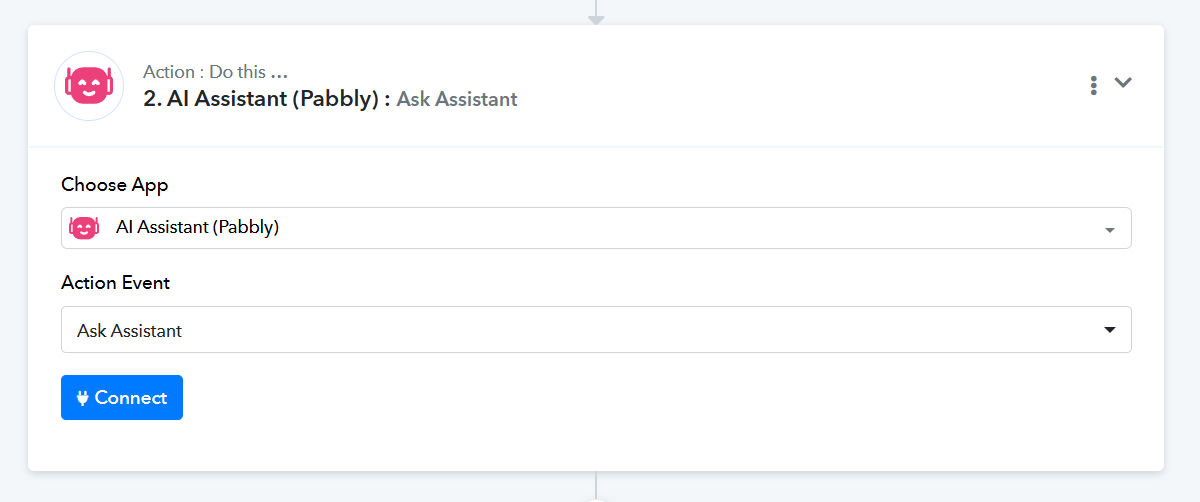
Thanks & Regards,
Arshil Ahmad
Customer Support Associate
? Pabbly.com
?Rate your support