Open ai latest models
Status: Open · Asked by imraanw on · 0 views
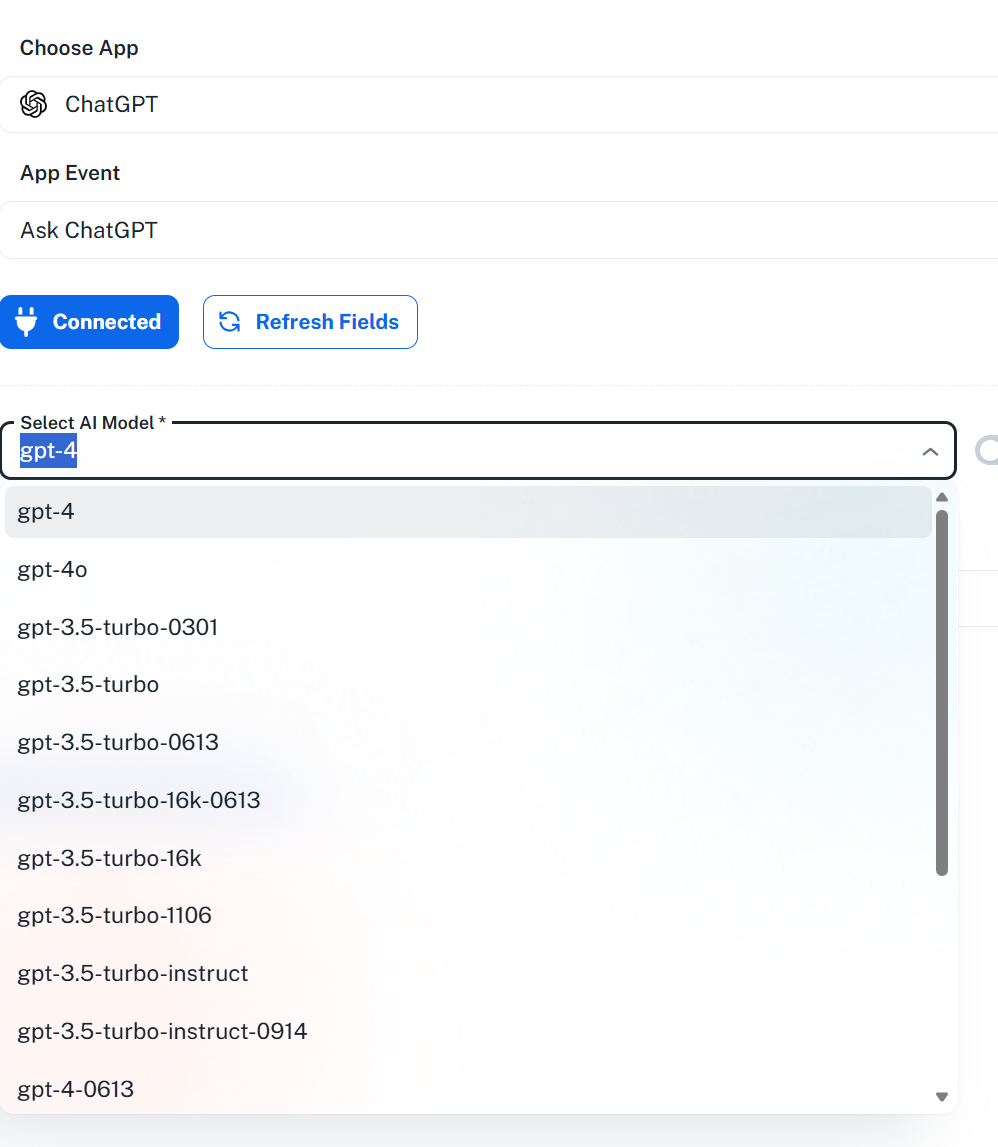
How do i access the latest Openai models?
Hello @imraanw ,
Thank you for your message.
To access the latest OpenAI models in your workflow, you can turn off the “Map button” option in the Model field. Once it’s disabled, you can manually type the name of the latest model you want to use.
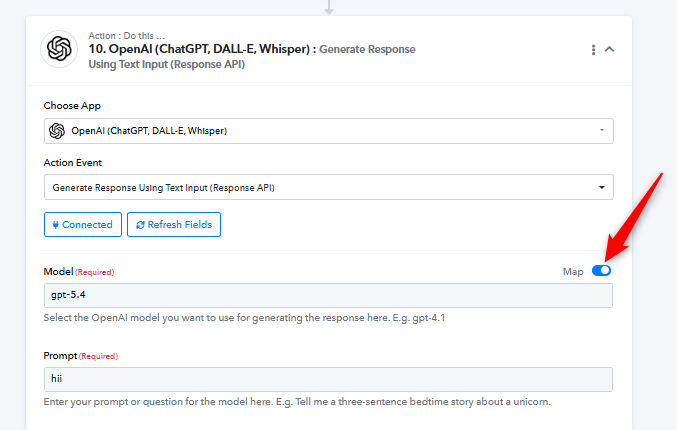
This will allow your workflow to use any OpenAI model of your choice.
Hello @imraanw ,Thank you for your message.
To access the latest OpenAI models in your workflow, you can turn off the “Map button” option in the Model field. Once it’s disabled, you can manually type the name of the latest model you want to use.
This will allow your workflow to use any OpenAI model of your choice.
Thanks
Hello @imraanw,
Thank you for your confirmation! We’d really appreciate it if you could share your feedback with us. You can do so here: Feedback Form
Your input helps us improve our services.