OpenAI V2 invalid_json
Status: Closed · Asked by Lisa Kempton on · 0 views
I am trying to update all my workflows from OpenAI V1 to V2 but when I create an assistant or message in V2 I get the following error:
Invalid body: failed to parse JSON value. Please check the value to ensure it is valid JSON. (Common errors include trailing commas, missing closing brackets, missing quotation marks, etc.)
Hi @LisaKempton,
You need to pass the File ID within double quotation marks and square brackets in this manner. Also, ensure that you are passing a File ID that already exists in your file list.

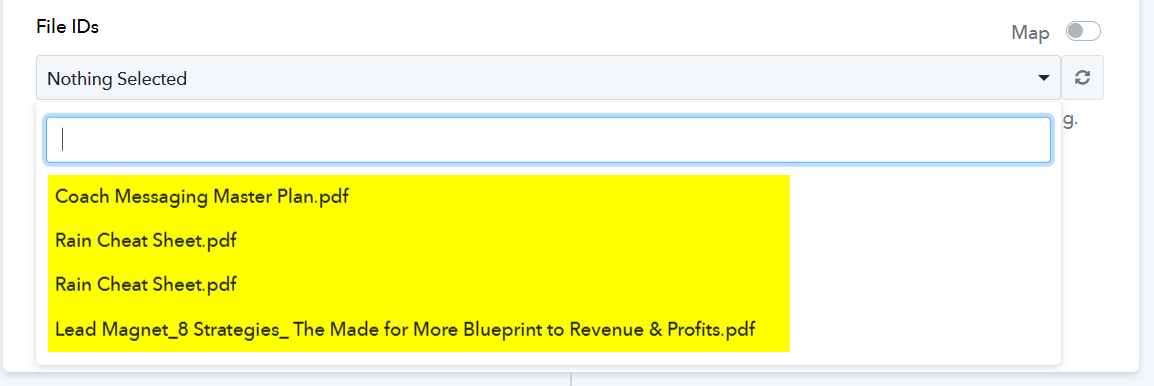
I tried uploading a small pdf just so I could continue on and I'm still getting this error: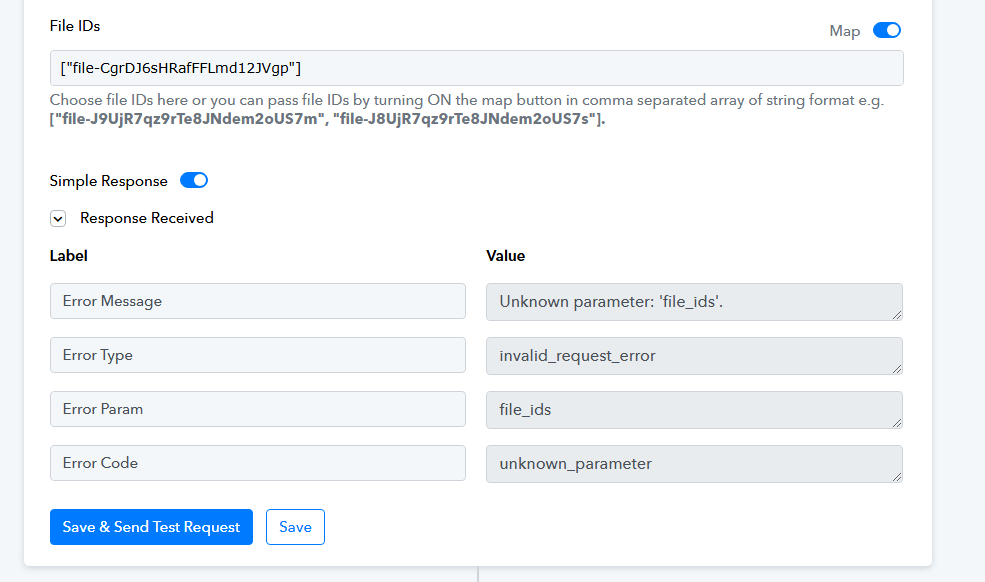
Could you please specify the name of the file associated with this ID? Does it appear in the dropdown?
Yes, it is the one called Blank File.pdf. It's not actually blank, but has very little information. I just used it as a placeholder.
Please select the 'Blank File.pdf' file from the dropdown, click on 'Save & Send Test Request', and check if that resolves your issue.
Please select the 'Blank File.pdf' file from the dropdown, click on 'Save & Send Test Request', and check if that resolves your issue.
I did that and tried other file names and files from the dropdown
Hey @LisaKempton
Kindly check the updated help text.
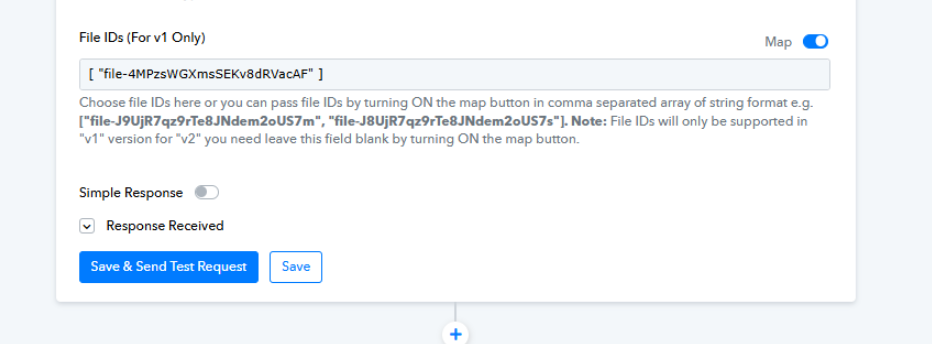
As it appears, the File IDs will work only for v1. For v2 you need to turn on the map button and leave the field blank.
Let us know if it works for you.
Thanks, that worked