OpenAI Whisper file Limit - Convert to audio first - how?
Status: Open · Asked by Anders Nielsen on · 0 views
Hi,
I tried to upload a video for transcription to OpenAI (a 61.331.523 byte video file) and I get this error.
Isn't it possible to upload files bigger than 26 MB with some workaround?
[TABLE]
[TR]
[TD]Status[/TD]
[TD]413[/TD]
[/TR]
[TR]
[TD]Error Error Message[/TD]
[TD]413: Maximum content size limit (26214400) exceeded (26240450 bytes read)[/TD]
[/TR]
[TR]
[TD]Error Error Type[/TD]
[TD]server_error[/TD]
[/TR]
[TR]
[TD]Error Error Param[/TD]
[TD]null[/TD]
[/TR]
[TR]
[TD]Error Error Code[/TD]
[TD]null[/TD]
[/TR]
[/TABLE]
Alternatively how can I convert the MP4 to an MP3 with Pabblly?
I found a workaround to convert using Publitio. However I still have problem with Whisper with a 9 mb file.
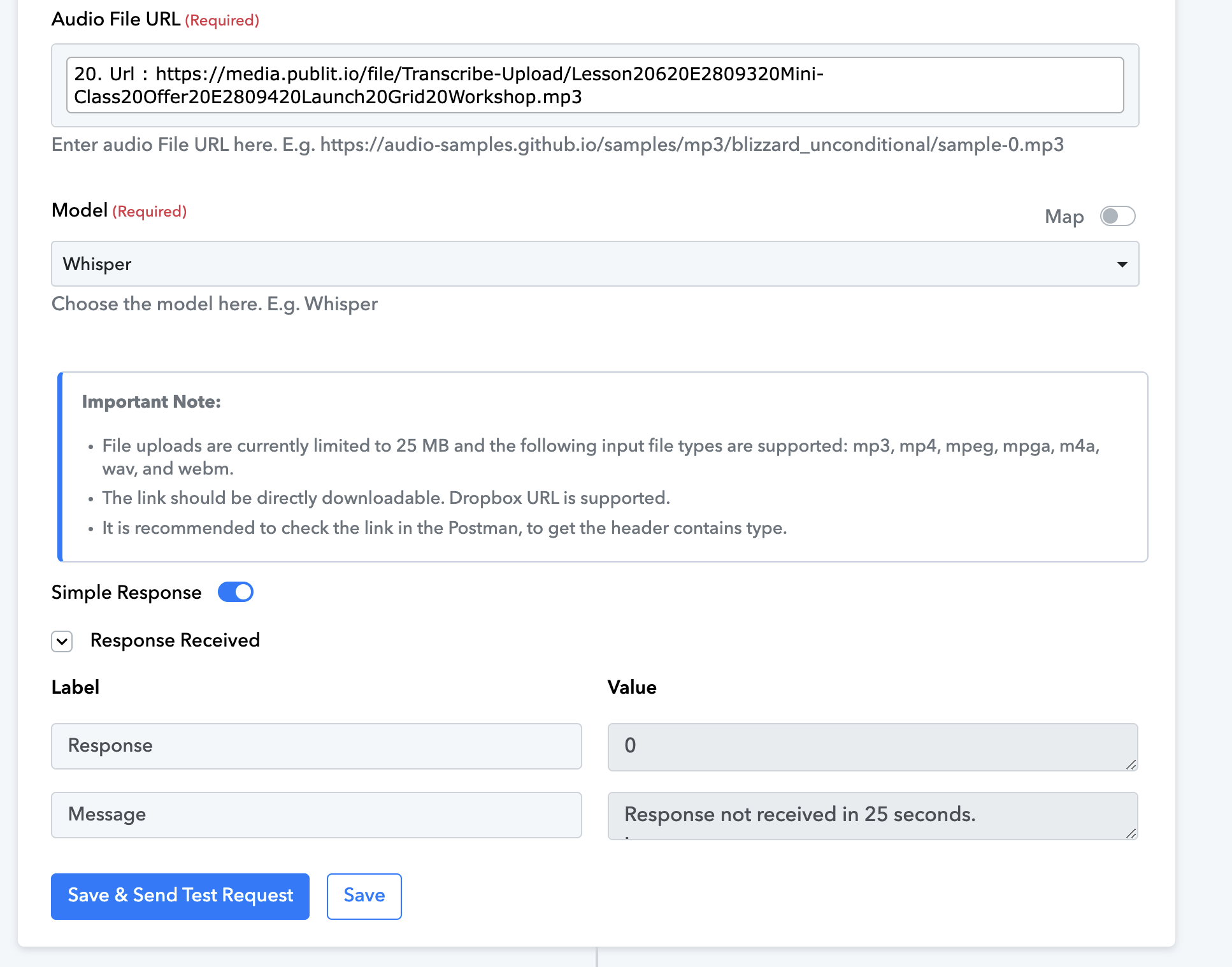
Finally doing a transcript with Whisper GPT 4o mini it completes without errors but it provides a transcript that is not complete. The mp3 file is under 10 mb only
Finally doing a transcript with Whisper GPT 4o mini it completes without errors but it provides a transcript that is not complete. The mp3 file is under 10 mb only
Could you please share the Workflow URL where you have this concern?
Hello @apps,
The action setup seems fine; however, there could be several reasons why the transcript is incomplete:
- Model Limitations: Whisper GPT-4o Mini may have restrictions on processing long or complex audio files.
- Audio Quality Issues: Background noise, unclear speech, or compression artifacts in the MP3 file could affect transcription.
- API Processing Limits: If using an API, request timeouts or rate limits might be cutting off the transcript.
To determine the exact cause, we recommend reaching out to the OpenAI support team or checking the OpenAI community forums for more insights.