Outlook Authentication problem
Status: Open · Asked by Swapnil on · 0 views
Using SMTP Pabbly, could not authenticate, tried many setting, kindly slove this error
Hello @Swapnil ,
Thank you for reaching out.
Could you please try creating a new SMTP connection and test it again?
Sometimes refreshing the connection resolves authentication issues.
Also, please let us know which SMTP service you are using (Gmail, Outlook, Zoho, custom SMTP, etc.) so we can guide you with the correct settings.
Looking forward to your update.
Tried many times. SMTP service we are using is Outlook
Hello @Swapnil ,
Thank you for reaching out.
Since you are facing issues with sending emails via Outlook SMTP, we suggest using the Microsoft Office 365 → Send Mail action in Pabbly Connect instead.
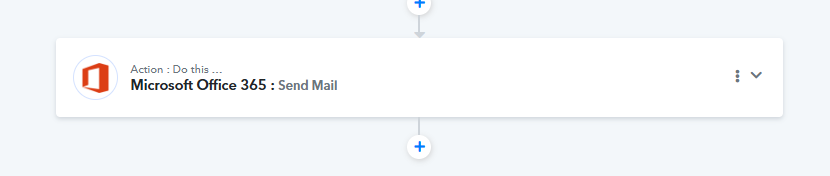
This action uses the official Office 365 API, which is more reliable and avoids common SMTP authentication issues.
Please try setting up the workflow with Office 365 and let us know if you face any difficulties.
We are getting an error, admin give approval and consent as well, still same error.
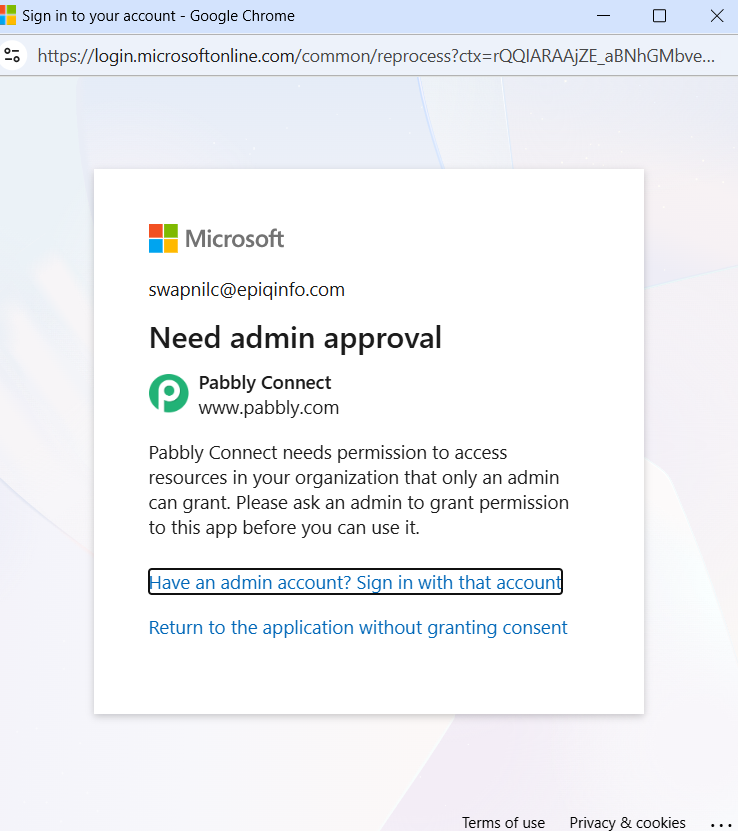
Hello @Swapnil,
Your admin would need to approve the request.
For your IT administrator, the process would generally involve:
- Logging into the Microsoft Entra admin center.
- Navigate to "Enterprise applications."
- Finding the request for Pabbly Connect.
- Reviewing the requested permissions.
- Granting tenant-wide admin consent for the application.
This will allow Pabbly Connect to be a trusted application within your company's Microsoft 365 environment, enabling you to use it without further prompts for admin approval.
Can you pls share screenshots of the steps? We stucked at
5. Granting tenant-wide admin consent for the application.
Hello @Swapnil,
I won’t be able to share the screenshots from my end. However, if you are seeing the permission request for Pabbly Connect, could you please share a screencast or a screenshot showing the exact permissions being requested? This will help us review it more clearly.
We have granted access in the Admin Panel, still the same error. We followed these steps: https://learn.microsoft.com/en-us/entra/identity/enterprise-apps/grant-admin-consent?pivots=portal
Hello @Swapnil,
Did you try setting up a new connection after adding the permissions?
Yes, I have
Hello @Swapnil,
Please try clearing your browser cache or creating the connection in an incognito tab, and let us know if it helps.
Hello @Swapnil,
Just following up on the issue you were facing. Did the above suggestion help? Please let us know so we can assist you accordingly.