Outlook to Google calendar
Status: Open · Asked by Kilawea on · 0 views
I set up a workflow from Outlook to Google calendar (for when I get a new event in my Outlook calendar to show up in my Google calendar) and it worked for a couple of days and stopped working. I now noticed that there is a required "expiry date" as part of the flow. Is there a way pf bypassing this? If not, how can I change the date so that it's not in the past? Thank you!
Hey @Kilawea
As we can see from your workflow in the Google Calendar action event, you have passed the incorrect data in the respective field and because of that, you are getting such an error while running the action step.
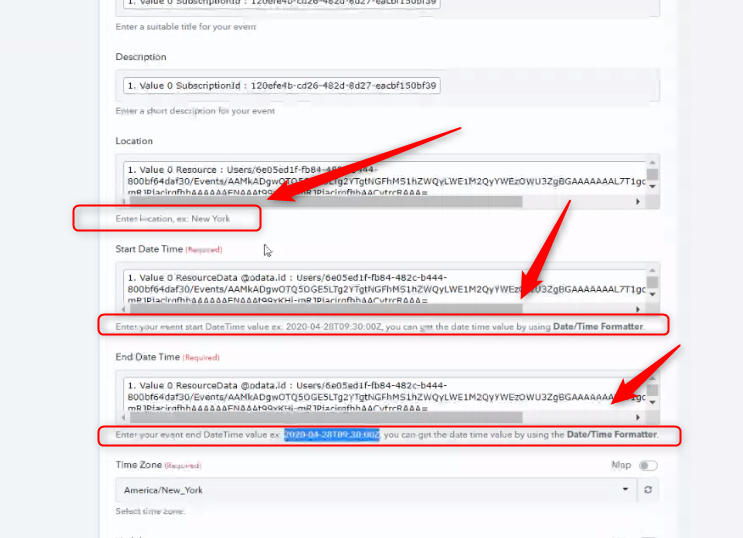
Hey @KilaweaAs we can see from your workflow in the Google Calendar action event, you have passed the incorrect data in the respective field and because of that, you are getting such an error while running the action step.
I'm setting up when a new event is created on Google Calendar it would be copied to MS Outlook Calendar but I'm puzzled what should be inserted in the Outlooks "Start Date" and "End Date" as it does not provide anything on the dropdown menu.
I'm setting up when a new event is created on Google Calendar it would be copied to MS Outlook Calendar but I'm puzzled what should be inserted in the Outlooks "Start Date" and "End Date" as it does not provide anything on the dropdown menu.
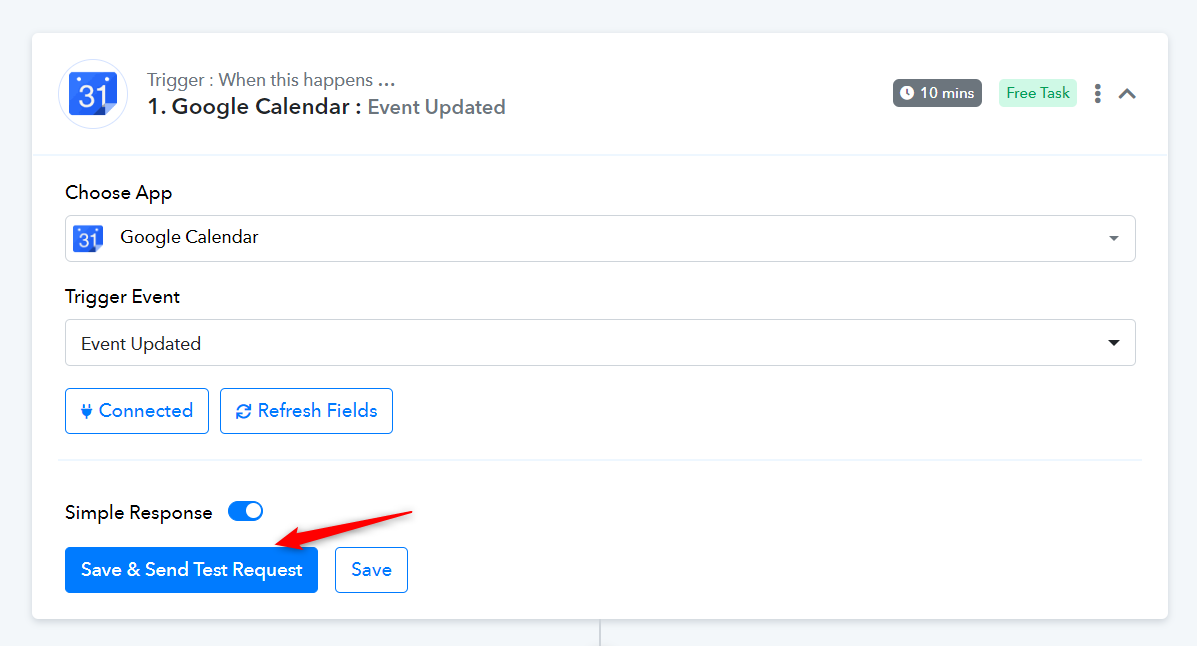
Please click 'Save & Send Test Request' to receive the event details in your trigger step. You will then be able to map the 'Start Date' and 'End Date'.