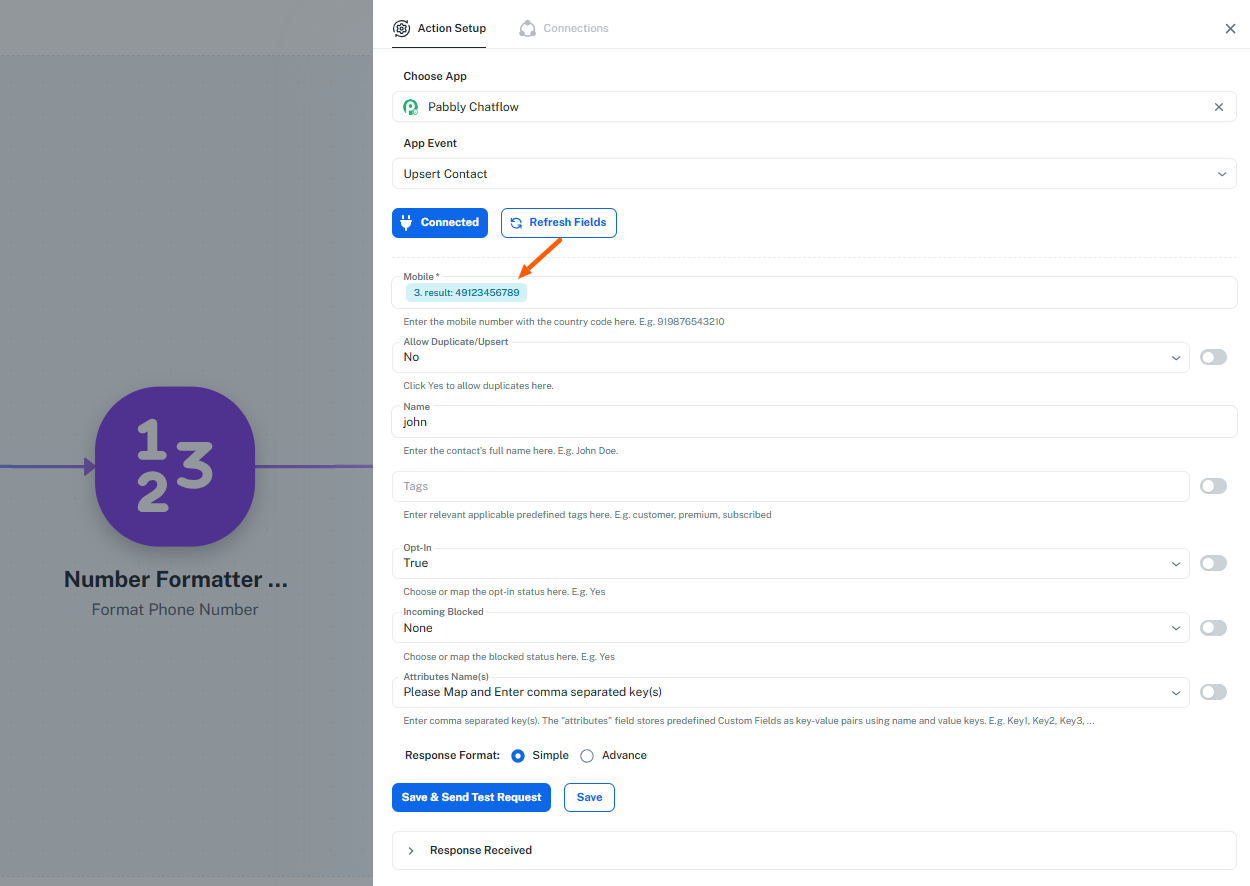
Pabbly Chatflow Number Formatter
Status: Open · Asked by hapo on · 0 views
I'm facing the same issue. How can I get rid of the "+" symbol? I'm using the number formatter which returns the mobile number with +49... . In Germany mobile phone numbers can have 7 or 8 digits.
Hey @hapo,
Could you please provide us with the Workflow URL where you are facing this issue? This will help us investigate the problem more effectively and assist you accordingly.
Please be aware that to assist you effectively, we may need to access your Pabbly Connect account. If you're comfortable with this, please grant us permission by stating in your next reply:
"You have my permission to log into my Pabbly Connect account and edit the workflow, if required. Here is the registered email address associated with it."
Looking forward to assisting you further.
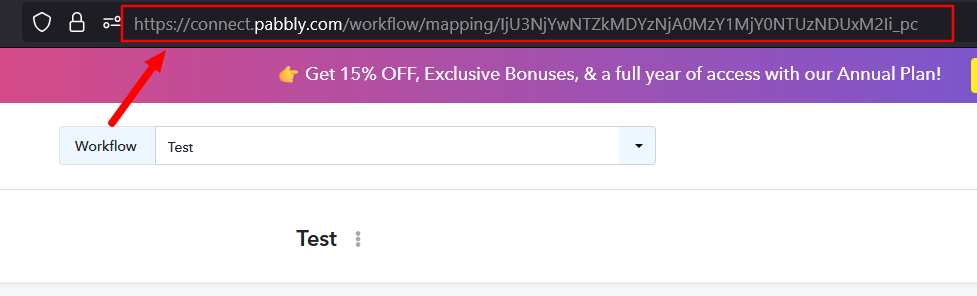
Hi @Preeti Paryani,
Thanks for your fast reply. Here is the link to my workflow.
"You have my permission to log into my Pabbly Connect account and edit the workflow, if required. Here is the registered email address associated with it."
Hey @hapo,
You may use any of the actions as per the attached image and see what works for you.
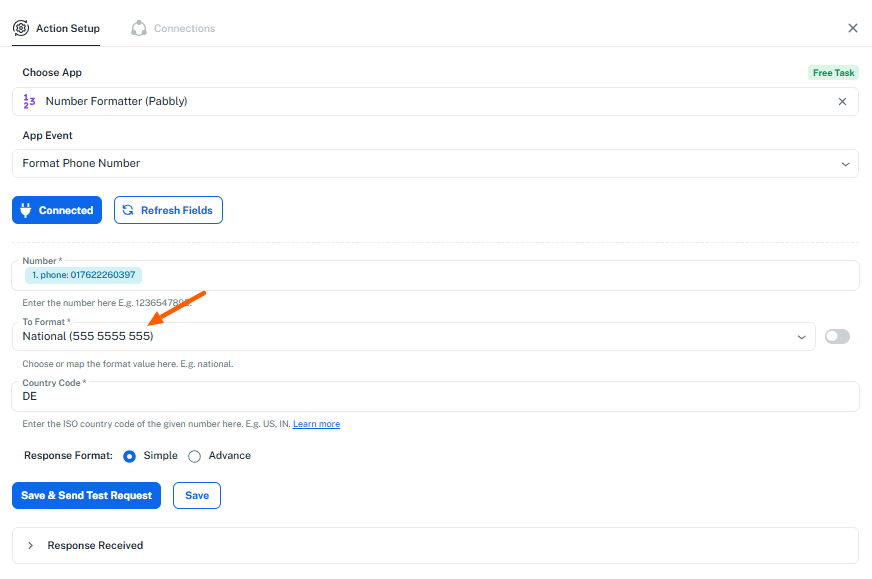
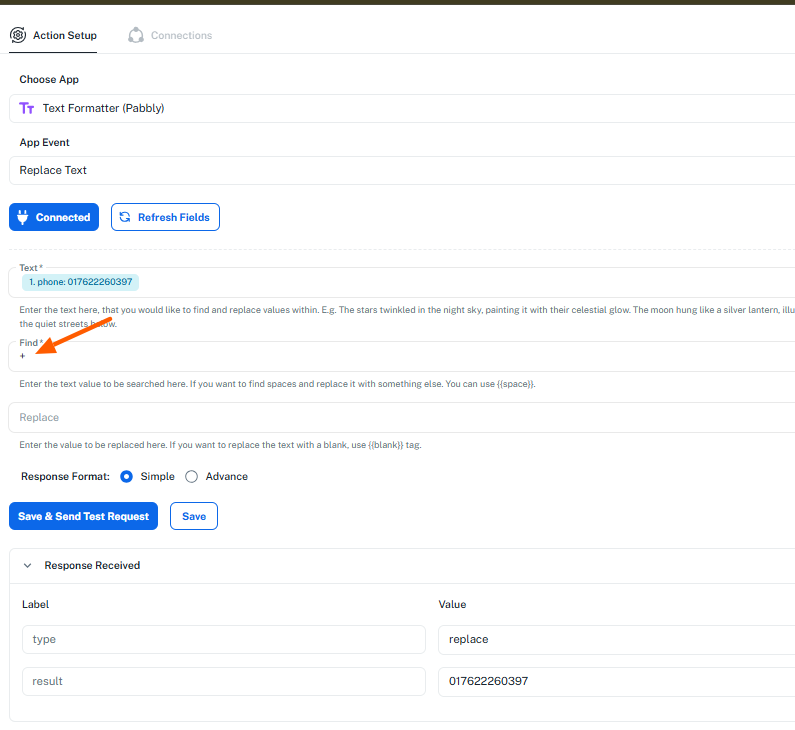
Awesome, that did the trick!
I ran into another issue. The mobile number now does have the correct format. However, when sending a test request in the Upsert Contact action, it returns "No valid contacts to create" and "Missing mobile number.".
Please allow us some time to look into this concern. We will get back to you with an update soon.
Thanks & Regards,
Arshil Ahmad
Customer Support Associate
? Pabbly.com
?Rate your support
Hey @hapo,
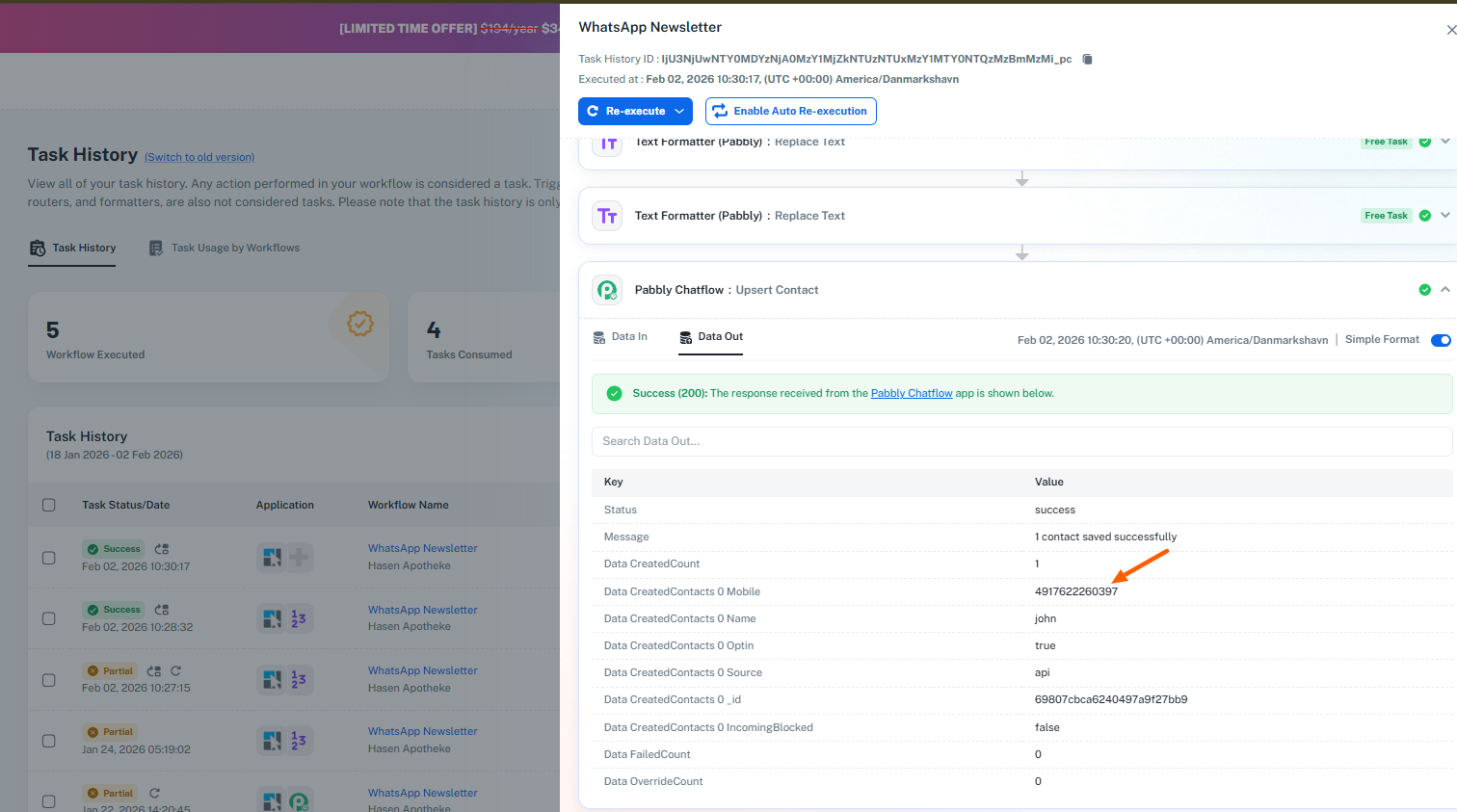
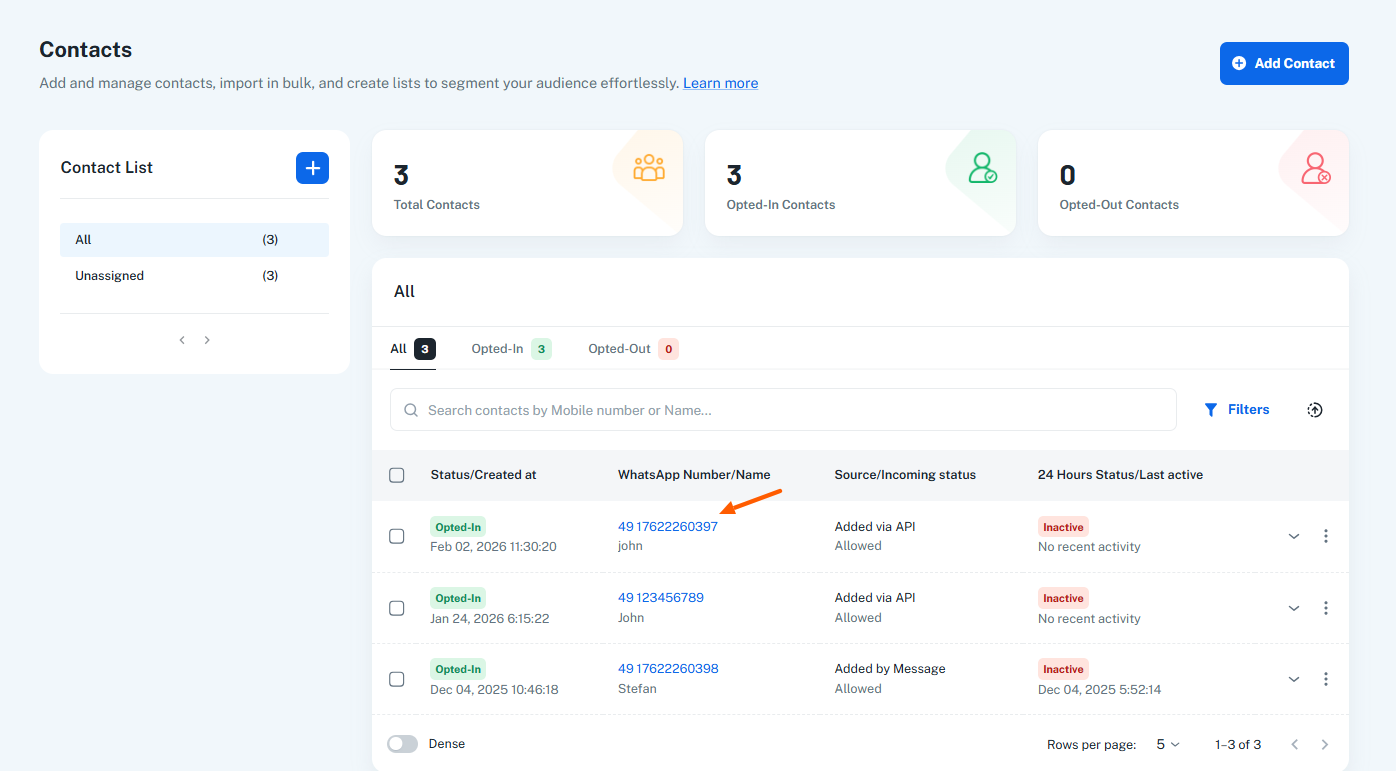
The contacts are successfully getting added to Pabbly Chatflow. Please check the attached images.