Pabbly Connect Issue with capturing Facebook Messenger Message
Status: Open · Asked by edpaing on · 0 views
Hello!
I have been trying to intergrate ChatGpt assistant for my preschool on Facebook Messenger. I'm having an issue with Pabbly not capturing messages from my Facebook Messenger app although a connection has been established and all the proper permissions have been given. On my personal facebook page I can see that Pabbly is already connected but when I go to the settings on my Preschool facebook page settings -> page setup -> advanced messaging.... it says no apps are connected to your Page. I have already removed pabbly connect from my personal account and tried re-establishing the connection but it's still not working.
Hello @edpaing,
Could you please provide us with the Workflow URL where you are facing this issue? This will help us investigate the problem more effectively and assist you accordingly.
Please be aware that to assist you effectively, we may need to access your Pabbly Connect account. If you're comfortable with this, please grant us permission by stating in your next reply:
"You have my permission to log into my Pabbly Connect account and edit the workflow, if required. Here is the registered email address associated with it."
Looking forward to assisting you further.
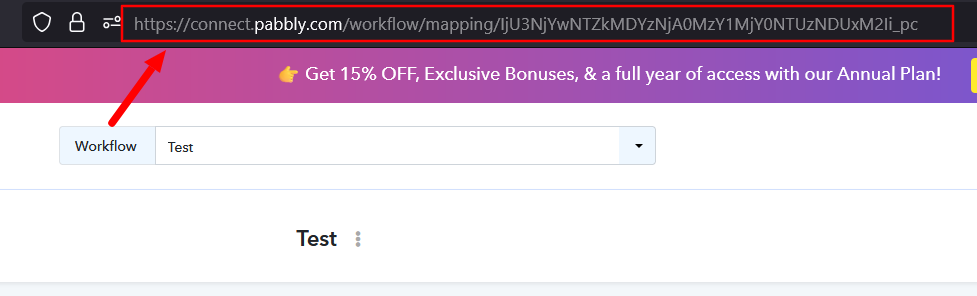
Hello @edpaing,Could you please provide us with the Workflow URL where you are facing this issue? This will help us investigate the problem more effectively and assist you accordingly.
Please be aware that to assist you effectively, we may need to access your Pabbly Connect account. If you're comfortable with this, please grant us permission by stating in your next reply:
"You have my permission to log into my Pabbly Connect account and edit the workflow, if required. Here is the registered email address associated with it."
Looking forward to assisting you further.
https://connect.pabbly.com/v2/app/workflow/mapping/IjU3NjYwNTY0MDYzMDA0MzI1MjZiNTUzZDUxMzIi_pc
You have my permission to log into my Pabbly Connect account and edit the workflow, if required. Here is the registered email address [email hidden] associated with it.
Hello @edpaing,
Could you please try setting up the workflow in the Classic Builder? Let us know if you're able to capture the message there.
Its showing me error messages and does not capture my message.
Hello @edpaing,
Please follow the attached tutorial below to set up the trigger, and share a screencast of the entire process if the issue persists.
I tried again watching the tutorial. It's showing me the same error message..I haven't even sent a message yet. I just pressed save & test and the error message pops up. Keep in mind i've checked all the permission boxes required too.
Hello @edpaing,
The error indicates that Facebook’s webhook verification failed. Please check the following points:
- Reconnect the Facebook Messenger trigger and ensure the correct page (where you are an admin) is selected.
- Confirm that your Facebook user has full admin access to the page.
- Remove and reconnect the Pabbly Connect app under Facebook → Settings → Business Integrations, granting all permissions.
- Ensure the page is subscribed to the webhook under your Facebook Developer App → Messenger → Settings.
Once verified, try saving and sending a test request again.