Pabbly Connect session hanging
Status: Open · Asked by Troy Coker on · 0 views
For 3 days now Pabbly has been hanging when I add a trigger/action. icons are not rendering, after a small edit in a route action I cannot amend or save. I put this down to a recent chrome update and was hoping for a fix but it is still not working. Same issue in Safari. Same issue after a reboot. Workflow page does not render correctly either (see image).
youtube.com/watch?v=-b1Zg6xSzCg
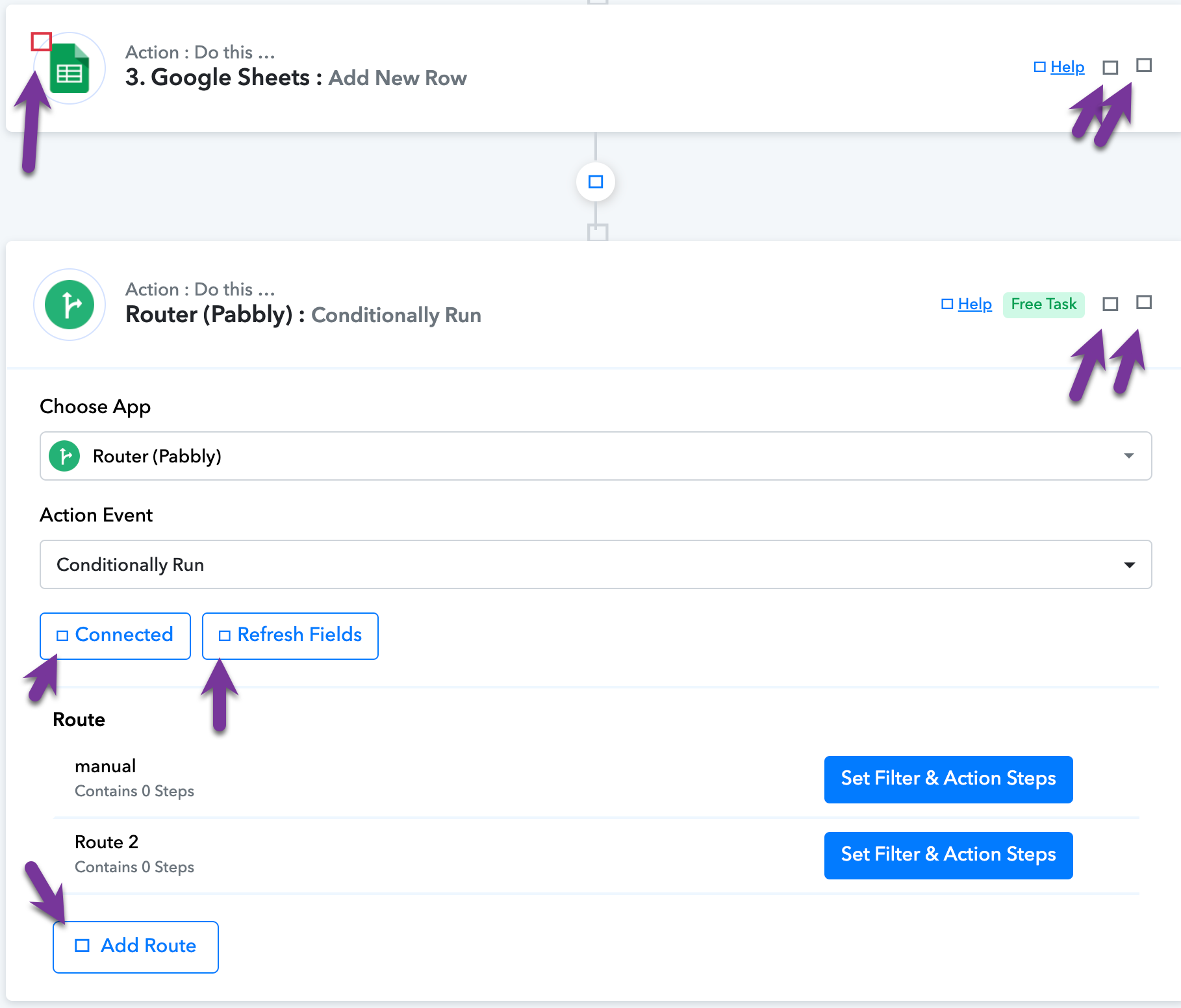
Hi @troycoker08,
Please add a filter condition first in your router and then try to rename it; this should act as a workaround for now. Our team will look into this concern and get back to you with an update soon.
I have tried that. Any edit/amendment renders all the buttons unclickable.
Could you please share the Workflow URL in which you have this concern?
Could you please share the Workflow URL in which you have this concern?
Workflow seems to be working OK now. The final issue is not restricted to a particular workflow. It relates to the whole platform. Icons etc. do not render in the platform regardless of workflow. I believe this is Chrome related.
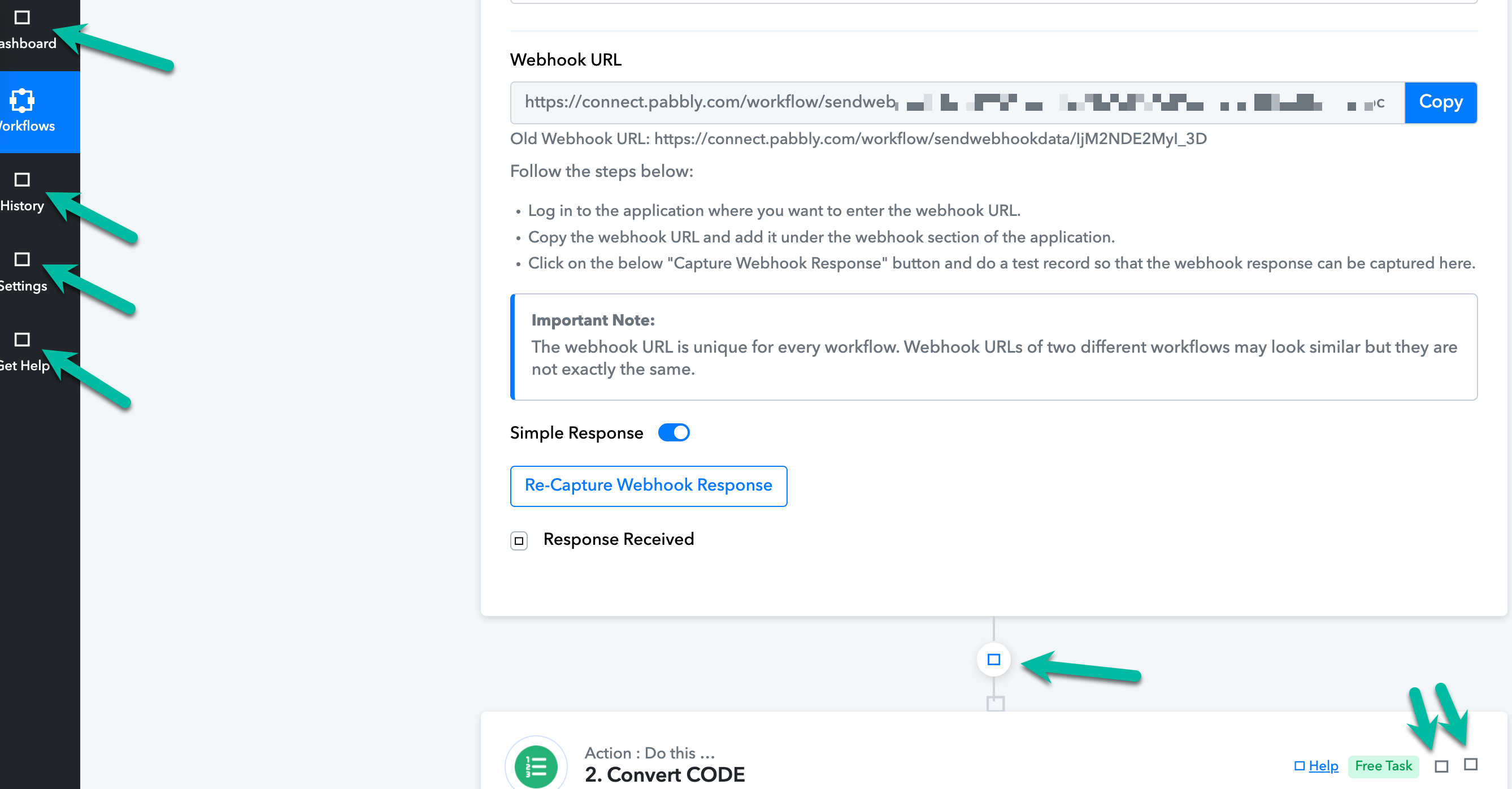
Can you please try clearing your browser's cache memory once and check the automation in your browser's incognito mode?