Pabbly Text Formatter (Truncate) Not Working?
Status: Open · Asked by elonmusk on · 0 views
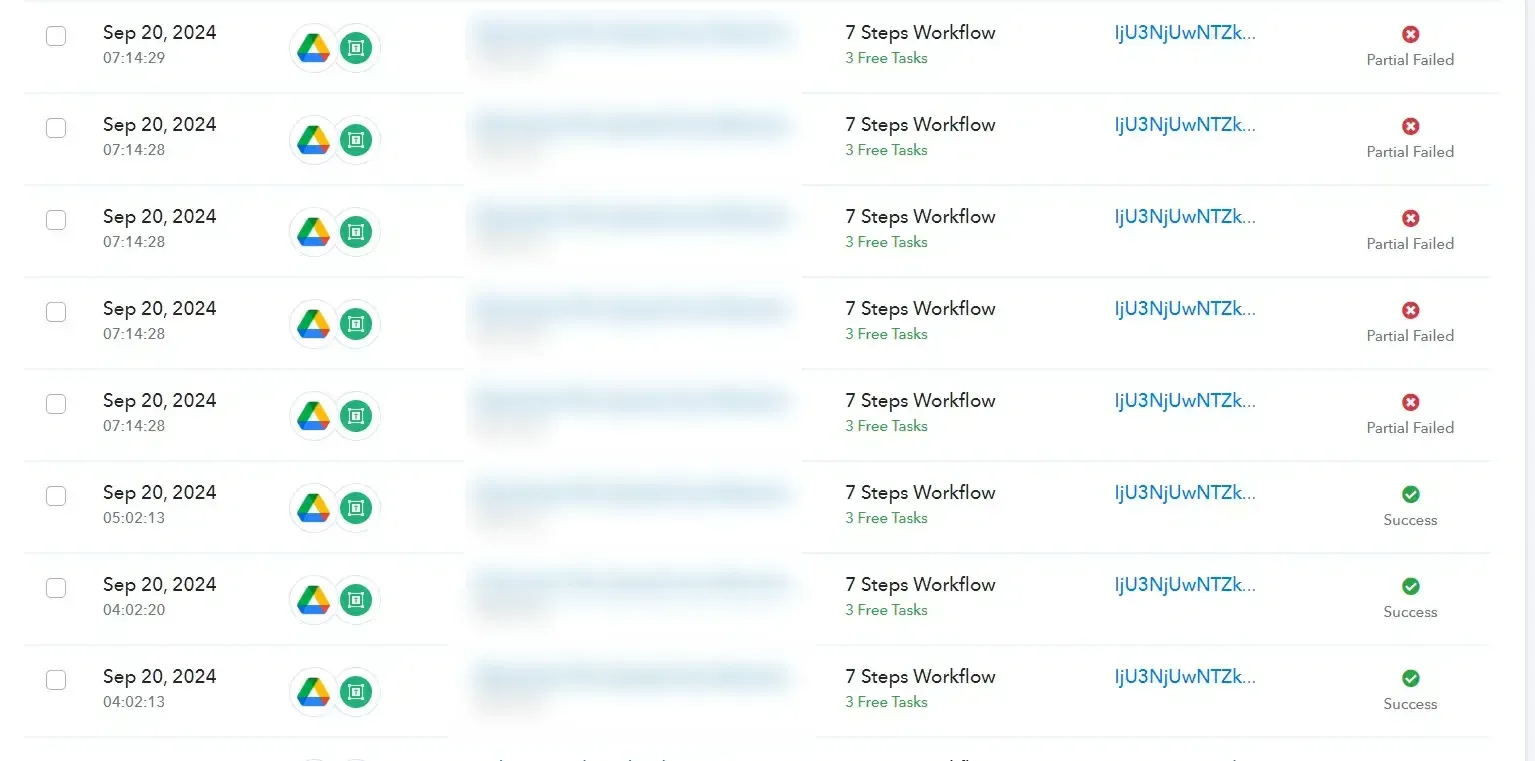
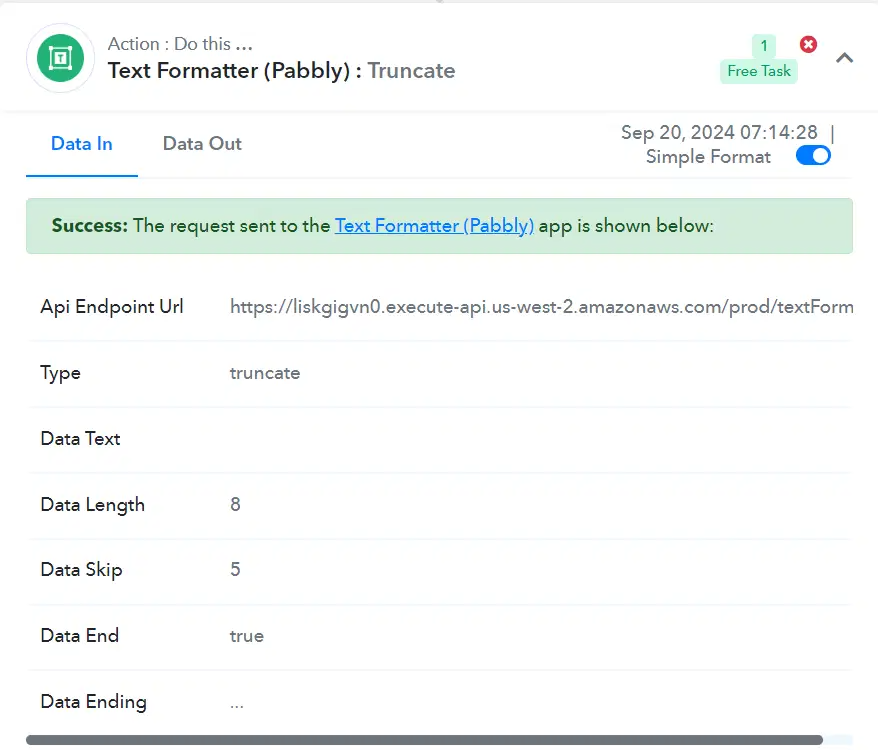
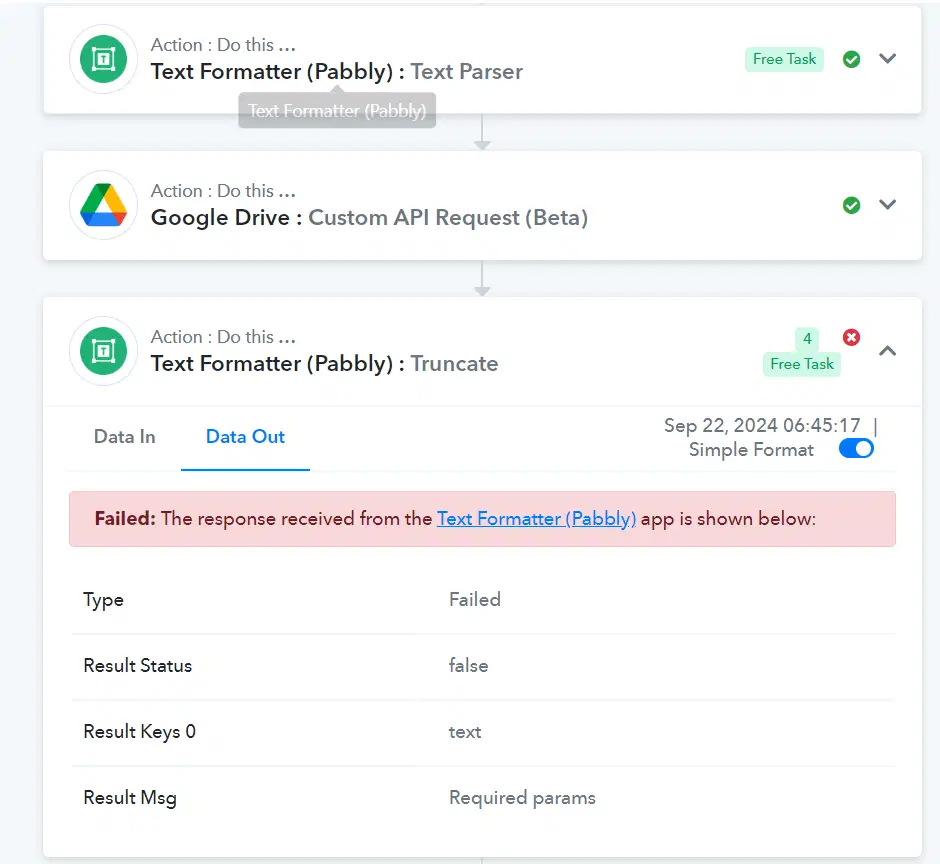
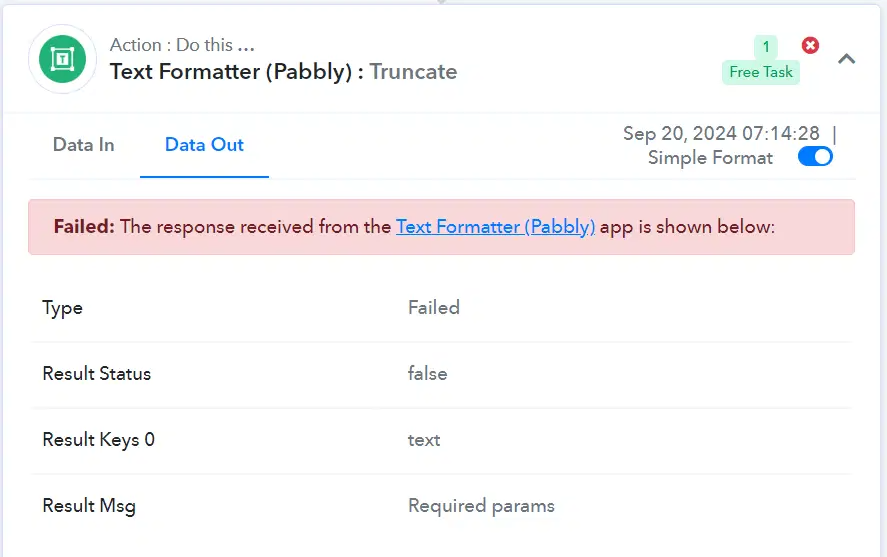
everything was fine till Sept 20, problem started happening as screenshot above. i did not make any changes.
so i tried to reexecute the task history but same problem still happening. i tested on the workflow itself it works, but on the runs itself it didnt.
my workflow id: https://connect.pabbly.com/workflow/mapping/IjU3NmQwNTY4MDYzNzA0MzY1MjY4NTUzNCI_3D_pc
hope to get some help
thanks!
Attachments
Hi @elonmusk,
It seems you disabled 'Simple Response' and saved Step 3 of your workflow, which causes the data from Google Drive to be received in JSON format, breaking the mapping in the subsequent steps.
Please enable 'Simple Response', click 'Save & Send Test Request' and upload a new file to your Google Drive to see if that resolves the issue.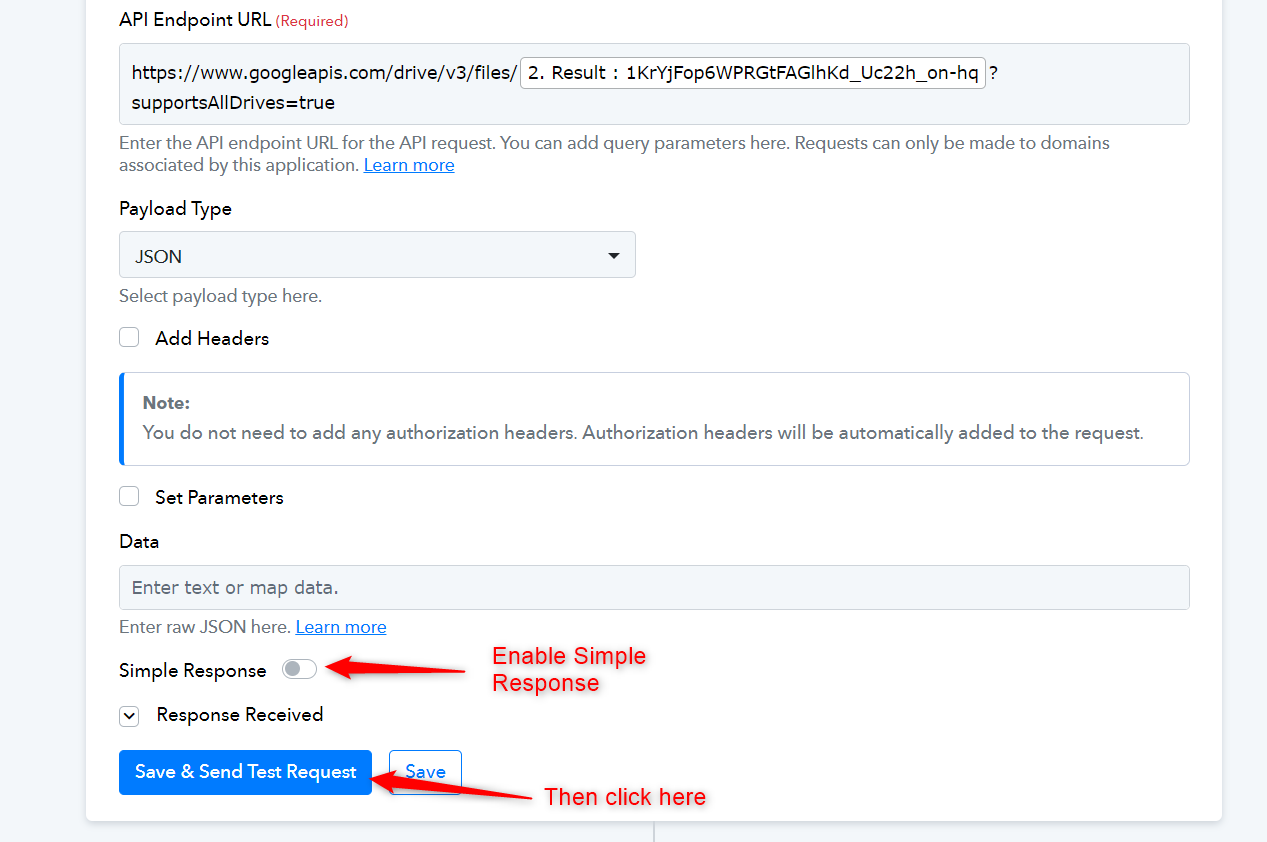
still doesnt seem to work.
i reexecute the entire workflow still alot of partial failed
Hello @elonmusk
Our team is looking into the issue. Please allow us some time, we will provide you with the updates.
We re-executed this task, and it appears to be working without any errors.
Task History ID - IjU3NjUwNTZkMDYzNTA0M2M1MjY0NTUzYzUxMzc1MTYwNTQzNDBmMzQi_pc