Pabbly timeout errors for OpenAI 5
Status: Open · Asked by JP Roux on · 0 views
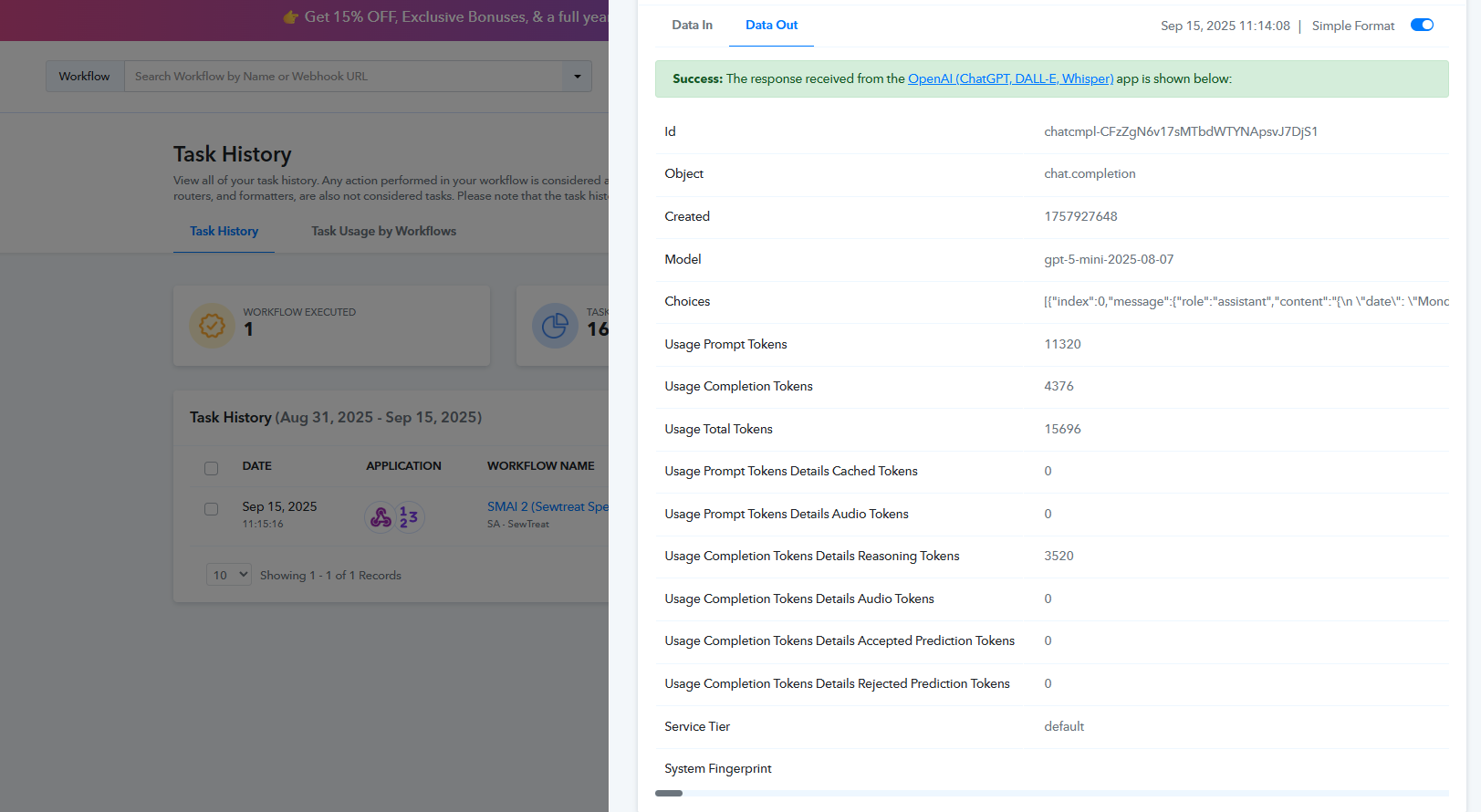
I'm, sending a relatively large prompt to OpenAI 5. OpenAI 5 takes time to process the prompt and to structure the output. This takes longer than 25 seconds. This can take up to 5 minutes in some cases. The Pabbly timeout cushion is therefore breaking my automations. I need Pabbly to wait longer than 25 seconds for a reply. How can I do this?
Here is the task history id: https://connect.pabbly.com/task/history?filter_status=applied&filter_by_task_id=IjU3NjUwNTZiMDYzMjA0M2M1MjZhNTUzZDUxMzc1MTYzNTQzMDBmMzEi_pc
Here is the task id: https://connect.pabbly.com/workflow/share/XBQAMlcAA2BVH1Q-VAsDJA4aAARSCAgwABlURgQLAXkHSVMGA0JdNw5CVHZUEwloBE0EblYKDDVbT1BUB1EFdlBeVkRXVAB6VxoHfAJHCTpcAgAoVzY#
Hello @jpr,
Could you please share a task history ID where you specifically encountered the “response not received within 25 seconds” error? The one you shared appears to have been successfully captured.