PDF extraction using AI multiple files
Status: Open · Asked by mr33 on · 0 views
Hi team, I followed this tutorial
youtube.com/watch?v=X9Uz3GcLMYU
to set up PDF extraction using AI.So the current set up is:
- send email to Email Parser (Pabbly) with one attached pdf file
- use OpenAI to extract information
- Save file on Gdrive
- Update extracted details on Gsheet
So far so good.
My question is:
- How can I set it up so that OpenAI will extract multiple files attached to the email? For example, I send email to Email Parser attaching 20 pdf documents each with 2-3 pages.
- How can I extract only if the attached file is PDF? (i.e. disregard any image files attached such as signature file)
Thanks for your help.
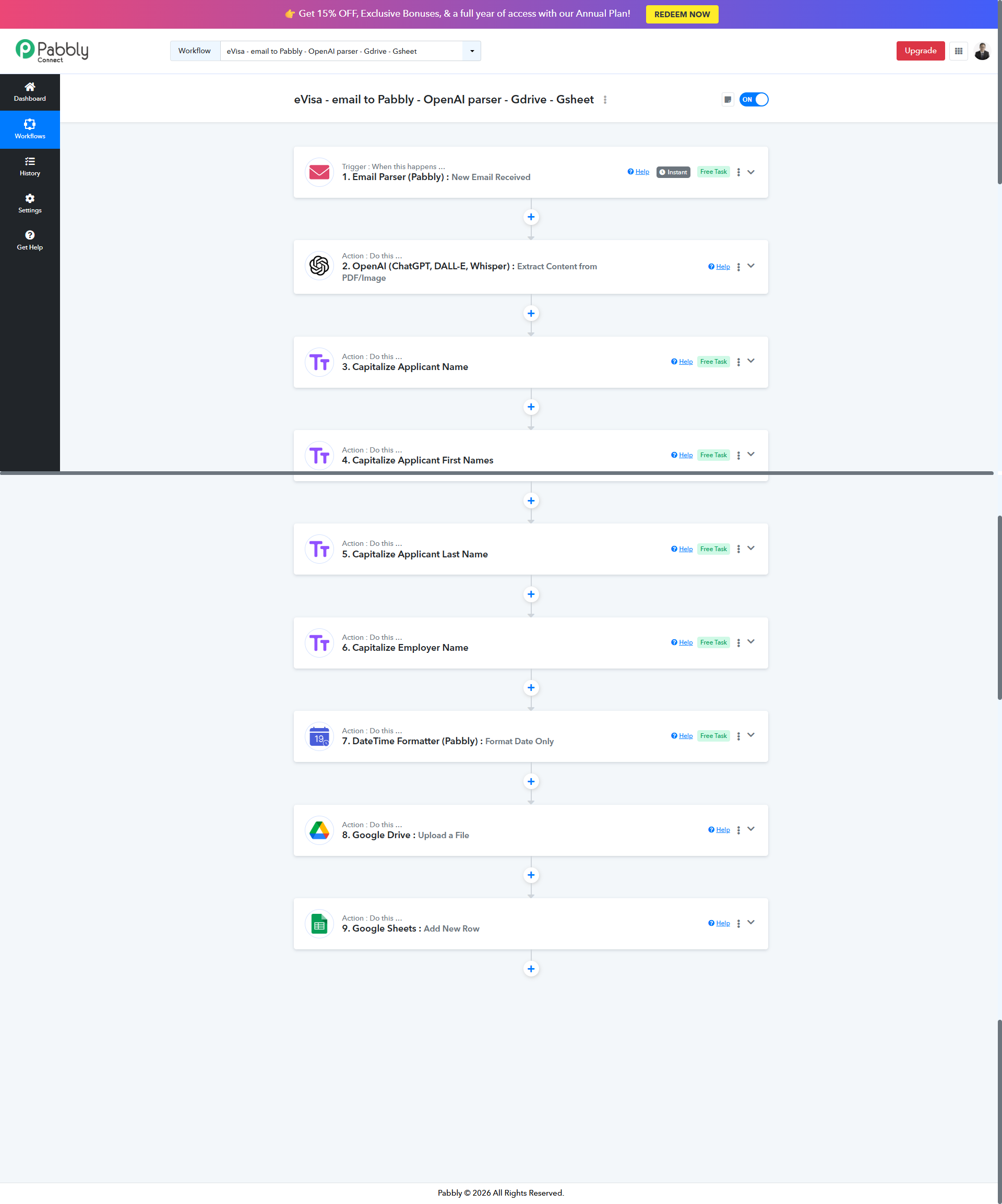
Ok I think I have resolved this using Iterator - Process Array and Filter
Hello @mr33 ,
Thank you for the update.
We’ve checked your workflow and confirmed that the Iterator (Process Array) and Filter steps you added are correctly set up as per your requirements. This configuration will process multiple attachments and ensure only PDF files are sent for extraction.
Your workflow looks good and should work as expected.
Please let us know if you need any further assistance.