photo upload error on all forms of pabbly form builder
Status: Open · Asked by mani chauhan on · 0 views
Dear Pabbly Support Team,
I hope this message finds you well. I would like to edit a prompt I created in Pabbly, but I am unable to find an option to re-edit it. Could you please let me know if there is a way to modify or update the prompt after it has been created?
Your assistance would be greatly appreciated.
Thank you for your support.
Best regards,
Mani chauhan
7838288713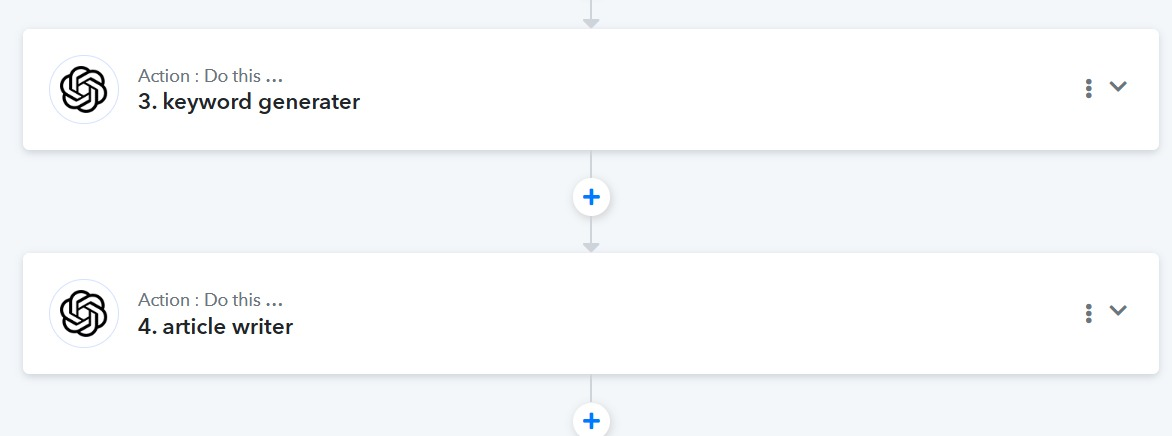
Hello @mani,
You can click on the arrow button or anywhere on the action step (except the three dots) to open it. Under the prompt field, you can add the text you want and then either click Save or the Save & Send Test Request button to save that particular step.
I hope these instructions help. If you still face any issues, please share the workflow URL with us so we can assist you further.
No this is not working Preeti 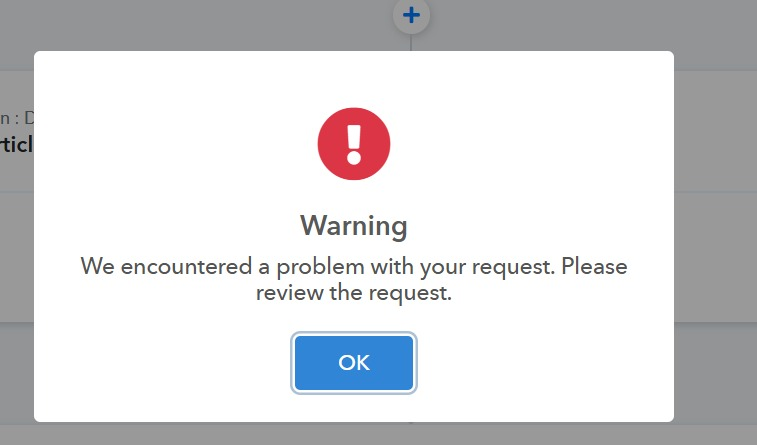
this error is showing last 2 days i am trying this pls help me
Pls update . Other wise if this type of issue we face no one is responding , why we take paid version of this ?
Could you please share the Workflow URL where you have this concern?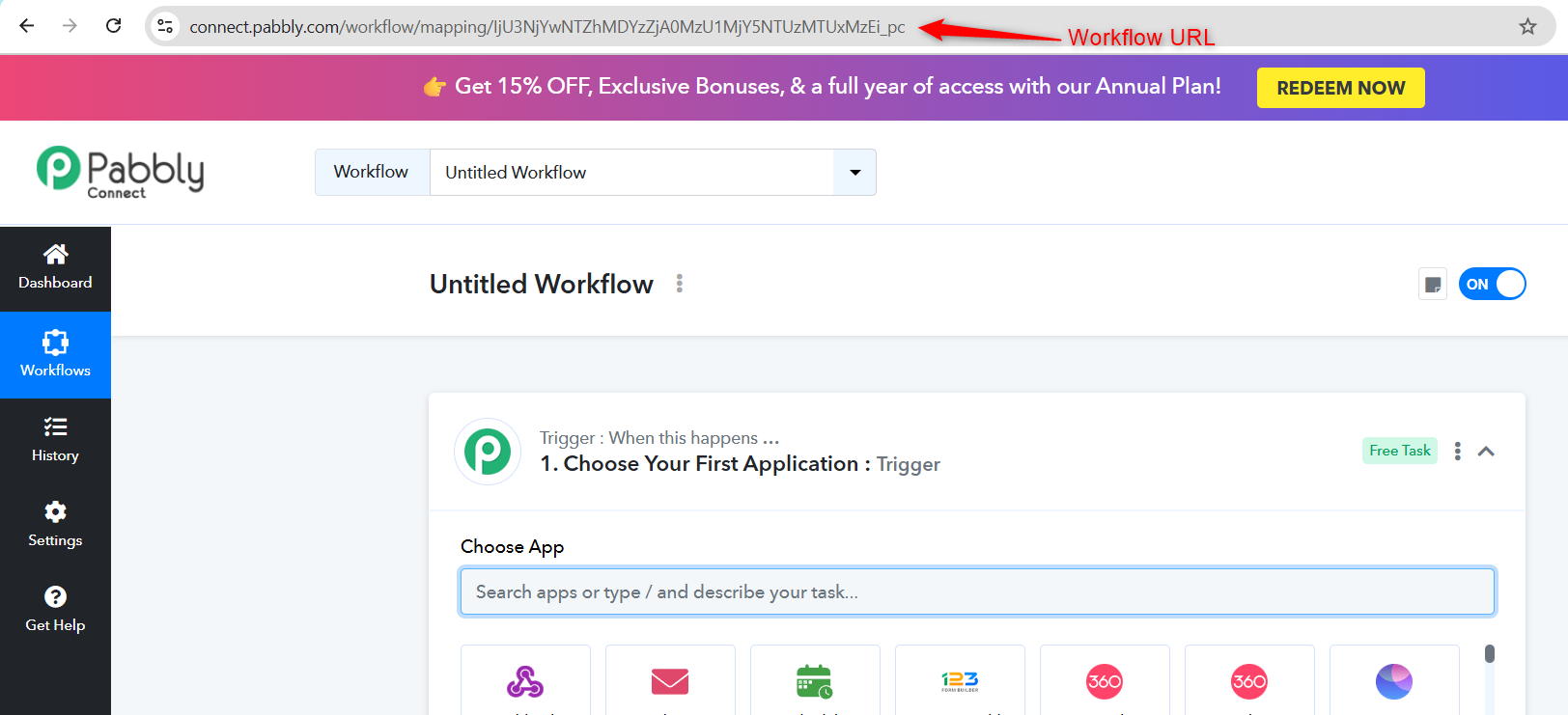
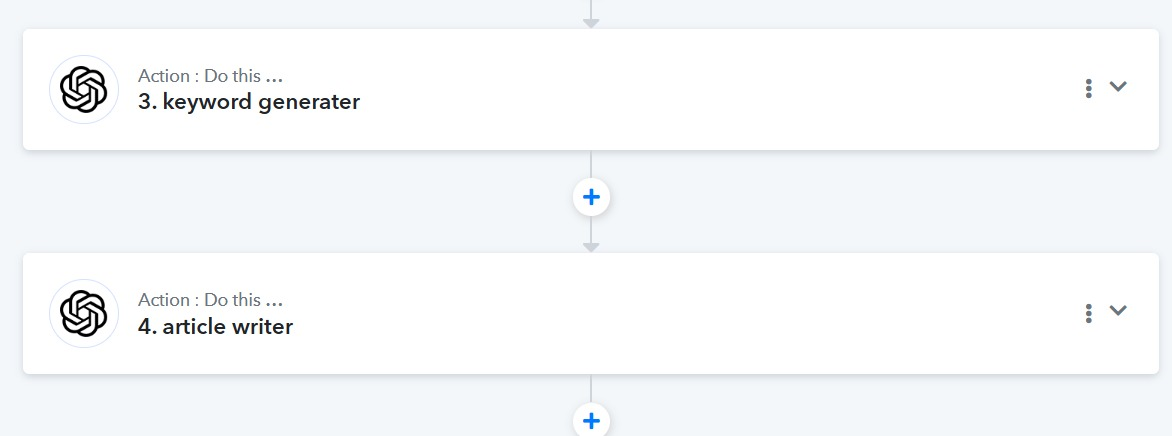
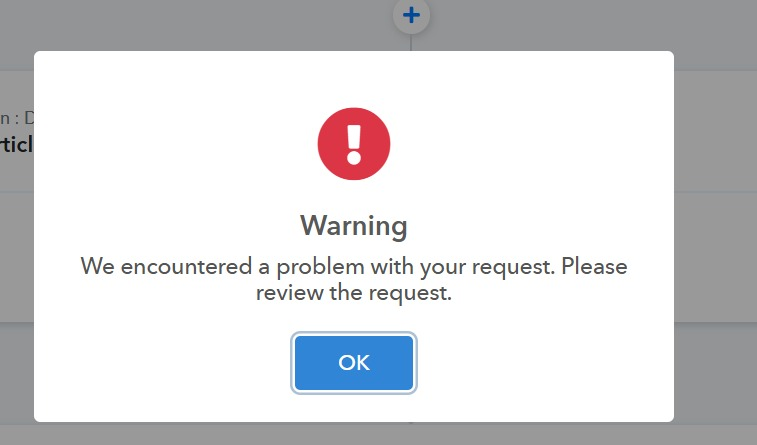
i am trying to re-edit my Premont this but it is not working
ANY ONE
Hello @money,
Please try performing the action after clearing your browser cache, and let us know if it resolves the issue.
No Mam it is not working . mam i have to take paid version also
Hello @money,
Thanks for sharing the workflow. However, in the one you provided, we could not find the OpenAI action step where you were unable to save the prompt. Could you please share the specific workflow in which you are trying to add the prompt in the OpenAI step, but are facing an issue?
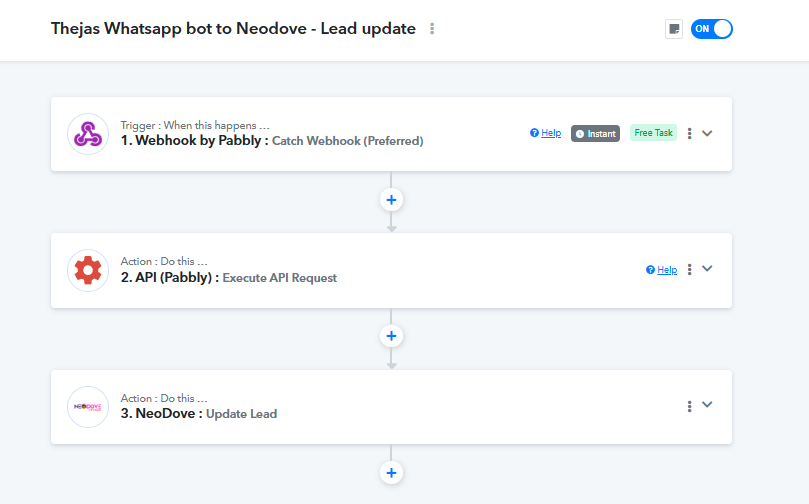
pls check
Hello @money,
We made some minor changes to the OpenAI prompt and confirmed that the action was saved correctly on our end. We recommend that you try the same after clearing your browser cache and let us know if the issue persists.