Plutio api search functions not working in Pabbly Connect
Status: Open · Asked by Mathew Kulkewycz on · 0 views
It appears Plutio API 'search functions' from within Pabbly Connect do not work. That never used to be the case. Other Plutio module API function work i.e 'create' and 'update'?? Odd.
Any fix for this?
E.g: https://connect.pabbly.com/workflow/mapping/IjU3NjYwNTZiMDYzZTA0MzI1MjZiNTUzNzUxM2Ei_pc
Hi @Mmmk,
Please allow us some time to look into this concern. We will get back to you with an update soon.
Hello @Mmmk,
Our team has made some updates, and the action should now be working as expected. Could you please try adding a new action step in your workflow, run a test, and confirm if everything functions correctly on your end?
Looking forward to your confirmation.
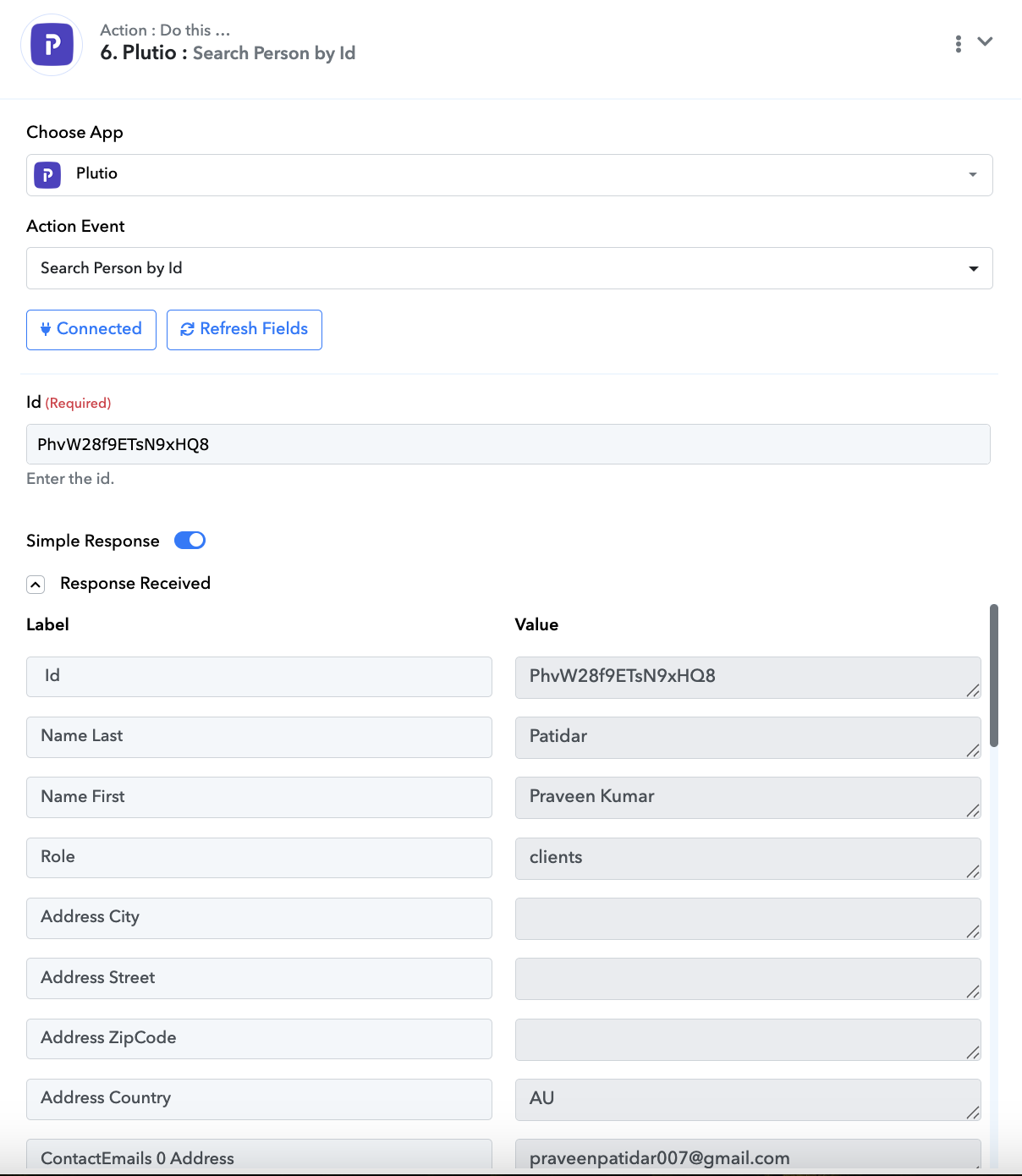
Does not work in entirety unfortunately.
https://connect.pabbly.com/v2/app/workflow/mapping/IjU3NjYwNTZhMDYzNDA0MzM1MjY4NTUzMTUxMzci_pc
I.e testing modules individually seem to be okay, but when deployed to run as an entire workflow does not work.
See history for the above for examples.
Please advise and report back. Thanks
Hello @Mmmk
We request you to create a new connection for the action application "Plutio", and then reconnect the action step related to Plutio.
If the issue still persists and the responses are not being received, please let us know—we’ll be happy to assist further.
Hello @Mmmk
We request you to create a new connection for the action application "Plutio", and then reconnect the action step related to Plutio.
If the issue still persists and the responses are not being received, please let us know—we’ll be happy to assist further.
Problem persists. Please assist further.
Hello @Mmmk
Thank you for letting us know. To help us understand the issue better, please share a recorded video showing how you are connecting Plutio and creating a new connection. This will enable us to identify the problem more accurately and provide you with an appropriate resolution.
Can, but, "testing modules individually seem to be okay, but when deployed to run as an entire workflow does not work"??
If There was a problem with the 'connection neither the individual testing and entire workflow would not work??
See examples in response #5
Hello @Mmmk
As we checked, the action event "Plutio: Search Person" in the workflow using the new connection "Plutio #3" worked for both the Classic Workflow Builder and the New (Beta) Workflow Builder.
However, to ensure everything is working correctly, we recommend creating a complete workflow with proper field mapping using the new connection. Please perform 2–3 test submissions and let us know the outcome.
If you observe that any specific action event is not working as expected, sharing those details will help us understand the issue more clearly and assist you better.
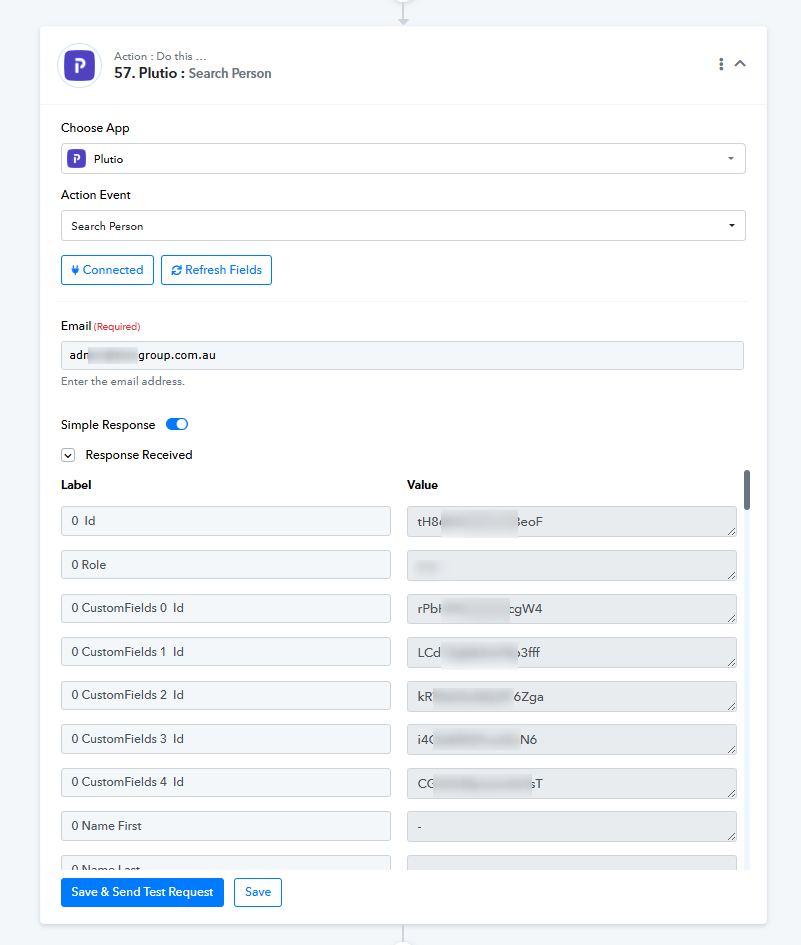
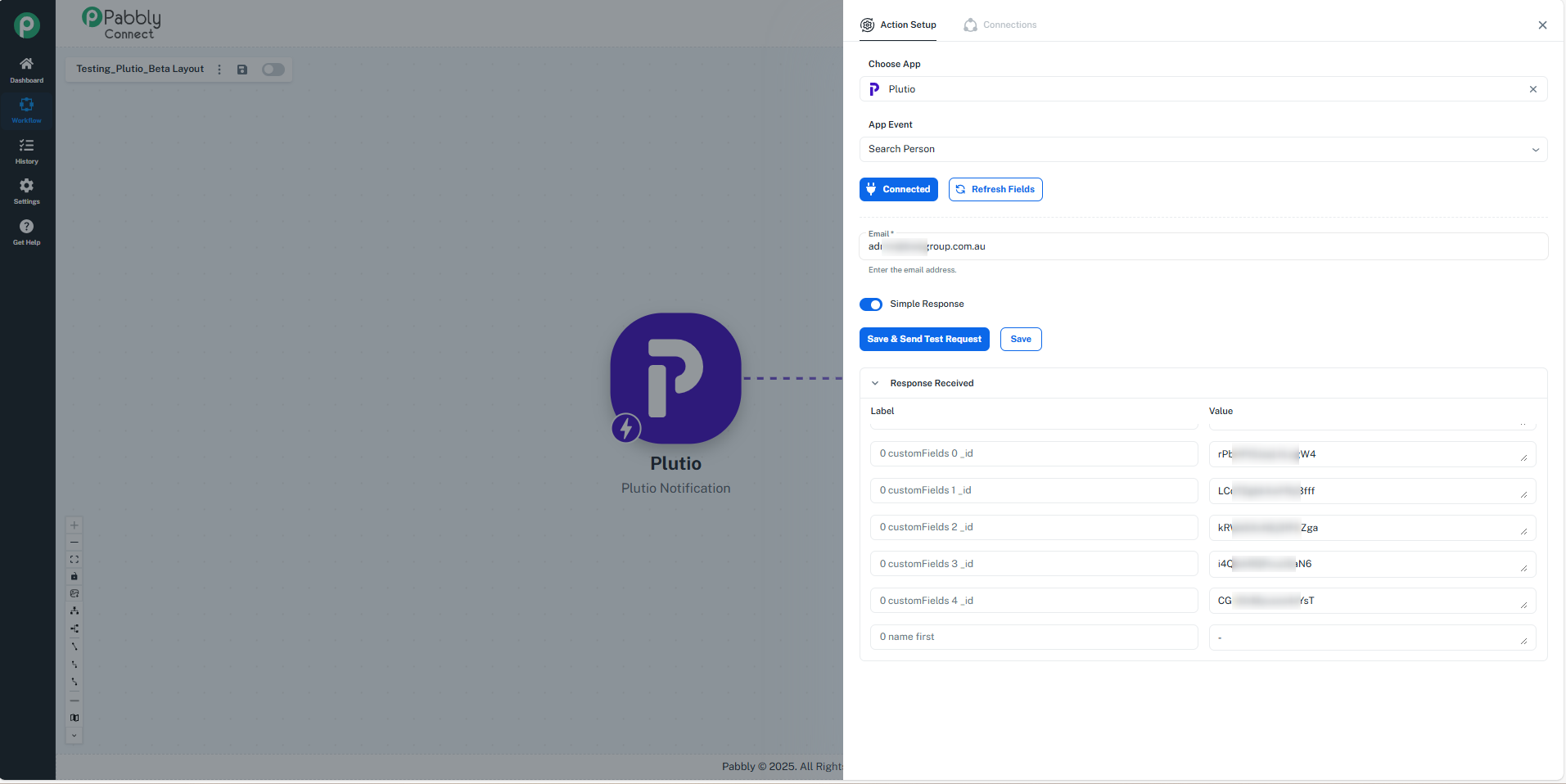
Hello @Mmmk
As we checked, the action event "Plutio: Search Person" in the workflow using the new connection "Plutio #3" worked for both the Classic Workflow Builder and the New (Beta) Workflow Builder.However, to ensure everything is working correctly, we recommend creating a complete workflow with proper field mapping using the new connection. Please perform 2–3 test submissions and let us know the outcome.
If you observe that any specific action event is not working as expected, sharing those details will help us understand the issue more clearly and assist you better.
Whydoesn't it work in a sequence IE in a workflow.? That's what I don't understand...
Prior to initially posting I ended up recreating new connections and building new workflows in Beta layout.
What I don't understand is why the modules dont fire when triggered by a workflow, it only works from 'send and save' module actions, from a testing point of view.
The history logs will confirm the same.
https://connect.pabbly.com/v2/app/workflow/mapping/IjU3NjYwNTZhMDYzNDA0MzI1MjZmNTUzMDUxMzAi_pc
Please confirm if you arrive at the s
ame outcome.
Hello @Mmmk
As we have checked the workflow: https://connect.pabbly.com/v2/app/workflow/mapping/IjU3NjYwNTZhMDYzNDA0MzI1MjZmNTUzMDUxMzAi_pc,
we noticed that the Plutio action steps are still connected to the "Plutio #1" connection.
You need to update the connection to "Plutio #3", then perform 2–3 test submissions to check if the issue persists.
Please let us know the results, and we’ll be happy to assist further.