POSTING REELS AND MEDIA FROM INSTAGRAM TO GOOGLE MY BUSINESS
Status: Open · Asked by Amministrazione Dominanza.it on · 0 views
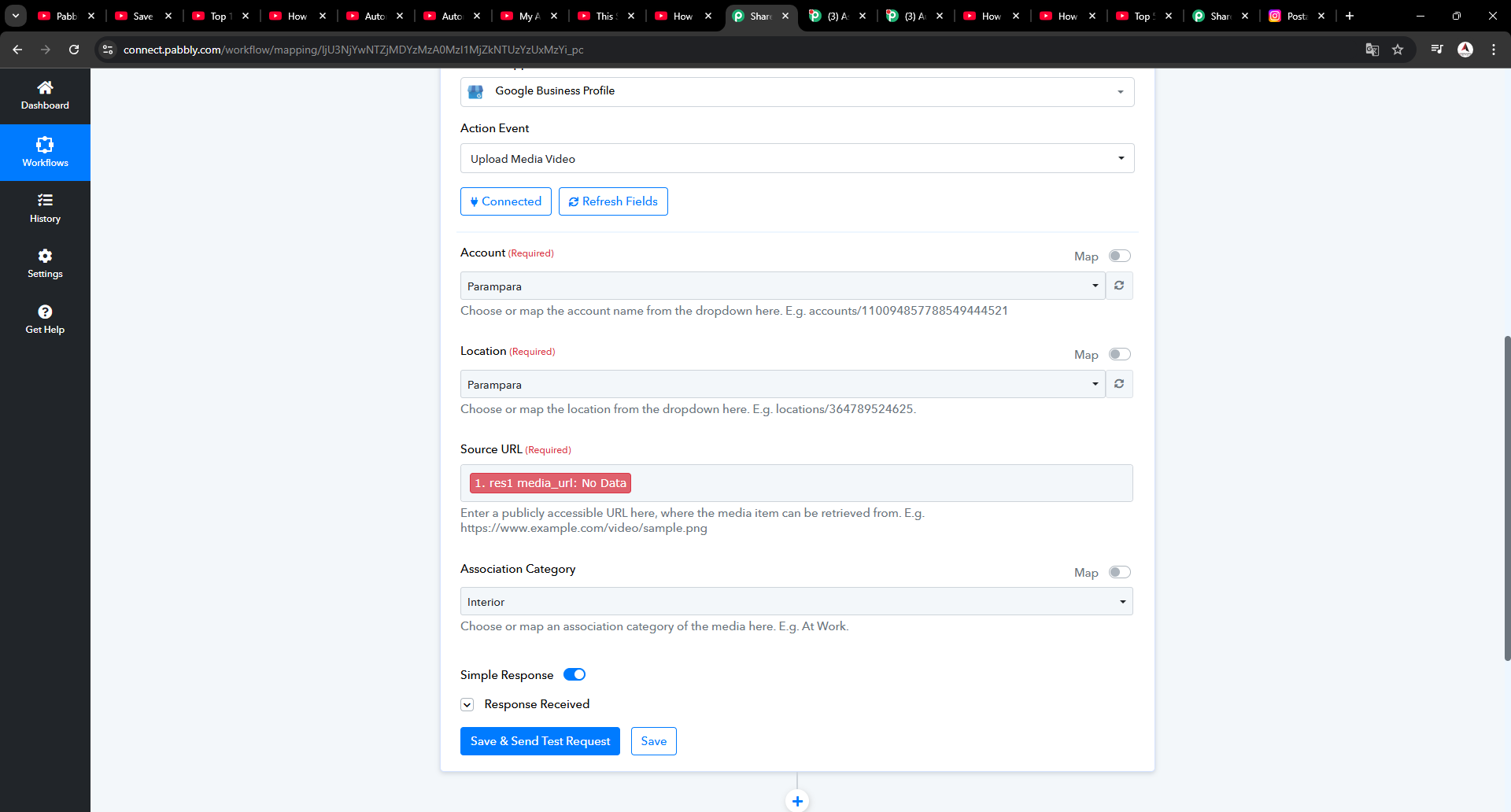
Good morning, i'm trying to post reels on google my business, problem is the fatching url media value (that was in the template video) is no longer herE
RES MEDIA URL not available anymore how can i post the reels?
moreover is possibile to filter IF media = video then upload video on google and IF media = photo than create a call to action post on google?
thank you for your time
Hello @Capex
Please provide us with the workflow URL so we can better look into the issue.
Hello @Capex
You can set a router to fulfill your requirements. You can set two routers with the filter based on the Media type and then you can add the "upload Media Video" iF media = video and IF media = photo then create a "call to action post".
For that please capture a response where the media received from the trigger is of photo type.
OK i did it with the reviews so i can do it, but the video problem remains can you help me? what input shoud i put instead of the media url?
Hello @Capex
Sorry, I didn't understand what issues you are facing. Can you elaborate so I can better assist you
My issure: Instagram Reel to Google My Business Automation - Media URL Issue
I'm following the tutorial video (
youtube.com/watch?v=matyoIiDP-M
) on automating Instagram Reel posting to Google My Business. However, I'm running into an issue with the data fetching step from Instagram.In the tutorial 11:44 / 15:07, it shows using the attribute "1.res1 media url" to fetch the Instagram video URL. However, this attribute doesn't appear to exist anymore when I'm fetching the data.
Could you please help me identify:
1. What parameter should I use instead of "1.res1 media url" to get the video URL?
2. Is there a current working method to fetch Instagram Reel URLs?
Any guidance would be greatly appreciated!
Please allow us some time to look into this concern. We will get back to you with an update soon.
Hello @Capex
As we have tested the trigger at our end, it captured the media_URL in the response, and as per the API docs - https://developers.facebook.com/docs/instagram-platform/reference/instagram-media
"The media_url field is omitted from responses if the media contains copyrighted material or has been flagged for a copyright violation. Examples of copyrighted material can include audio on reels."
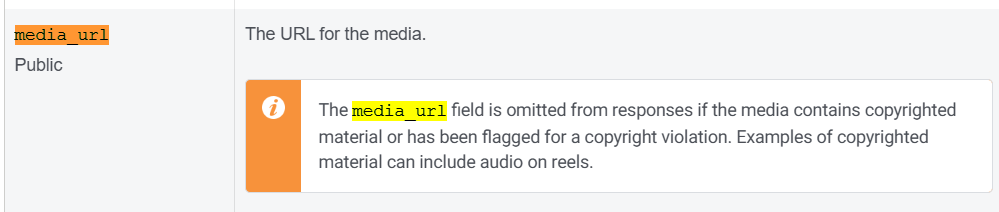
Thank you so much for your feedback, so it does not work on business accounts that use audio in the reel, i got it. thank you so much
Hello @Capex
Thanks for the update, we'd love to hear your thoughts! If you have a moment, please rate us on Google. Your feedback helps us improve.