problems with google analytics
Status: Open · Asked by yasar38 on · 0 views
Hello
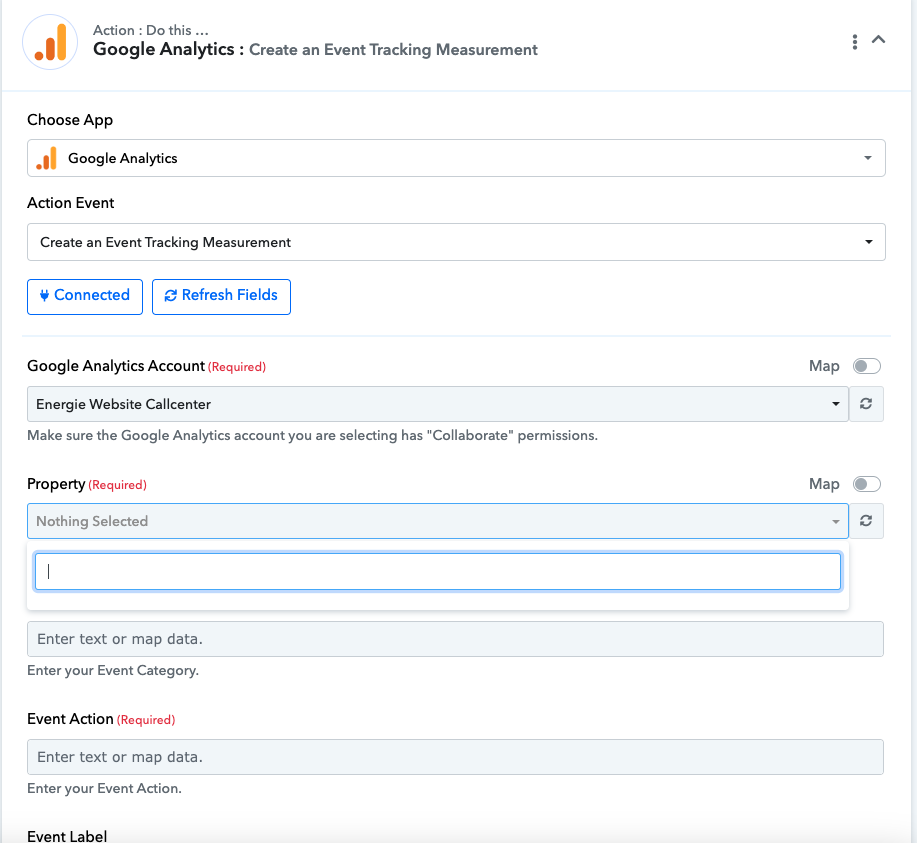
İ want to push my offline conversions to google analytics but somehow google analytics doenst detect the property
Here is the link of the workflow please help with setting up my final stage
https://connect.pabbly.com/workflow/mapping/IjU3NjUwNTZlMDYzNjA0MzY1MjZhNTUzNzUxMzQi_pc
Hi @yasar38,
Please record a short video elaborating a bit more on your exact use case and the issue you are encountering. This will help us gain a better understanding of your concern.
Here you go. i dant get the property listed. but in my analuytics account i have active 3 property
Please login to your Google Analytics and Pabbly Connect account in an Incognito Tab and establish a new connection with your Google Analytics account and see if that helps you list the Property.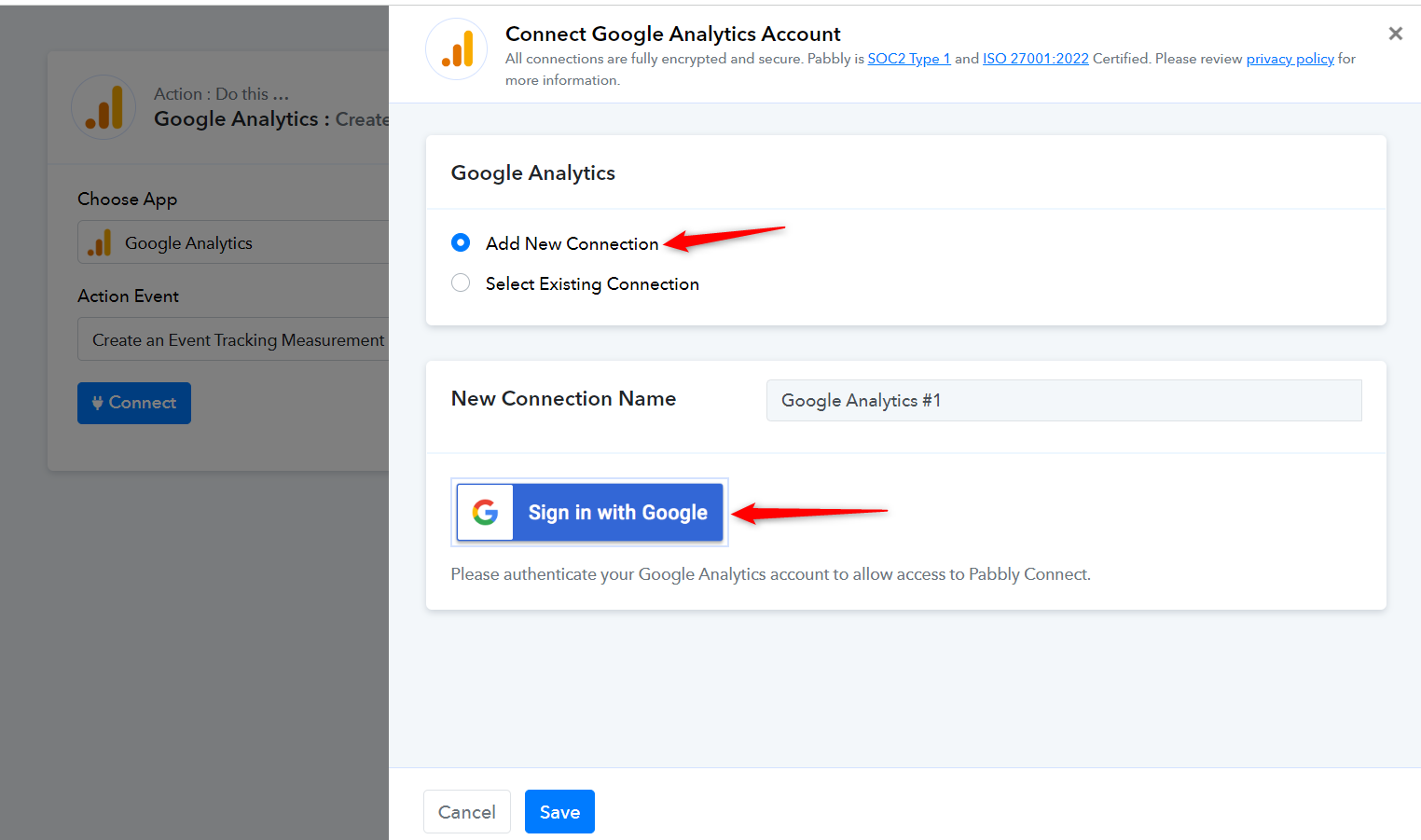
Same problem here, can't get the property dropdown to populate with any of my properties. Analytics user is an admin.
Tried logging in both pabbly and analytics in Incognito in chrome and no change.
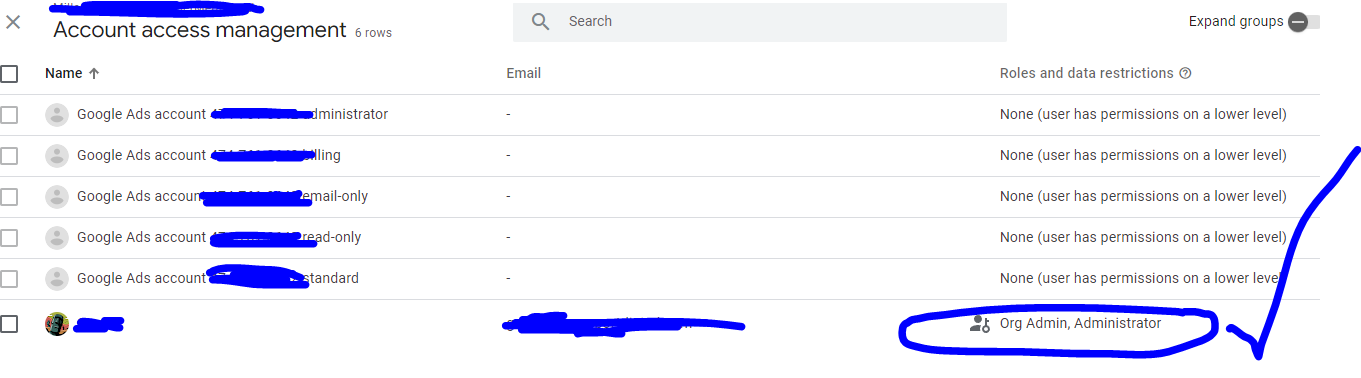
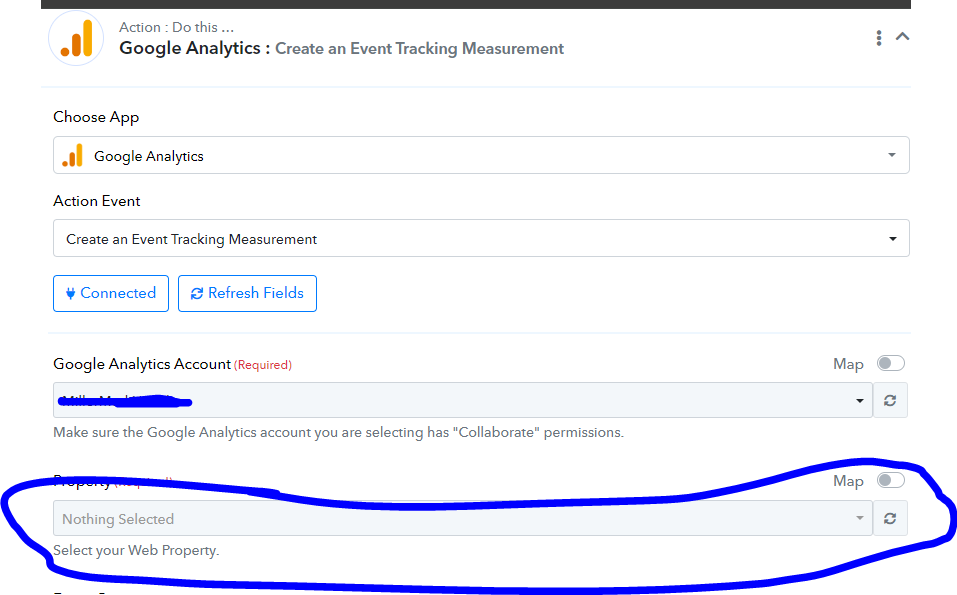
I know it's not analytics side as I am able to set this up in my Zapier account with no issue.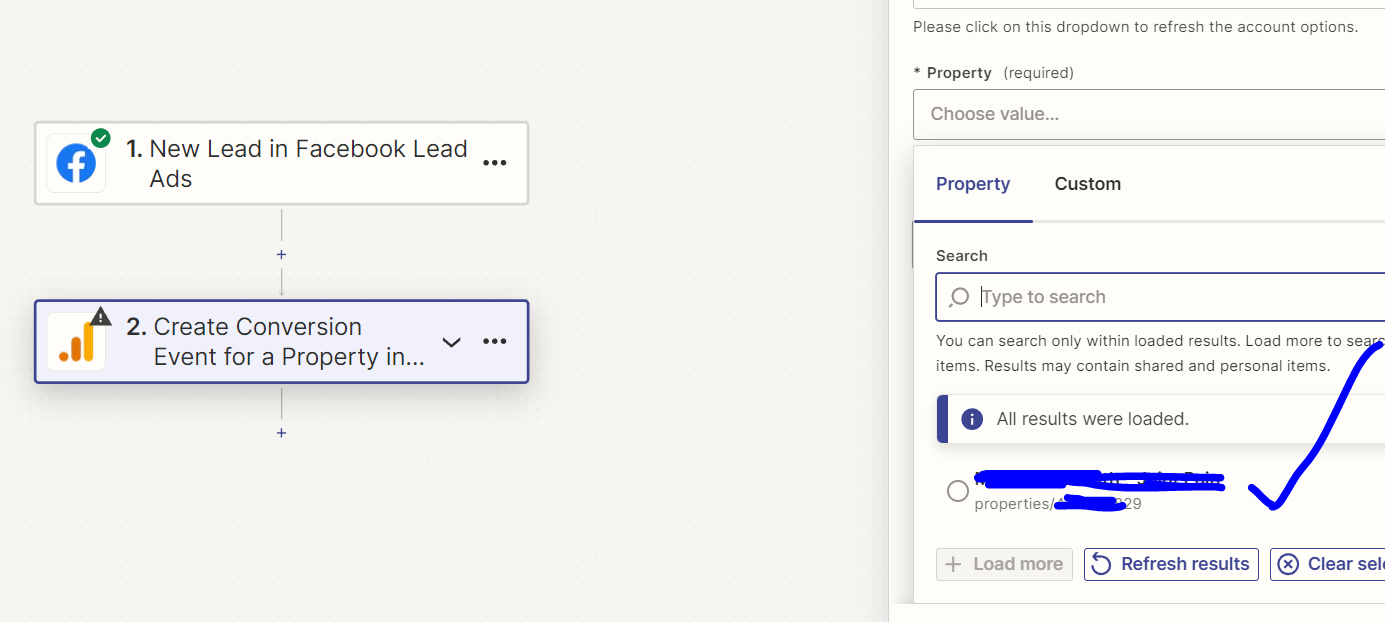
Same problem here, can't get the property dropdown to populate with any of my properties. Analytics user is an admin.
Tried logging in both pabbly and analytics in Incognito in chrome and no change.
Could you please share a screenshot showing the properties present in your Google Analytics account?
That was quick! Obvs covering my data as this is on a public forum.
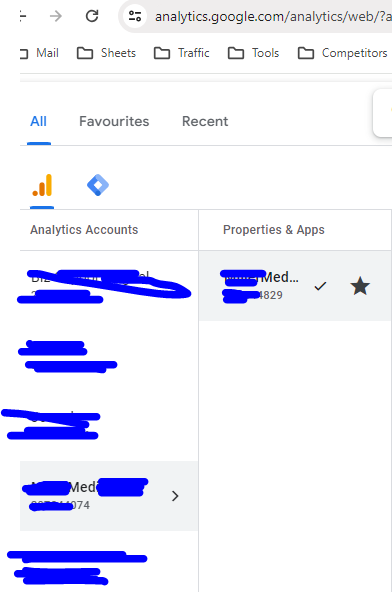
That was quick! Obvs covering my data as this is on a public forum.
Thank you for sharing this information. Please allow us some time to look into this concern. We will get back to you with an update soon.
I had a discussion with the technical team, and they have informed me that the issue is related to you not having created any projects in your Google Analytics account, because of which the project fields are not receiving any data. We suggest that you try creating a project in your Google Analytics account and then attempt to use the Google Analytics trigger event.
I had a discussion with the technical team, and they have informed me that the issue is related to you not having created any projects in your Google Analytics account, because of which the project fields are not receiving any data. We suggest that you try creating a project in your Google Analytics account and then attempt to use the Google Analytics trigger event.
I am having the same issue as these guys also. I have a property setup in Google Analytics but nothing shows when connecting with Pebbly. Pebbly can see my account name but can't find the property.
Is there a solution for this now?
Hey @Chrisbrowniee
We have checked the same by listing the properties from your Google Analytics and we can see your properties are not getting listed from the Google account itself.
So, please contact the Google Workspace support team and then try again. As a check, we have added an action step to check whether the properties are getting listed or not.
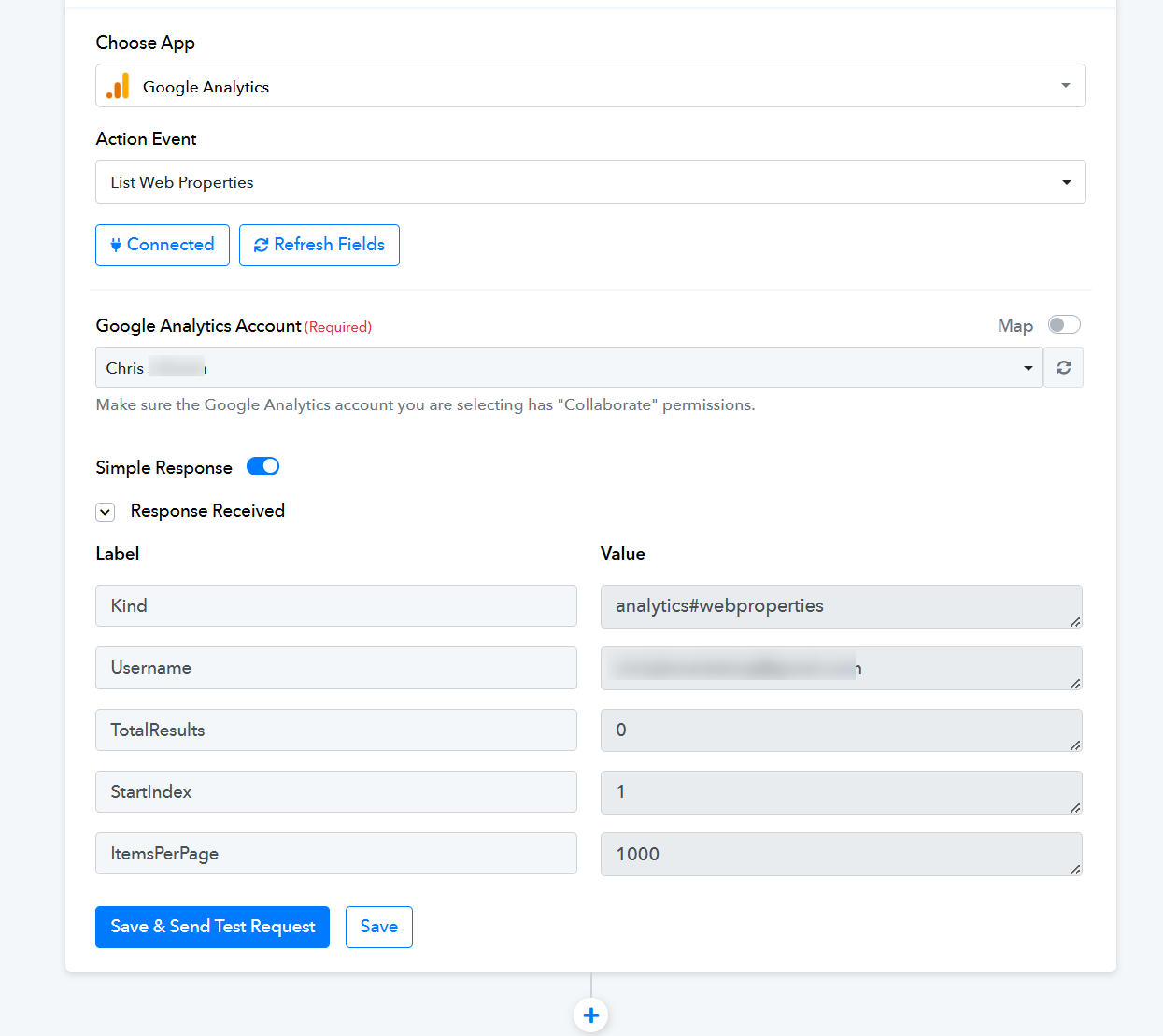
Okay but if I try connecting it using Zapier, it works fine?.... So actually I think it's an issue with Pabbly and theres no way to contact google about this. What's the solution?
Hey @Chrisbrowniee
I have forwarded your concern to the integrations team, and they will be looking into it.
Hey @Chrisbrowniee
Our team has made some changes to the action step in Google Analytics. We recommend that you reconnect it and then try again.
Hi, I have the same exact problem. Nothing appear...
Hello @Piggy69
Please provide the workflow URL where you're encountering the issue. Additionally, could you provide more details about the exact problem you're facing? This will help us better understand the issue and assist you more effectively.
Hi,
I can't save my projet because to field are missing:
1-Property (Required)
2-View (Profile) (Required)
https://connect.pabbly.com/workflow/mapping/IjU3NjYwNTZmMDYzNDA0MzA1MjY5NTUzZDUxMzQi_pc
And I can't even add screenshot here, apparently you guys putted a limit for the upload of picture, I can't even put one screen from my macbookpro. :-(
Hello @Piggy69,
Could you please try switching to a different browser and attempting to upload the images or a screen recording again? Additionally, we’d like to clarify that there are no specific limits on image uploads.
I have this message about my mac screenshots (even in an incognito window):
Oops! We ran into some problems.
The uploaded file is too large.
Please look at this @Preeti Paryani : https://www.loom.com/share/04a20bab27984b228463bd08b6eccb6b?sid=ff253d76-b7eb-4021-b554-2064a02d0e64
Hello @Piggy69
Please upload the screenshot or screen recording to Google Drive and share the link with us.
Hello @Piggy69Please upload the screenshot or screen recording to Google Drive and share the link with us.
I already did a video screen shot here: https://www.loom.com/share/04a20bab27984b228463bd08b6eccb6b?sid=ff253d76-b7eb-4021-b554-2064a02d0e64
Hello @Piggy69
It appears that there are no properties under this account, which could be why you're not seeing any options in the dropdown. Please try adding a few properties and let us know if it resolves the issue.
Hi dear @preeti,
The integration doesn't works.
I have Property in place since decates...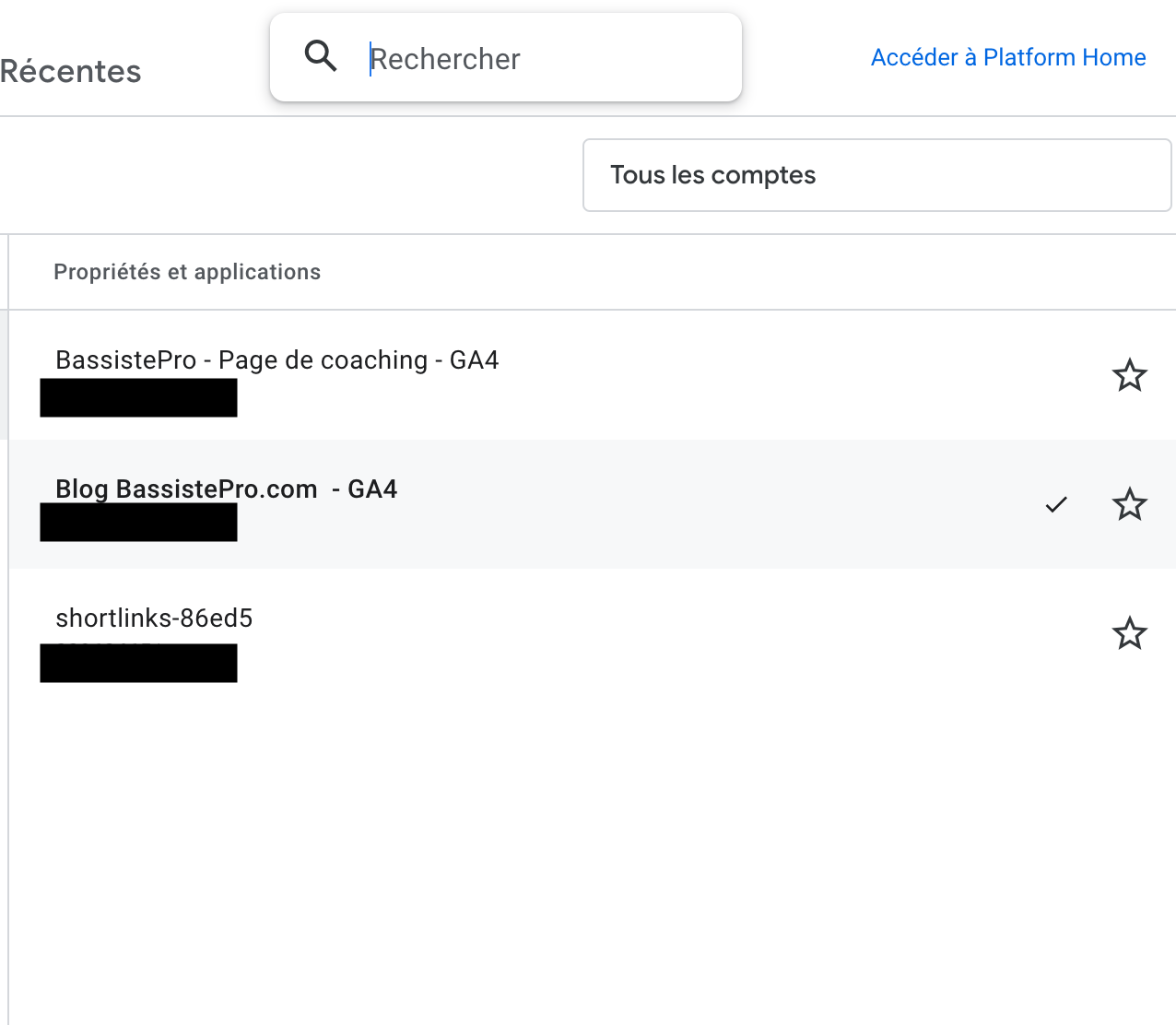
Please see that all the time it failed and I don't know why...
It's like Pabbly doesn't recognize my account. :-(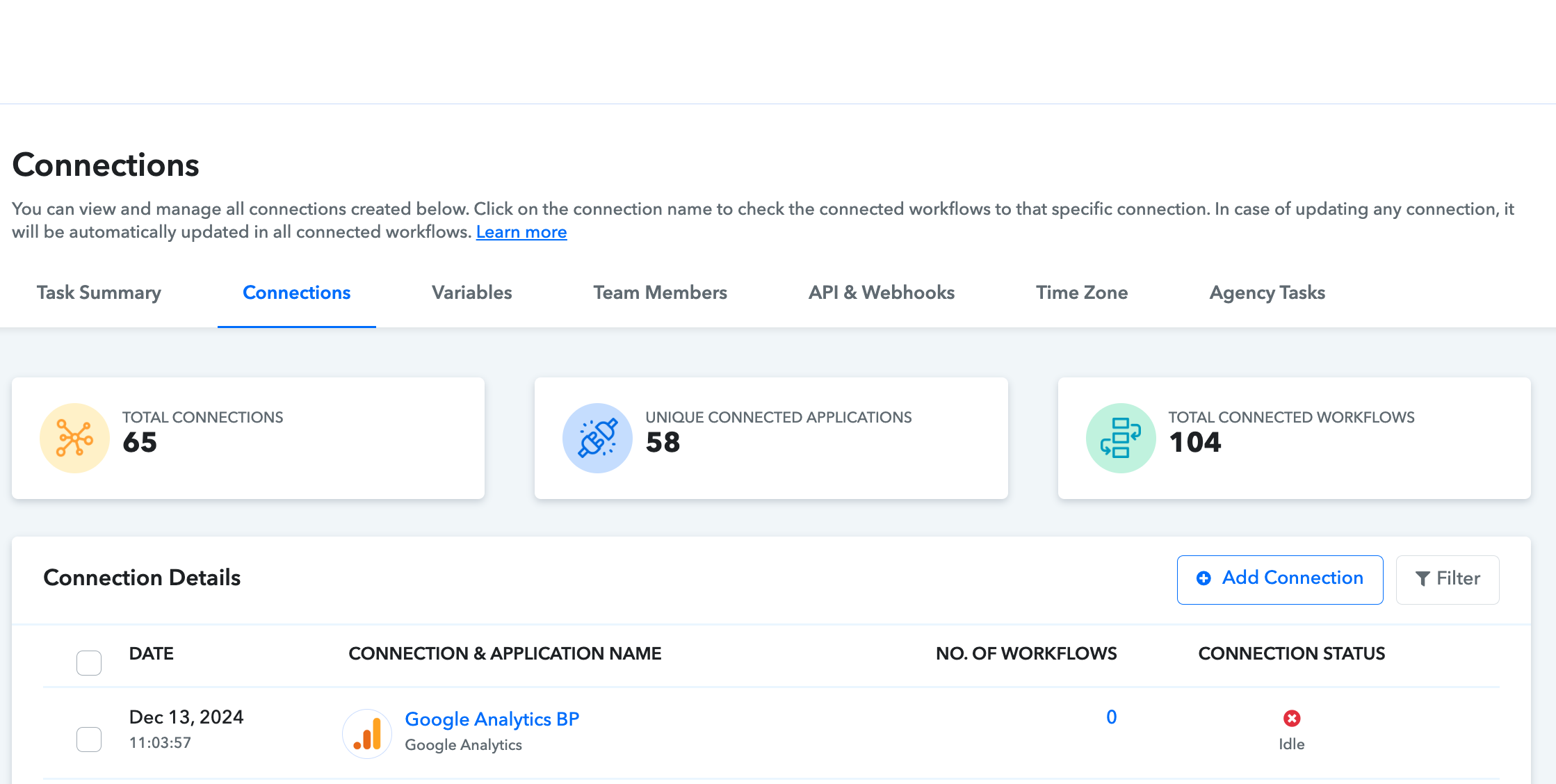
Hello @Piggy69
Thank you for bringing this to our attention. It seems that there have been some changes made to the Google Analytics API, which could be causing the issues you're experiencing. We have escalated your concern to our technical team for further investigation.
As soon as we receive any updates from their end, we will promptly inform you.
We appreciate your patience and understanding.
Hello @Piggy69
Could you please elaborate on the exact use case you are trying to achieve with Google? This will help us better understand your requirements and ensure we move the process in the right direction.
Your input will allow us to proceed effectively and make progress toward the correct solution.