Random Airtable Invalid Request Call
Status: Open · Asked by Jeffrey Yu on · 0 views
I don't understand why, but one of the Pabbly Connect automations failed recently, such that an assignment never populated in our backend.
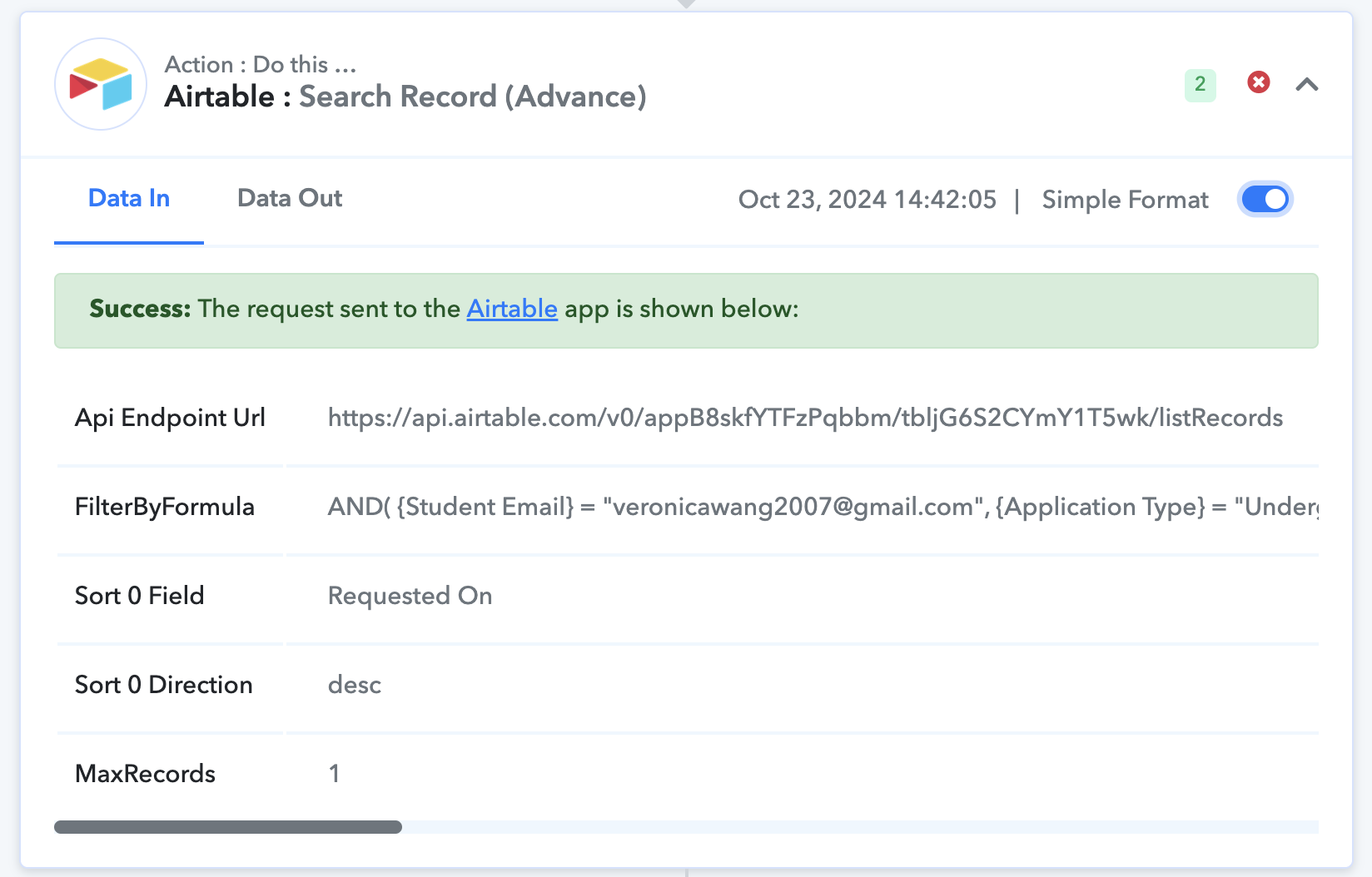
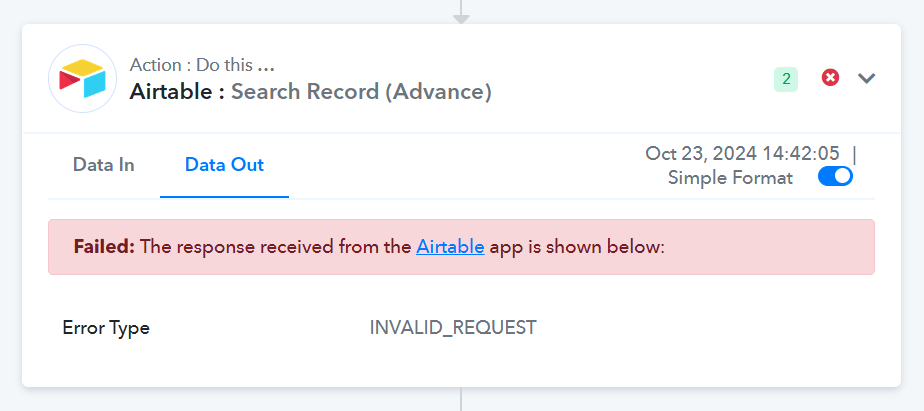
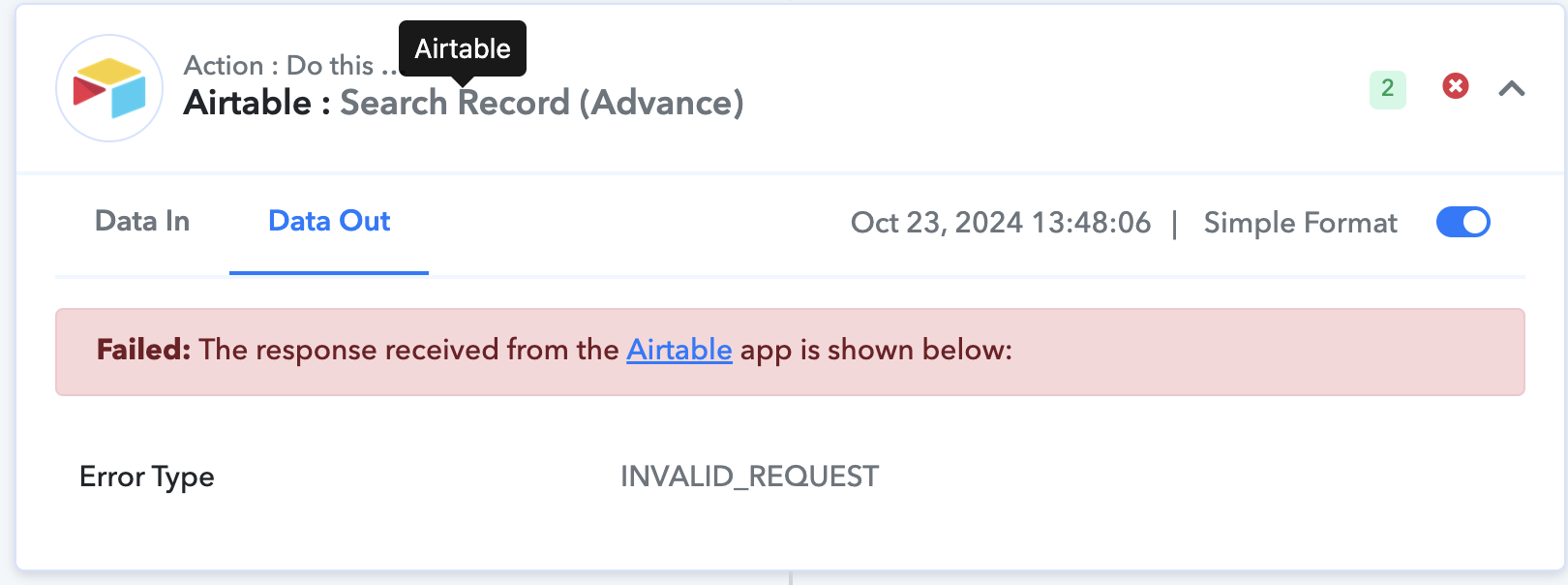
It also looks like the automatic reruns failed as well.
But when I just manually re-executed the code today, it worked! Task ID for the successful re-execution was: IjU3NjUwNTZkMDYzZTA0MzM1MjY0NTUzZDUxMzM1MTYzNTQzNjBmMzIi_pc
What changed? Why did the original run fail despite having the exact same inputs?
Hi @JeffreyYu,
The request you made appears to be correct. However, the error message received from Airtable does not provide any information on why this issue occurred, so we are unable to determine the exact cause. It seems to be a temporary error. Please monitor your workflow for some time, and if the issue occurs again, do let us know.
Hi @JeffreyYu,The request you made appears to be correct. However, the error message received from Airtable does not provide any information on why this issue occurred, so we are unable to determine the exact cause. It seems to be a temporary error. Please monitor your workflow for some time, and if the issue occurs again, do let us know.
Hello, I saw that this happened for another workflow as well. We had to refund the customer, so this problem is costing us hundreds of dollars now.
Is there a way to set myself up to get a notification whenever this particular workflow has a partial failure? I never got an email alert for these partial failures, like I did for the complete failures, like this one:
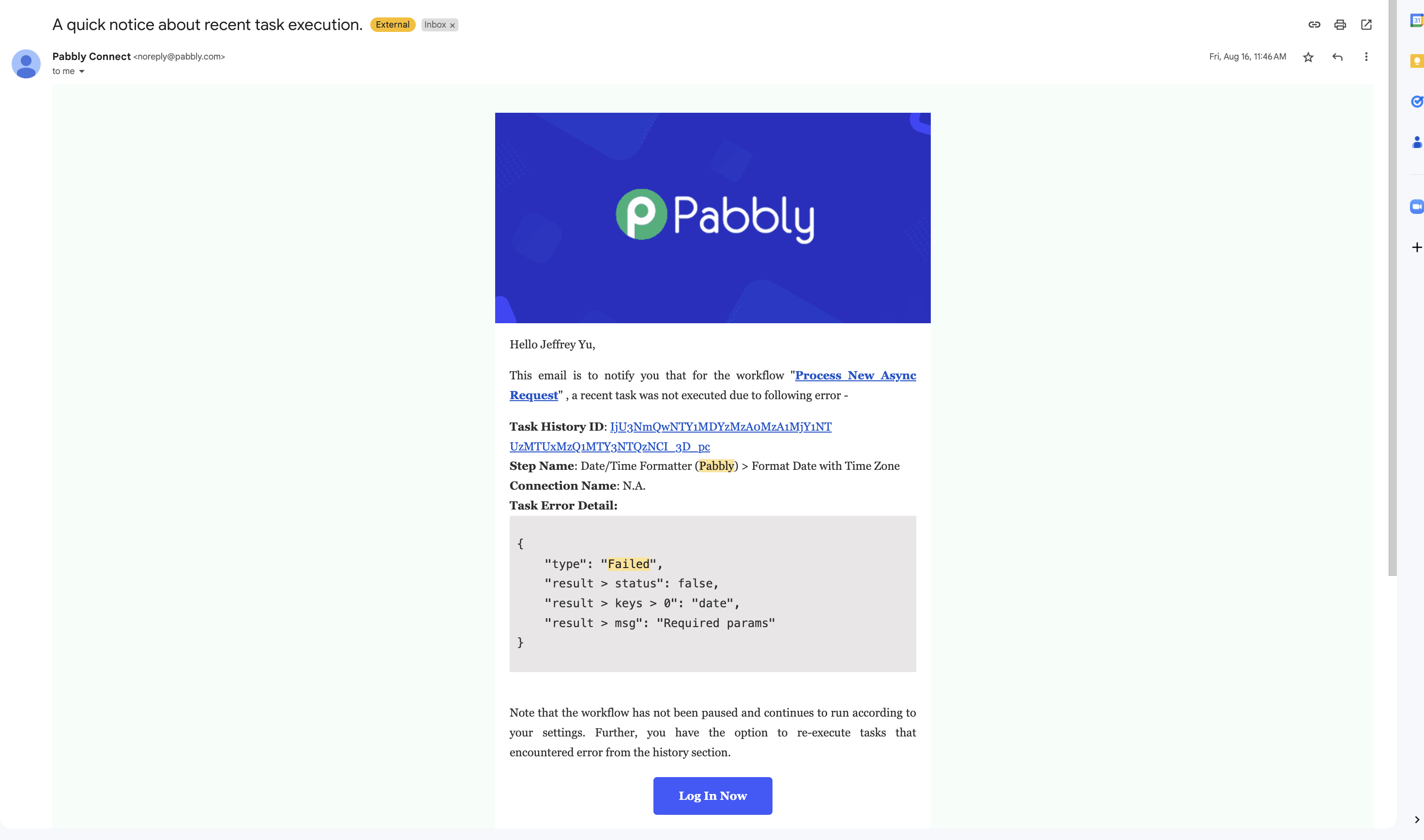
Task ID: IjU3NjUwNTZkMDYzZTA0MzA1MjZmNTUzNDUxM2I1MTY1NTQzMzBmMzMi_pc
Hey @JeffreyYu
You can use Pabbly Connect Manager for your use case. Kindly refer to this video for trigger event "New Workflow Error" from 1:55 -
youtube.com/watch?v=Lv9Rnzoh-vY:115
After that, you can add a Gmail step and use action event "Send Email V1" for getting the notifications on your email.
Let us know if it works for you.