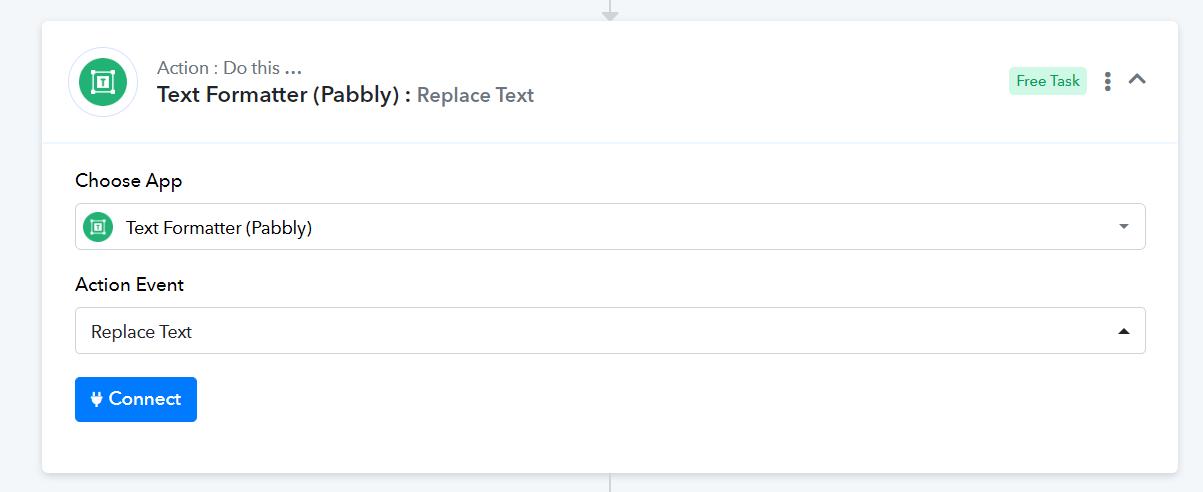
Replace "null" in Data
Status: Open · Asked by iRest Institute on · 0 views
I have a workflow that triggers when a new Contact is created in Shopify. It then creates the same contact in Salesforce. However, lately if a field is blank in Shopify, it shows up in the trigger data as "null". Is there an easy way to clean this before it gets to Salesforce? I know I can do a Text Replace for each individual field, but I was hoping to be able to do that for the whole set of data, search for any instances of "null" and replace with {{blank}}.
Hi @iRestAdmin,
Could you please share the Workflow URL in which you have this concern?
Hi @iRestAdmin,Could you please share the Workflow URL in which you have this concern?
Sure, I went back and added a link to the workflow to my original message.
Please disable 'Simple Response', then click on 'Re-Capture Webhook Response' to capture a new customer. This will allow you to capture the details in JSON format.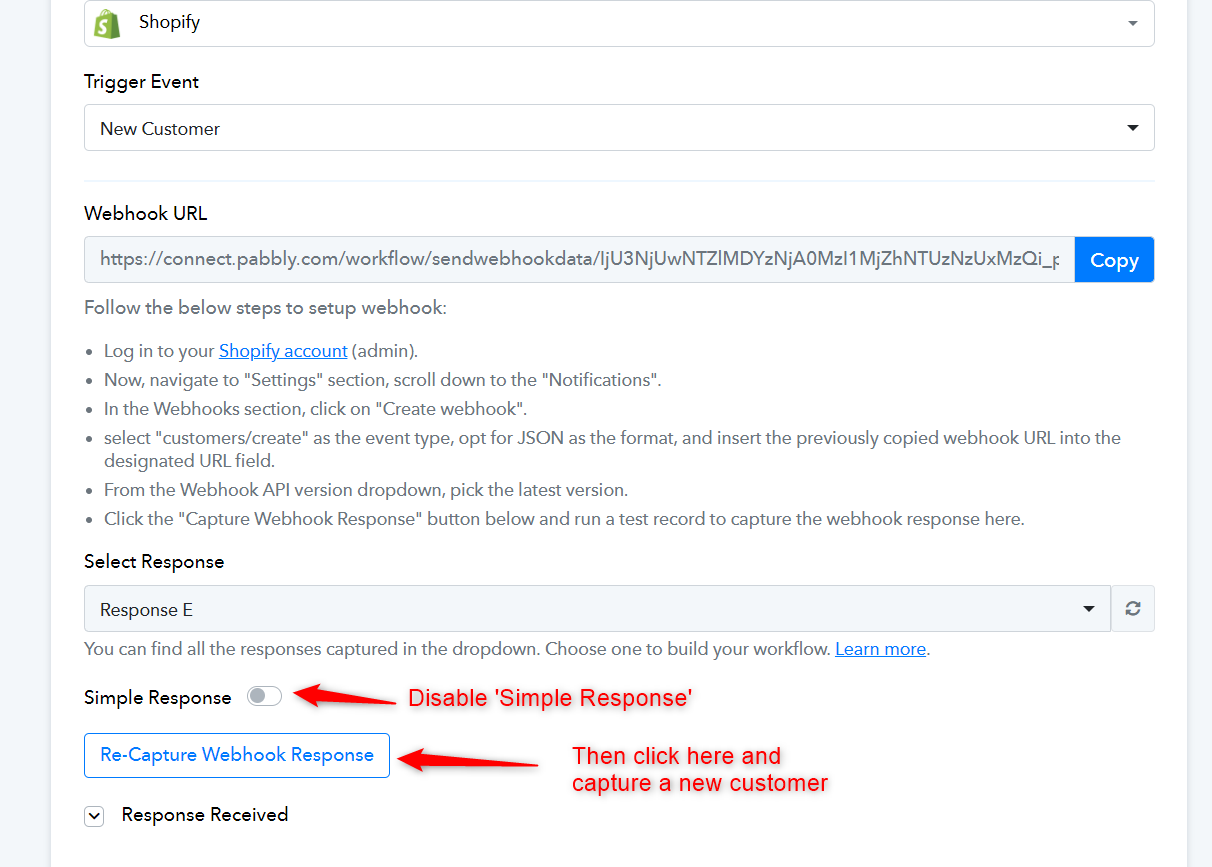
Then, add a Text Formatter to your workflow to replace 'null' with '{{blank}}', map the values from this step, and see if this gives you the desired result.