Responses not Showing when Clicked
Status: Open · Asked by chriswiseman on · 0 views
I'm running various workflows and am unable to select a response to view the response received.
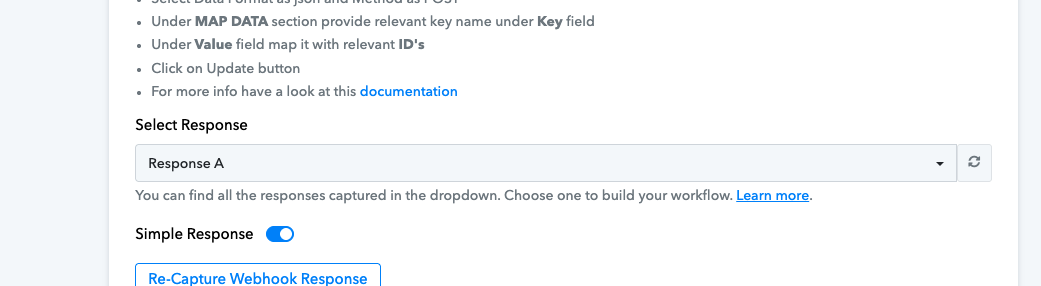
I can see in history where live data has been flowing yet if I open the workflow and then click "select response" then im unable to see anything besides the test response. This means im unabel to map data further down the flow.
Is anyone else seeing this?
Ditto... also not able to see data in workflow history.
Hi @chriswiseman,
I'm running various workflows and am unable to select a response to view the response received.
I can see in history where live data has been flowing yet if I open the workflow and then click "select response" then im unable to see anything besides the test response. This means im unabel to map data further down the flow.Is anyone else seeing this?
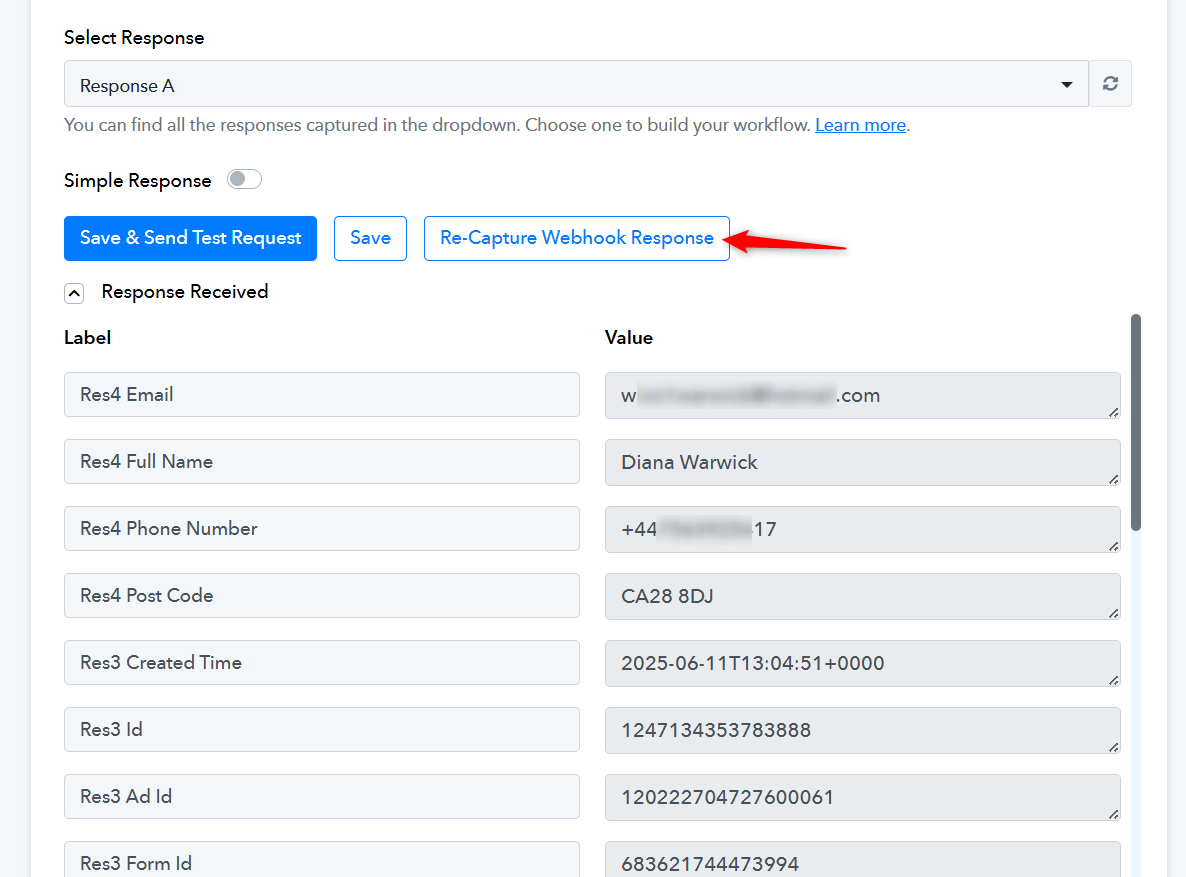
Based on the workflow URL you shared, we can see the data in the response section of your trigger step. You can use this data to map fields further down in the workflow steps.
If you want to capture a live lead in your trigger step and set up your workflow based on that, you'll need to click the 'Re-Capture Webhook Response' button and wait for a new lead to be captured. Only then will it appear in the response list of your trigger step.
Hi @rjwalkerz3sm,
Ditto... also not able to see data in workflow history.
Our team has recently implemented some updates in the Task History section.
With these changes, the task history entry now begins to appear as soon as earlier tasks are executed. However, the detailed task view will only become accessible once the task is fully processed. Until then, you may see a placeholder or summary for the task, but you won’t be able to open it.
We hope this clarification helps. If you're still experiencing any issues accessing the task history after the task is fully processed, please feel free to let us know. We’ll be happy to assist further.
I am not sure I understand your response, but here is more insight from my end.
If you're on Windows, try pressing CTRL + Shift + R to perform a hard refresh in your browser and check if that resolves the issue of individual tasks not being visible. For Mac users, press Command + Shift + R to hard refresh the browser and see if that fixes your issue.
Thanks... that allows me to see history again. I still can not pull down the most recent response though.
Thanks... that allows me to see history again. I still can not pull down the most recent response though.
Thank you for the update. The recent tasks will also become visible once they are fully processed.