Ringcentral new sms trigger to to reply with a message from Google sheets.
Status: Open · Asked by Melissa Alkuino on · 0 views
Hi. I'm trying to set up so that whenever I get a new RingCentral SMS saying "yes", the system will then lookup the sender's phone number from my Google Sheet, and then respond back with details from the google sheet. I did the following set of actions:
1 - Ringcentral new SMS trigger
2 - filter "yes"
3 - lookup value in google sheets
4 - send SMS via ringcentral to the sender
Step 4 is where I'm having problems as it Text Message box does not give options to map the data from Google Sheets. Please advise.
https://connect.pabbly.com/workflow/mapping/IjU3NjYwNTZmMDYzNzA0MzM1MjY0NTUzMjUxMzQi_pc
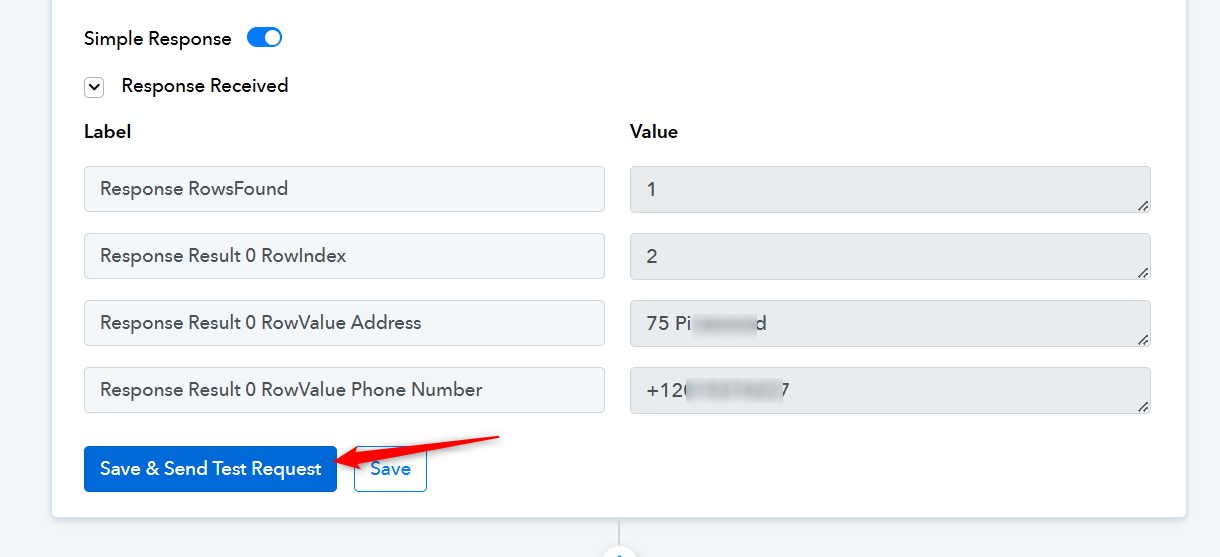
Make sure to click on 'Save & Send Test Request' to capture the response. Only then will you be able to map the data to the next step.