Router condition operator not saving properly
Status: Open · Asked by Fanny Opti-Biz on · 0 views
Hello,
I have built a workflow to sort data before sending it to subsequent workflows when conditions are met (still under construction).
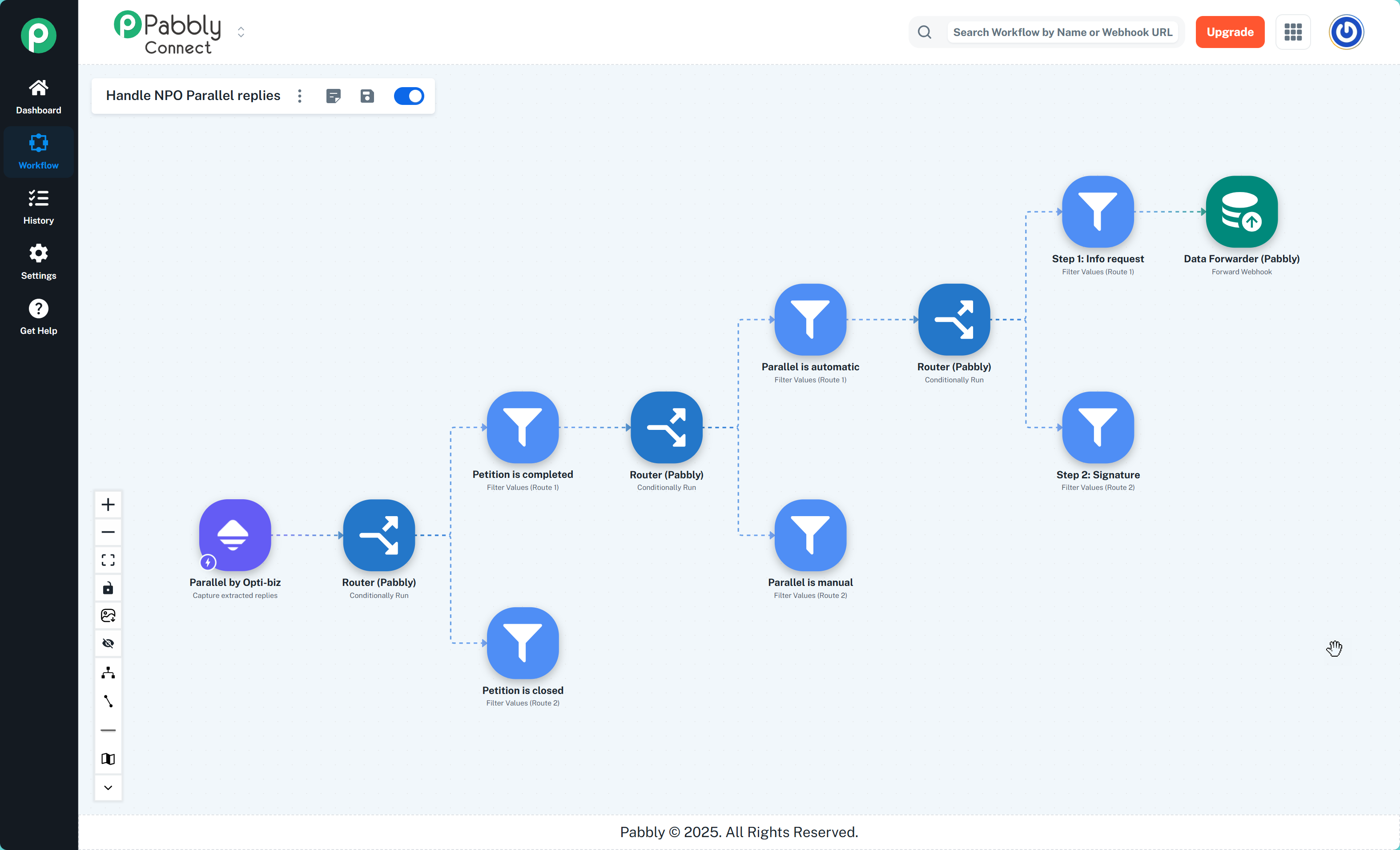
I am sending data which should use to top route (e.g. Petition is completed, then Parallel is automatic, and then Step1= info request).
But the filter "Parallel is automatic" throws a false response, although it should be true. Hence, the workflow does not proceed further.
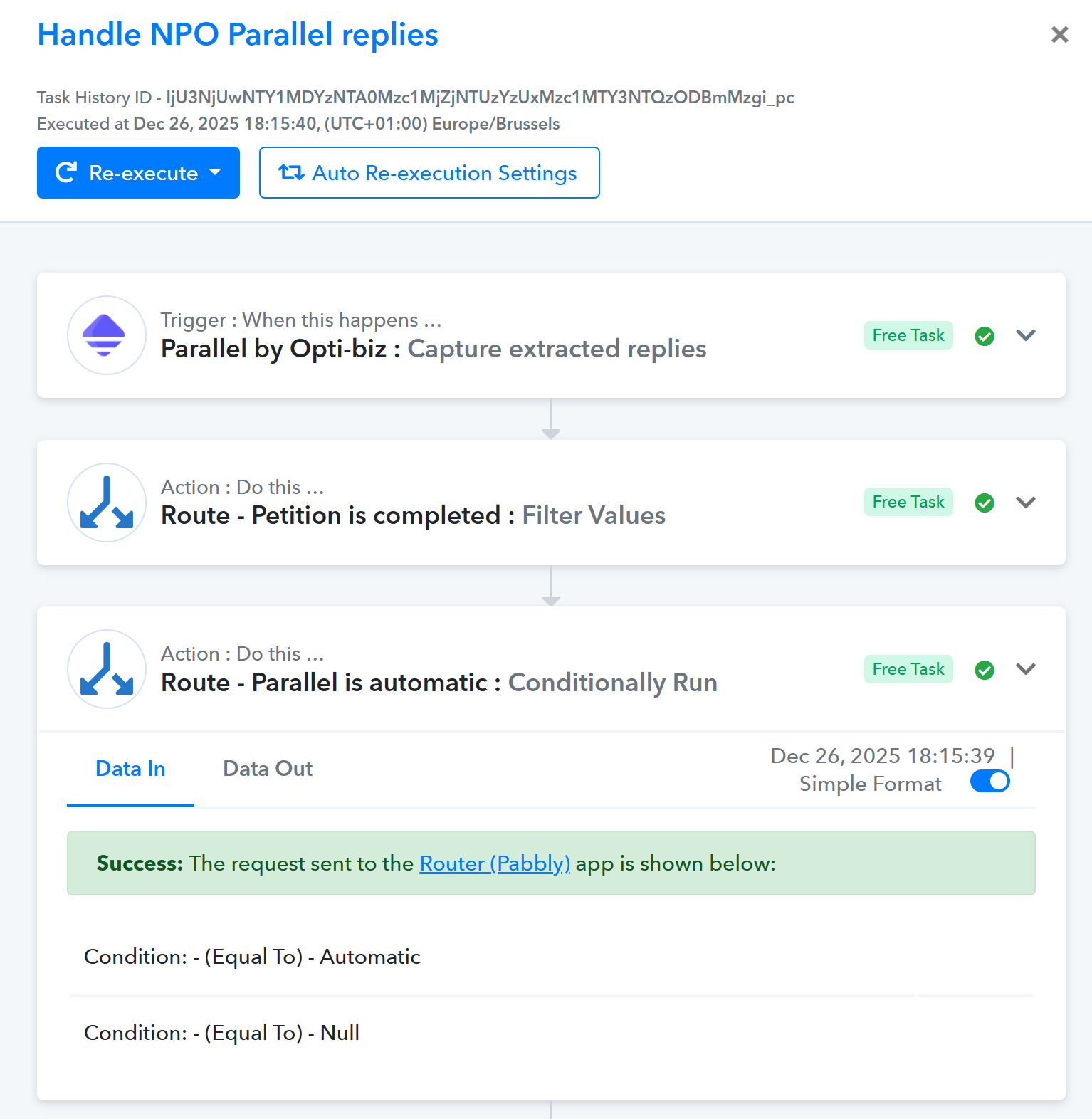
When looking in more detail, I see in history that this step does not seem to have the operators saved properly
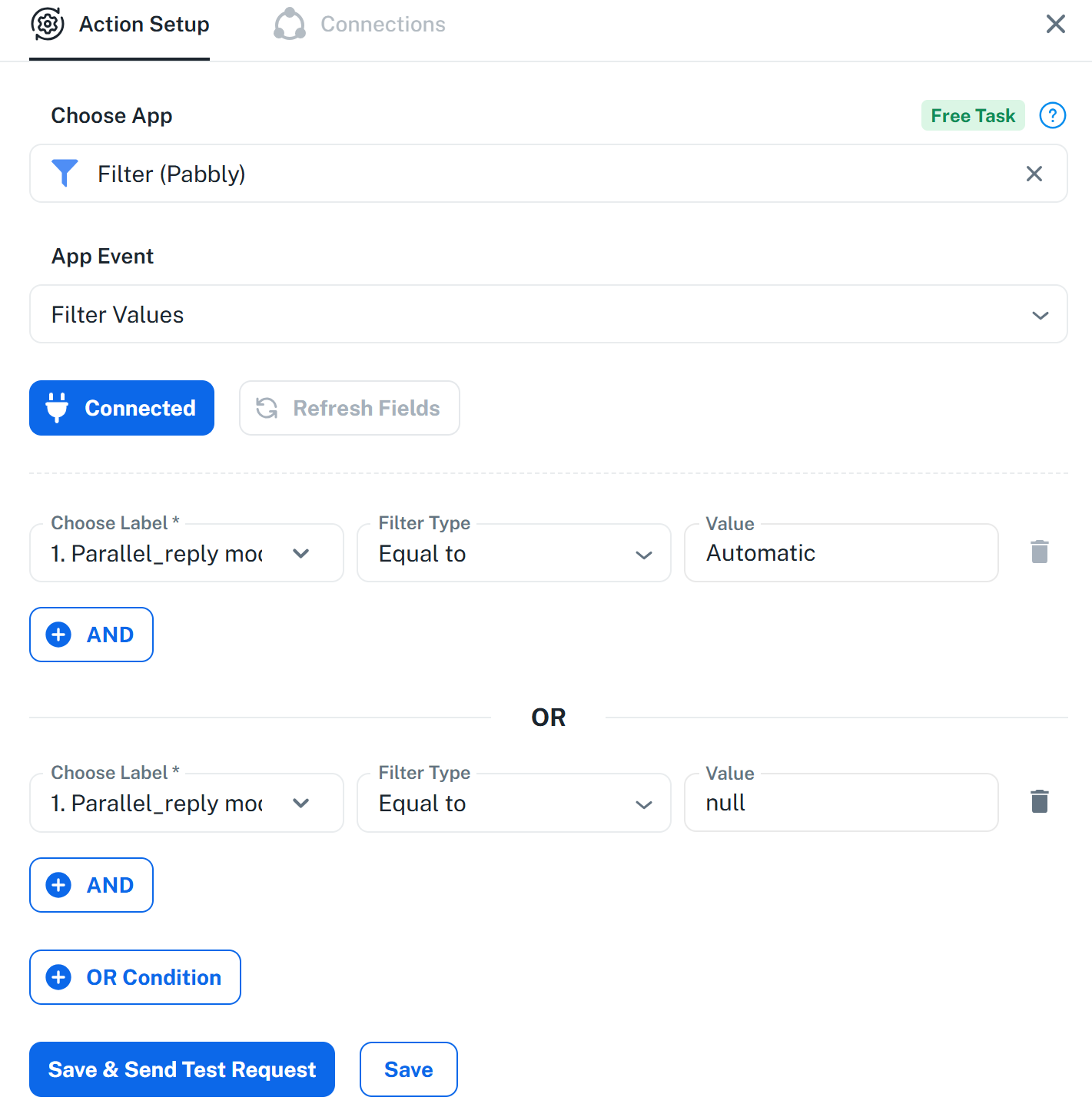
Here is what is configured
But in workflow history, the labels have disappeard, hence the "false" result in all situations.
I tried to save again the steps, but it does not help. Can you please take a look and halp me fix this ?
Hello @opti-biz,
We have escalated this issue to our technical team for further review. Please allow us some time and once we receive an update from their end we will get back to you.
Hello @opti-biz,
Could you please perform the trigger event for this workflow, so we can check a latest task execution. Once done let us know.
Hello
You can use today's execution Dec 27, 2025 08:00:04, (UTC+01:00) : IjU3NjUwNTY1MDYzNTA0Mzc1MjZiNTUzNjUxMzM1MTYzNTQzMzBmMzEi_pc
Hello,
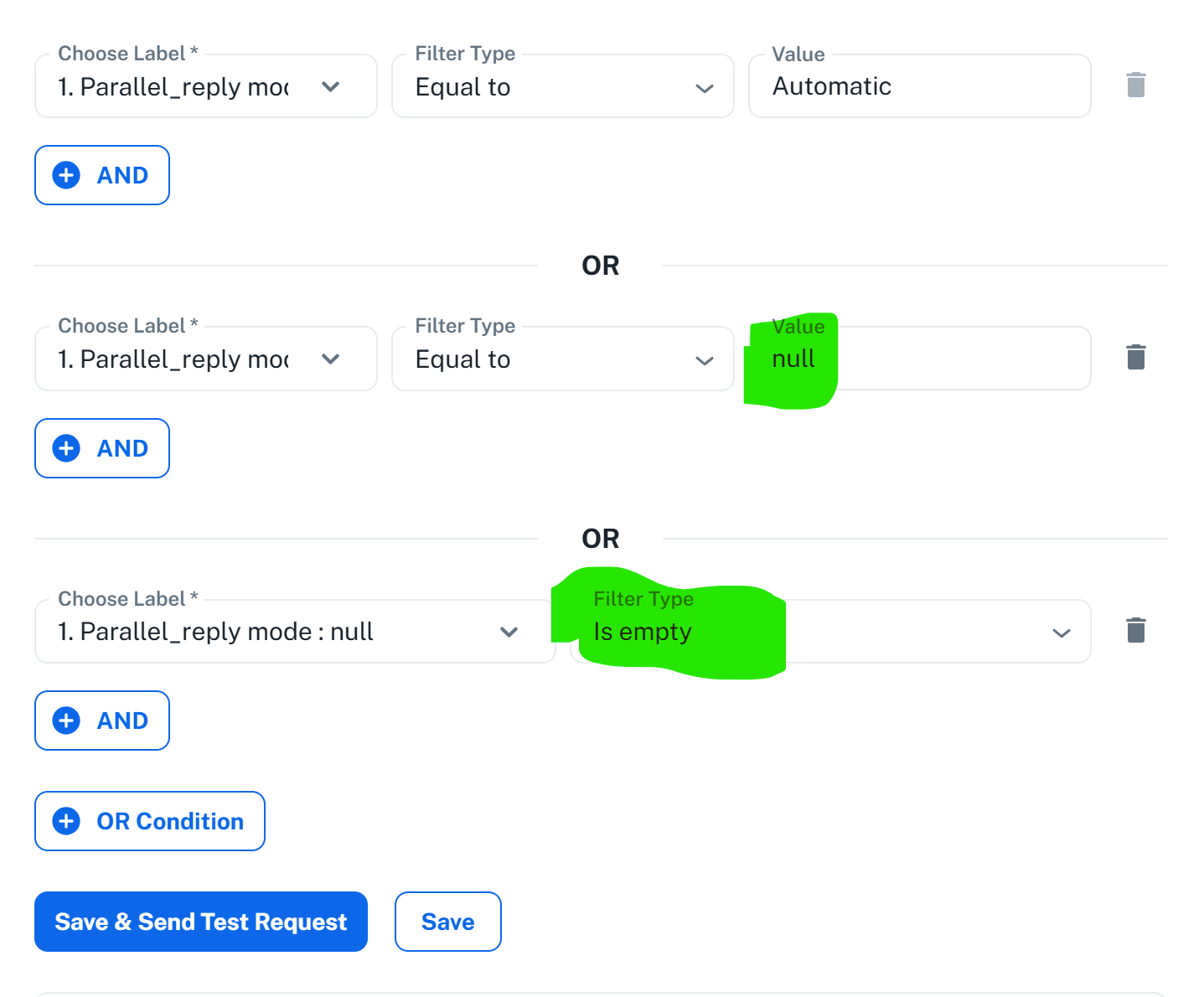
I have updated my filters, and it now works as expected.
My filters were containing a condition for record = null; now I have added a condition saying that this field "is empty", and it works.
For some reason, sometimes I get the input data = null, and sometimes empty info, but if I put both in the conditions it works fine.
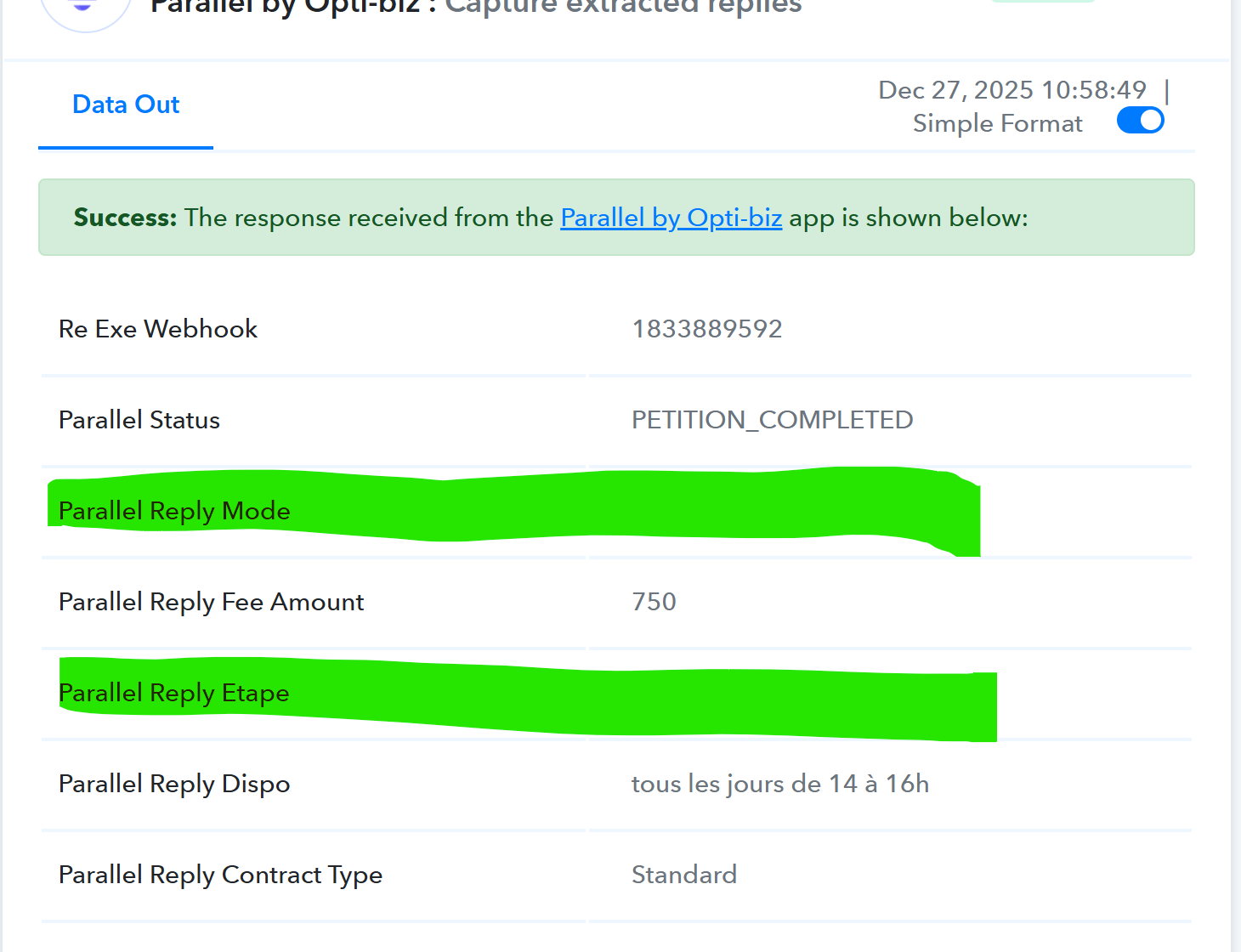
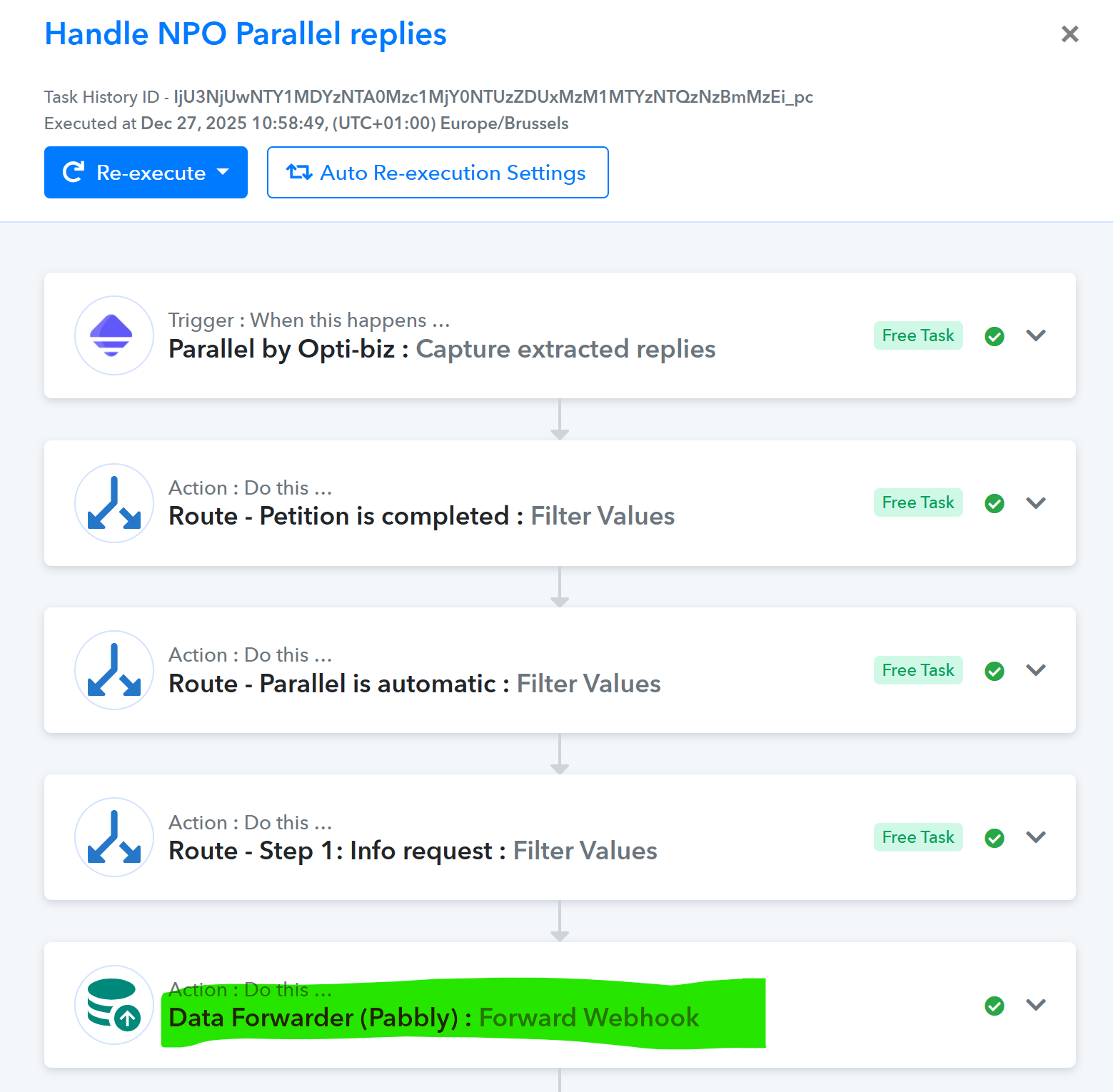
Hello @opti-biz,
Thanks for sharing the task history ID. We have escalated this to our technical team. Once we hear an update from them we will get back to you.
Hello @opti-biz,
Thanks for the update. Glad that the issue has been resolved.
Hello,I have updated my filters, and it now works as expected.
My filters were containing a condition for record = null; now I have added a condition saying that this field "is empty", and it works.
For some reason, sometimes I get the input data = null, and sometimes empty info, but if I put both in the conditions it works fine.