Salad Transcription API Problem
Status: Open · Asked by Karim Shindy on · 0 views
When sending an audio or video file to Salad Transcription API
the results come out empty in srt
and I contacted them about this problem and their response was as follows:
Thank you for contacting Salad Transcription support.
It appears that the SRT parameter is missing from your Pabbly integration. Please add the missing parameter, or contact Pabbly for additional support.
Attachments
Hi @karimsalah,
Could you please share the API documentation of the endpoint you are trying to execute in API by Pabbly module? Also, share the Workflow URL where you have attempted to execute this endpoint.
This application is made by pabbly team to integrate with it. What do you want me to do? I did not understand you.
Attachments
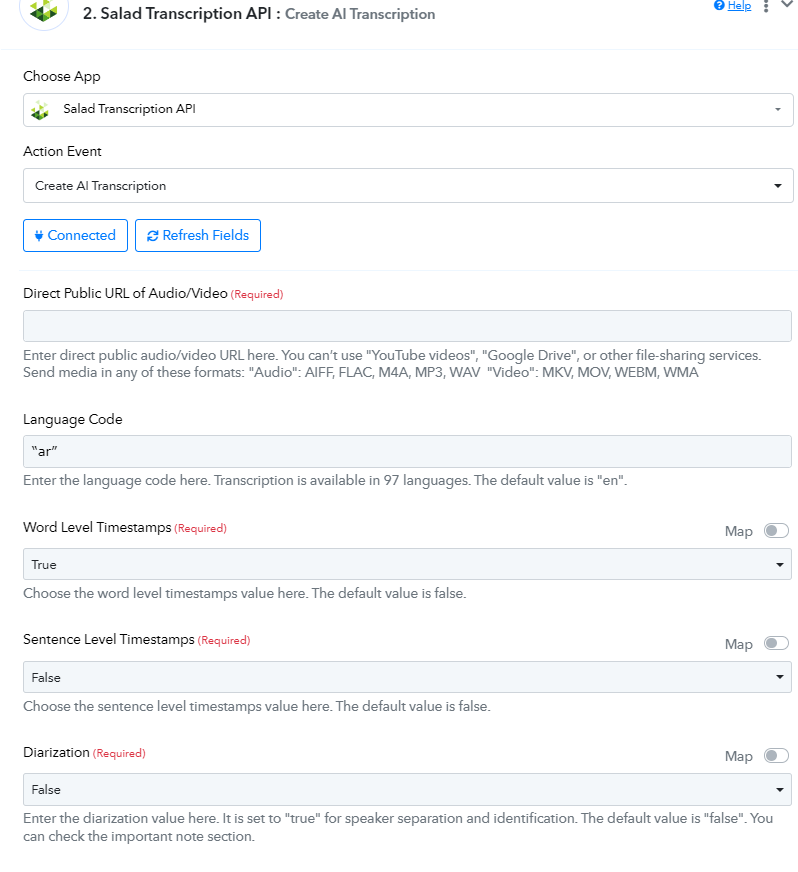
Please share the Workflow URL in which you have this concern.
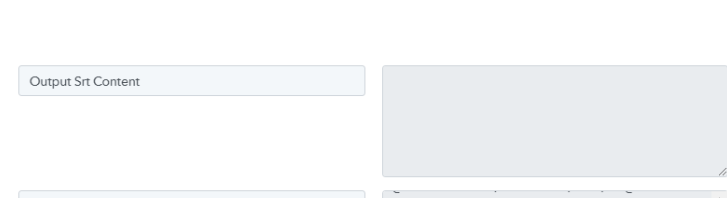
You can see that the Output Srt Content field is empty.
Hey @karimsalah
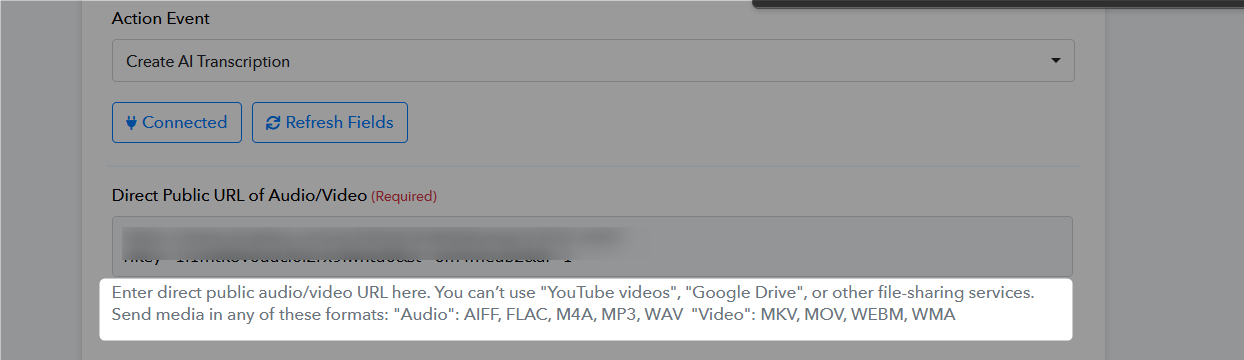
It appears from your workflow that you are using a .mp4 file for the video, but according to the API, the supported video formats are MKV, MOV, WEBM, and WMA. For audio files, the acceptable formats are AIFF, FLAC, M4A, MP3, and WAV.
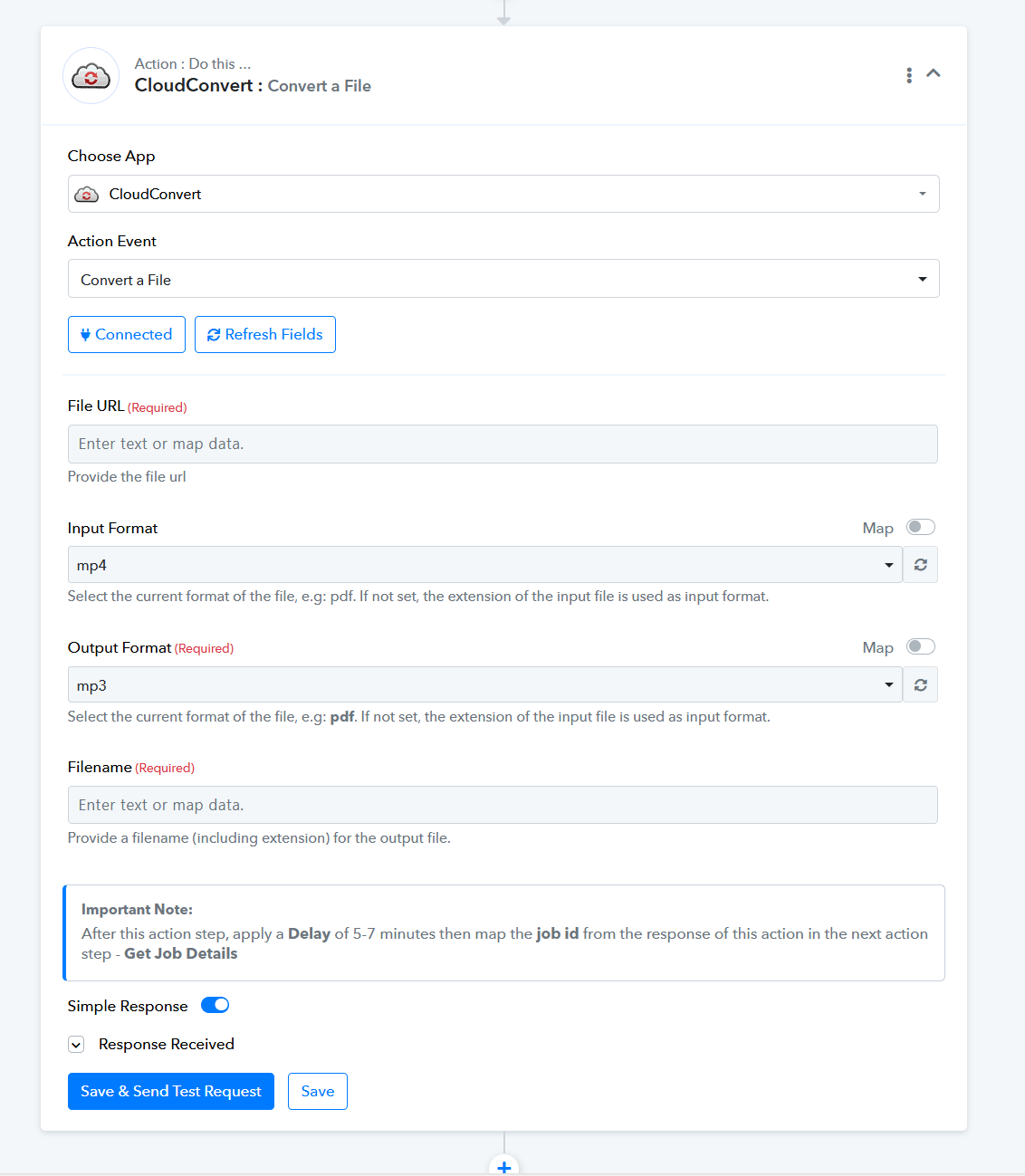
You can either pass the file in the accepted format or convert the .mp4 file to a format you're comfortable with using the Cloud Convert action step.
@ArshilAhmad @Supreme
Even with MP3 files it doesn't work either
Please review the problem well as I didn't say the process didn't work
It actually works and the text comes out fine
The whole problem is that the text in SRT format doesn't come
I explained the matter well to the application team and they understood the issue and said that the problem is from the pabbly team
This matter must be reviewed so that the text comes out twice, once in normal format and once in SRT format
But unfortunately SRT comes out empty!
Do you understand the problem now?
@ArshilAhmad @Supreme
Even with MP3 files it doesn't work eitherPlease review the problem well as I didn't say the process didn't work
It actually works and the text comes out fine
The whole problem is that the text in SRT format doesn't come
I explained the matter well to the application team and they understood the issue and said that the problem is from the pabbly team
This matter must be reviewed so that the text comes out twice, once in normal format and once in SRT format
But unfortunately SRT comes out empty!
Do you understand the problem now
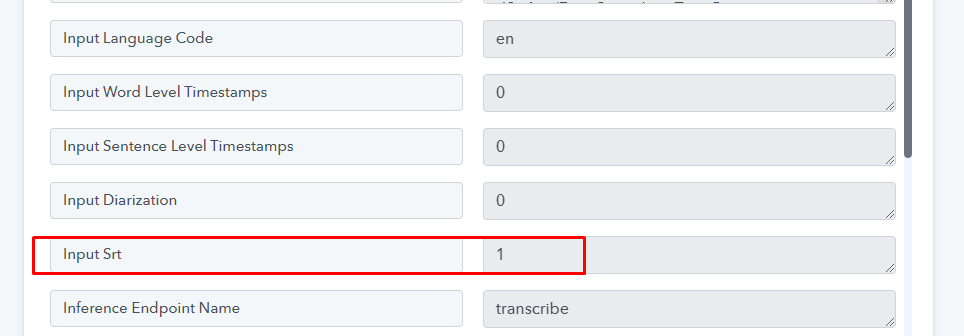
Can you share the screenshot of Data Out or Response of the first salad action step Check if it has SRT value as 1 or 0.
Make sure you have selected SRT as True -

And check if the response shows Input srt as '1'
@Fagun Shah 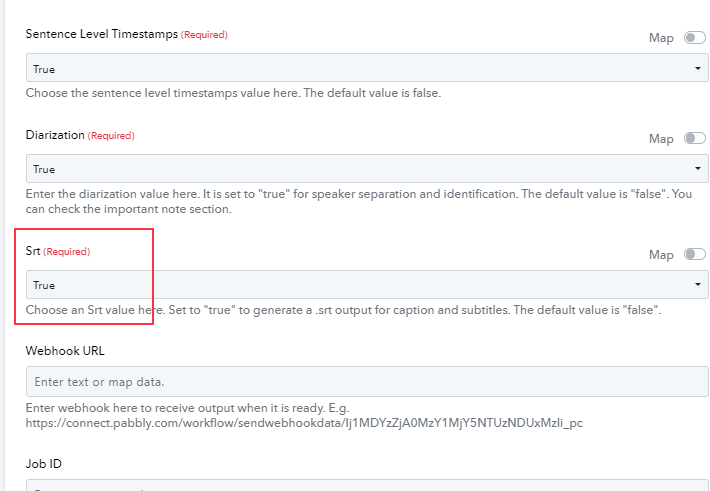
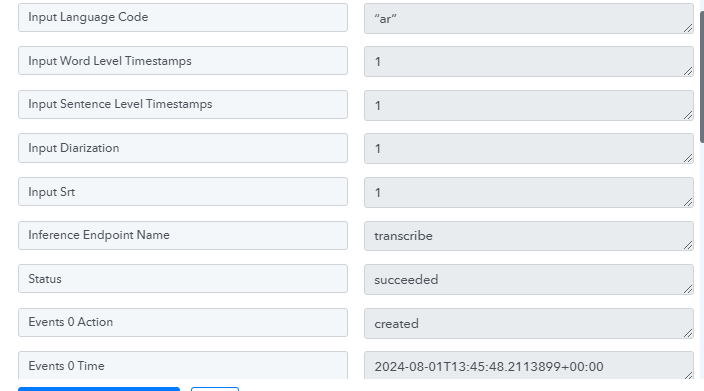
I already set it to true but the SRT comes up empty too. @Fagun Shah
Can check if you try get it by Job Id in next step, it shows Input SRT as 1 or 0
Can check if you try get it by Job Id in next step, it shows Input SRT as 1 or 0?
Hi Fagun, I have a concern on this. I was able to get the text from the webhook or the response from pabbly delay. However I am using dropbox and how to physically create a txt or srt file from this. I only got the content inside the response, how to create a file though?
I understand that in your sample in google drive, you are using templates and mapping it inside the text however your google drive is not working on my end.
youtube.com/watch?v=KqhY6LZVrB4