Select specific Outlook email account different to my account email
Status: Open · Asked by Liverpool on · 0 views
Hi,
How do I specify which MS365 account to send emails from in Pabbly connect eg. if i have 2 email accounts [email hidden], [email hidden] how do i specify to send from [email hidden].
These MS365 emails are not my account email.
Thank you
Hi @Liverpool,
Please log in to your Outlook account ([email hidden]) and your Pabbly Connect account in an Incognito tab, then establish a new connection with the MS Office 365 application. This will allow you to connect with the '[email hidden]' email address.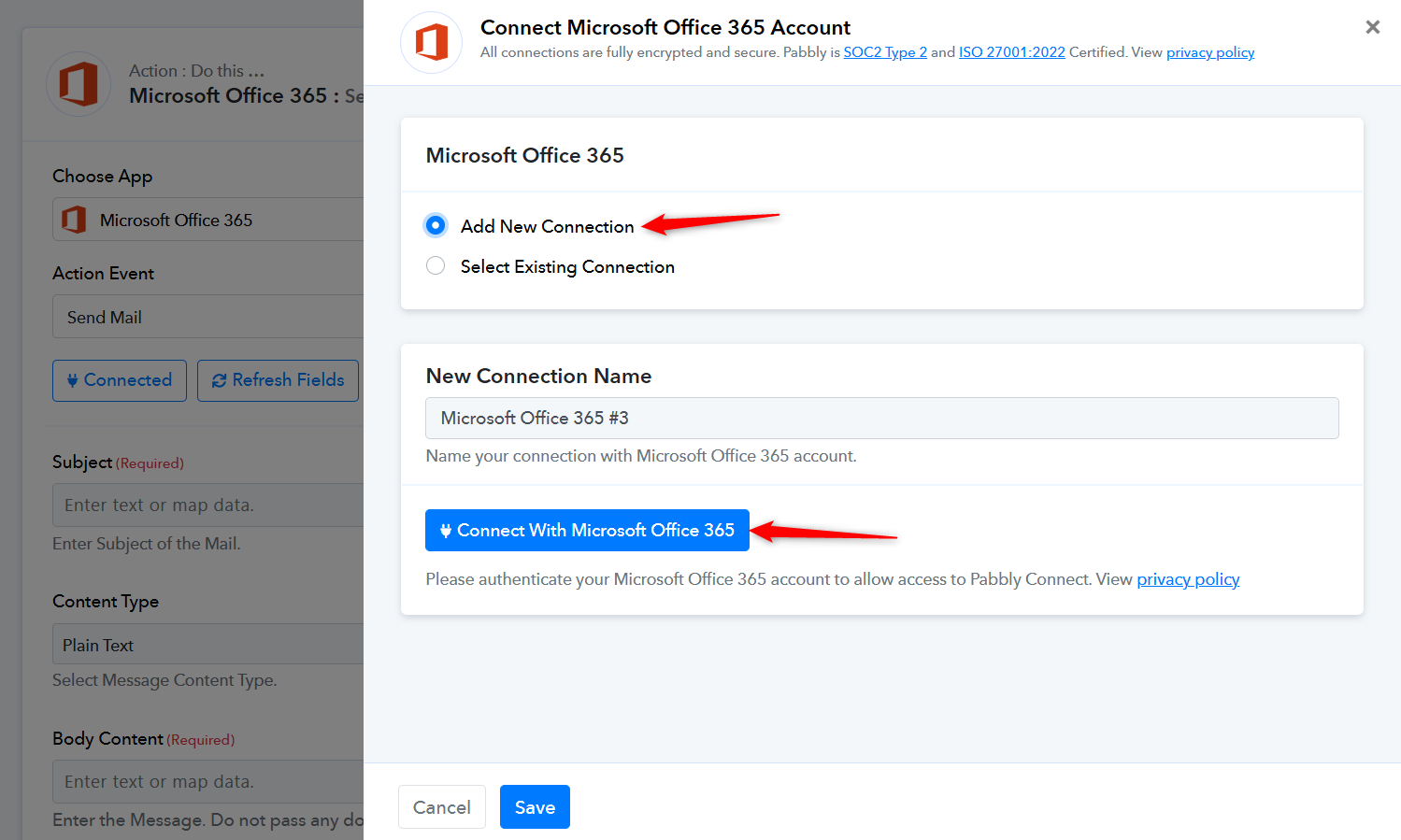
Ok not sure i follow - i use outlook for multiple emails - how do i log in to one of those - they are all active? Office 365 only recognises the account email - other emails are hosted on Ionos and connected to outlook.
We suggest signing in to your Outlook account in an Incognito tab and then connecting it to your Pabbly Connect account. This will allow you to send emails from the connected account ([email hidden]).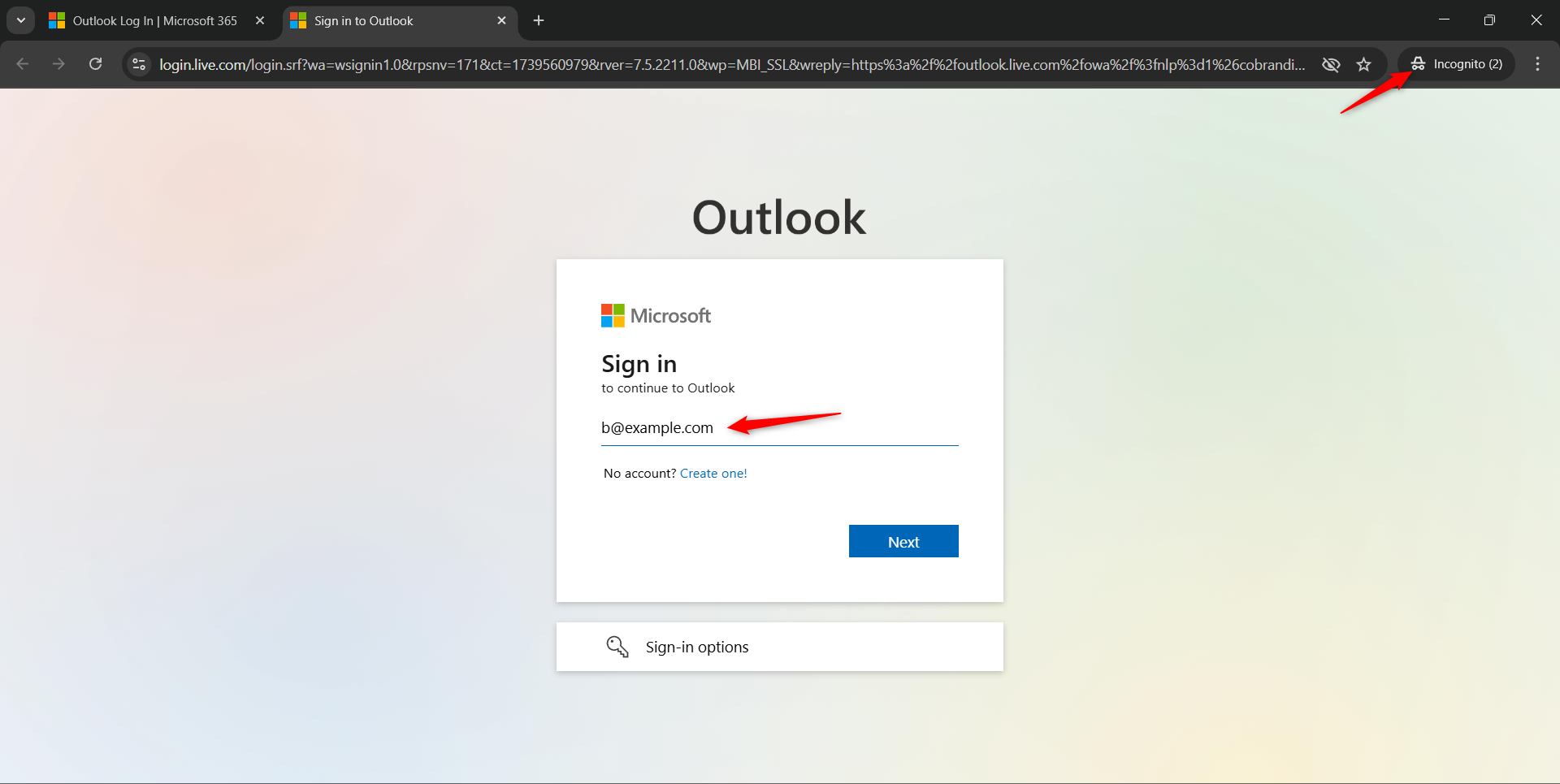
Ok not sure i follow - i use outlook for multiple emails - how do i log in to one of those - they are all active? Office 365 only recognises the account email - other emails are hosted on Ionos and connected to outlook.
Could you please make a short screen recording and elaborate a bit more on this?