Send FacebookLeads to Team
Status: Open · Asked by WFDM Marketing on · 0 views
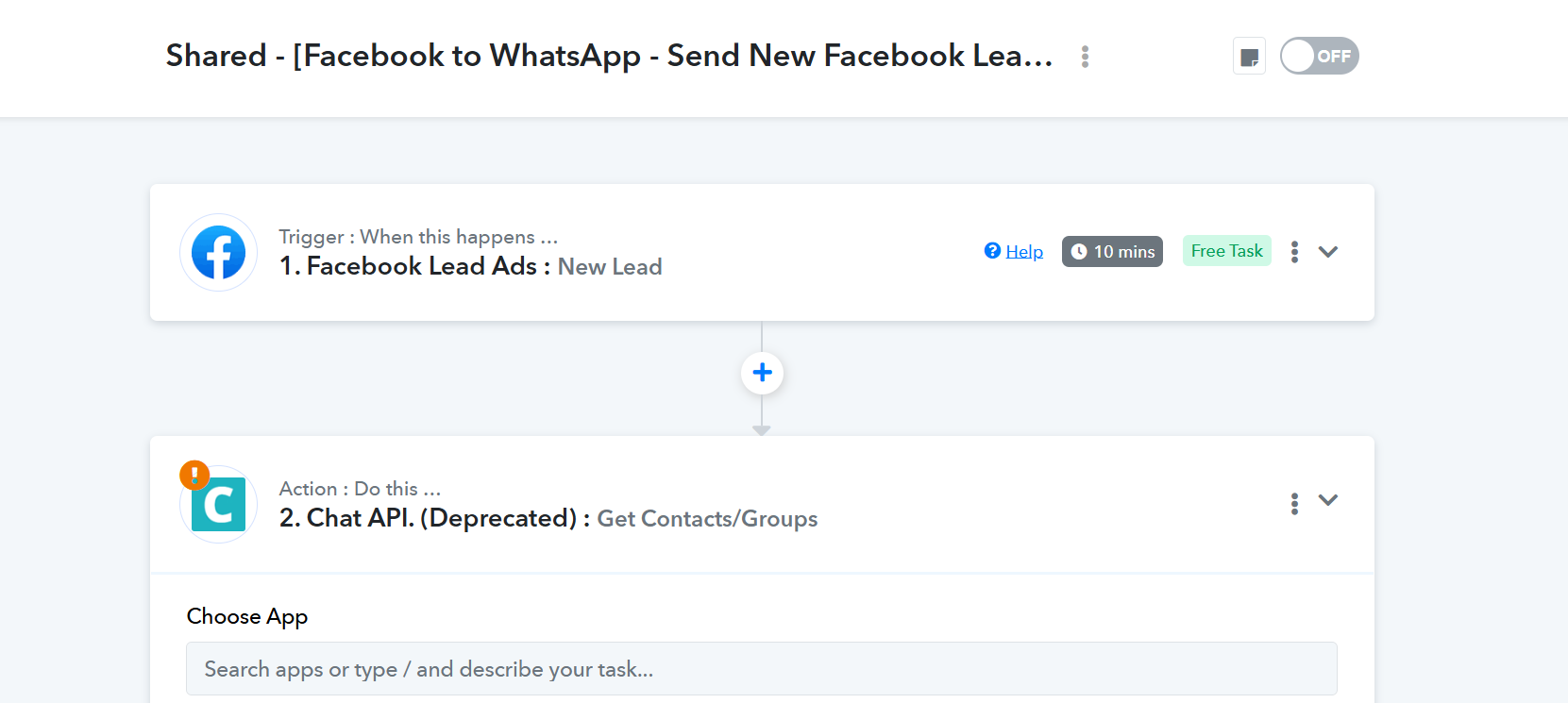
the workflow you have provided as a bonus is not updated with chatflow steps. please guide on how to use chatflow to send daily facebook leads to our team either on a google sheet or as a consilidated whatsapp message
scheduled to run at 1130am IST every day
Hello @WFDM Marketing,
Thank you for pointing this out.
You can send Facebook leads to your team using Pabbly Chatflow in the following supported ways:
Option 1: Send message instantly (real-time)
- Facebook Lead Ads: New Lead → Pabbly Chatflow: Send Template Message
This sends a WhatsApp message to your team as soon as a lead is captured.
Option 2: Save lead and notify instantly
- Facebook Lead Ads: New Lead → Google Sheets: Add New Row → Pabbly Chatflow: Send Template Message
This stores the lead in Google Sheets and sends a WhatsApp notification at the same time.
Daily consolidated message at 11:30 AM IST
You can achieve this in either of the below ways:
Method A (single workflow with delay):
- Facebook Lead Ads: New Lead → Google Sheets: Add New Row
- Delay until next day 11:30 AM IST → Pabbly Chatflow: Send Template Message
Method B (recommended – two workflows):
- Workflow 1:
Facebook Lead Ads → Google Sheets (Add New Row) - Workflow 2:
Scheduler (Daily at 11:30 AM IST) → Google Sheets (Get Rows, Simple Response OFF) → Iterator → Pabbly Chatflow(Send Template Message)
This will allow you to send a consolidated daily update to your team via WhatsApp.
Please let us know which approach you plan to use, and we will guide you further if required.