Send on event Trigger Not Working in google sheet
Status: Open · Asked by Gaurav Malu on · 0 views
As soon as the data is captured in google sheet through google forms, I have sorted the data in another tab in the same sheet. And have assigned the sheet2 webhook to pabbly connect for the automation. But send on event is not working. It is not sending the data to pabbly coneect for automation.
Link of the Workflow: https://connect.pabbly.com/workflow/share/AEhYagBXUzBTGQRuVAtWcQAUVlJVD1ZrUElWRFVaUChUGVE6BURdNwxAB21VBgFgUBlSOAVZV2sBFQUBAlQFdgYcUlABAlErVBlWZQVAW2gAXlhwAGE#
Sharing you the screenshot from where the data is sent and another screenshot where the data needs to be updated.
Hello @Gaurav,
Thank you for sharing the workflow link and screenshots.
Could you also please share a screenshot showing the initial trigger setup in your workflow? Additionally, kindly confirm if any of the columns (especially the trigger column) contain a formula.
This information will help us better understand the behavior and assist you more accurately.
Looking forward to your response.
Hello @preeti,
Yes sending you the initial trigger setup. (Screenshot attached)
Yes the Trigger column contains a formula. (Screenshot attached)
For Google Sheets, we currently do not support formula-based triggers. The data in the trigger column must be entered either manually or via an API. If the row is updated through a formula, it won't trigger the workflow, and the automation will not run as expected.
Will it work if the trigger column cell value is updated via app script in google sheet?
No, it has to be updated either through the API or manually.
How can i update it through API?
Please allow us some time we will get back to you with the update soon.
What would the update be?
How can i update it through API?
By API, we mean adding data to your sheet through an automation platform like Pabbly Connect. It’s not relevant to your use case.
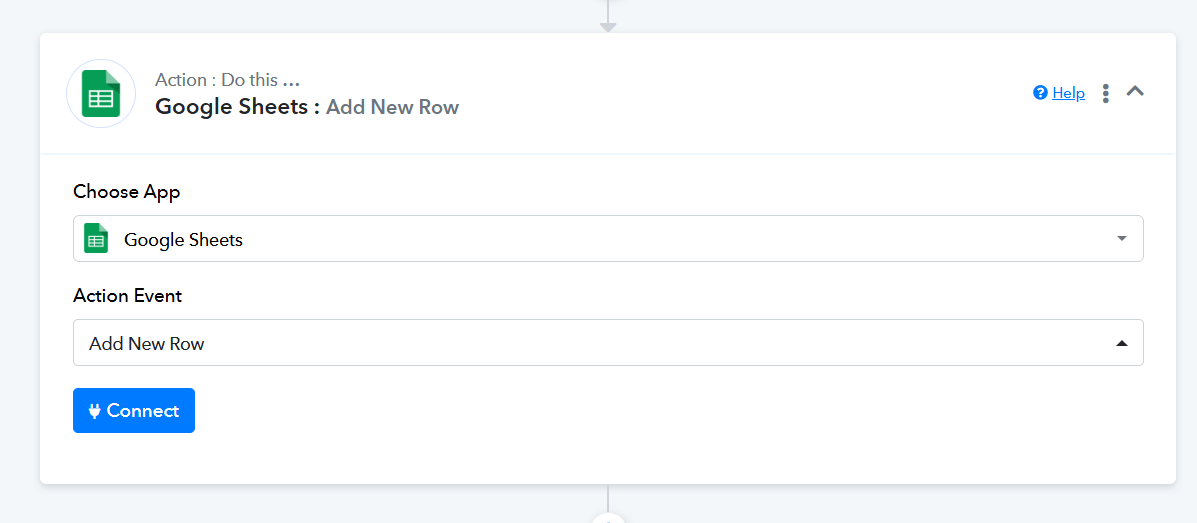
The sheet cannot be updated through a formula or any kind of Apps Script, otherwise the workflow won’t get triggered. You need to add data directly through Google Forms, and none of your columns should contain a formula or Apps Script.