Set Custom Trigger Times
Status: Open · Asked by exponexa on · 0 views
In one of my workflows I am using an Apollo.io trigger that has a "Trigger Time" added to it. Is there a way to either remove that from the trigger so it happens instantly or is there a way to set other trigger times outside what is available?
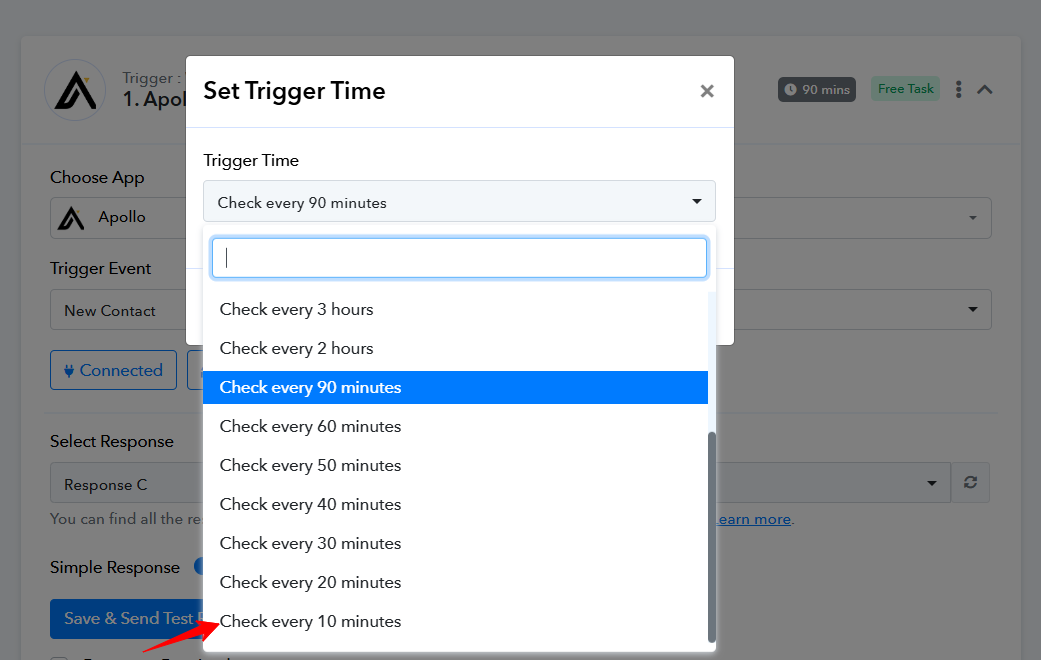
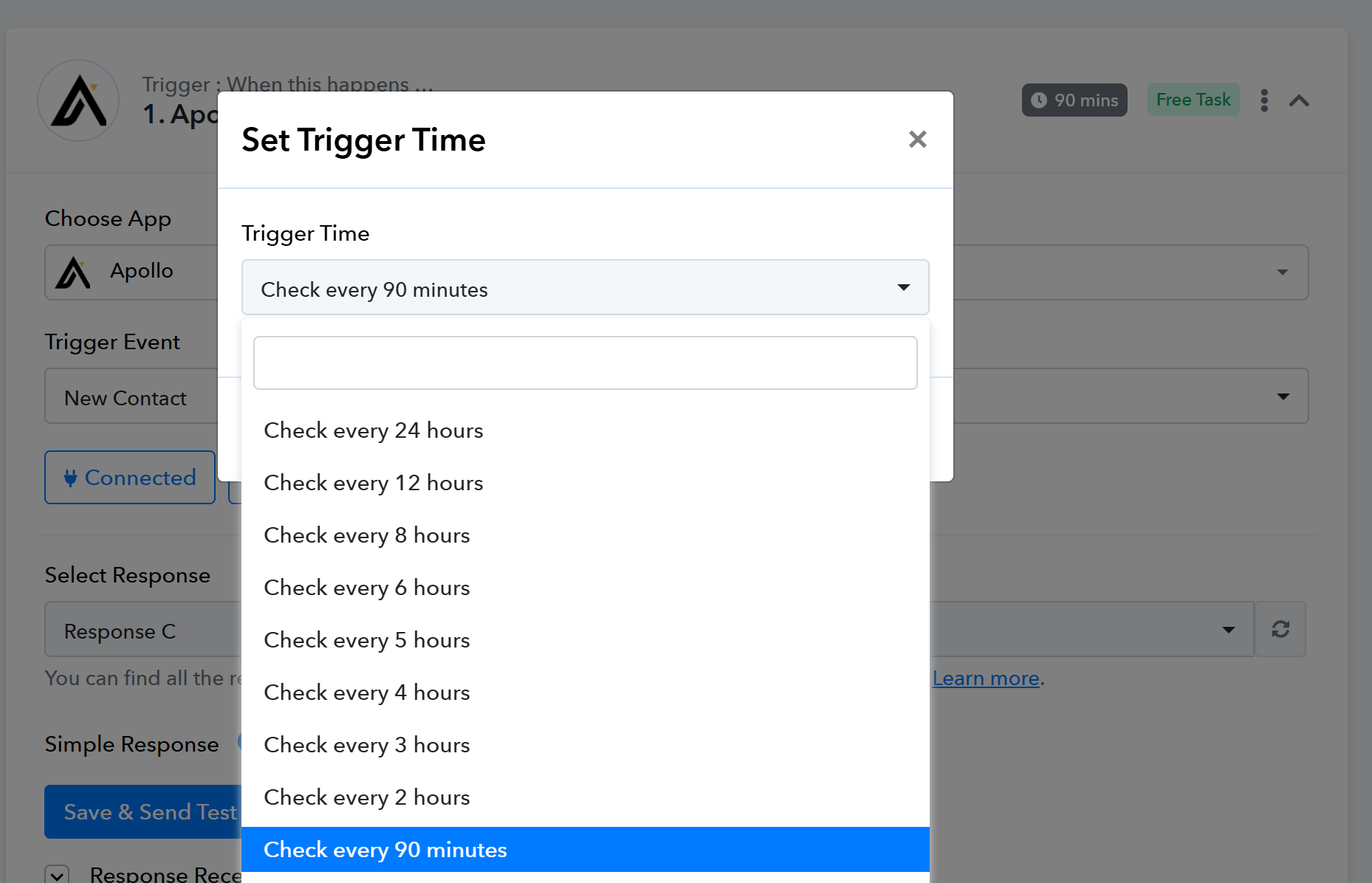
In the workflow when I select the options for the delay on the trigger time the below image is all that is available. However, in the documentation on this page it looks that there are options to add other times, https://forum.pabbly.com/threads/set-trigger-time.21979/.
Hi @exponexa,
Apollo has a polling-based trigger, so it cannot be set up to trigger instantly. However, we can reduce the trigger interval time to a minimum of 10 minutes. If you want the trigger interval time to be reduced for a particular workflow, please share the workflow in this thread.
Hi @exponexa,Apollo has a polling-based trigger, so it cannot be set up to trigger instantly. However, we can reduce the trigger interval time to a minimum of 10 minutes. If you want the trigger interval time to be reduced for a particular workflow, please share the workflow in this thread.
https://connect.pabbly.com/workflow/share/AUlZa1UCVDdQGlc9UwwNKgkdUVUIUVU2VE1SQFBfUChaF1IHAkNfNQ5CByUAUwhpBUwAag9QDGxbT1dTUwUEdwcJCRtQUwB6A05RKgJhXW4BX1lxVTQ#
Is this something that I am able to do or will it be something I should reach out for each time i need it?
Hello @exponexa,
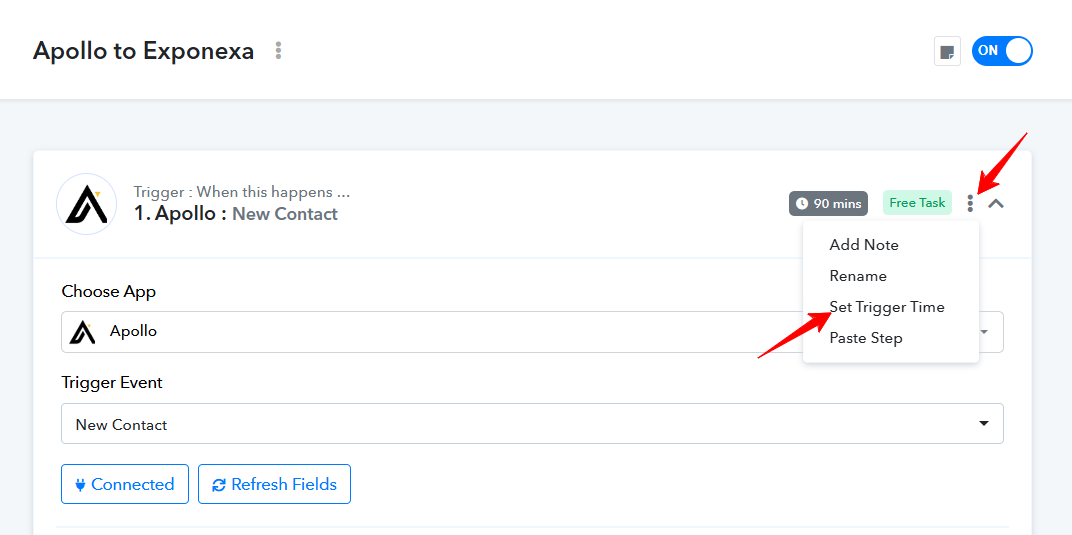
To set the trigger time, click on the three dots next to the trigger step, select the "Set Trigger Time" option, choose your desired time, and save the changes.
Please refer to the attached image for more details.