Shared Mailbox
Status: Open · Asked by Dylan Halliday on · 0 views
Can we send emails from a shared mailbox?
Also, why does Exchange Send Email action force a CC recipient?
Hey @Dylan Halliday
We've implemented a minor update to the Send Email action step, eliminating the need to include the CC field.
Please give it a try and let us know if that helps you.
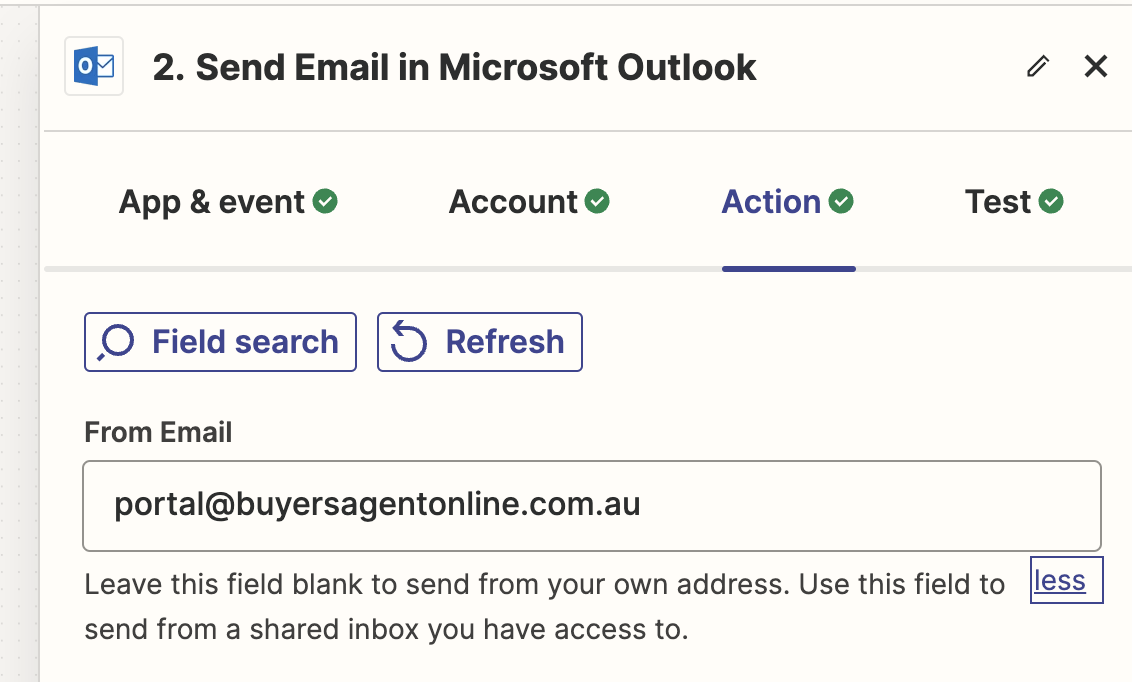
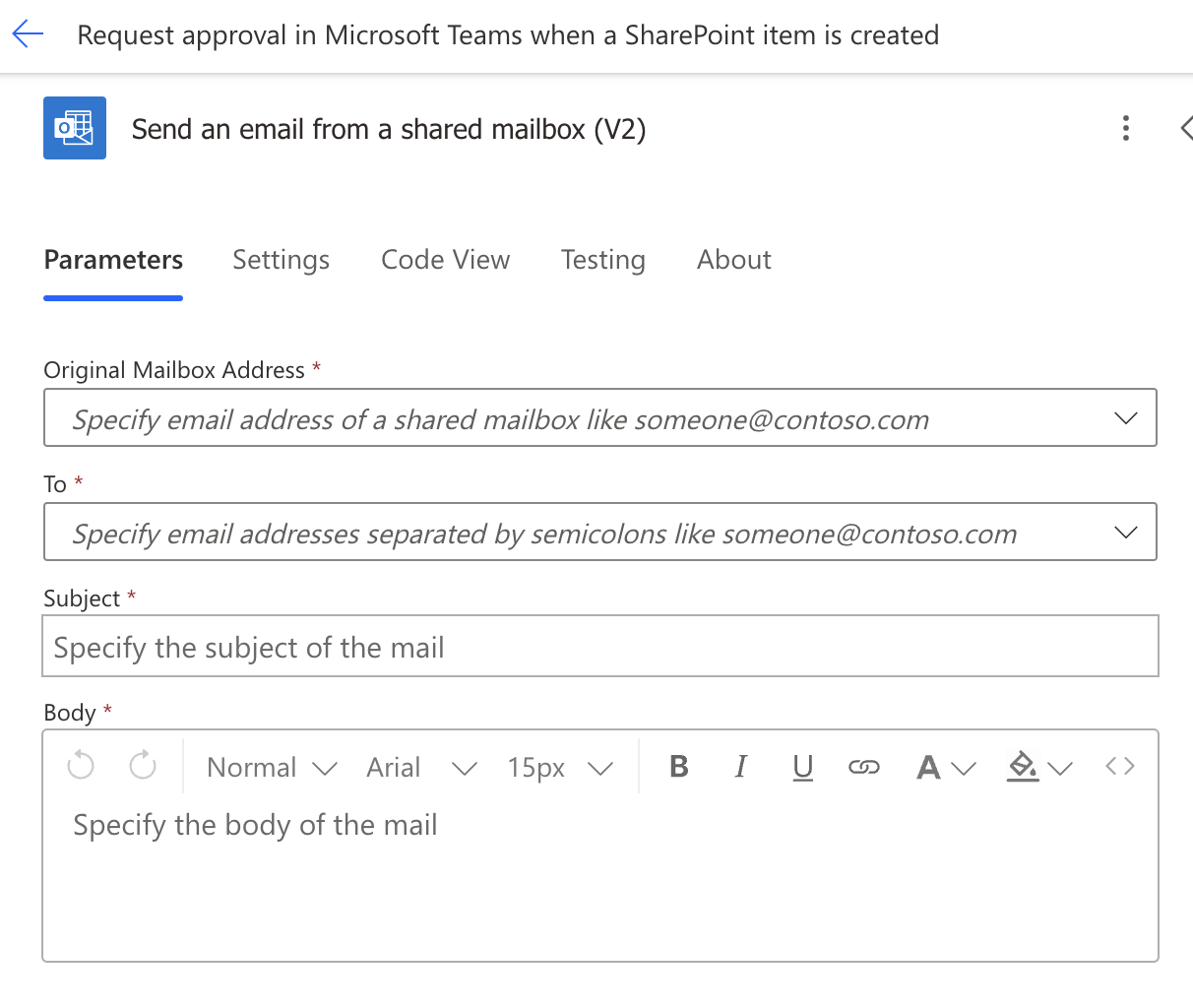
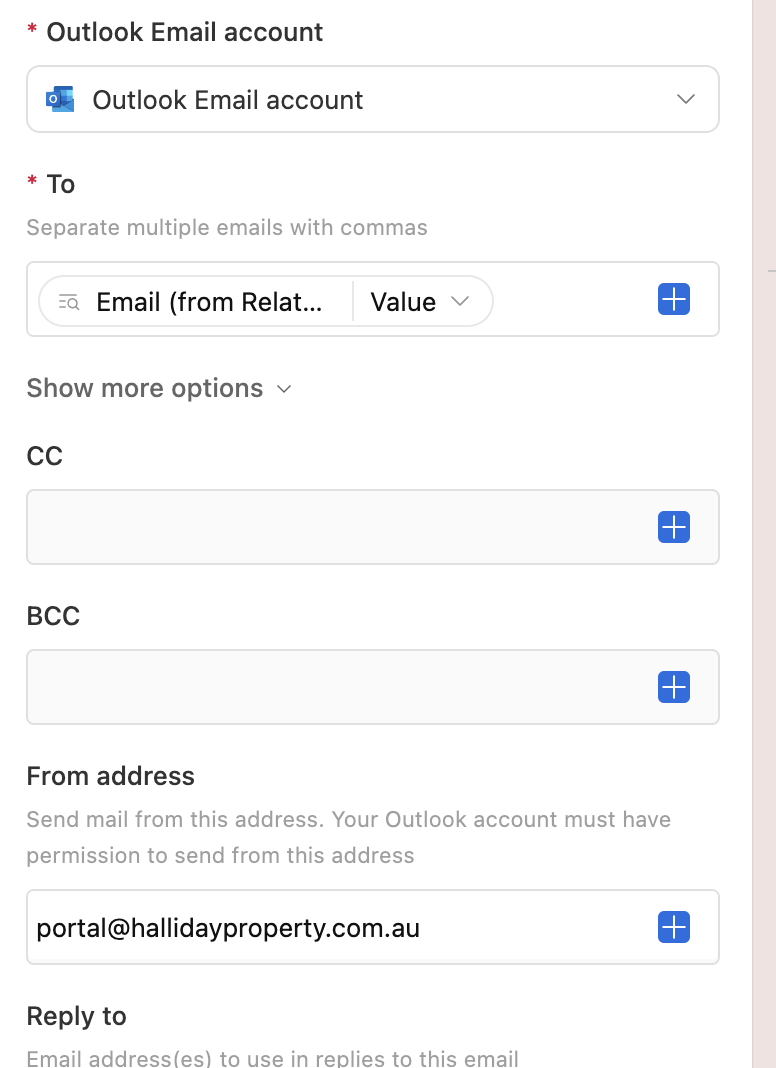
That's perfect thank you. Is there a way to handle shared mailboxes? In other platforms, you just connect your main account and there is a From: field that you can use to send from shared mailboxes and if left blank, it sends from your own mailbox.
Can you please share the reference for the same, so that we can look into it?
Zapier:
Power Automate:
Airtable:
Ok, I have forwarded your concern to the integration team and they will look into it.
Shall notify you with an update soon.
Is there an update about a way to handle shared mailboxes?
Hello @Chris Braas
To better assist you, could you please provide more details regarding your query? This will enable us to identify the issue more accurately and offer a suitable solution.
Hello @Chris Braas
To better assist you, could you please provide more details regarding your query? This will enable us to identify the issue more accurately and offer a suitable solution.
Thanks for the question!
I'd like to trigger a new email in a shared Microsoft Office 365 mailbox, and then also reply to the received email from this shared mailbox.
The feature you are describing is currently not available for MS Office 365 action application in Pabbly Connect. If you would like this feature to be added to Pabbly Connect, you can submit your request on our dedicated platform:
https://roadmap.pabbly.com/b/Update-Existing-Application
Our integrations team will review your request and, if feasible, add the desired feature.