Shopify to Wati - Phone number formatting issue
Status: Open · Asked by expedigit on · 0 views
I need some help with formatting phone numbers for WhatsApp messages. I'm using Pabbly to automate sending WhatsApp messages (Wati) after a Shopify purchase, but customers enter their phone numbers in different formats (with or without country codes).
So currently when I map the "customer default phone number" field to WhatsApp number in Wati, it doesn't always goes to the intended person (due to irregularities in phone number formatting)
Any tips on how to standardize phone numbers and add the correct country code automatically? if it was a google sheet, i'd add a formula like this to fix this:
=IF(LEN(A1)=10,"91"&A1,IF(LEFT(A1,2)="91",A1,IF(LEN(A1)=13,A1,"")))
Any help appreciated!
Hi @expedigit,
You can try using the 'Number Formatter: Format Phone Number' action step to add a country code to the phone number.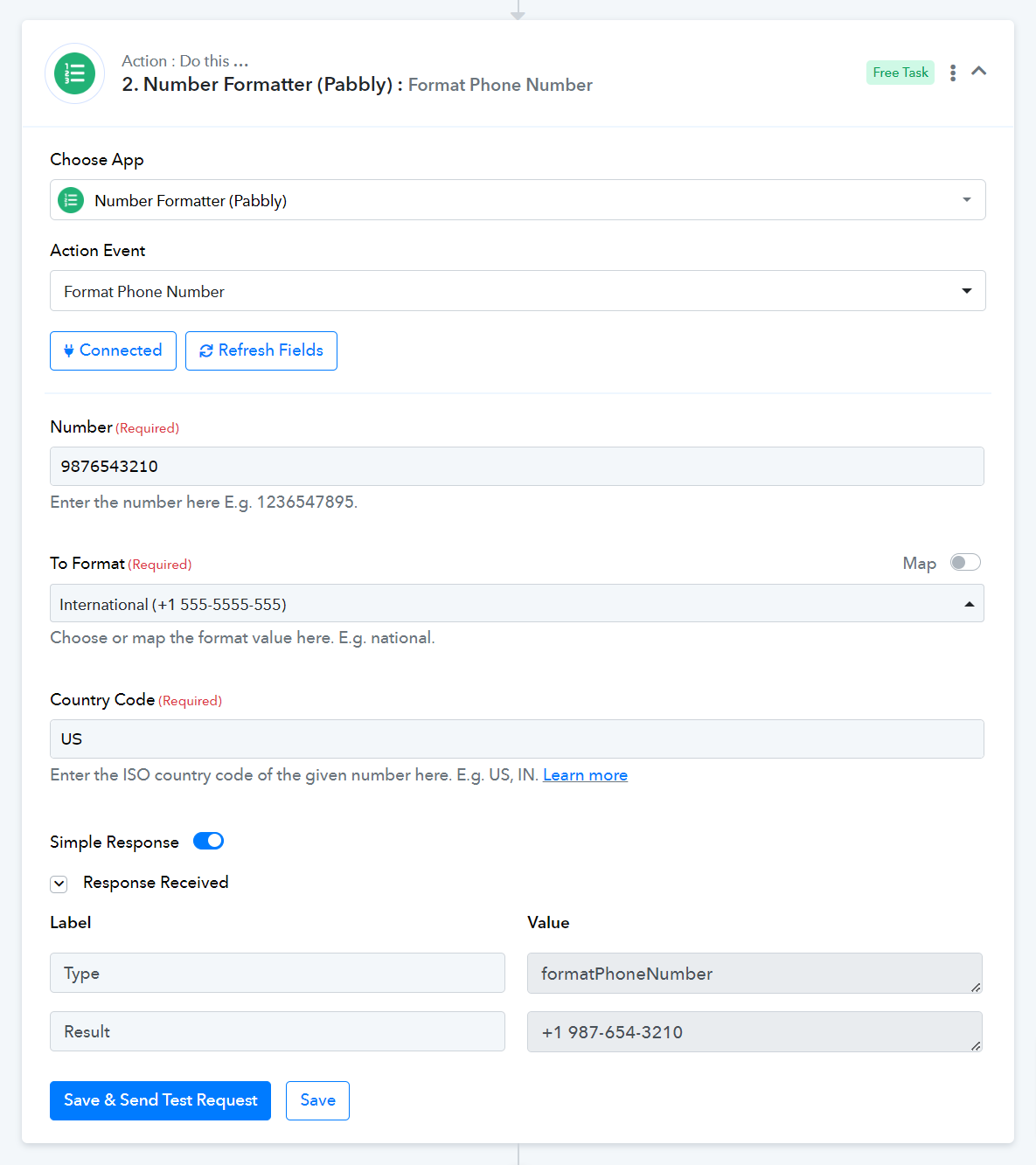
If i do so, the result comes with "+" and country code, or without either. i need without "+" and with country code.
if you can see the screenshot of Wati, it'll be written "Enter a valid WhatsApp number with country code without plus (+) sign. Ex: 919039843231".
Pl shelp me navigate this issue.
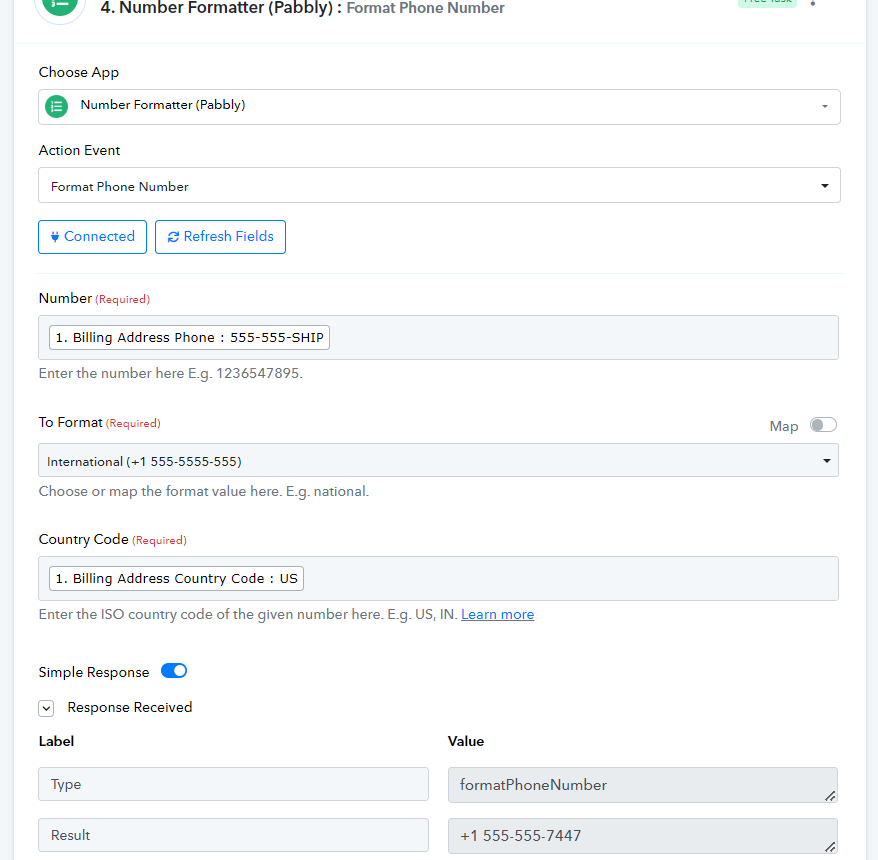
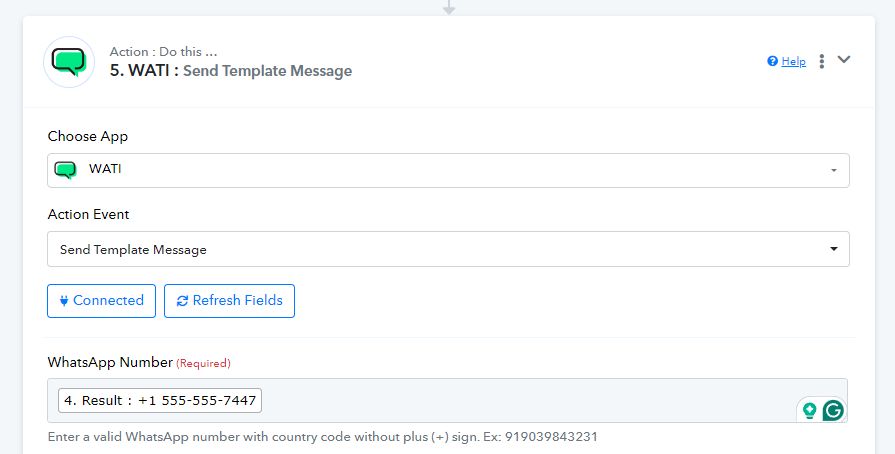
You can use the Text Formatter to remove the '+' sign. Please check the workflow shared below.
I have implemented it. Thanks a lot