Socketlabs integration not working
Status: Open · Asked by solipsist on · 0 views
Reports "invaliddata" which according to the API docs (https://docs.socketlabs.com/#8649292e-6b30-4fd2-8050-907897ffd959) means:
InvalidData - PostBody parameter does not have a valid structure, or
contains invalid or missing data.
Look under "Delivery Return Codes" in the docs.
Pabbly: Please check that your Socketlabs integration is still working. Socketlabs's API keeps changing.
Did some digging.
The issue is that some of the fields are not properly encoded, so they cannot be used in the HTML Body field as they are.
The Socketlabs integration needs to properly encode the data in the HTML Body and Text Body fields.
Secondly, the HTML Body field does not allow new lines. Again, the integration should properly encode the data and strip new lines.
I've confirmed it's line breaks that cause the "invaliddata" error.
Bug report to your devs: Socketlabs integration does not properly encode the field for message body, leading to a failed request in case one or more new lines are used in the HTML Body field.
Hey @solipsist
Kindly provide us the workflow name in which you are getting issues.
So we can check on it and guide you further.
I cannot publicly due to privacy but here's the URL, so you can look up the hash or ID:
https://connect.pabbly.com/workflow/mapping/IjU3NjUwNTZlMDYzZTA0MzY1MjY4NTUzMDUxMzAi_pc
I am unable to find the InvalidData - PostBody parameter does not have a valid structure, or contains invalid or missing data error you are referring to, in the workflow you have shared.
I am unable to find the InvalidData - PostBody parameter does not have a valid structure, or contains invalid or missing data error you are referring to, in the workflow you have shared.
That is from the socket labs api docs. I had to try to figure out what “invaliddata” (the error message pabbly gave me) means. So I looked it up. Please re-read this thread and it will make sense.
As I wrote, here’s the issue for your devs:
The socket labs integration does not escape new lines in the body html field (probably true for the body text field too…)
How do I know? I managed to work around it by deleting all new lines in that field.
Hey @solipsist !
Kindly provide us with the screenshot of the concern, in which you have received the error?
Accordingly we can further investigate on the concern and guide you on it.
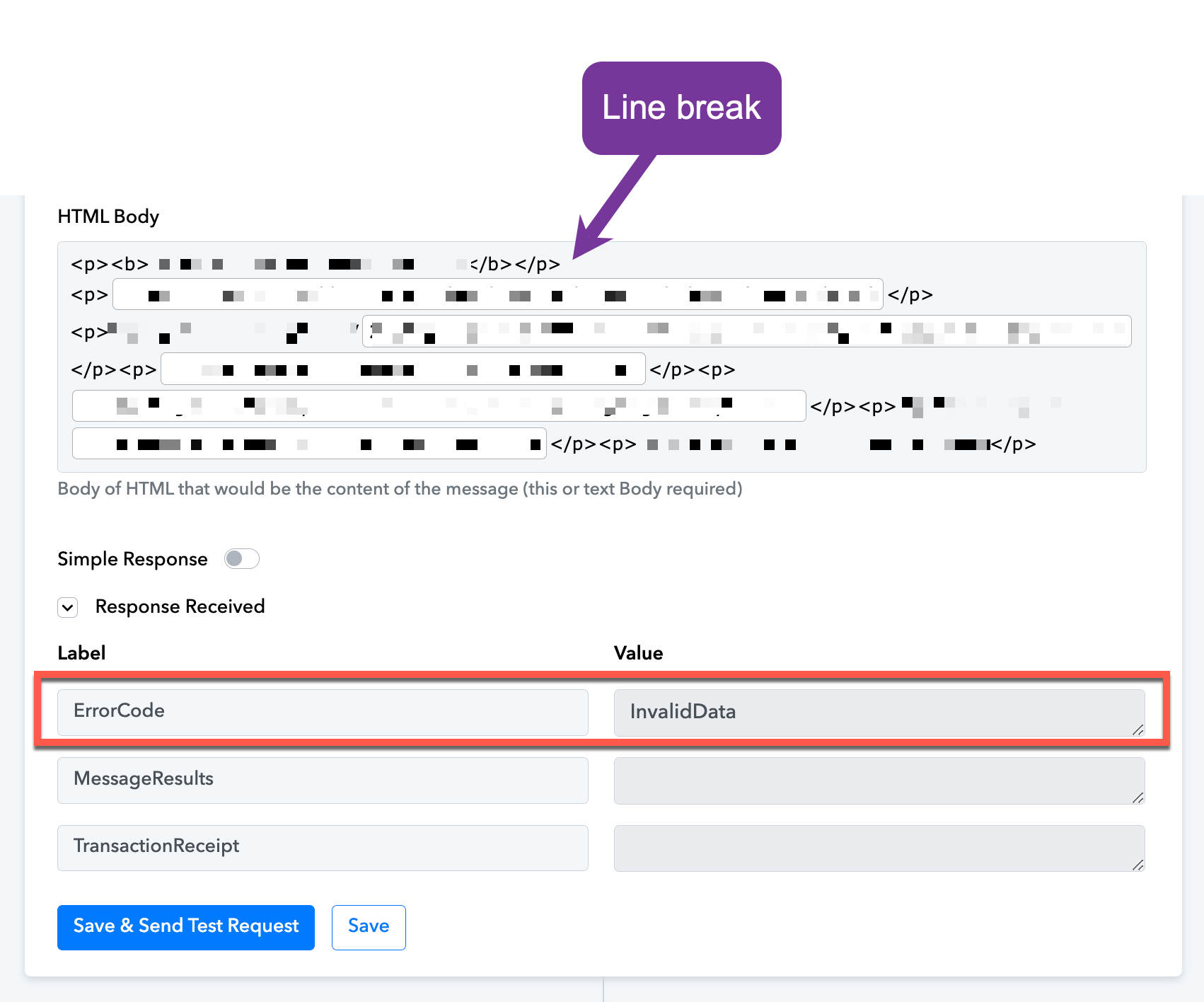
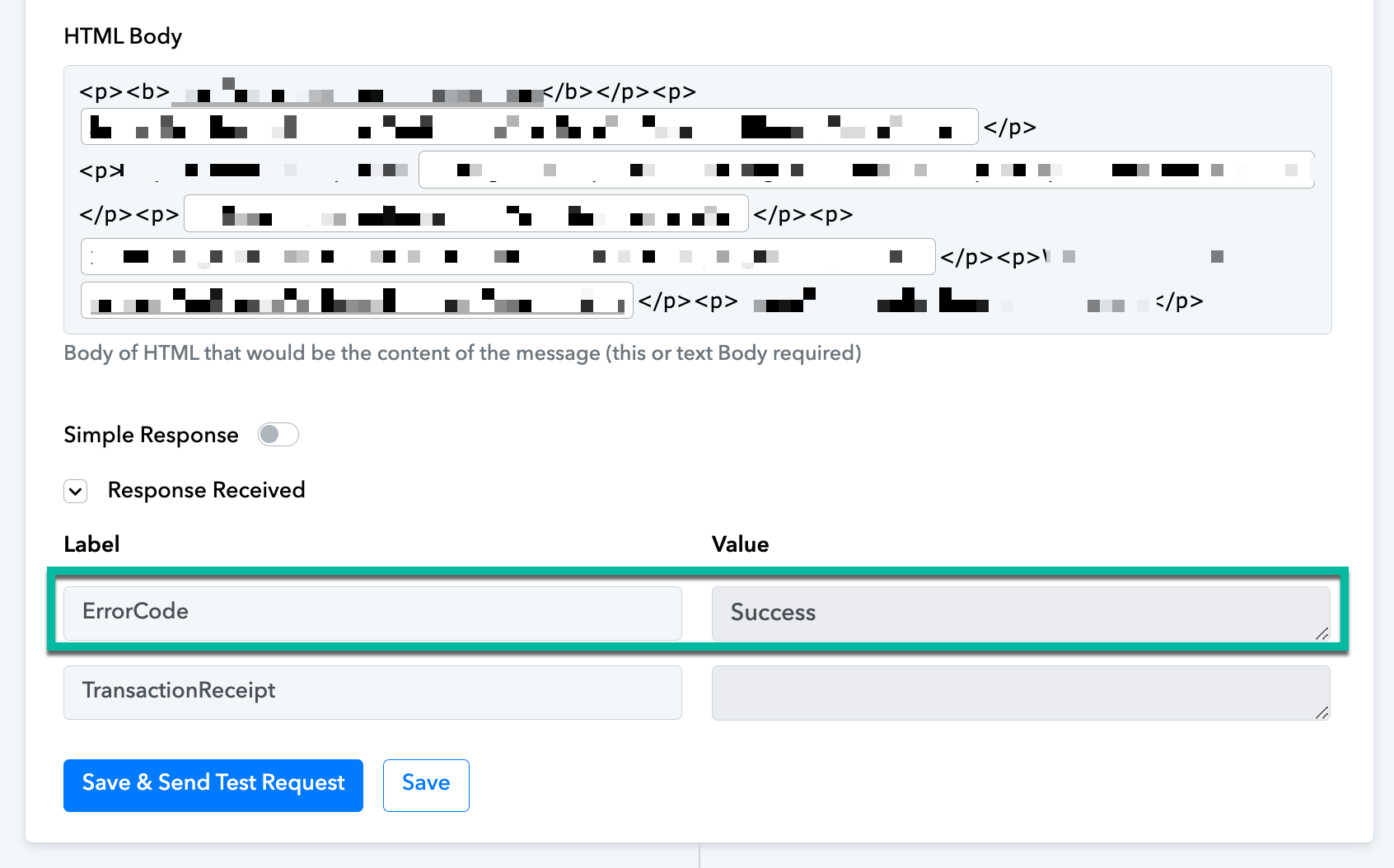
Please fix this poorly written Socketlabs integration code.
Please try using a
tag to insert a Line Break and see if that fixes the issue for you.
That does not fix the issue.
Creating line breaks is not a problem. I'm using p tags as you can see.
The problem is that the field is extremely unforgiving to the user. Nowhere does it say you cannot put line breaks. But even so, the way your components are designed, line breaks are almost impossible to spot. If a line break or newline is present, the integration simply fails with the obscure error "invaliddata" (see above).
All of this can be avoided if you simply stripped or escaped line breaks (\r) and newlines (\n), in your code.
Ergo; the integration with Socketlabs is broken.
Please fix your code.
Please allow me some time to discuss this with my technical team. We will get back to you with an update soon.
Two years on... still waiting :D
Apologies for this. It appears the escalated issue was not reviewed earlier. We have now made improvements to our escalation process to prevent this from happening again.
Your concern has been forwarded to our technical team once more, and we will update you as soon as we receive a response from their end.
In the meantime, could you please create a new connection with your SocketLabs account? Your current connection has expired, which is causing the “InvalidAuthentication” error.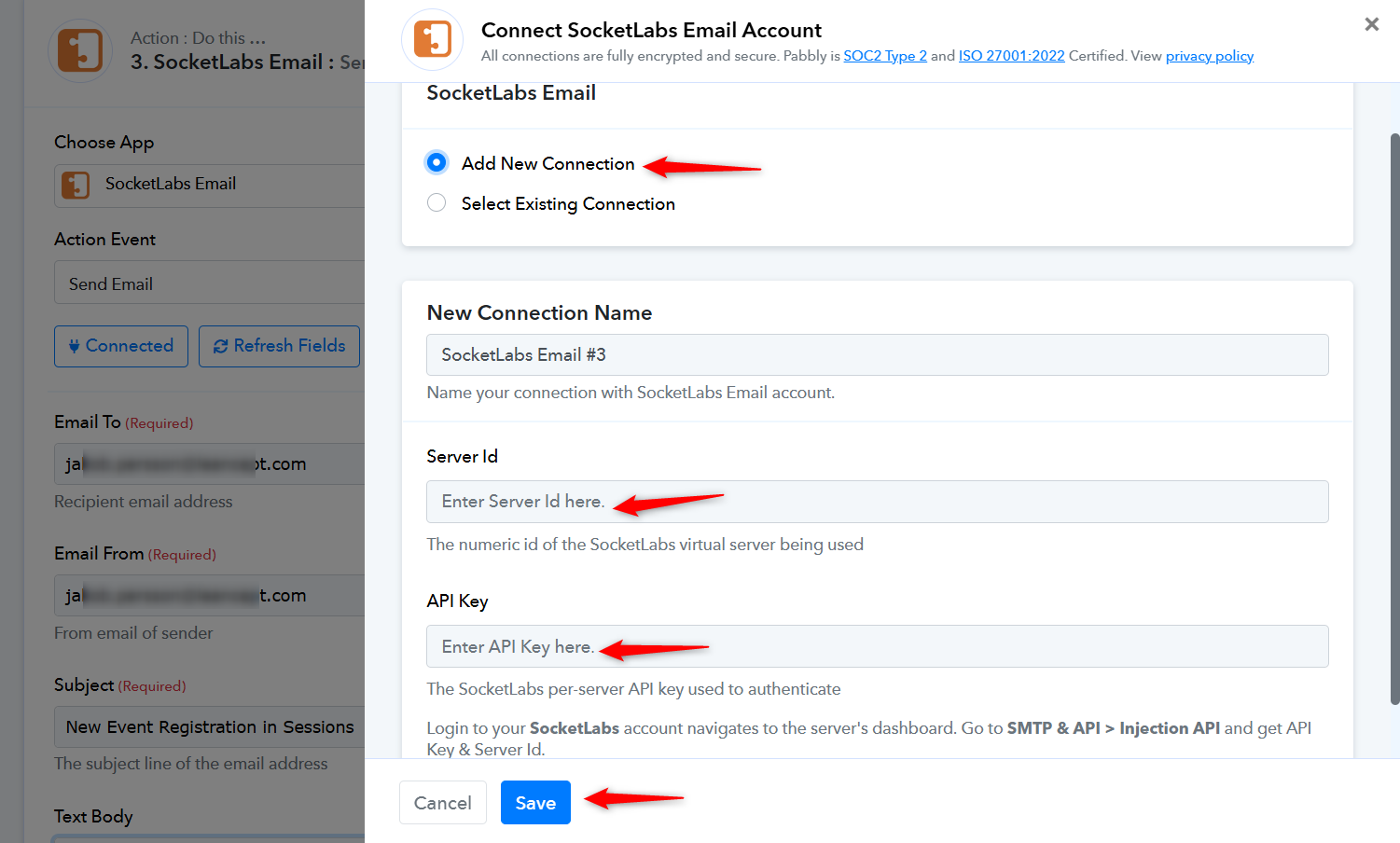
Thanks & Regards,
Arshil Ahmad
Customer Support Associate
? Pabbly.com
?Rate your support
Hey @solipsist,
The reported issue has now been resolved. Kindly test it from your end and let us know how it goes.