Sorry we could not fetch the image.
Status: Open · Asked by david79 on · 0 views
Hello I am trying to do an automation with Googlesheet and Pinterest when I launch the automation error message Sorry we could not fetch the image. my file is a google drive can this come from the google drive url thank you and if so how to solve the problem thank you
Hello @david79,
It seems that the image URL you have mapped from the trigger response is not a publicly accessible URL, which is causing this issue. Please ensure that the URL you map is publicly accessible to avoid this problem. You can use a "share with anyone" link from Google Drive or a similar service to make the URL publicly accessible.
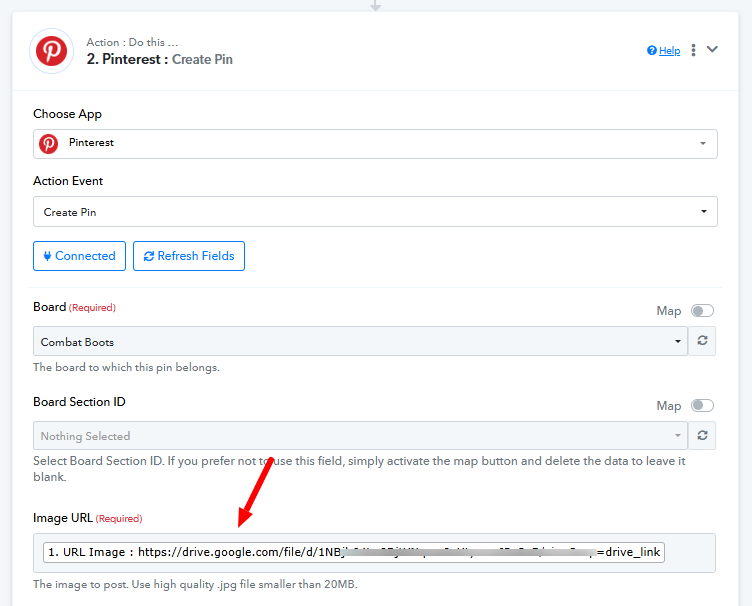
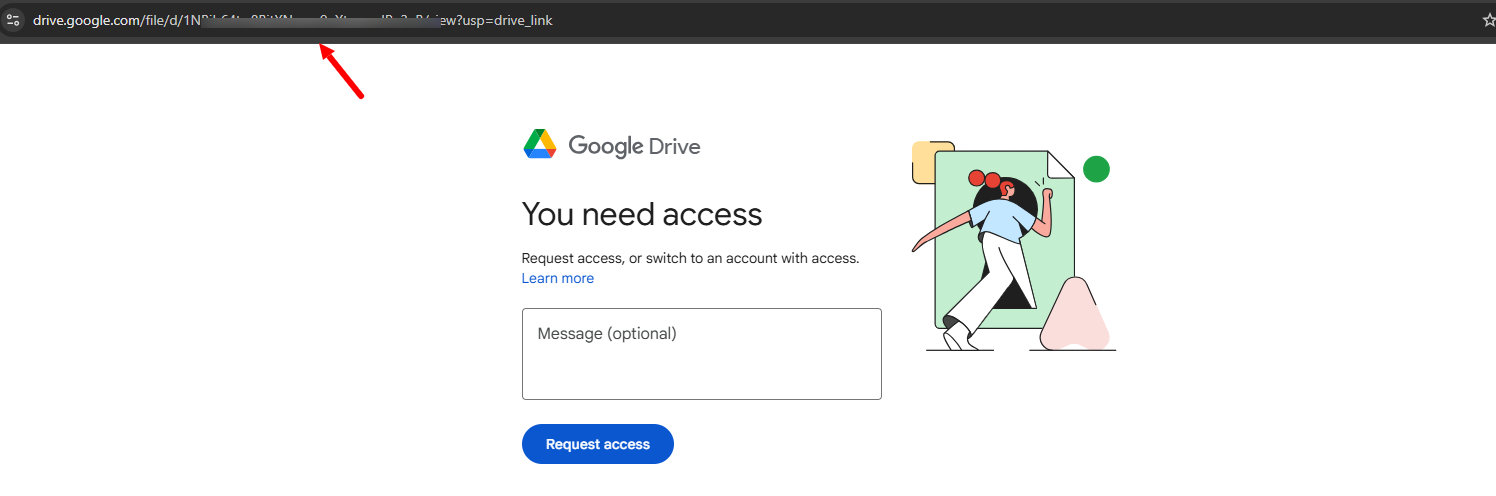
Merci pour votre réponse, j'ai fait la modification en partageant dans reader mais ça ne marche toujours pas je n'arrive pas à accéder à l'url de l'image
Thank you for your response, I made the modification by sharing in reader but it still does not work I cannot access the image url
Hello @david79,
Please try adding an image URL with a .jpg file extension, as that should work correctly for you. For reference, we have added an example image URL:
https://www.sample-videos.com/img/Sample-jpg-image-5mb.jpg
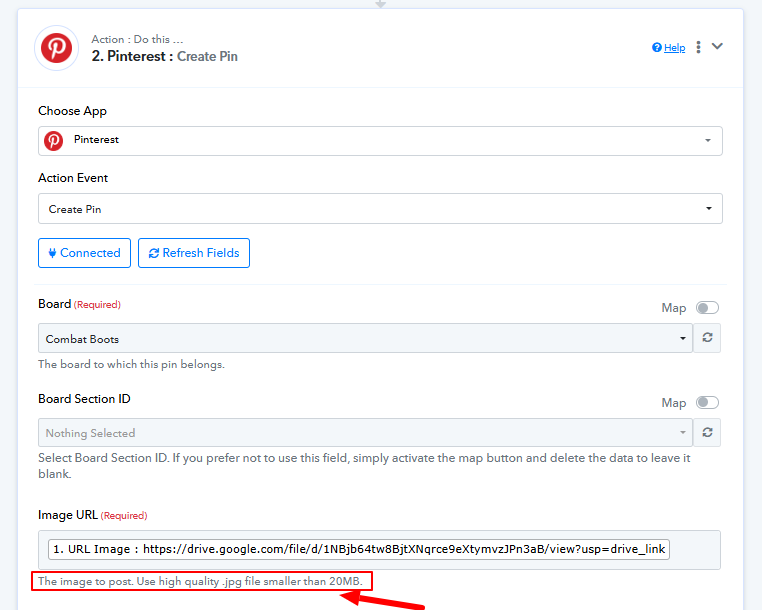
I found the solution, however can I directly send a file with several lines or do I have to send them one by one?
Hello @david79,
Please note that when creating a pin in Pinterest, only one file can be processed at a time. It’s not possible to create multiple pins in a single action. If you need to create multiple pins, you will need to repeat the process for each file individually.
I found the solution, however can I directly send a file with several lines or do I have to send them one by one?