Task History on a workflow is missing steps
Status: Open · Asked by ruskiycoder on · 0 views
I have a workflow that ran, and either it skipped some steps without explanation, or the history isn't showing them. I have a router, and along one of the routes, two steps in, the history indicates that step running, but does not show the steps in between. It shows that the Default Email step ran, but the next step is Results = 0. The I Know You step is completely not showing in the history, and neither is the FreshBooks step in between. For the Results = 0 step to run, it had to have run the steps before, if I understand correctly. Not showing any errors there either.
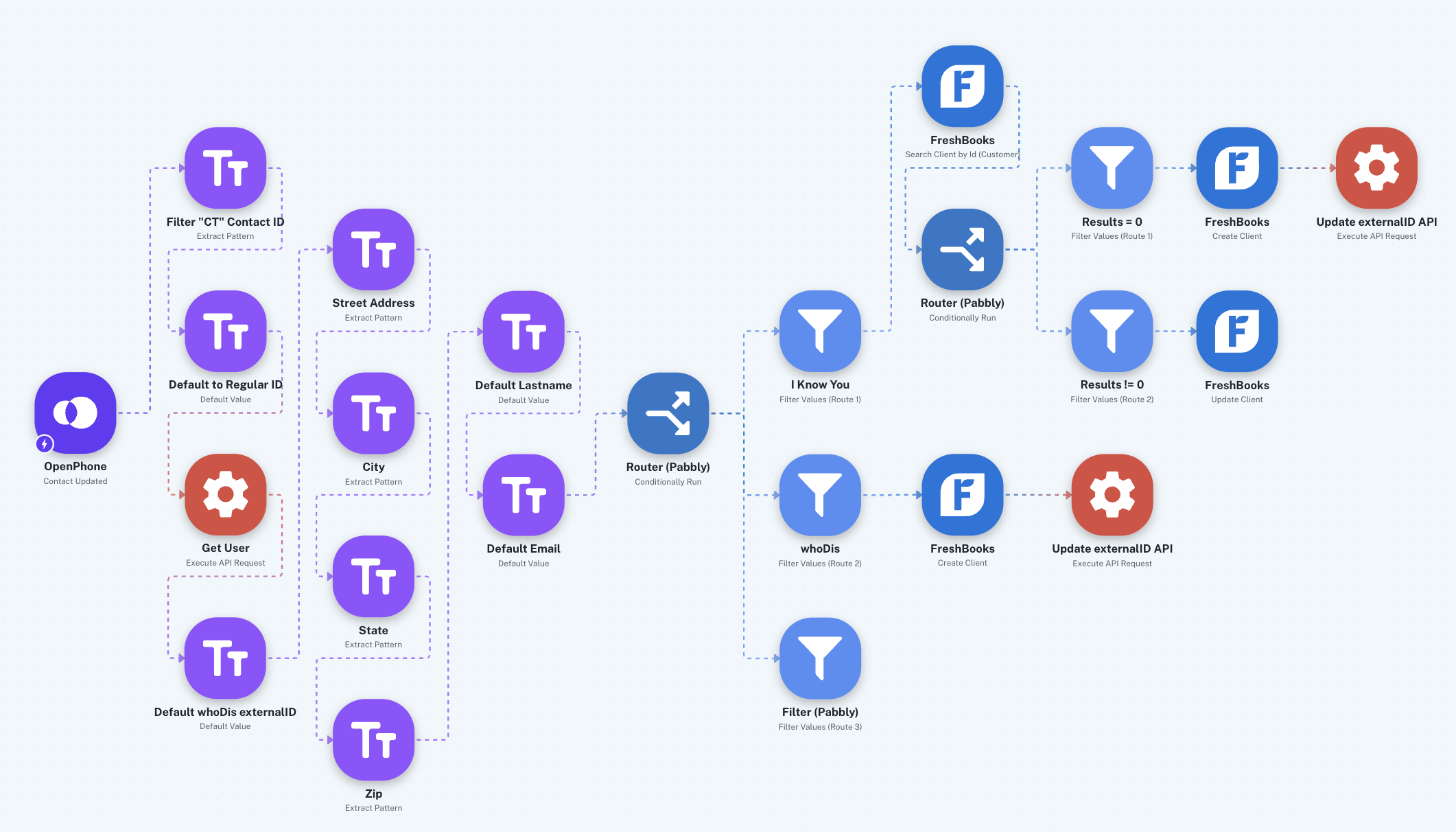
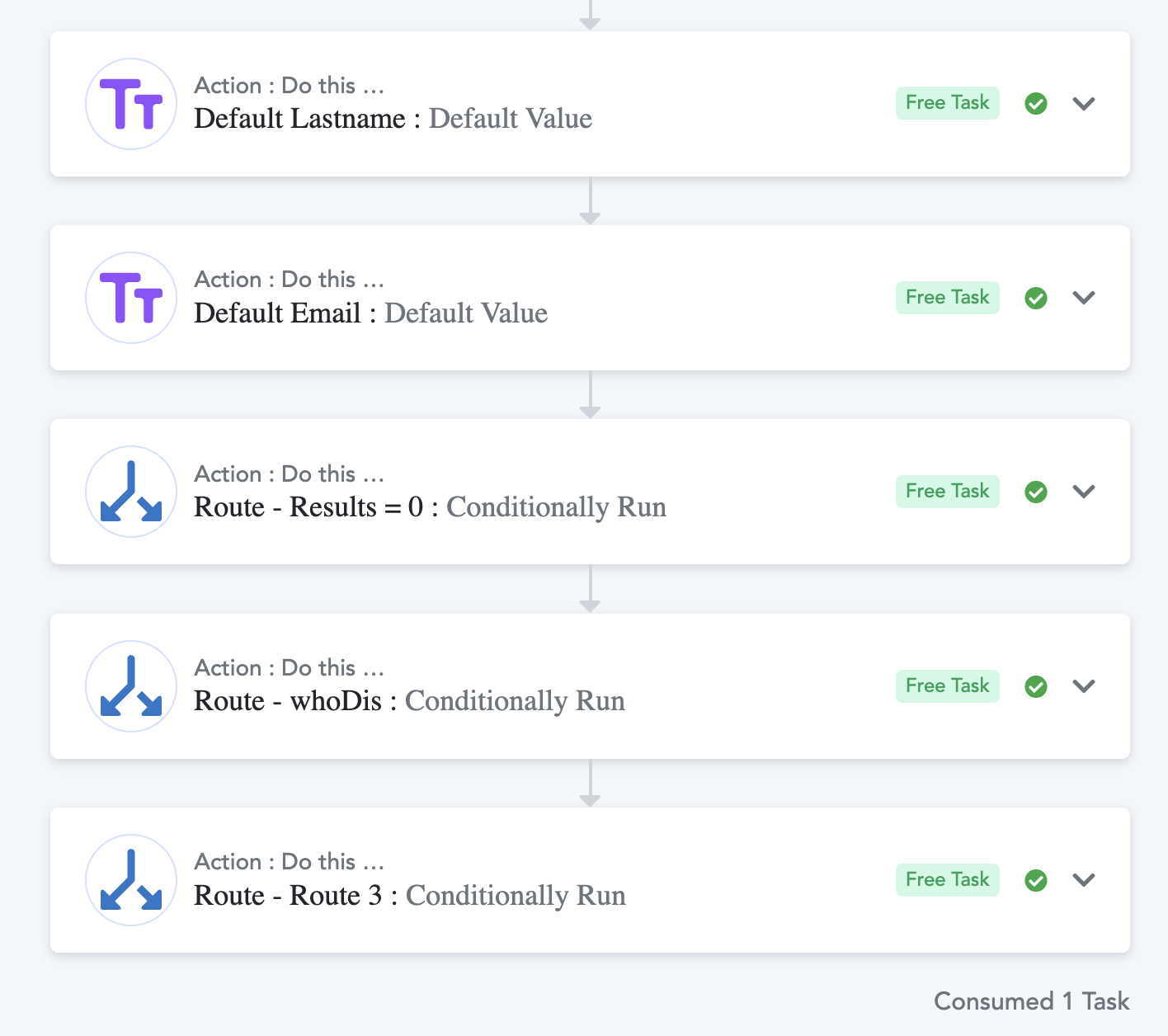
Hello @ruskiycoder,
Could you please provide us with the Workflow URL where you are facing this issue? This will help us investigate the problem more effectively and assist you accordingly.
Please be aware that to assist you effectively, we may need to access your Pabbly Connect account. If you're comfortable with this, please grant us permission by stating in your next reply:
"You have my permission to log into my Pabbly Connect account and edit the workflow, if required. Here is the registered email address associated with it."
Looking forward to assisting you further.
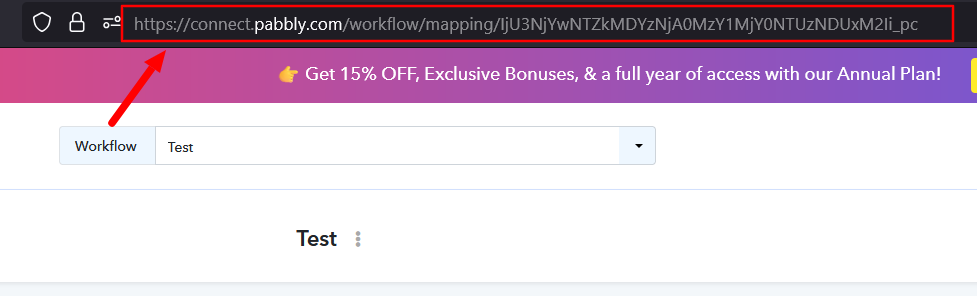
https://connect.pabbly.com/v2/app/workflow/mapping/IjU3NjcwNTZkMDYzMTA0MzM1MjY0NTUzYzUxMzYi_pc
You have my permission to log into my Pabbly Connect account and edit the workflow, if required. Here is the registered email address associated with it.
Associated email
[email][email hidden][/email]
Hello @ruskiycoder,
We have escalated this issue to our technical team for further review. Please allow us some time and we will get back to you once we receive an update.
Hello @ruskiycoder,
As per the latest update received from our team, they have suggested removing the indicated route from the workflow and recreated let us know how it performs after the changes.
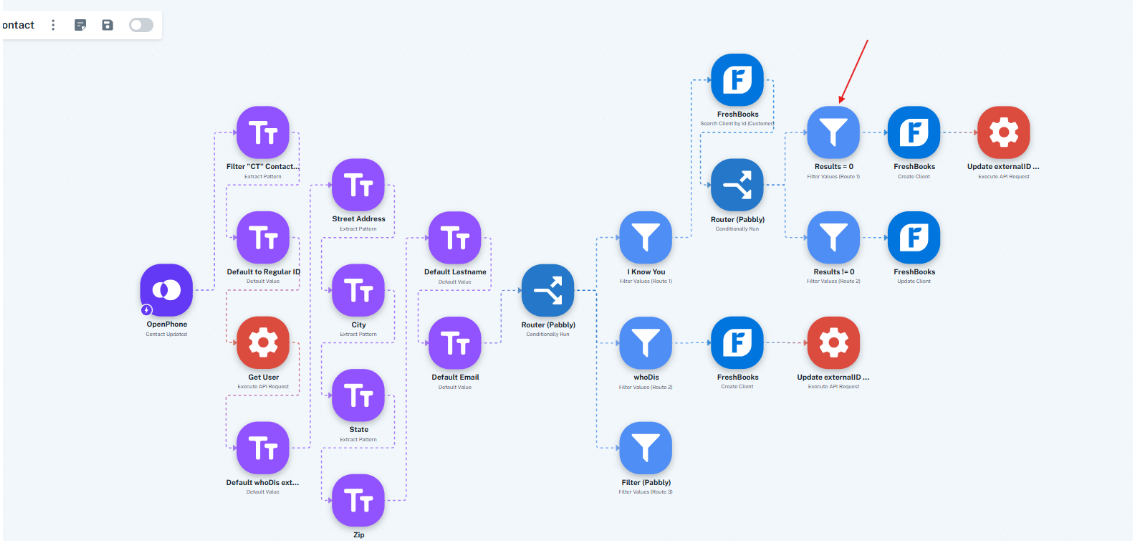
Hello @ruskiycoder,
I am following up on our last message. Could you please confirm if you had a chance to set up the workflow and how it went?