TC to MC (send an Email campaign)
Status: Open · Asked by Assunta on · 0 views
Hi,
I would like to send 4/5 e-mails, after the purchase of a product through Thrivecart.
So, I wrote my emails as campaigns using a free Mailchimp account.
Then I set up a Worksflow, where TC is the trigger.
After a couple of minutes from the purchase, I set the action "Send a campaign" by Mailchimp (several times).
https://connect.pabbly.com/workflow/share/WxMHNQdQUjFfFQJoBVpTdAoeBwNUDlRsVUwHFVBfAXkHSlQBUxJaMAhEVHYFUgVkXhcDaQNfUWoMGAcDVAJVJgAaVmoEBwV_BEkJOlceCzhbBQcvB2Y#
It does not work.
I tried to use "draft campaigns", as also "already sent campaigns" but in both cases there is an error.
How can I fix this?
Many thanks Assunta
Hi @Assunta,
Mailchimp does not allow sending the same campaign multiple times. Therefore, you will need to use the 'Create Campaign' action step before each 'Send Campaign' action step and then send the newly created campaign.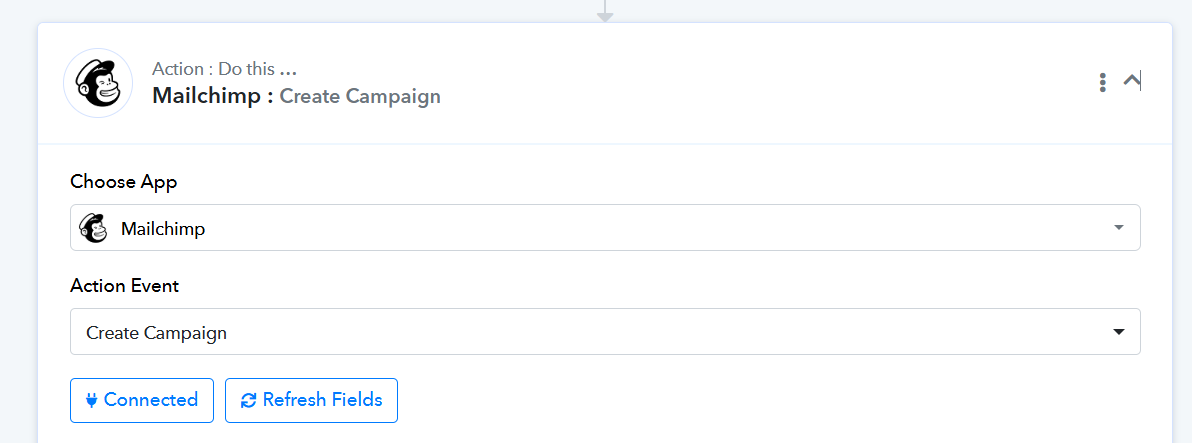
Also, this will send an email to your entire recipient list, not just to the specific person who made the purchase on ThriveCart, which I assume is your use case. If you want to send multiple emails only to the purchaser, Mailchimp may not be the most suitable application for your needs.
You can use the 'Gmail: Send Email' action step instead if you want to send emails to the individual who made the purchase.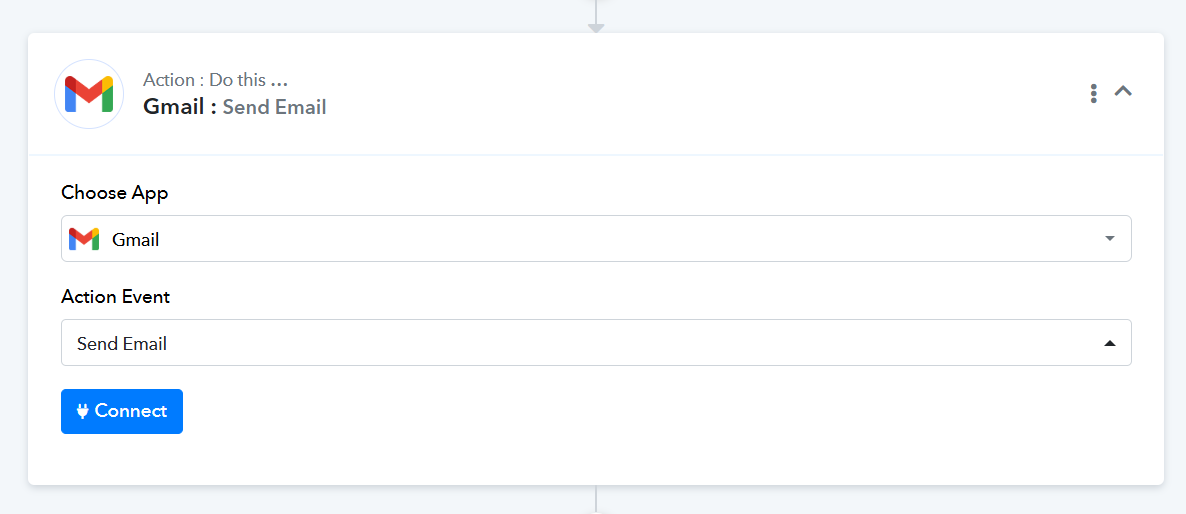
Also, it seems that the ThriveCart action step is not fully set up, as the details of purchaser have not been fetched in your trigger step. We suggest following the steps in the video shared below to set up ThriveCart as your trigger step.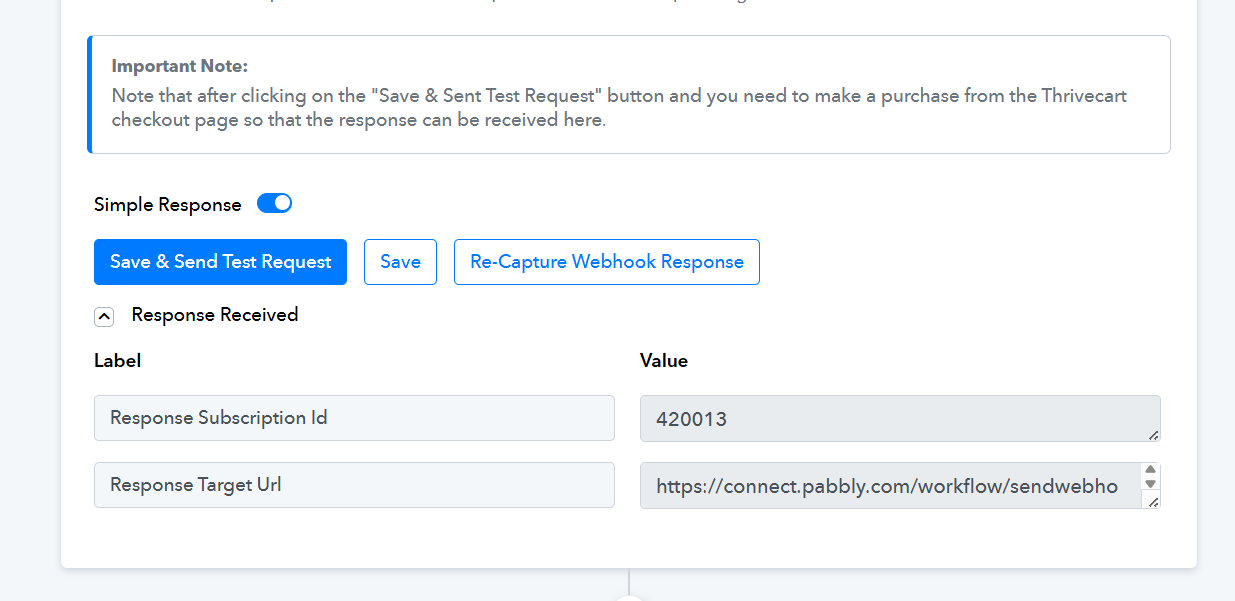
youtube.com/watch?v=_cFi7wqTGHw:196
Thanks & Regards,
Arshil Ahmad
Customer Support Associate
? Pabbly.com
?Rate your support
Understood. I see that TC is directly connected with MC, so maybe I can fix the problem otherwise. Many thanks for your support. :-) Assunta
Hello @Assunta,
Good to hear that!
We are marking this thread as closed for now. Feel free to reach out whenever you need further assistance.