Thank you page after completing purchase
Status: Closed · Asked by alan01 on · 0 views
Hi
I have a redirect when the customer completes a payment on my form for them to be redirected to: https://clydeoffices.co.uk/flash-sale/thank-you/
However, I have been told this is not working, and when I have just done a test the URL that its getting redirect through to is:
As a result the message on https://clydeoffices.co.uk/flash-sale/thank-you/ is not being displayed nor is my google conversions tracking.
Can you assist?
Hello @alan01 ,
Can you please provide us with the product and plan name in which you are facing the redirect issue? Is their any specific case associated with it.
Additionally, please elaborate on your concern in more detail so that we can check this on our endaccordingly and provide you with suitable assistance.
Thanks
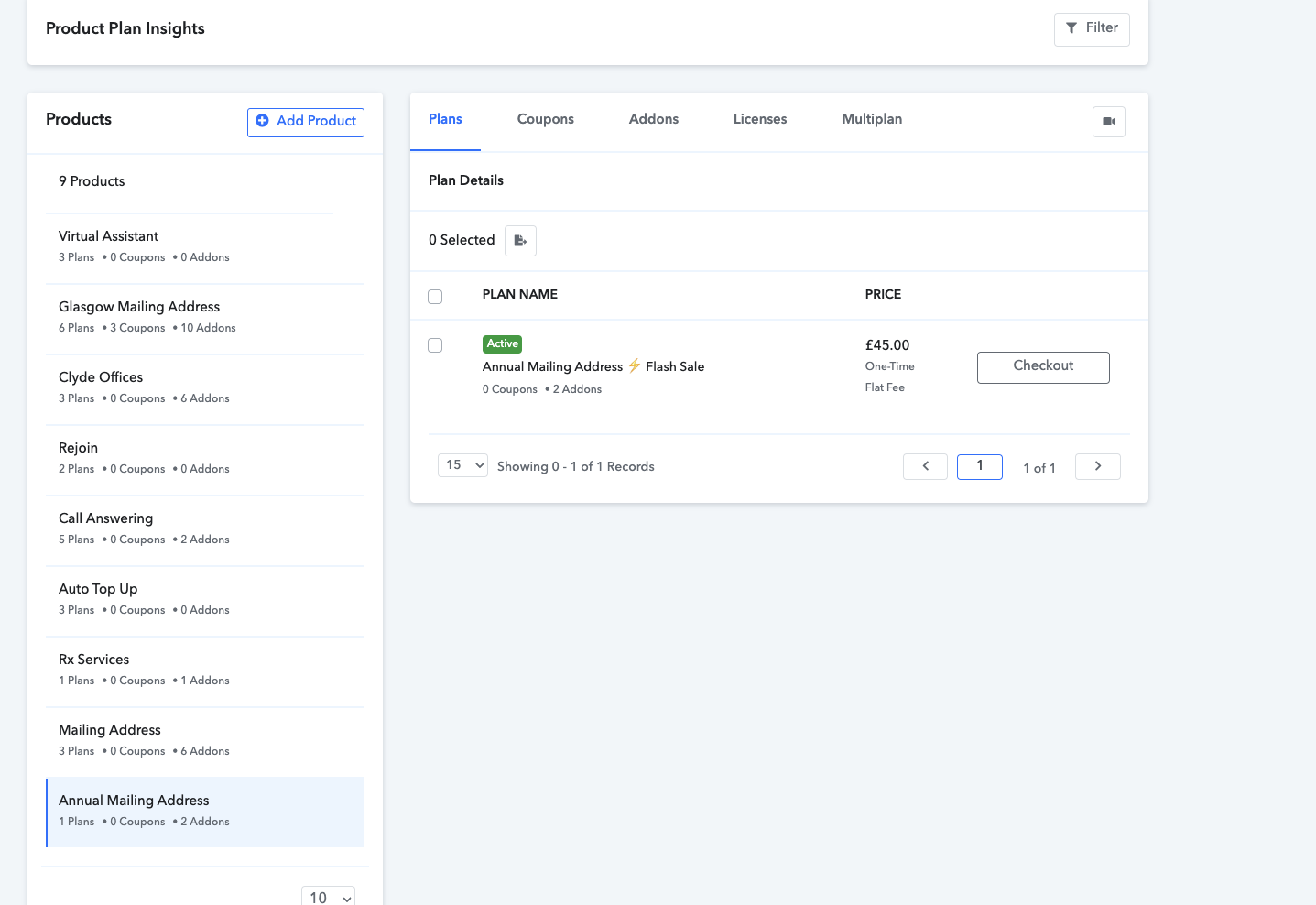
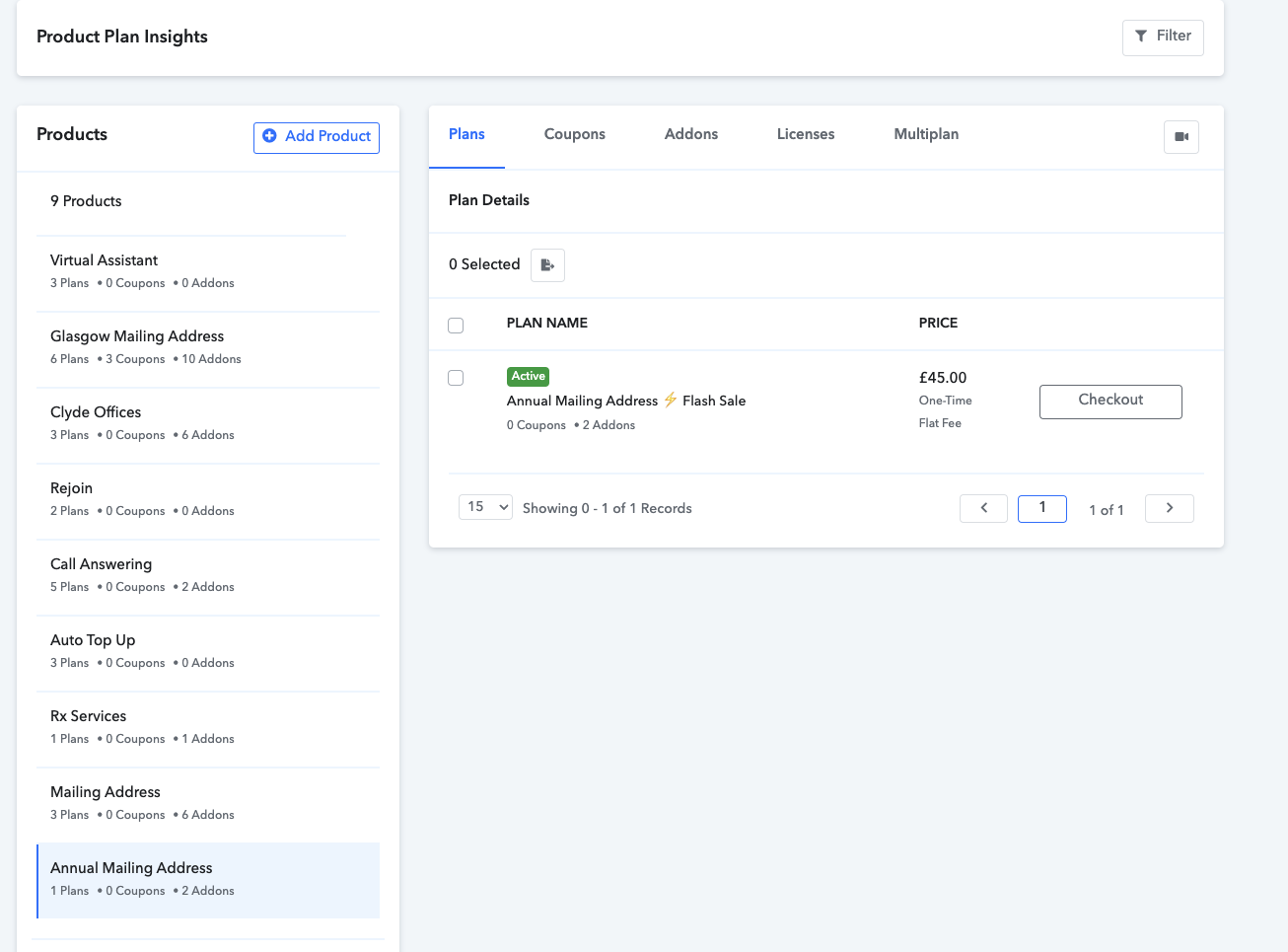
So it refers to this plan:
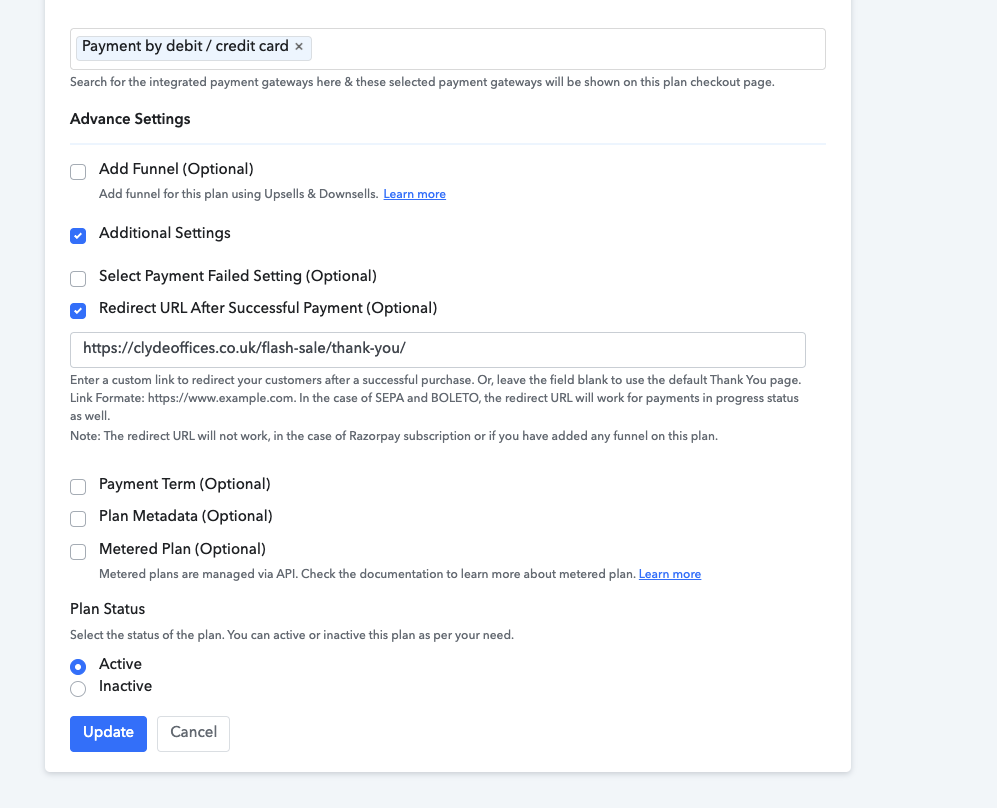
The redirect seems to be set-up correctly:
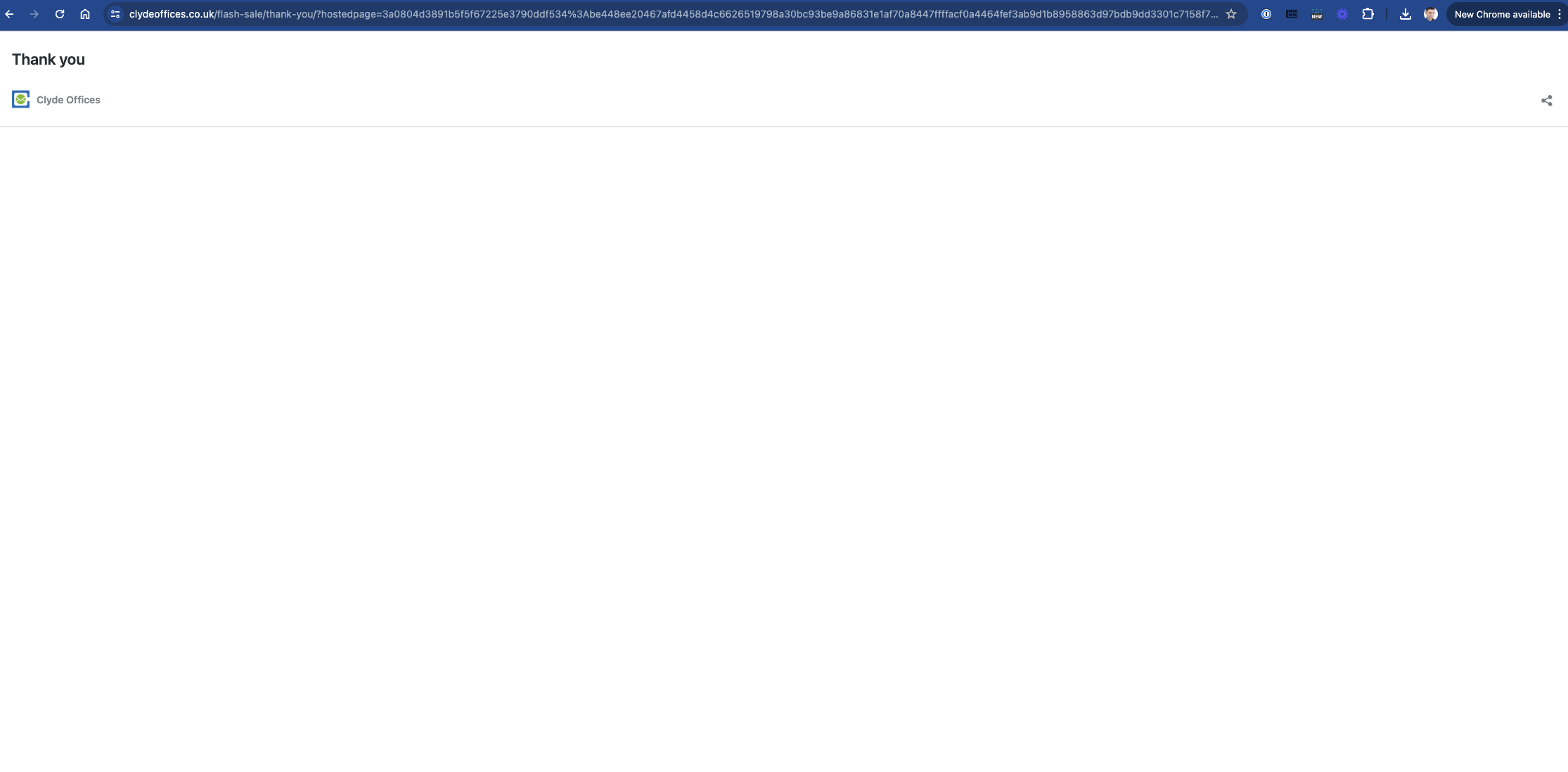
It causes concern as the customer when completing payment get's redirected to here, which is blank page
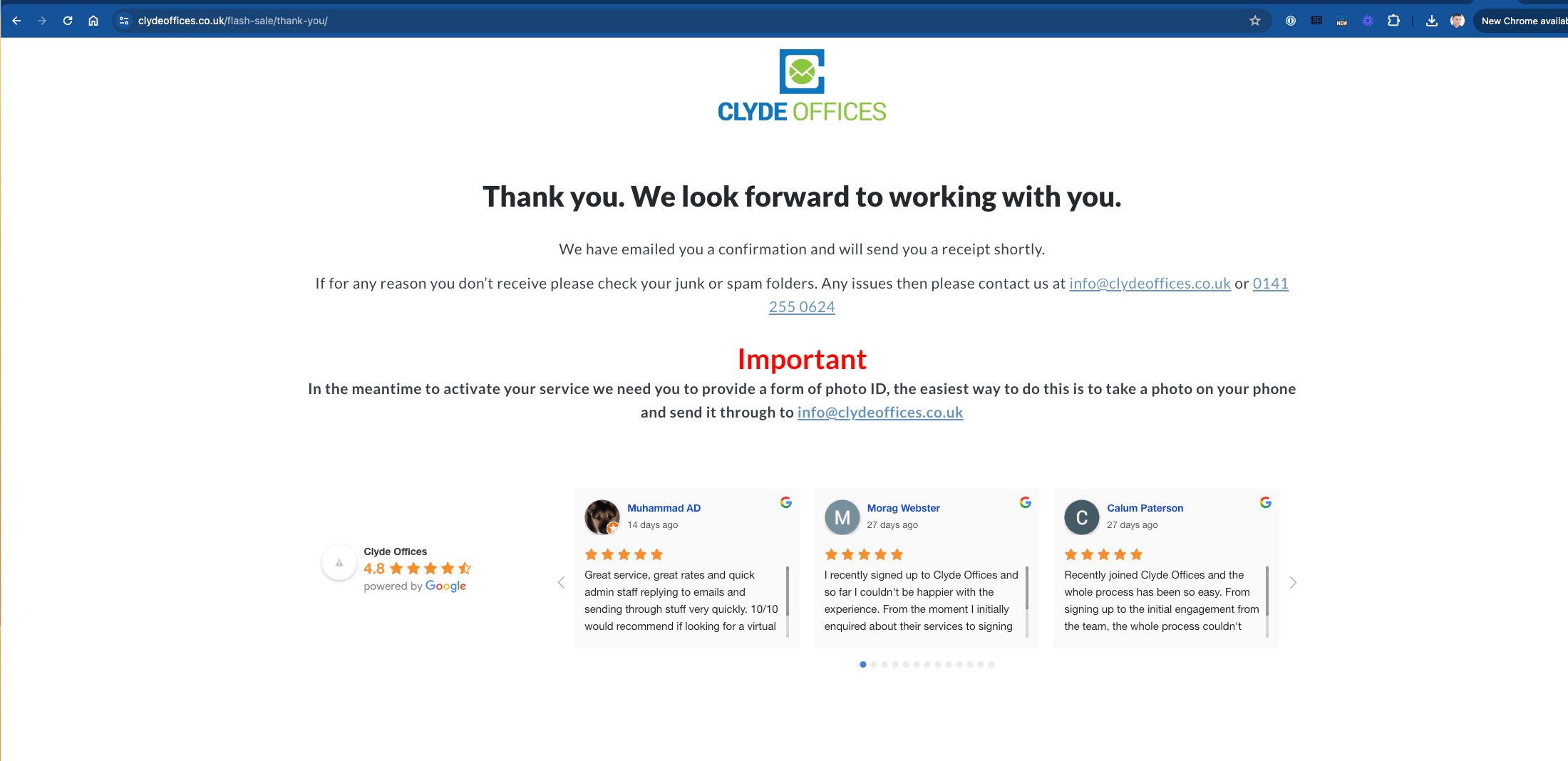
Should be redirected here:
Can you assist?
Hello @alan01 ,
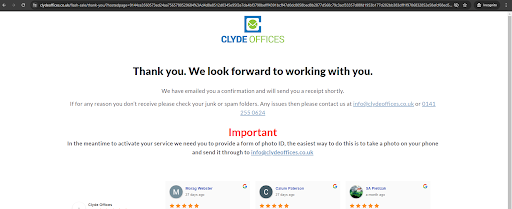
As we have done the testing in the plan "Annual Mailing Address Flash Sale," we were redirected to the correct link.
Please refer to the screenshot below that shows the redirect page image we were directed to:
We kindly request you to test this once on your end, and if there are any concerns, please let us know. We are here to assist you.
How can I test like you did without using a real card on stripe?
You can enable the test gateway in your account from the payment gateway settings. In the connected gateway section, select the test gateway, and from the three-dot option, make the test gateway active.
Once the test gateway is active, you can add it to the plan that you want to test. The test gateway will then be visible on the checkout page, allowing you to perform your tests.
After completing the testing, go to the payment gateway settings again, and from the connected gateway section, make the test gateway inactive. Please ensure to make the test gateway inactive after testing; otherwise, people can use it to make payments in real-time.
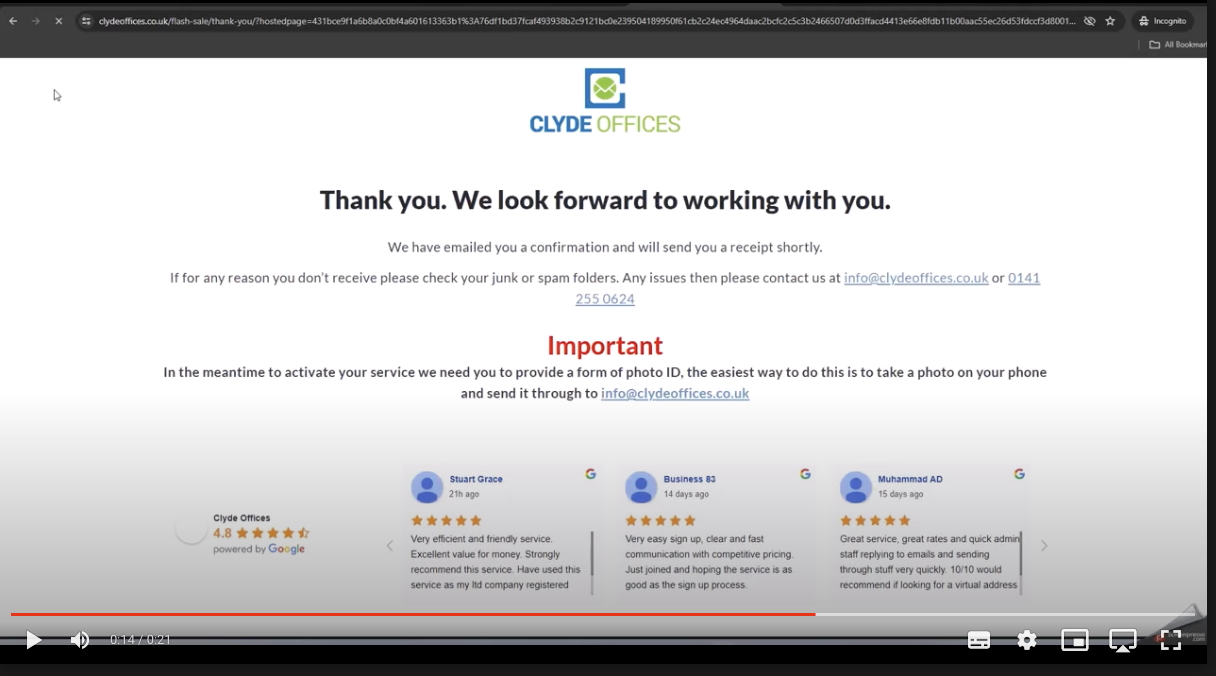
Yea I am afraid it has not worked. See video:
Hello @alan01
Could you please record a proper video and also share the name of the product and the corresponding plan accurately that is leading you to this thank-you page? Additionally, provide the URL of the new page you are being redirected to, so that we can further investigate this issue.
Upon rechecking on our end, we confirmed that we are indeed redirected to the correct thank-you page once again. For more details, please refer to the tutorial video below.
https://drive.google.com/file/d/15ndxxouCgIqUP2qh5nDnBLGu8g5EEQxw/view?usp=sharing
Thanks for the reply.
Firstly I noticed when you are testing on the video you sent it is taking you to https://clydeoffices.co.uk/flash-sale/thank-you/ but the URL has other content in it, it's not just https://clydeoffices.co.uk/flash-sale/thank-you/
This is the plan I am testing
I have tried on my mobile device in case it was an issue with my computer browser but I am getting the same issue, please see the video via dropbox:
Hello @alan01 ,
We have investigated this on our end and found that the thank you page you are using behaves differently when the ?embed={{Value}} parameter is passed after the thank you page redirect URL. When the checkout page is embedded on your website, the thank you page you have built starts to function differently compared to when we directly use the checkout page from our application. In the latter case, no value is passed after the redirect URL of the thank you page.
For example:
Normal Situation:
https://clydeoffices.co.uk/flash-sale/thank-you/
After the ?embed parameters are passed:
https://clydeoffices.co.uk/flash-sale/thank-you/?embed=test
This parameter ?embed=test is causing the issue with the thank you page you have created.
When we checked out directly from the checkout page from our application, it redirected to the correct thank you page as shown in the video. However, if you use the same checkout page after embedding it somewhere, as demonstrated in your video shared by you, it functions differently, causing the redirection issue.
To fix this, we kindly request you to review the thank you page you have created and resolve why it is behaving differently in both cases.
We have investigated the problem and determined that the issue is likely caused by the embed tag being added to the redirect URL on the thank you page. This tag is conflicting with WordPress's built-in oEmbed features, which are designed to embed external content.
For your reference, an example of the affected URL would be:
https://wordpress.org/?embed=testing
As you can see, the "?embed=something" portion is causing the issue. This appears to be added during the redirection process from the embedded form.
We understand that this may be a technical issue, but we would be grateful if you could investigate this further and see if there is a way to prevent the embed tag from being added to the redirect URL on the thank you page.
If this is not possible, then perhaps you could advise on a workaround solution, such as a way to remove the embed tag on the thank you page itself. However, we would prefer to avoid this solution if possible, as it may cause additional loading times and potentially affect our conversion tags.
For your reference, we are using the following Pabbly script on our WordPress webpage:
We appreciate your time and assistance in resolving this matter.
Hello @alan01 ,
Thank you for the update.
No need to worry. We will make the necessary changes to fix this. Please allow us some time to implement the changes on our end. We will update you as soon as this is resolved.
Hello @alan01 ,
We have fixed the Thank you page embed issue that you were experiencing. Please check it on your end and let us know if there are any other concerns.
Thanks it looks like it's all working again.
Hello @alan01 ,
Thanks for the update, we'd love to hear your thoughts! If you have a moment, please rate us on Google. Your feedback helps us improve.