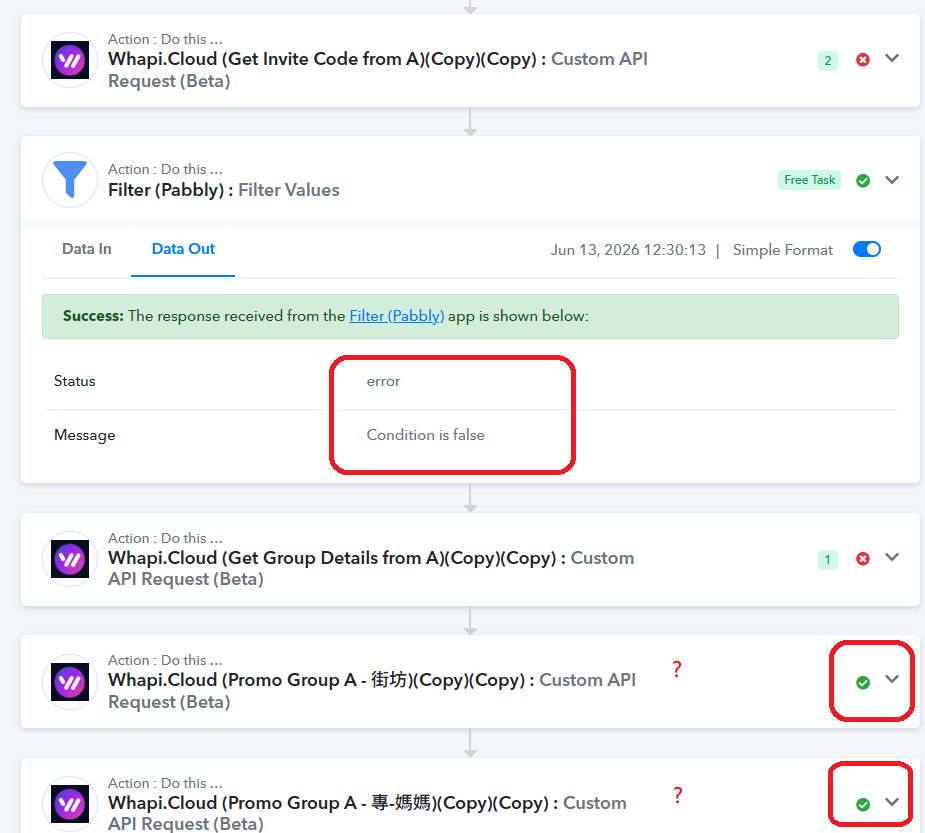
The filter doesn't work in Condition false
Status: Open · Asked by Ton Won on · 0 views
I setup the Filter to make sure the data exist. But why the action still go to next step even condition is false?
Hello @gpro,
Thank you for reporting this issue to us.
We have escalated the concern to our technical team for further investigation.
Just for clarification, based on my current understanding of the workflow, the Filter step is using a key mapped from the JSON Extractor 7 step. The mapped key is present in the data received from that step, and since the subsequent steps are executing successfully, the filter condition itself appears to be evaluating correctly.
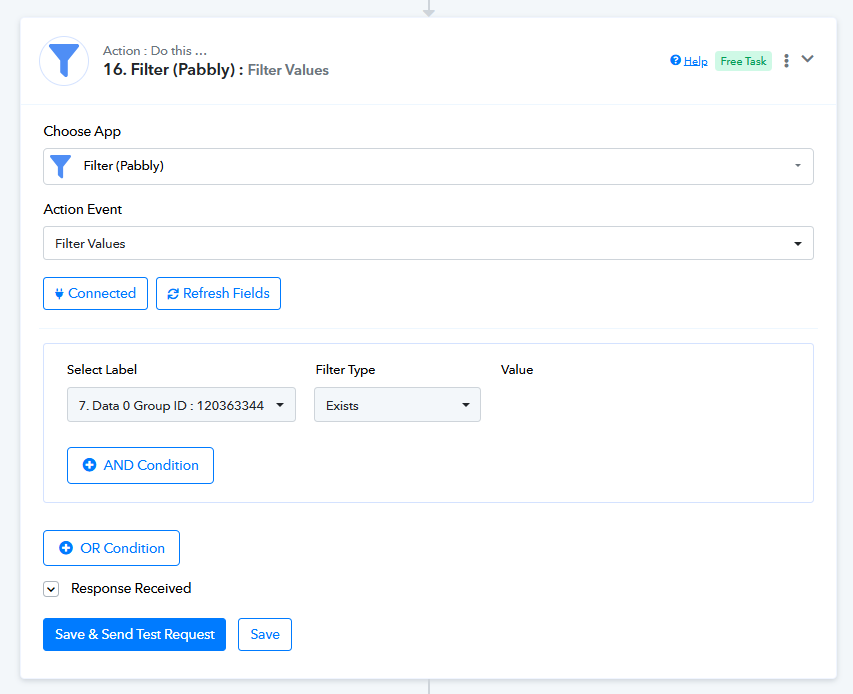
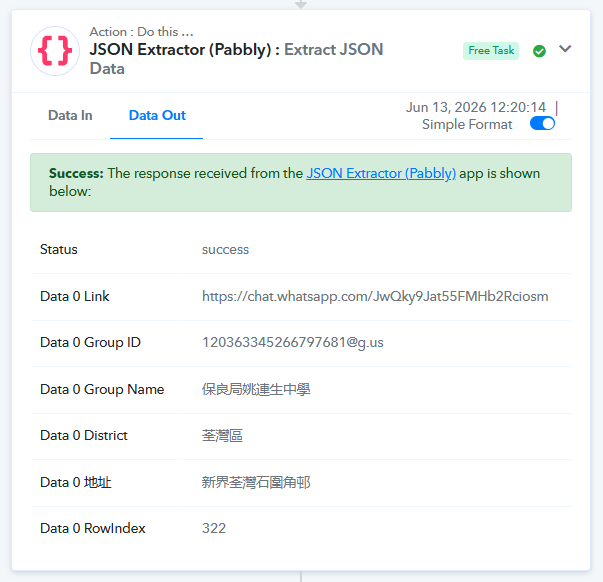
However, the concern is that the Filter step's Task History is displaying incorrect Data In and Data Out values. Ideally, the mapped key should be visible in Data In, and the filter result should accurately reflect the evaluated condition. This discrepancy in the task history display is what we have reported to our team for review.
From my end, the workflow logic appears to be working correctly. I would recommend that you also verify from your side and confirm whether the workflow is functioning as expected, with the issue being limited to the Filter step displaying incorrect information in the task history.
We will keep you updated as soon as we receive any findings from our team.
Hello @gpro,
Thank you for the additional details.
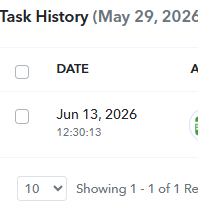
One thing we would also like to confirm from your end. While reviewing the workflow, we noticed that after the task history execution you shared with us, two changes were made to the workflow, as reflected in the workflow edit log.
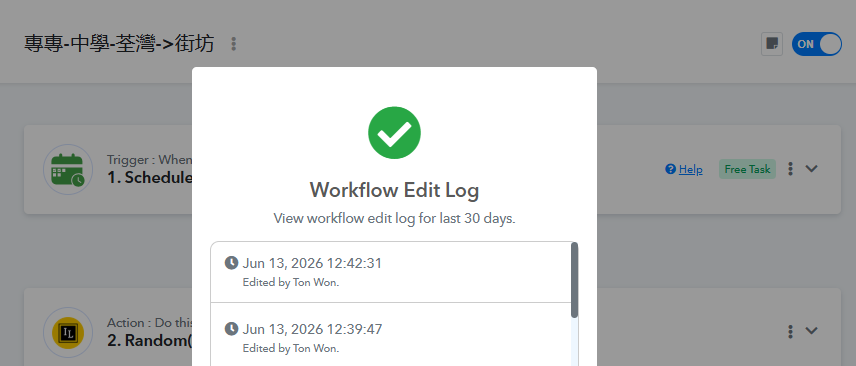
Could you please let us know what specific changes were made after that task execution? This information will help us provide complete context to our technical team and ensure they investigate the issue based on the correct workflow configuration.
We look forward to your confirmation.
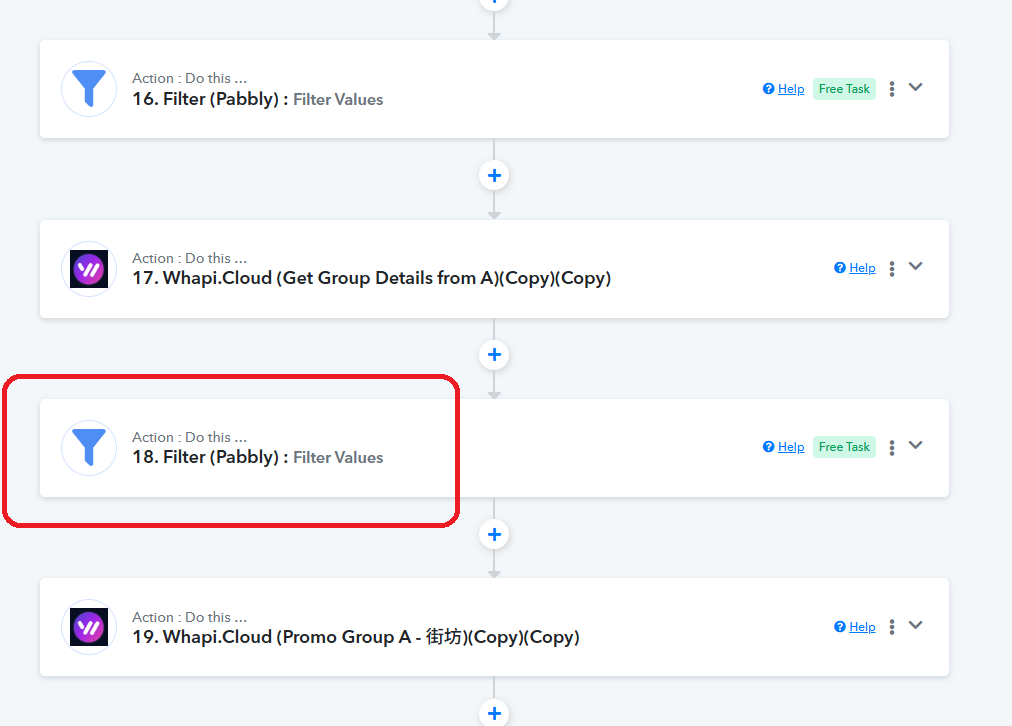
I added one more filter
Thank you for the information. We have passed it on to our technical team.
Thanks & Regards,
Arshil Ahmad
Customer Support Associate
? Pabbly.com
Hello @gpro,
Thank you for your patience.
We would like to let you know that the issue was occurring because the Filter step was using a field mapped from Step 7 (JSON Extractor), where the response format was set to Advanced. This was causing the incorrect behavior you observed in the task history.
We have now changed the response format of the JSON Extractor step from Advanced to Simple, and the Filter step is working correctly.
Please note that in the case of the JSON Extractor, selecting Simple, Advanced, or Raw response format does not affect the actual data returned by the action. Since the JSON Extractor is designed to return keys and key-value pairs rather than a JSON object, the output remains the same. However, having the response format set to Advanced was causing the task history to display and process the mapped data incorrectly in this particular scenario.
We have updated the response format for the relevant action, and the Filter step is now functioning as expected.
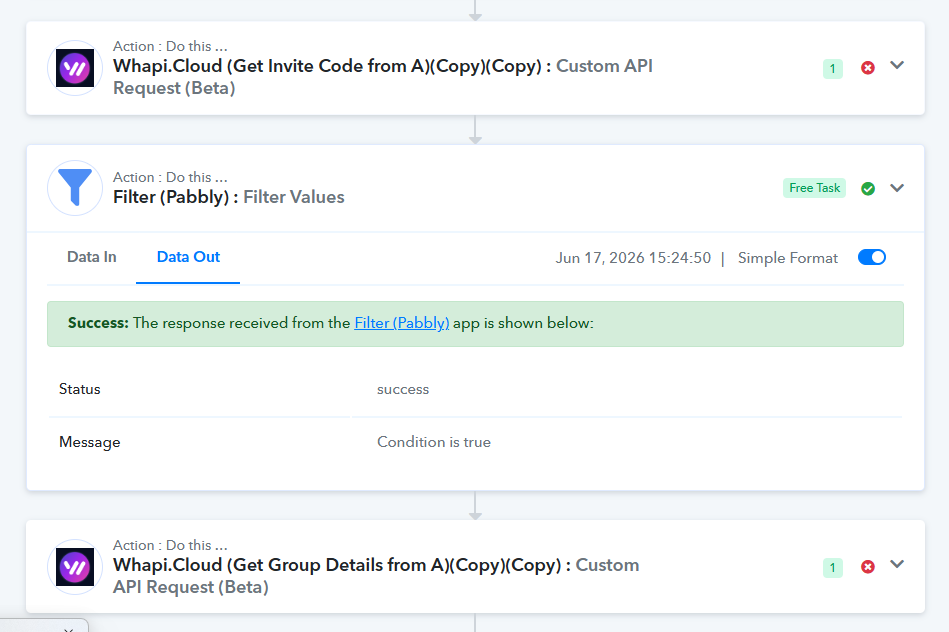
That said, we also noticed that there are still a few errors appearing in your task history that seem unrelated to this issue. We recommend reviewing those errors and applying the necessary fixes from your end.
If you need any assistance with resolving those errors, please let us know and we will be happy to help.