TickTick configeration?
Status: Open · Asked by mrsme on · 0 views
I can't get a date to connect into TickTick - Anyone tried and found a solution?
I've tried using date in the task title (as I would usually as have natural language processing for task titles), I've tried it in the due date, both in the format stated and formatted as the way it'd usually understood it - Neither is changing things.
Any ideas?
Hey @mrsme
Have you tried converting the Start and Due date into the date timezone and then check again?
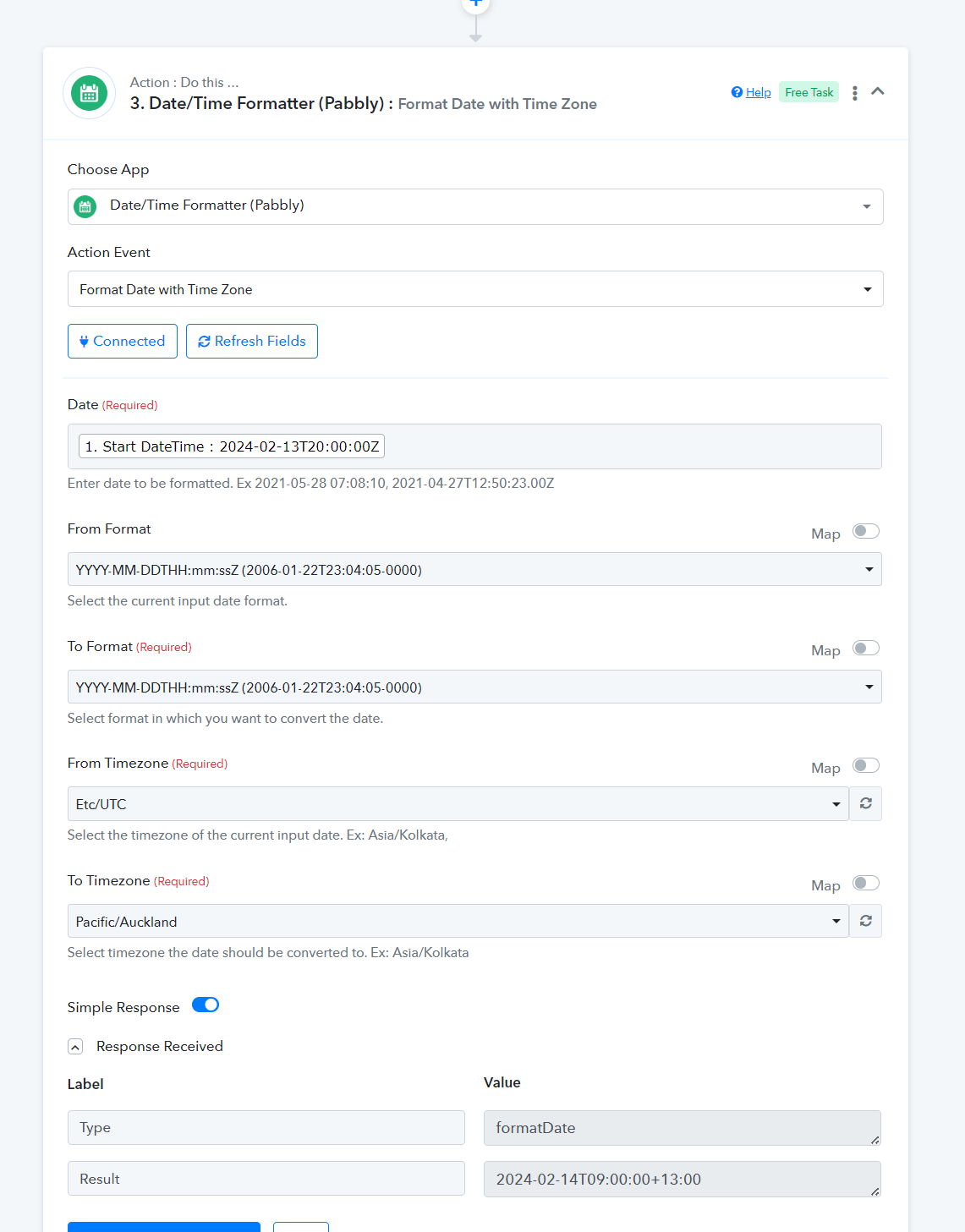
Yup, I've done that as below. 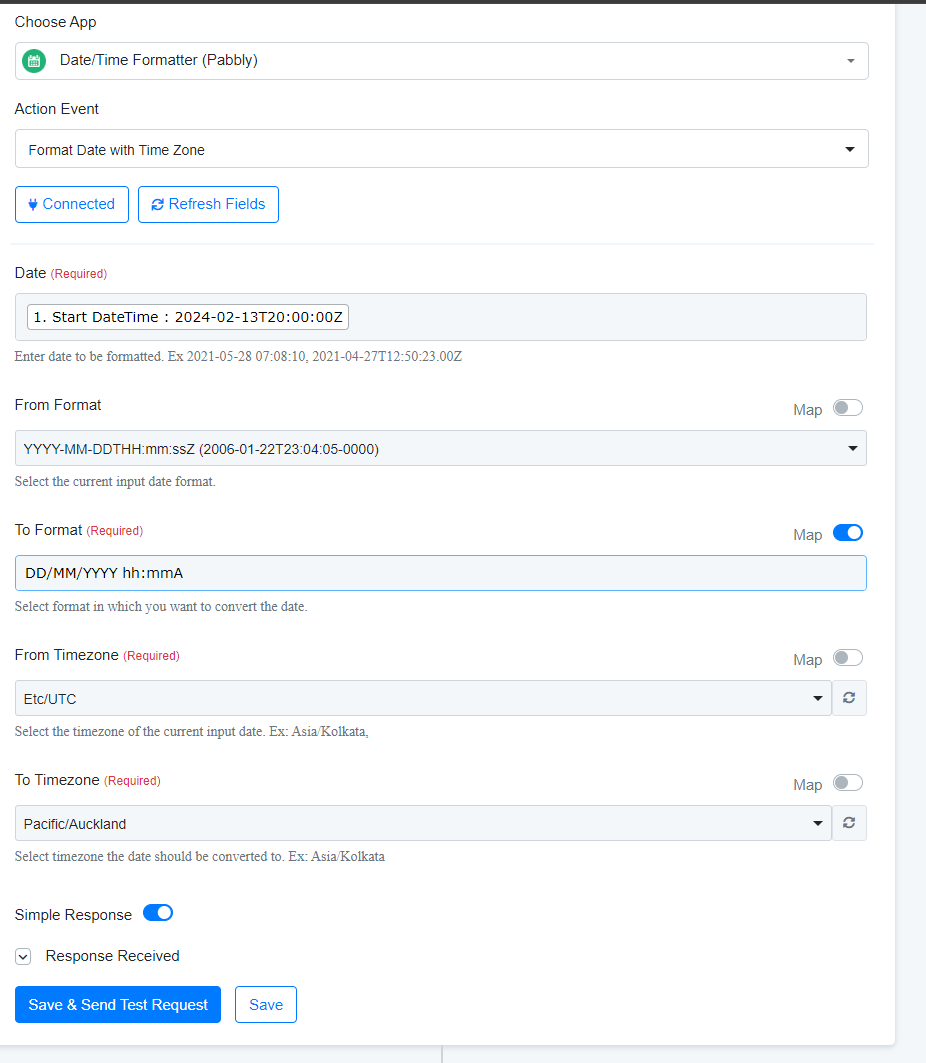
I've just redone it and this is what is being sent through. 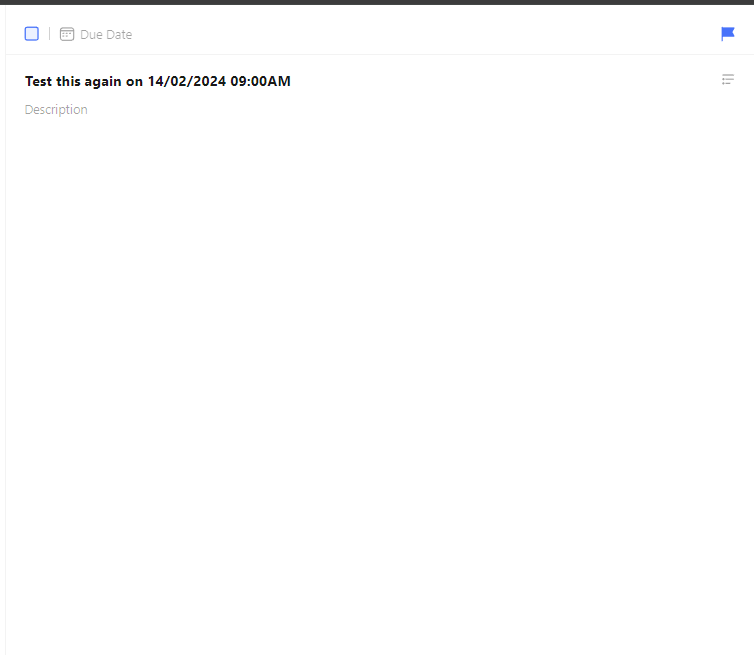
What I sent through is as below 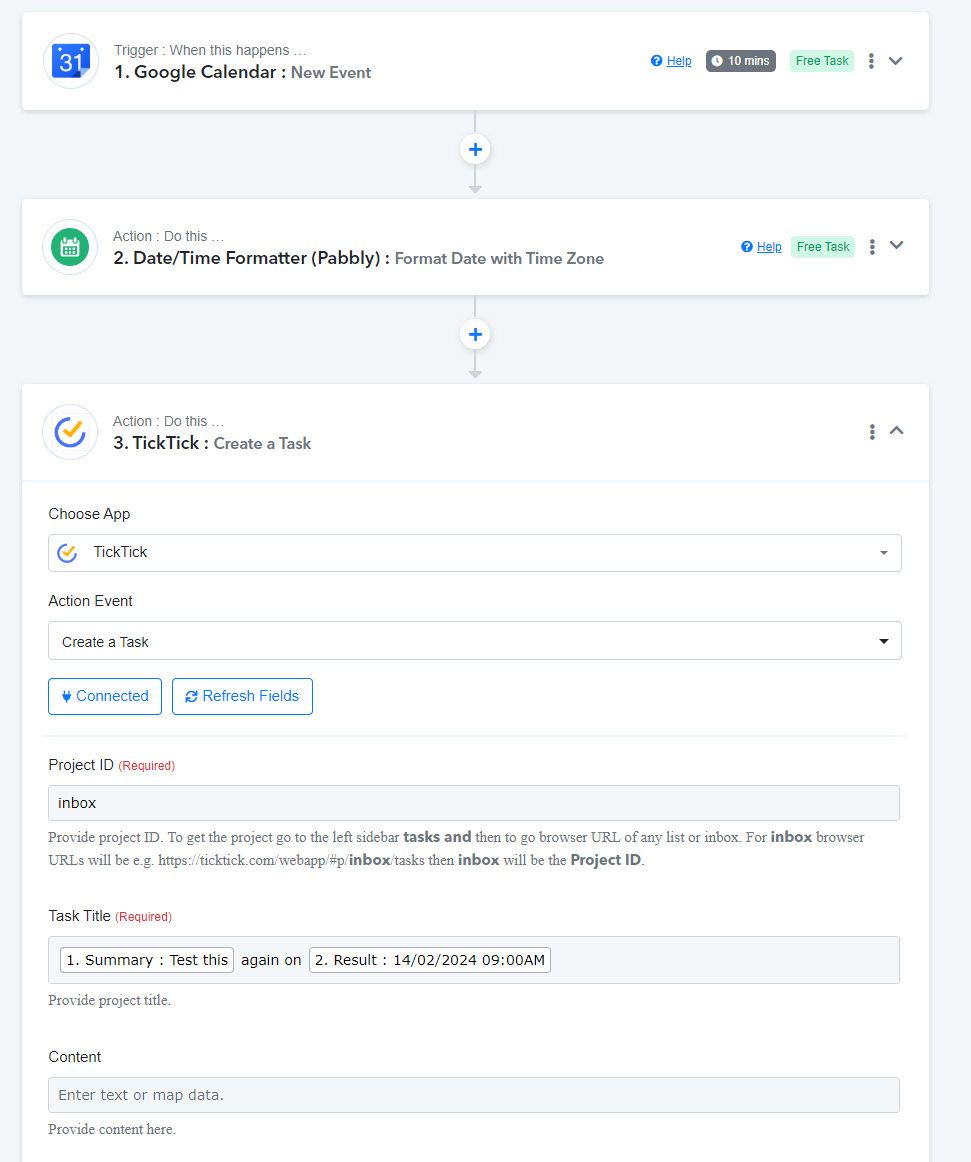
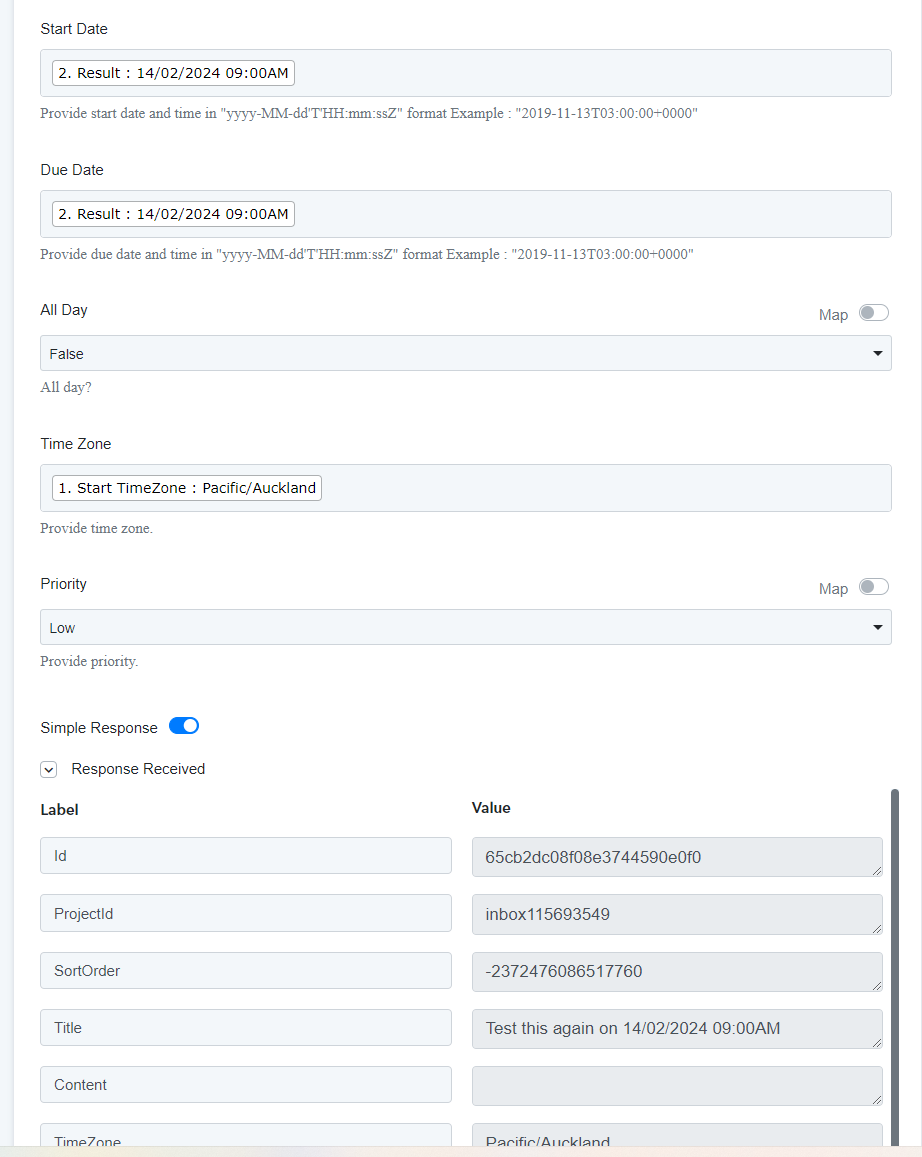
Please change the Start and Due date time with the Date Formatter action step as mentioned in the previous reply.
I don't quite understand.
I have used the date formatter to NZ time.
Are you meaning to have it in the format like this picture. 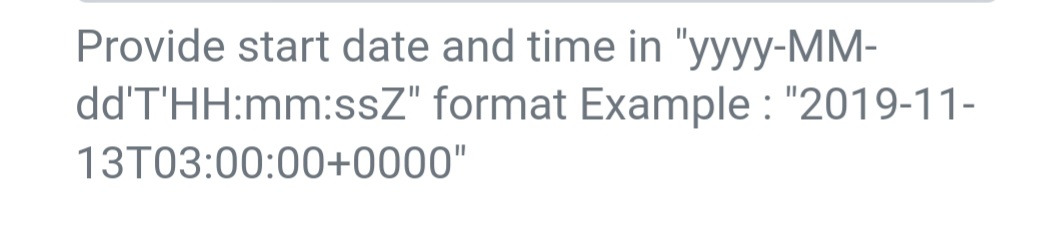
If so, I've tried this without fixing it. Here's what I had put in. 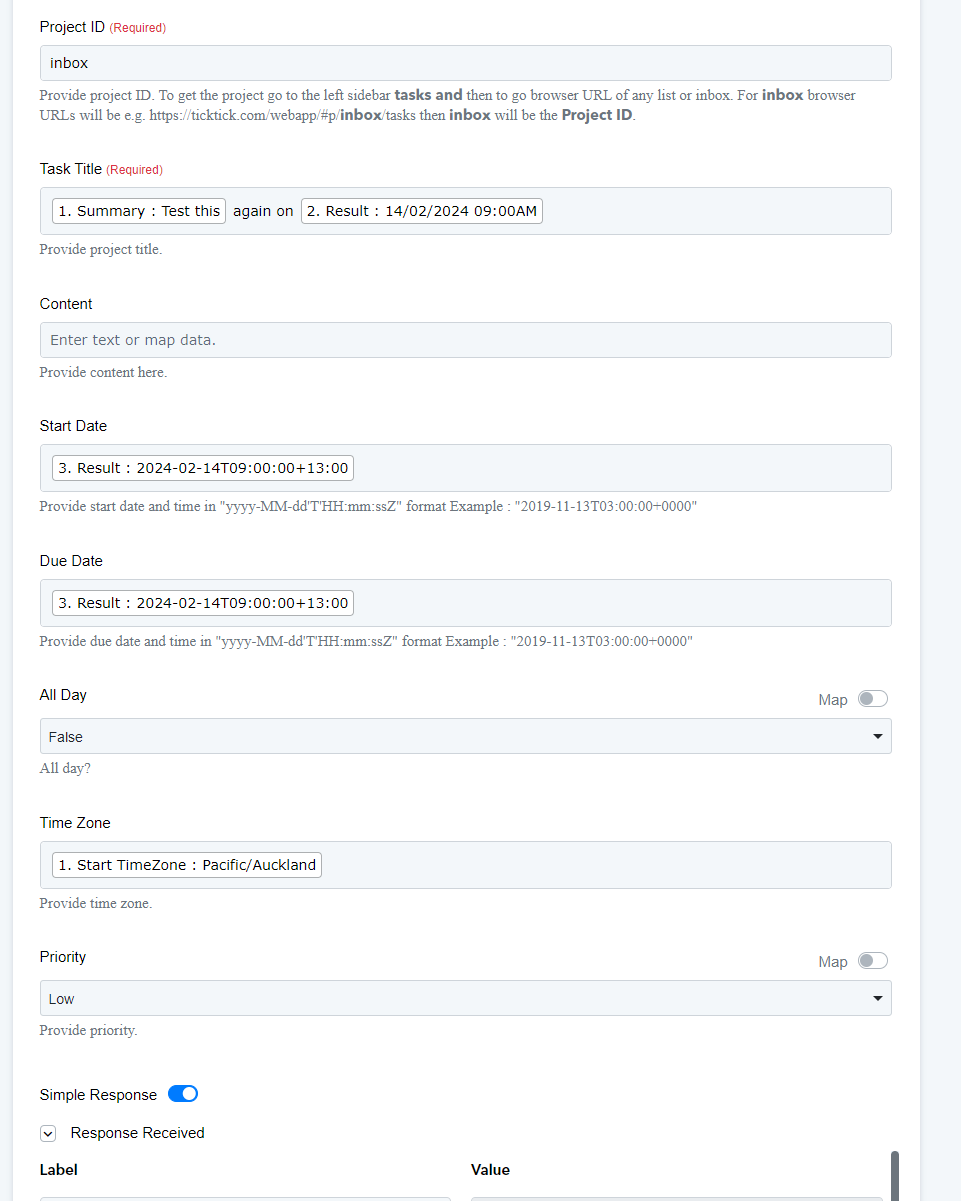
Hey @mrsme
We have changed the Date Time format from your workflow now as mentioned in the help text and we request you to please give it a try now.
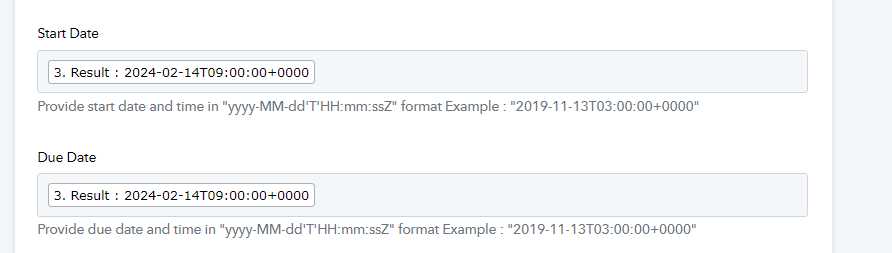
I have realised I never responded because I could not get it sorted.
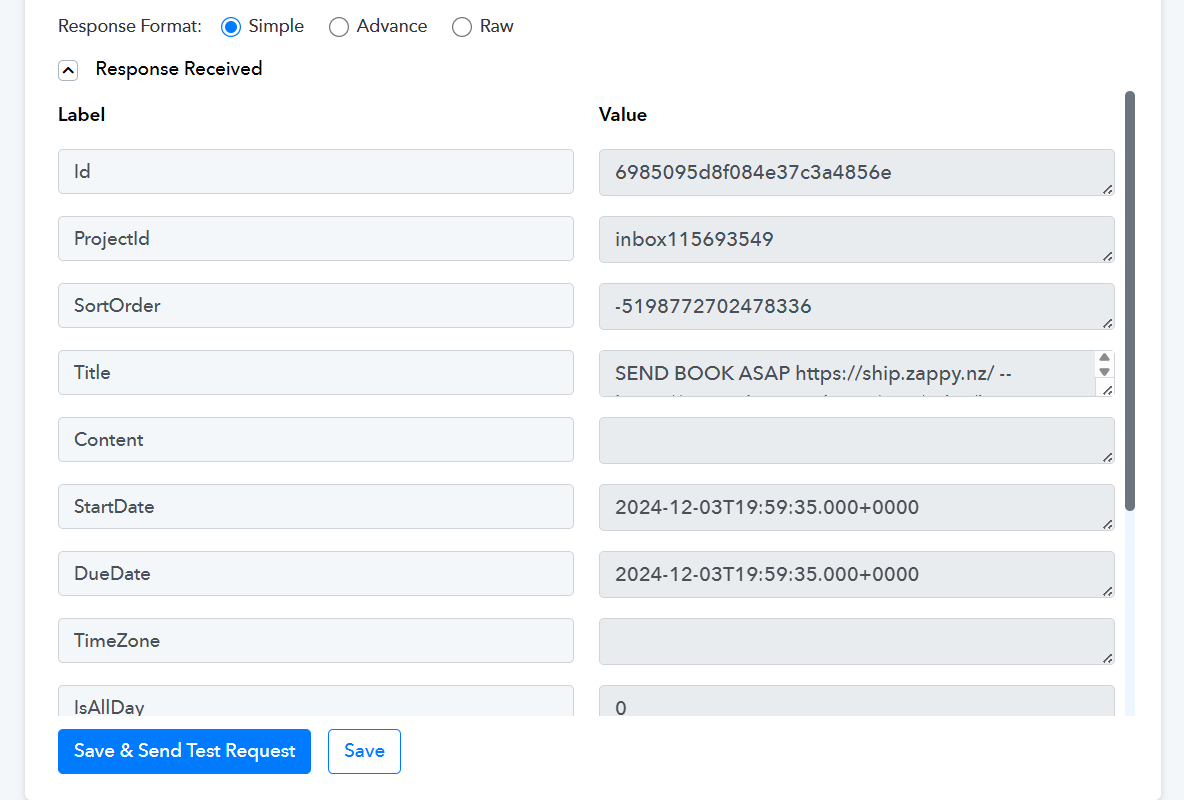
I can still not get this working. I'm not seeing a due date field in the response recieved when a test is sent. Below these are status, etag and kind.
Other sections like Content are still there, even if I put nothing in the section, but the dates are not. Any suggestions?
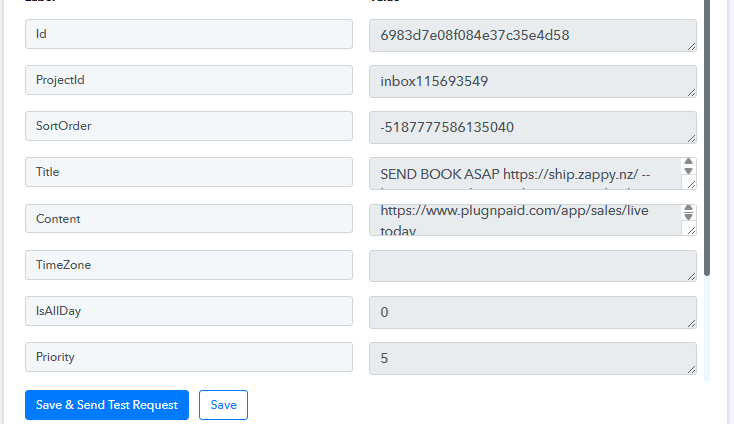
I have realised I never responded because I could not get it sorted.
I can still not get this working. I'm not seeing a due date field in the response recieved when a test is sent. Below these are status, etag and kind.
Other sections like Content are still there, even if I put nothing in the section, but the dates are not. Any suggestions?
Could you please share the Workflow URL where you have this concern?
Thanks & Regards,
Arshil Ahmad
Customer Support Associate
? Pabbly.com
?Rate your support
Hey @mrsme,
We have made a small update to your workflow. Please test it at your end and let us know if everything works as expected.
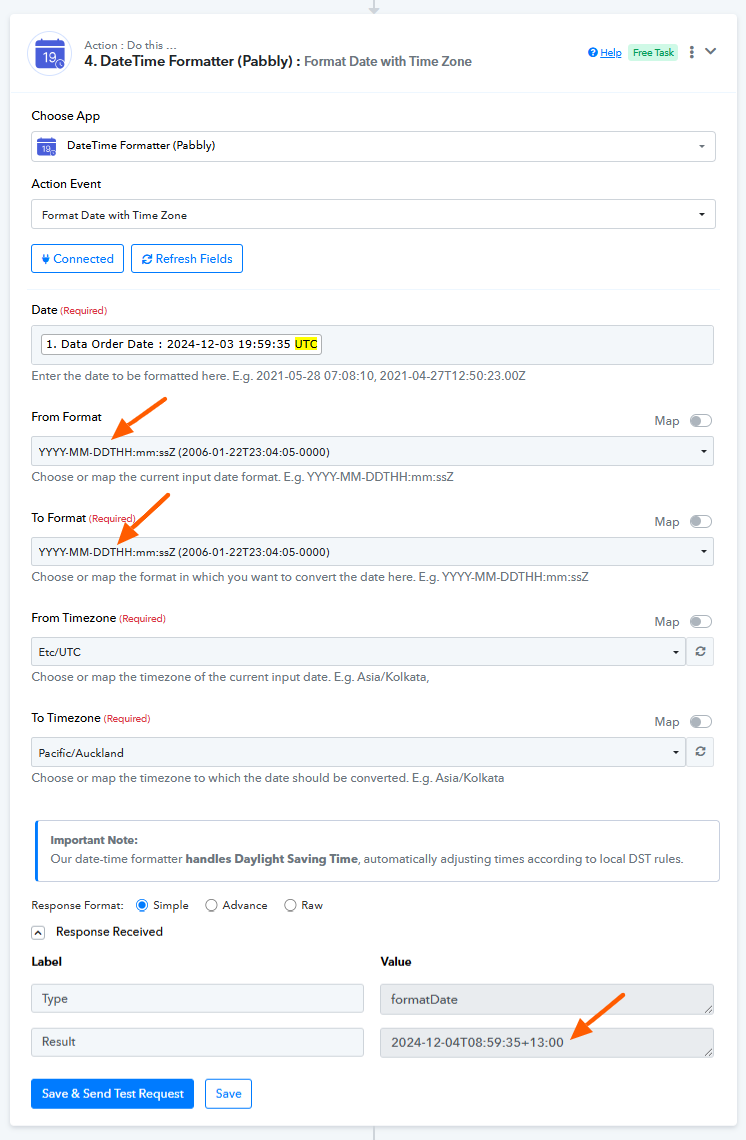
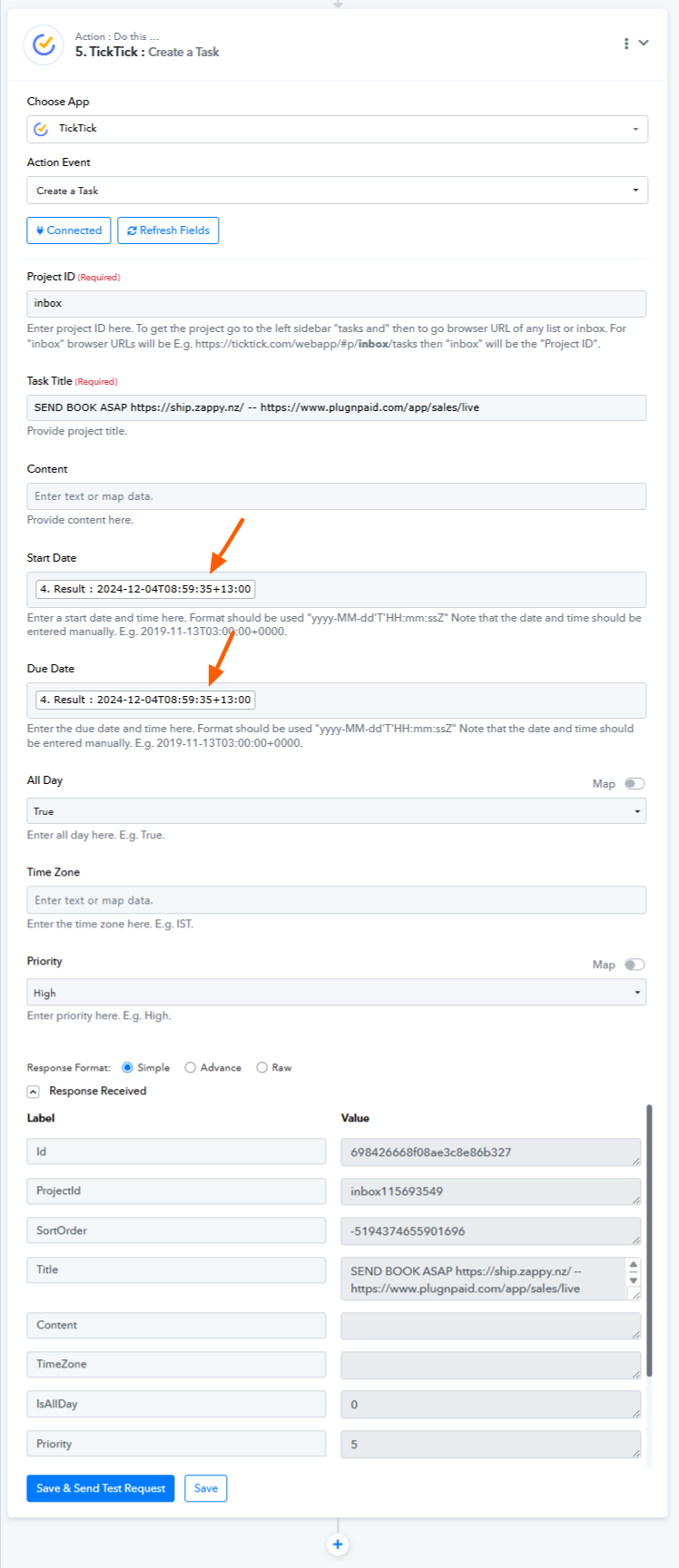
Hi, this hasn't worked either unfortunately. The response isn't showing a date
We have made a small change to the Start Date and Due Date fields, and it appears to have fixed the issue. The dates are now appearing in the TickTick: Create Task action application response.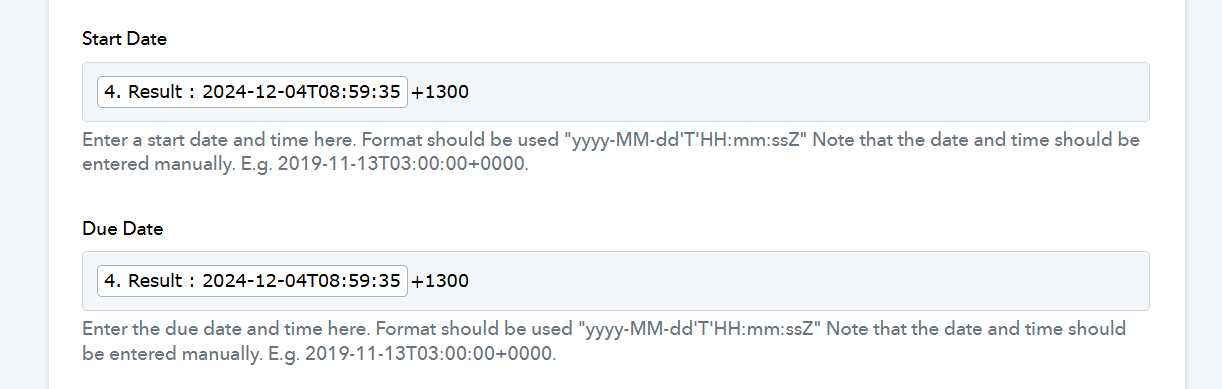
Thanks & Regards,
Arshil Ahmad
Customer Support Associate
? Pabbly.com
?Rate your support