TidyCal and Zoho CRM Integration Trouble
Status: Open · Asked by CoachK1262 on · 0 views
So I honestly have no clue on how to do workflows and I am trying to get tidycal connected with zoho crm and have started a workflow but haven't been able to get it to work properly as of this moment. Any ideas on what I need to do would be great. What I am trying to do , is to get the bookings to come over and look at zoho crm and see if the contact has a package deal for a training session with me and if they do, then deduct that session they book with me at that time of booking. Calendly works but it isn't flexible enough for my schedule changes. The best one was momence. Thanks for the help if you can.
Hi @CoachK1262,
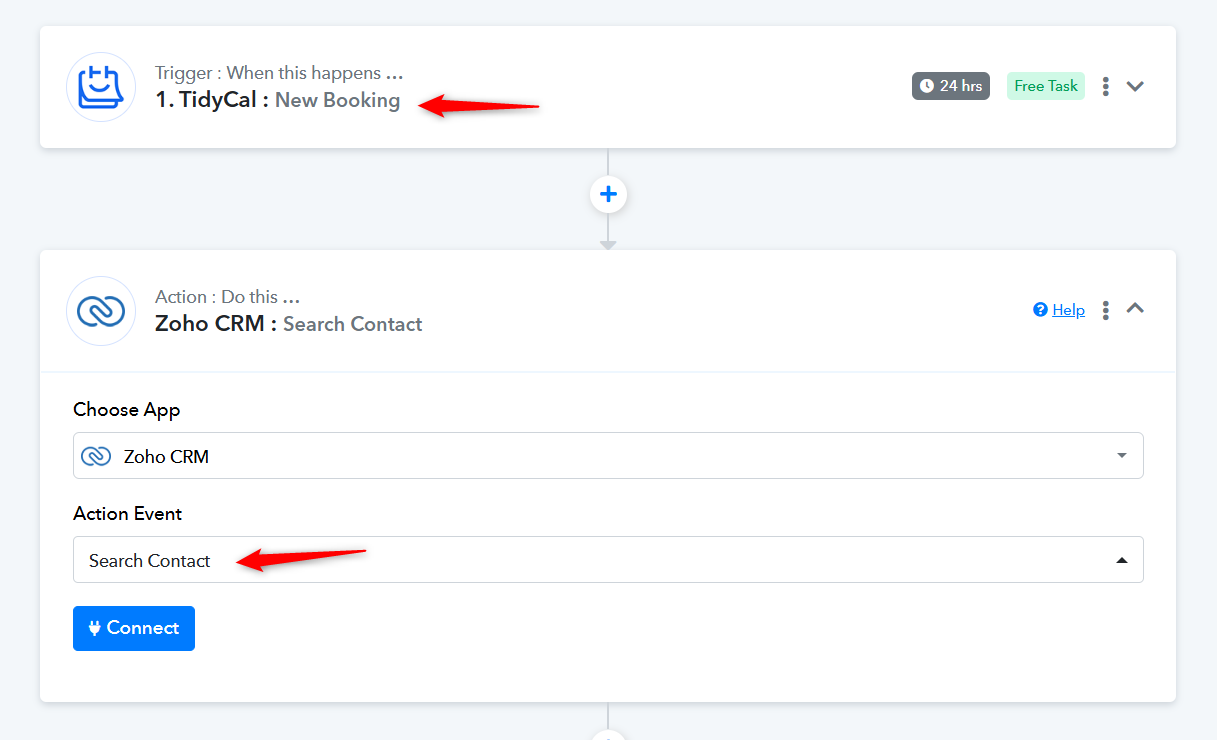
The first two steps of the use case you are trying to achieve will look like this.
- Use the 'TidyCal: New Booking' trigger step to capture new booking details.
- Next, use the 'Zoho CRM: Search Contact' action step to search for a contact associated with the email address captured in the TidyCal trigger step. This will help you fetch the package deal associated with the contact captured in TidyCal.
Could you please make a short screen recording and elaborate a bit more on the rest of the use case? It's not quite clear what you mean by 'deduct the session'.
So as you will see in the screenshot, there is a total sessions left that shows 10, which is what my adult fitness package is. So when for example I booked a training session after the booking that 10 in total sessions, should now become 9. That isn't happening
In which application are these sessions present? Also, could you please share the Workflow URL you attempted to set up for this use case?
In which application are these sessions present? Also, could you please share the Workflow URL you attempted to set up for this use case?
https://connect.pabbly.com/workflow/share/CkJVZ1MEVDcASgNpD1BTdAEVBQFQCgM-U0oJGwMMBX1THQdCBUQIYlsXACJfGAVkAktXPVYKATsJHQcDBVNSIVFIVEZQU10nVRgEfwFMX2wKVFV9UzI#
The deduction of one total session does work in zoho crm because it worked with calendly. I think that is what you are asking for
Hello @CoachK1262,
You can try using Zoho CRM: Insert/Update Record action to update the Total Sessions Left field and let us know if it works fine you.
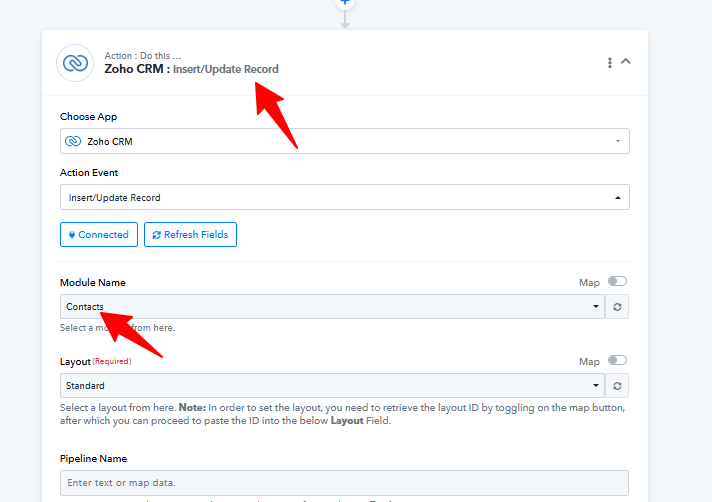
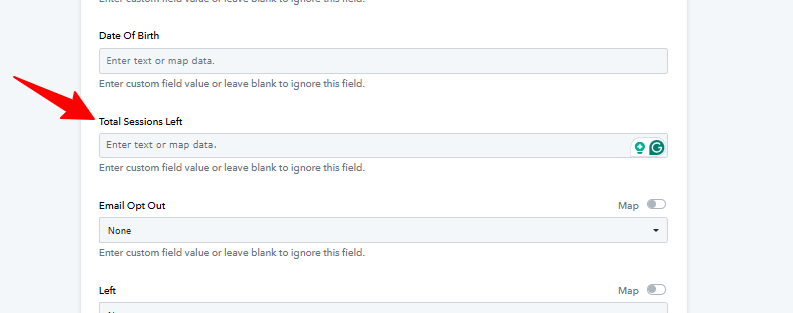
This is a screenshot of my zoho crm and yes, Total Sessions Left is a custom field that they built for me with a function that deducts the session when booked. Thanks for the help. I will try your suggestion
Hello @CoachK1262,
Sure, please try it out and let us know how it goes.
I did the setup of what you suggested and then booked a session for myself and don't know how long it takes too effect the workflow but I don't see any changes
Hello @CoachK1262,
The trigger you're using has a polling time of 24 hours, so we can see the results after 24 hours of the booking being created.
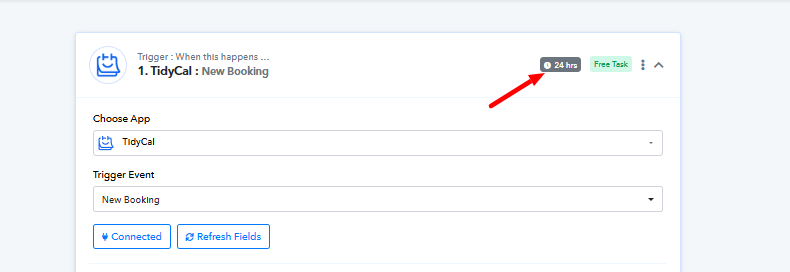
Is there a way to shorten that or is that just the way it is?
Hello @CoachK1262,
The trigger time can be reduced to a minimum of 10 minutes, but this feature is available only under our paid plans.
okay great thanks.
Well it didn't end up working. It didn't deduct the session from total sessions
We’ve made some changes to your workflow and added a Number Formatter. Please make a new booking to see if it produces the desired result.
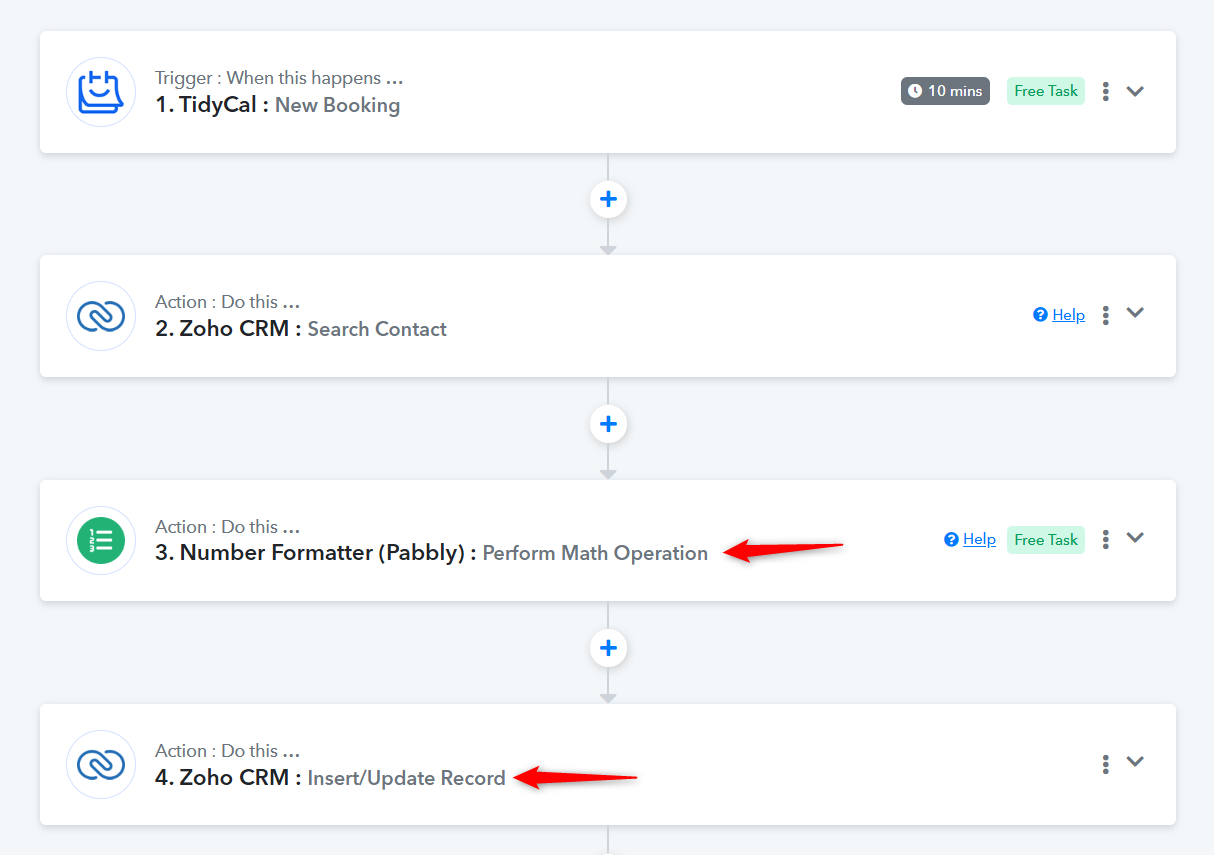
I think it is working. I will confirm with another booking. It seems to take awhile before it deducts it though?
Thank you for the update. We're glad to hear it's working now. TidyCal has a trigger interval of 10 minutes, so it may take up to 10 minutes for the sessions to be deducted.
so any chance someone could help me with acuity scheduling and i promise i will leave you alone lol. thanks in advance.
You can follow the steps shown in the video below to set up Acuity Scheduling as your trigger step.