TidyCal New Booking Trigger not working for Bookings in a Team
Status: Closed · Asked by Ken on · 0 views
Hello, this is my pabbly workflow, https://connect.pabbly.com/v2/app/workflow/mapping/IjU3NjYwNTY1MDYzNzA0MzA1MjY4NTUzMTUxMzEi_pc. When testing out the trigger, it seems to only pull new bookings from the personal meetings of the connected account. The connected account is the admin for a team which has bookings that I am trying to retreive via Pabbly. The Tidycal trigger does not seem to pull bookings made in the team since I see bookings made everyday in TidyCal for the team but do not see Pabbly triggering to collect these new bookings.
Hello @Ken Patrick,
Thank you for reaching out.
Could you please create a new test meeting under the team and let us know whether it gets captured in the workflow history? Alternatively, you may share any unique details of the team meeting (such as the meeting title or a specific identifier). This will help us review the trigger behavior more accurately and assist you further.
We look forward to your update.
The meeting title is either Beginners Online Training or Advanced Online Training. I made a test meeting under the team right now here is how it shows in TidyCal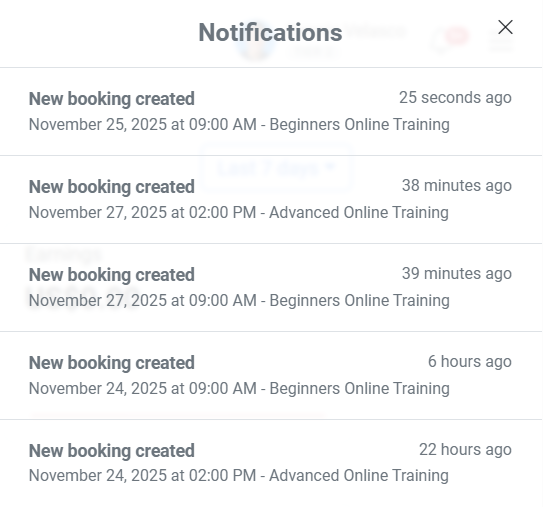
Hello @Ken Patrick,
Thank you for sharing the details.
We have created a test workflow under your account named “Pabbly Test” to verify the behavior. Based on our investigation, it appears that the New Booking trigger is currently able to capture only the bookings created under your personal TidyCal account, and it does not capture team bookings.
We have escalated this to our technical team for further review. If feasible, they will either introduce a new trigger specifically for team bookings or update the existing trigger to support them.
As soon as we receive an update from the team, we will get back to you.
Thanks for your patience and cooperation.
Thank you for the help :)
Hello @Ken Patrick,
Thank you for your patience.
Our team has made some adjustments to the TidyCal – New Booking trigger event. Please refresh the trigger fields and reconfigure the step once. Alternatively, you may set up a new workflow and test again to confirm whether team bookings are being captured correctly now.
Do let us know the results, and we will be happy to assist further.
I’m also seeing the same issue — the TidyCal “New Booking” trigger only seems to catch personal meetings, not team bookings. Affordable assignment writing services from MyAssignmentHelp. Maybe this limitation explains why team bookings aren’t being detected.
Hello @yingashley,
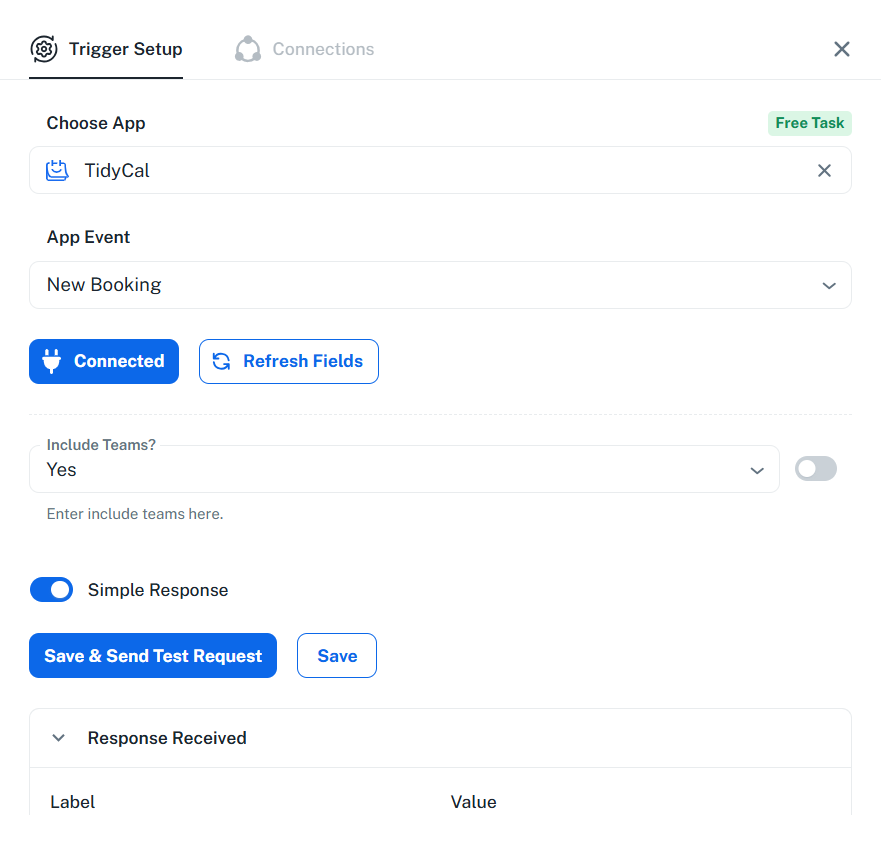
Our team has added a new dropdown option under the New Bookings trigger to include team bookings. If you set this option to True, you will be able to capture team bookings as well.
If you need any further assistance, please feel free to let us know.
Hello, I have reset the trigger to include teams, and this is what it looks like.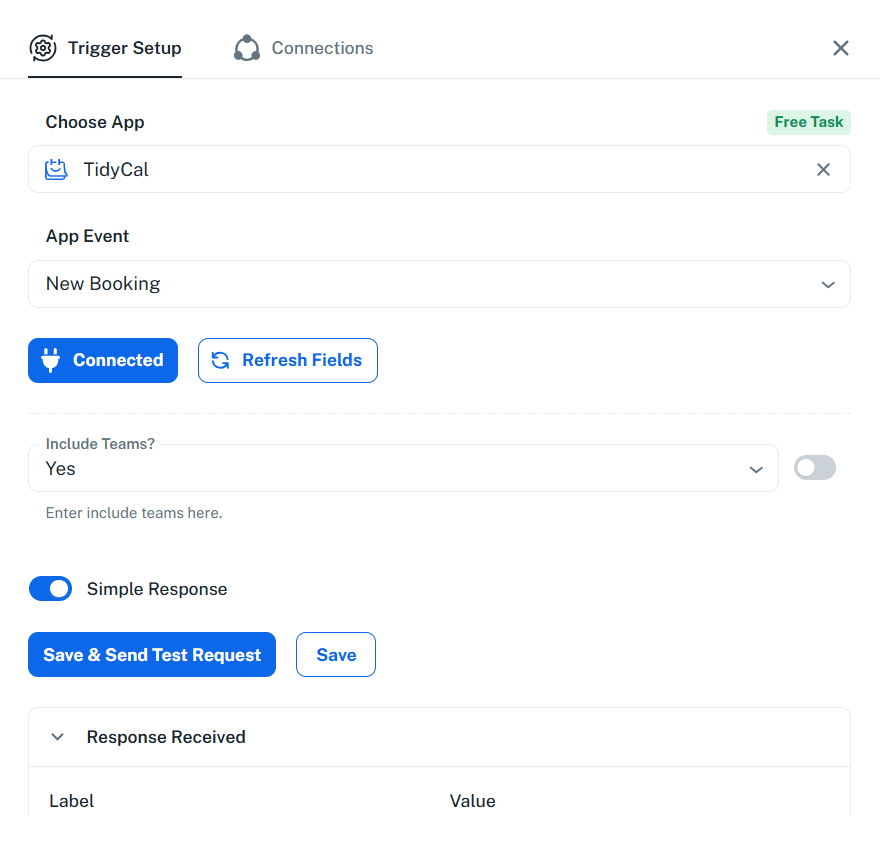
I waited for new team bookings and still did not see executions with the team bookings. When I first reset this trigger it gave me an error when trying to send a test request (saddly I did not save the error message) and tried the trigger without Teams and then it did not error when I tried to include teams again (but still did not capture team responses).
Hello @Ken Patrick
We request you to please re-establish the trigger for “TidyCal : New Booking.”
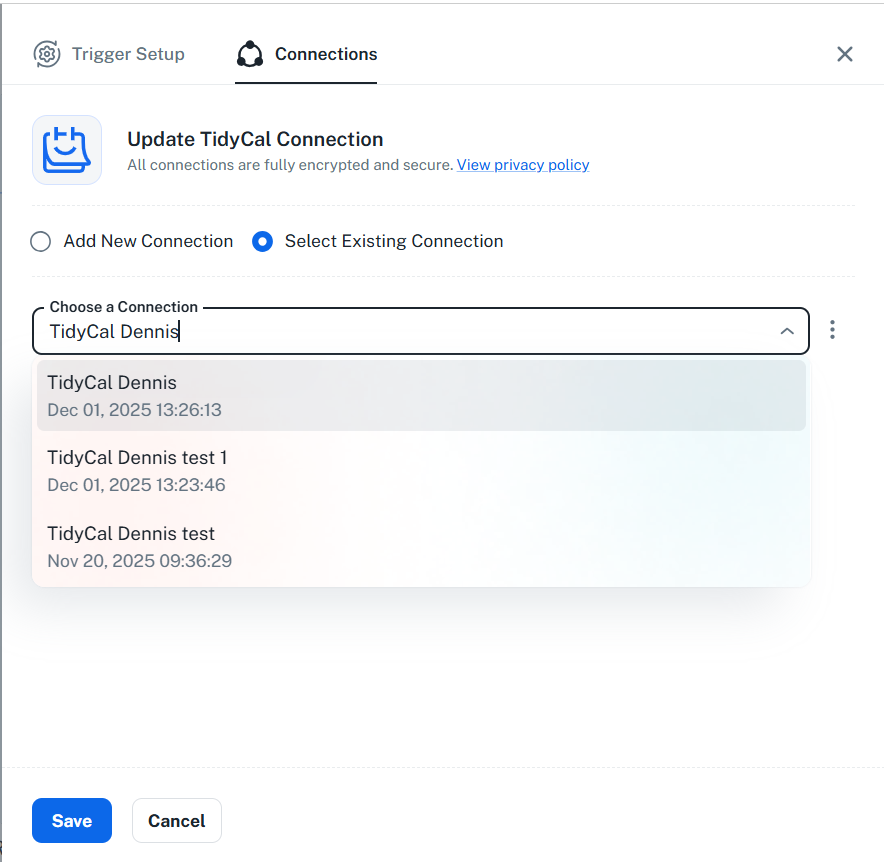
Create a new connection for this trigger, and before clicking “Save & Send Test Request,” make sure to first create a test booking in TidyCal that is specifically a team member booking.
Once the test booking is created, click “Save & Send Test Request” again.
Please try the above steps and let us know if the issue still persists — we’ll be happy to assist further.
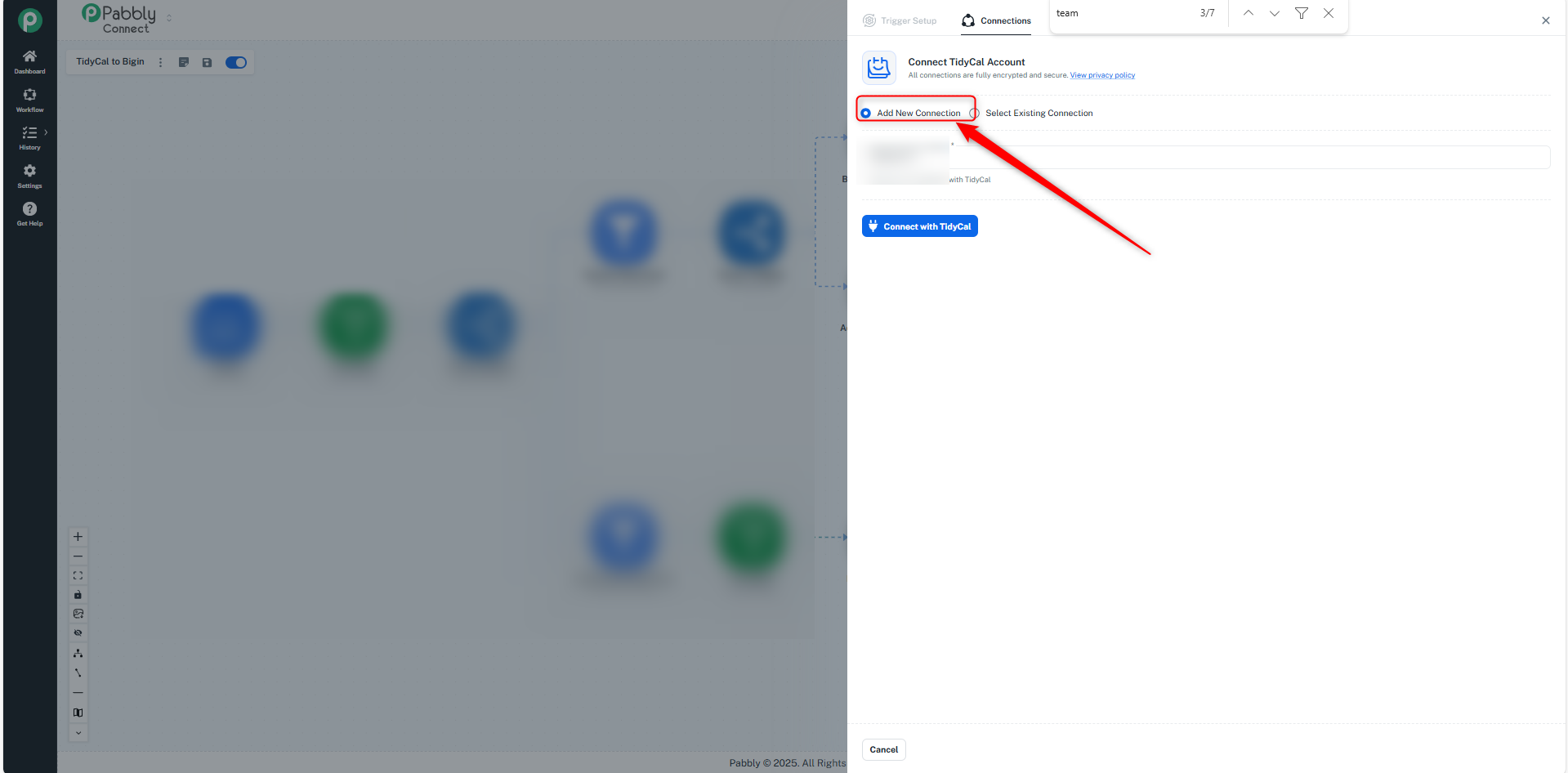
Ok. I just re-established the TidyCal connection and made a test booking under the teams bookings and then saved and sent a test request. The test request returned the latest personal booking so far. I renamed the previous connections with test and made a new one.
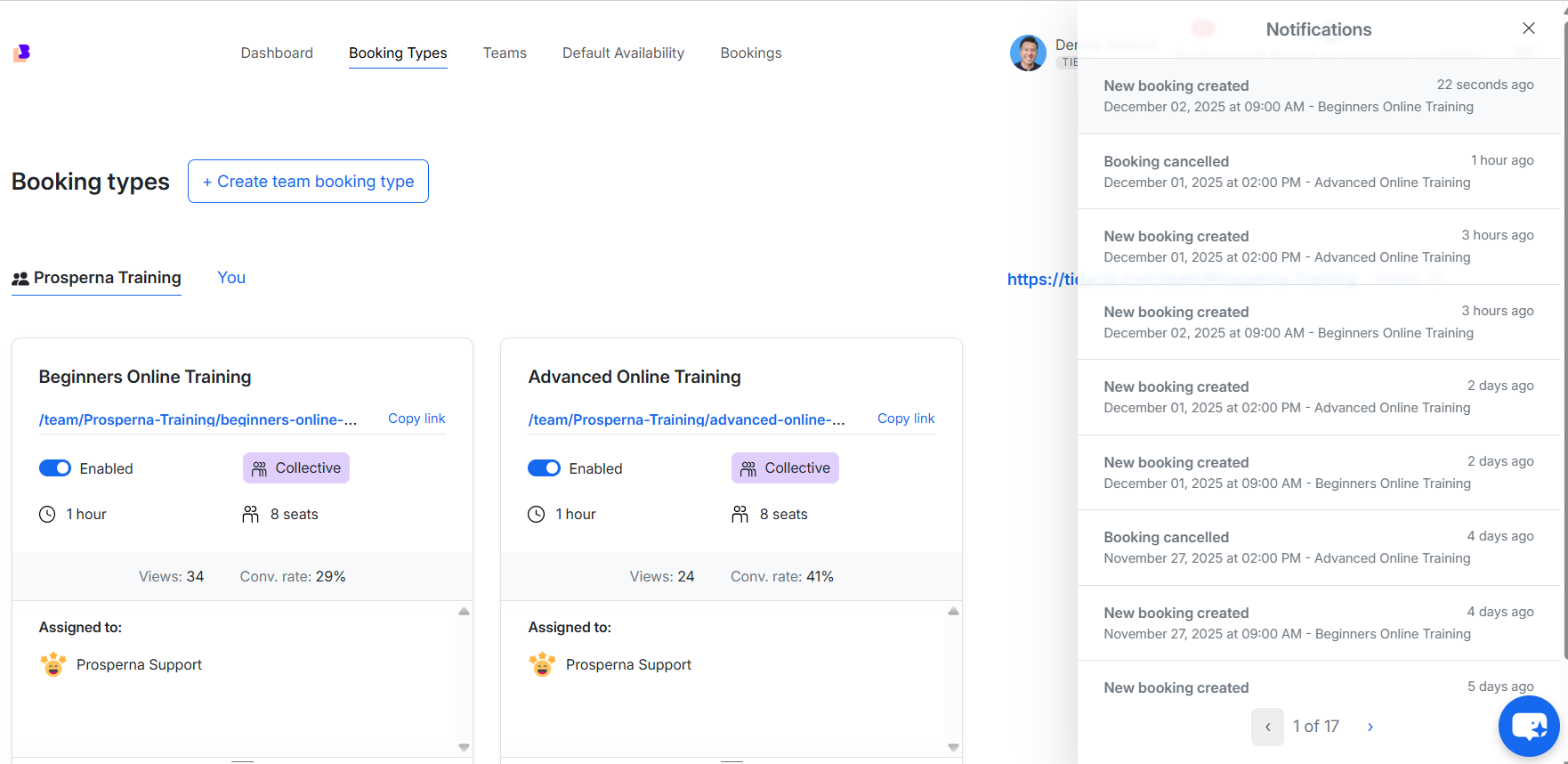
Hello @Ken Patrick
As we checked on our end, the team meetings are not getting listed.
We kindly request you to check with the TidyCal team whether they provide an API endpoint to retrieve Team Booking data as well. If such an API exists, please ask them to share the specific endpoint details, and provide those to us so we can proceed further.
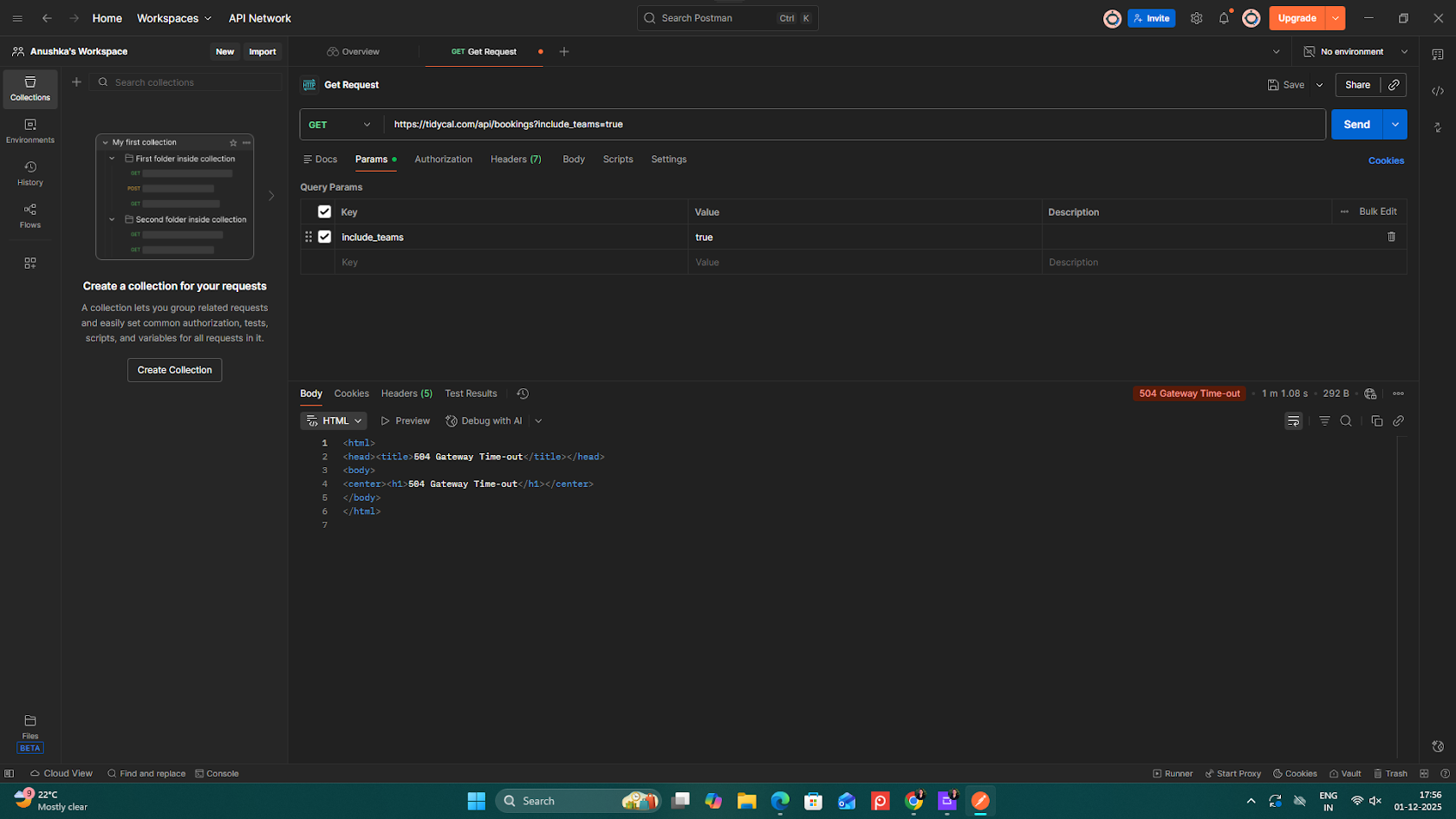
Hello, here is a link to their API docs, specifically the call booking function. I saw that they have a bool parameter to include team bookings. https://tidycal.com/developer/docs/#tag/Bookings
Hello @Ken Patrick,
To assist you further, our team will require access to your TidyCal account. If you're comfortable, please share the temporary access credentials with us at:
We will review and update you accordingly.
Thank you. I just got confirmation that I can share access. Asking if that email has LastPass so I can easily share access, and if not, I can send over access through email instead.
Hello @Ken Patrick,
To assist you further, our team will require access to your TidyCal account. If you're comfortable, please mail us the temporary access credentials at [EMAIL][email protected][/EMAIL].
We will review and update you accordingly.
Sending access credentials right now
Hello @Ken Patrick,
Thanks for sharing the details.
Please allow us some time, and once we receive any further updates from our team we will get back to you.
Hello @Ken Patrick,
Thank you for your patience.
We’ve introduced a new trigger TidyCal: New Team Booking as per your use case. You can now go ahead and test it from your end.
Please let us know if you face any issues or need further assistance.
Yes. Tested and was able to see a team booking. Thank you for the new feature. I will inform the account owner to change the credentials now. Thank you again :)
Hello @Ken Patrick,
Thanks for confirming that the trigger is working fine.
As your issue has been resolved, we’d appreciate it if you could share quick feedback on the support received:
https://forms.gle/GAjS4wdPYKuhnEYV9
Thank you for your time.
PS: We are closing this thread as the issue is resolved. Please feel free to reach out to us if you face any issues in the future.