Tiered Email Response Workflow using Zoho
Status: Open · Asked by cyb3rathl3t3 on · 0 views
I need some help with a work flow. Your assistance will be greatly appreciated. I created a form in which users can select 3 unique options or choices. This form connects to a Google sheet, I need to send every user who fills out this form a unique response based on their choice (form) using Zoho email. Can you please help? I already created the first step of the process, which is the Google Sheet module (new or updated spreadsheet row). I have installed the extension, webhook, submitted, and tested successfully. I am not quite certain if I am in need of a filter or which process to use to send unique responses to each end user based on the option they choose on the form. Each of these 3 options has their own unique email response and data. Thank you for your help.
Hi @cyb3rathl3t3,
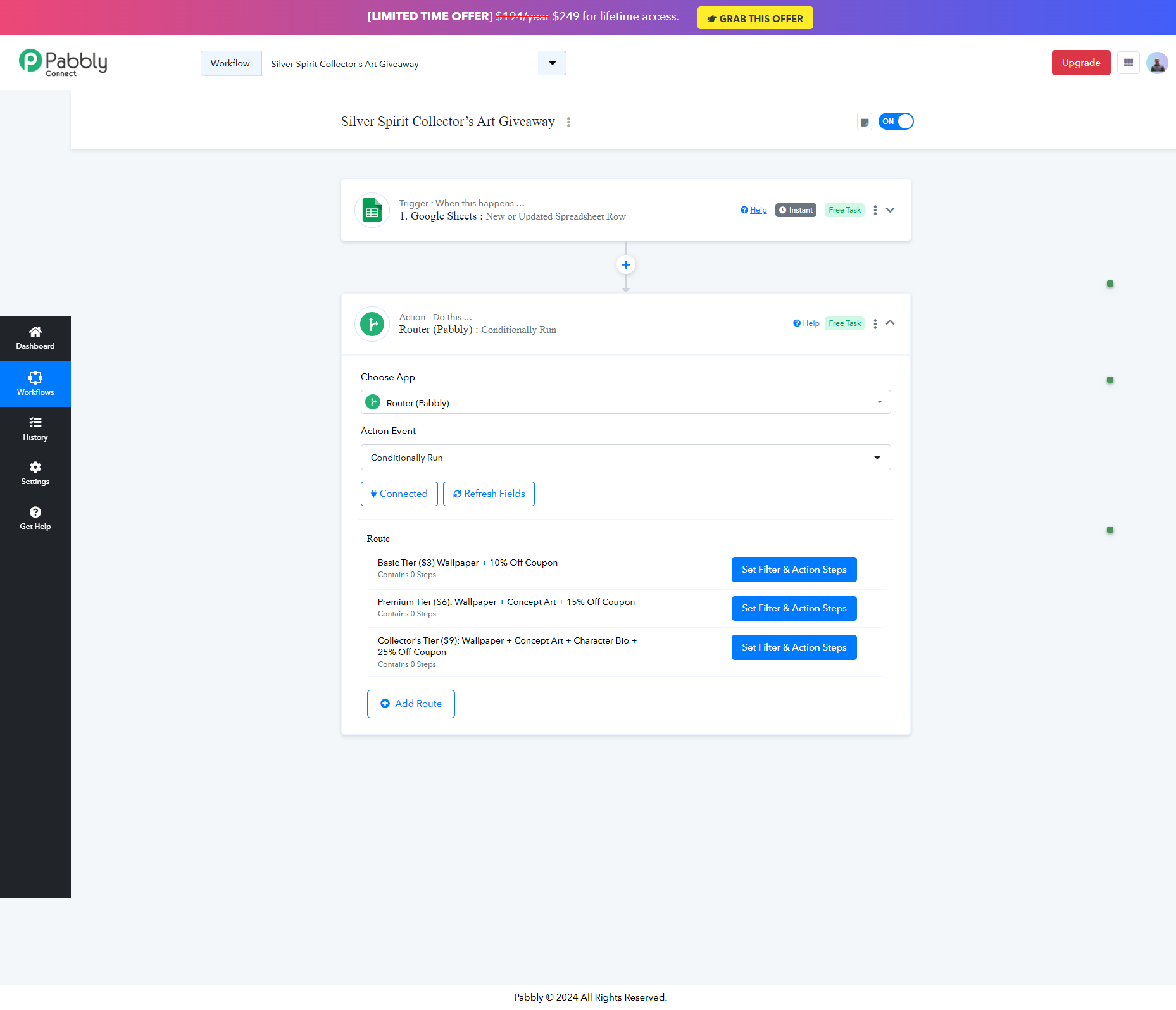
You can add a router to your workflow with three different routes and set a different filter condition for each of these routes. This will allow you to achieve your desired use case.
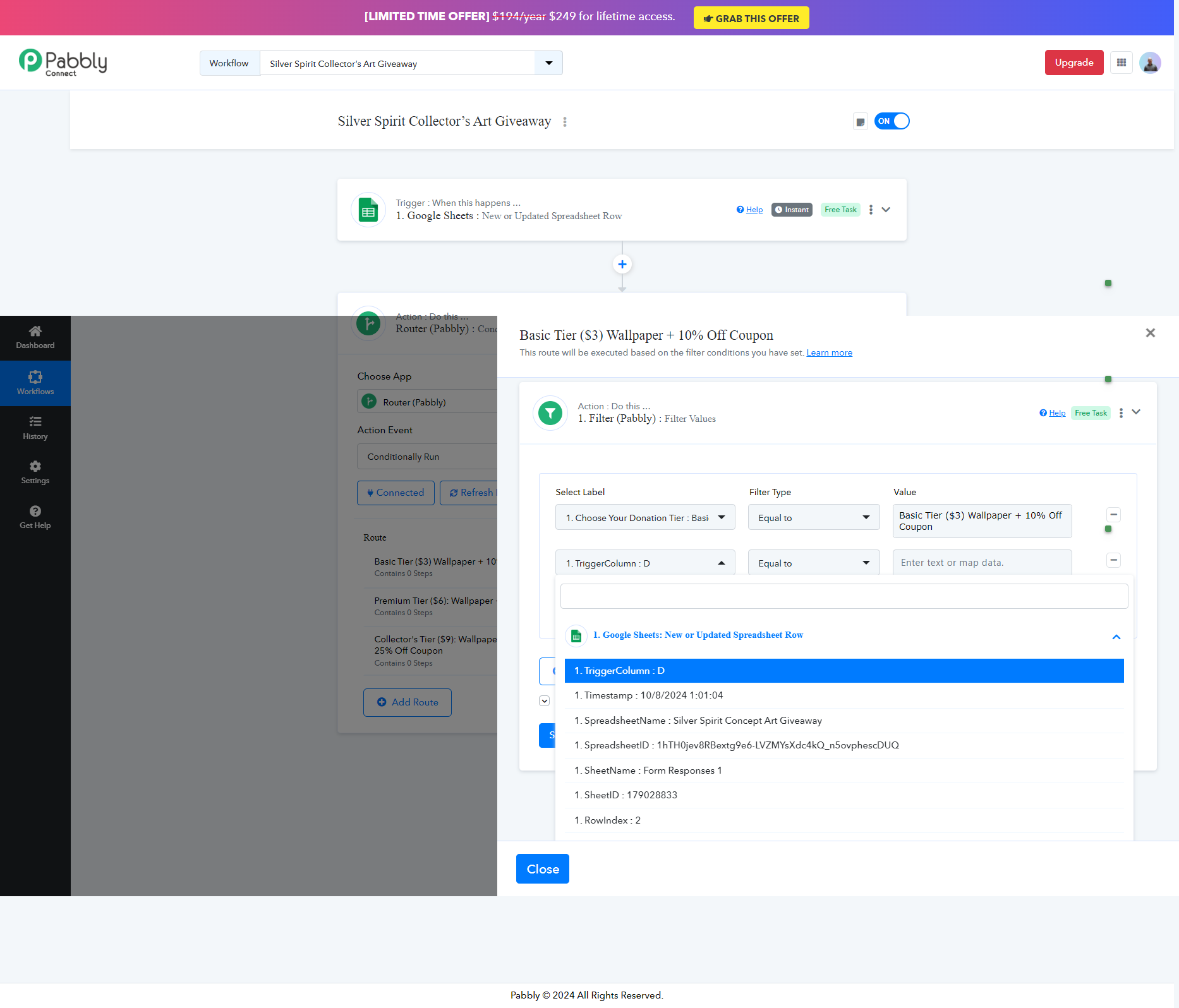
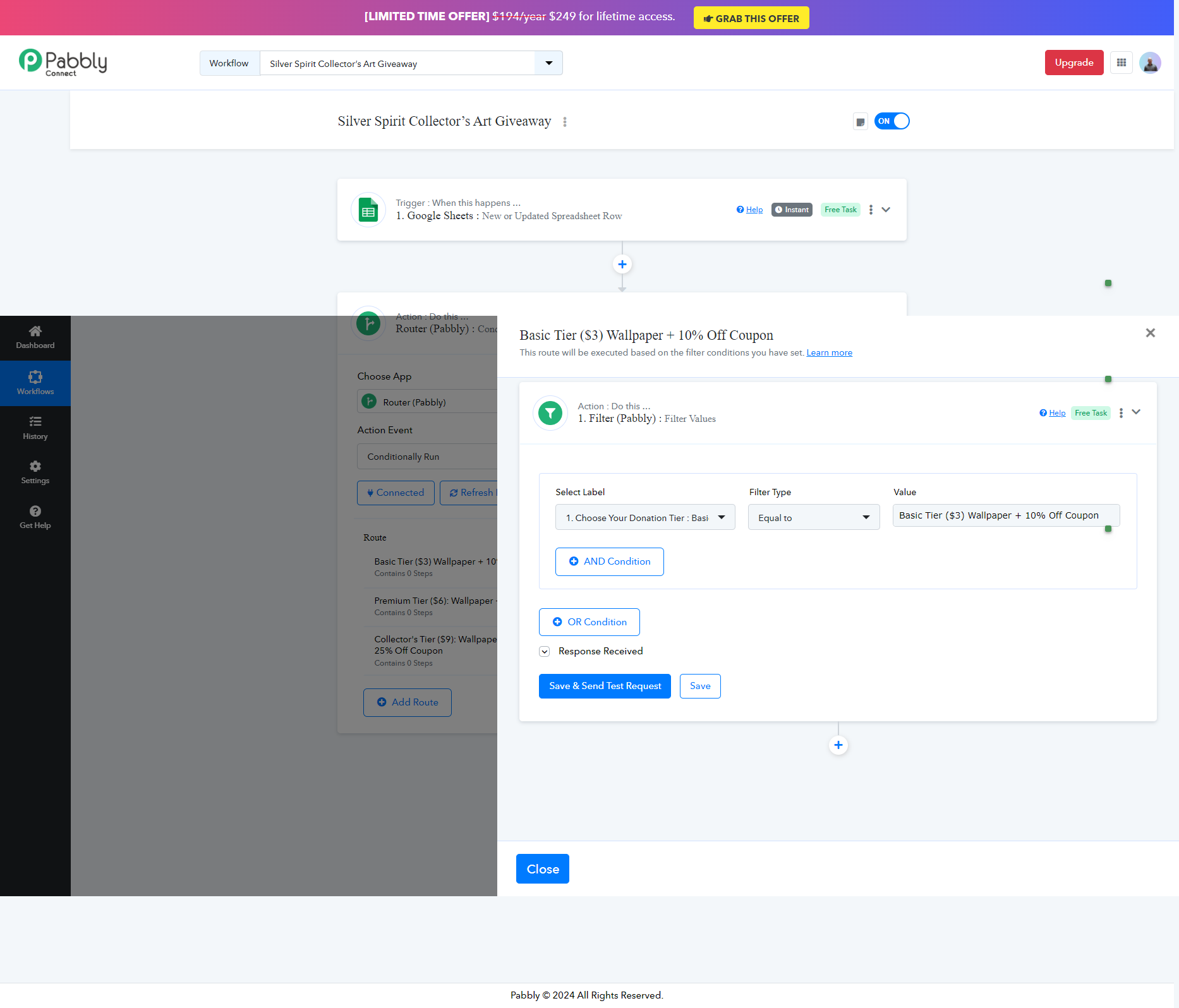
Thank you so much for your help. I really appreciat it. I was able to create the router work flow and go through the configuration process for the webhook. The one hiccup that I am finding is that it appears that each web hook is only capable of supplying one trigger column. So, I need to capture the data from 3 different header columns. Since only one "trigger event" is available per webhook. I am not quite sure how to proceed. I tried adding multiple conditions, but that didn't seem to have any effect because the additional conditions still try to capture data from the same column in the original webhook. I watched the video you supplied, but it only seems to capture data from one trigger. Can you please advise? Thank you so much.
It appears that the row index and trigger only allow for data capture in a single column and cell. What am I missing?
Attachments
Hello @cyb3rathl3t3
You can set the trigger column with the last column among the three, this will capture all the required data and then you can add the multiple filter conditions with AND condition if all are required to be fulfilled, else you can add the filter conditions using the OR operator.
I need to capture the data from 3 different header columns
Good morning Preeti,
I tried that originally, but I keep getting a condition is false error. It's like the system doesn't know to look past the first row of data. Oh, Wait a minute! It worked! OMG, Thank you very much! I really appreciate your help. Thank you so much!
Thank you for the update. We are glad its working now.