Trello create card (start date)
Status: Open · Asked by lelehelloworld on · 0 views
I have a extisting working flow for New or updated Google sheet -> Create new card to Trello
I want to fetch start date data. How to do this?
Hey @lelehelloworld
I want to fetch start date data. How to do this?
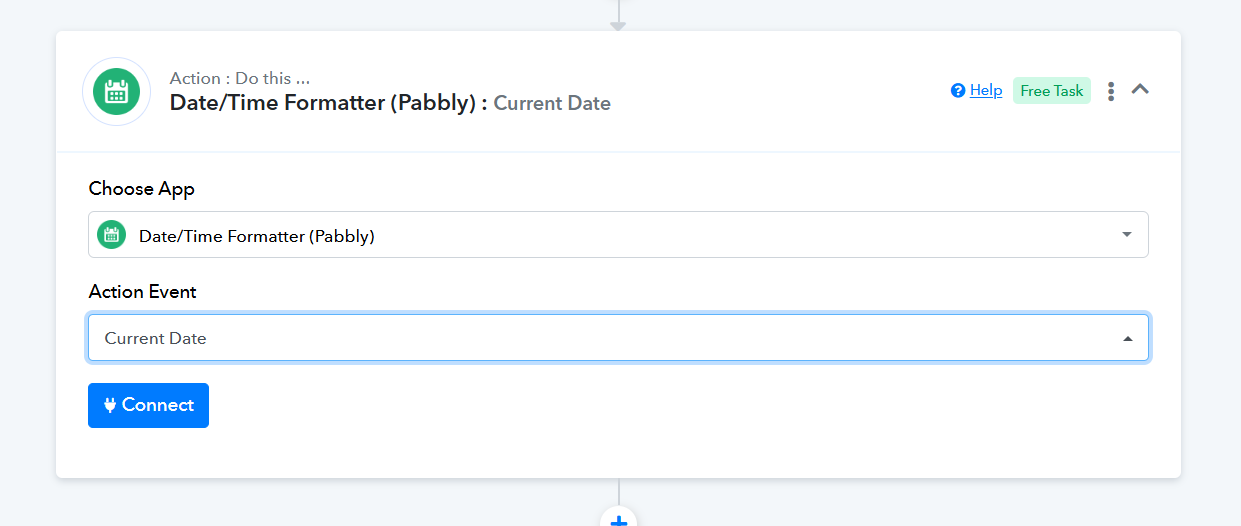
Please specify the type of date you need to retrieve. If you require the current date to be processed with each new row in your Google Sheets, consider using the 'Date Time Formatter: Current Date' action step.
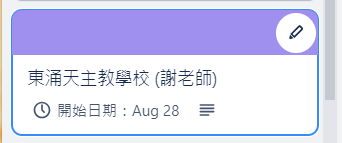
I want the date display on the start date field of Trello card rather than the content as below.
There's no start date field for me to input the data.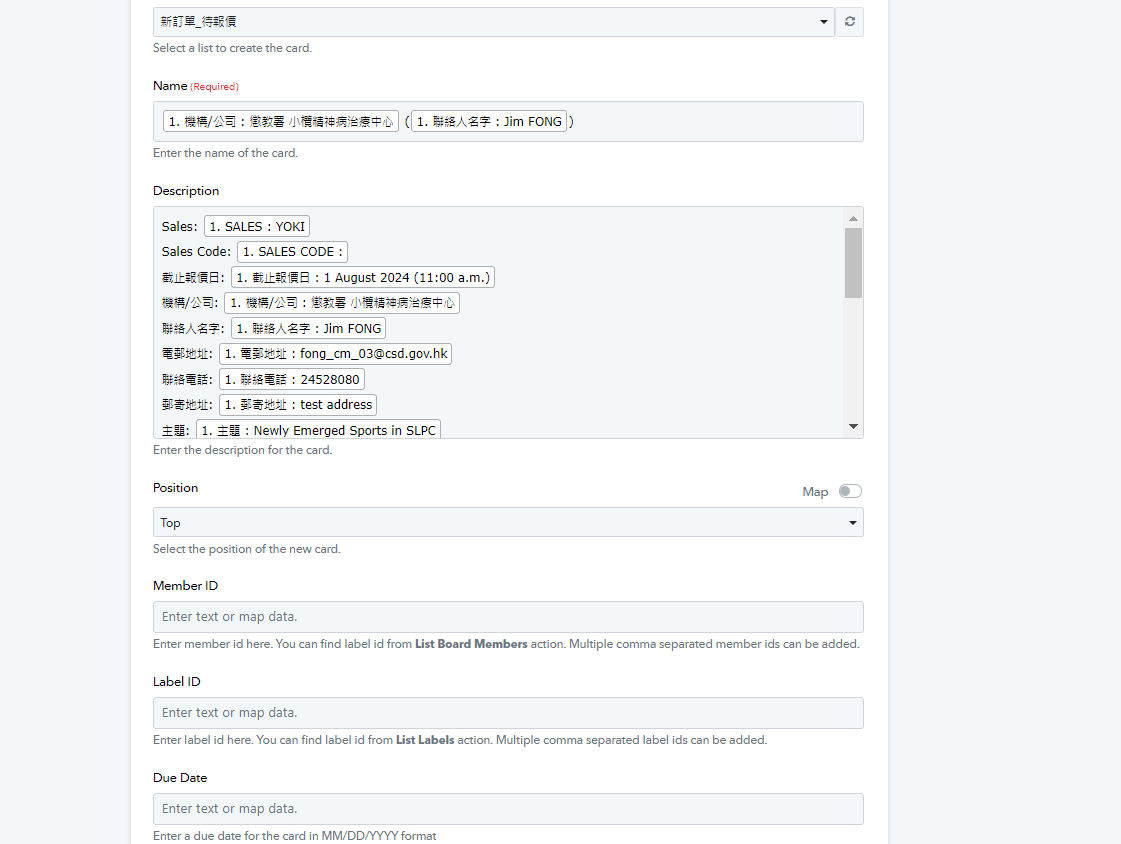
Hey @lelehelloworld
We have forwarded your concern to the integration and they will add the start date accordingly in the Create a Card action step.
Hey @lelehelloworld
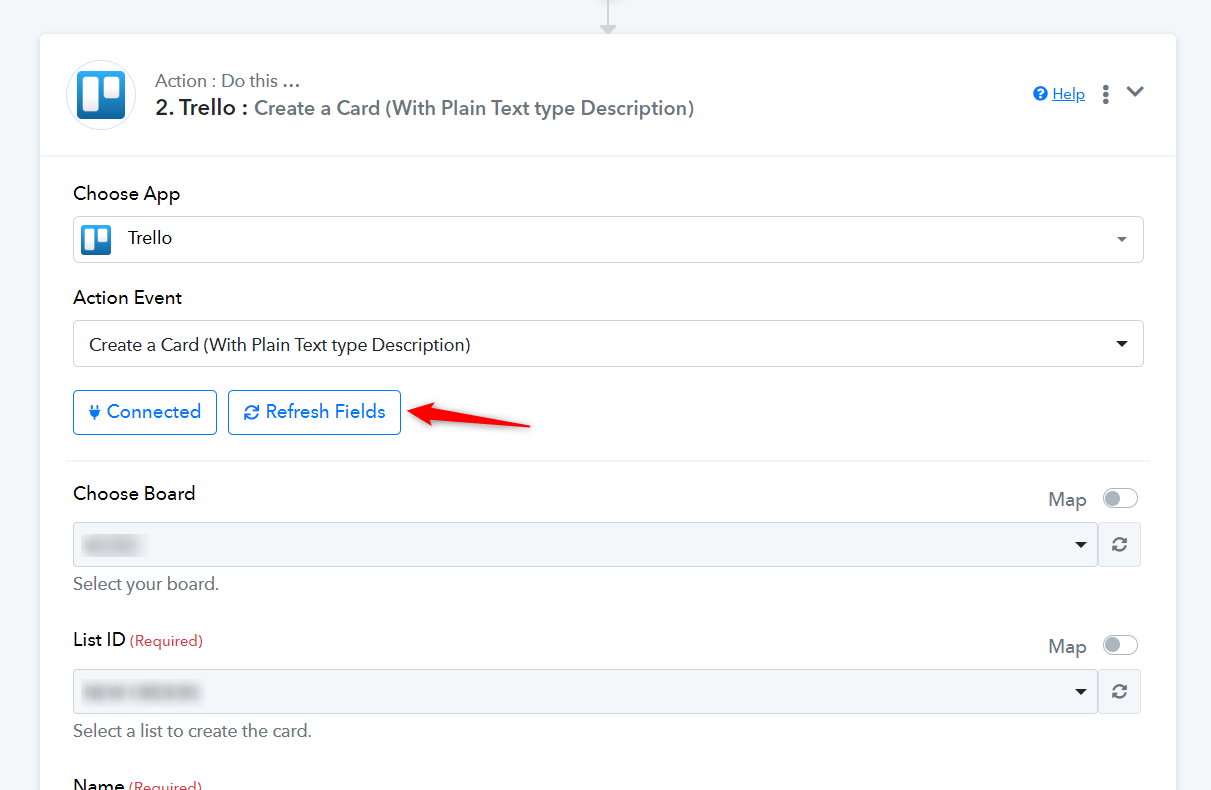
We have added the "Start" field in the Trello action step of creating a card as per the API reference. Please check by refreshing the fields and then try again.
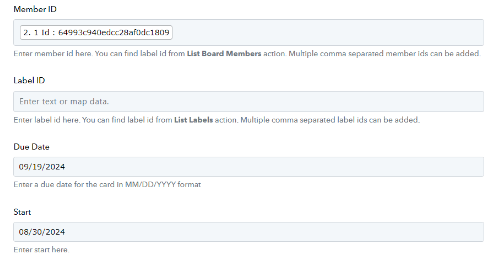
Hi there. This new label 'start' caused a problem in every Trello create card action. 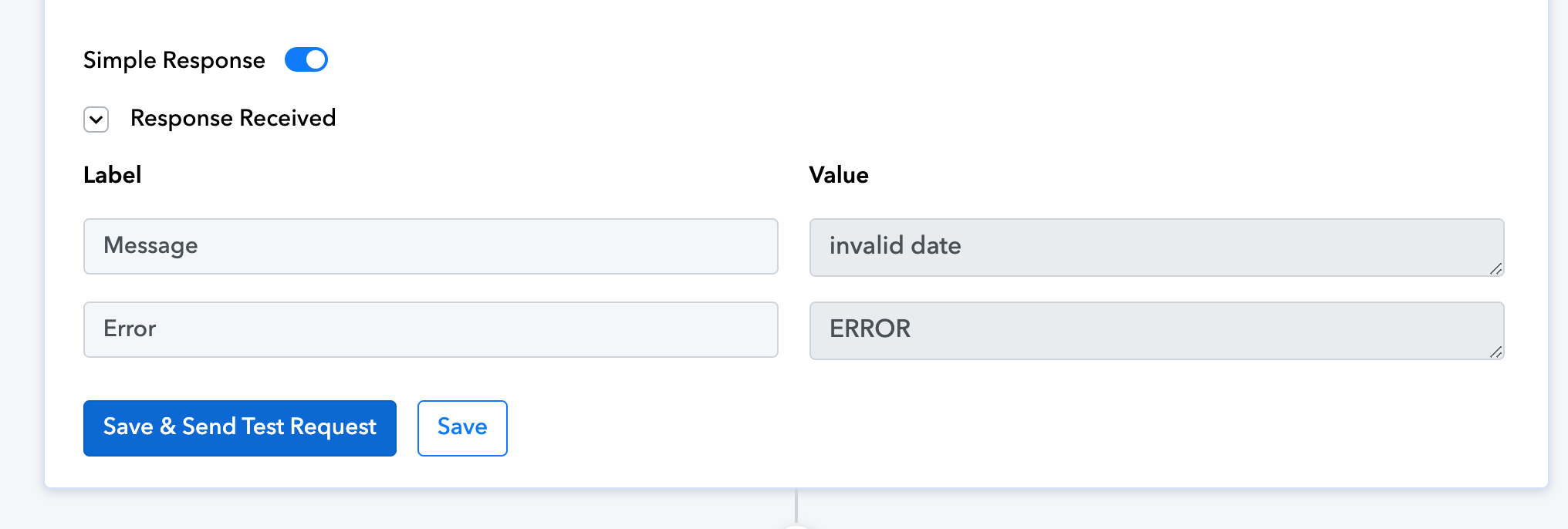
So that's the error: 'invalid date'. I'm reconnecting manually all those create-a-card actions to solve that problem.
Could you guys please solve it?
Please click on 'Refresh Fields', map the relevant data from above, and click on 'Save & Send Test Request' to see if that fixes your issue.