Trello: Move Card
Status: Open · Asked by A&C Photography on · 0 views
How do I move a card within TRELLO to a different list/board?
Hi @Acephoto2005,
The use case you are describing doesn't appear to be possible, as Trello does not have an endpoint to move a particular card to a different list or board.
https://developer.atlassian.com/cloud/trello/rest/api-group-cards/#api-group-cards
I'm not sure what "endpoint" you're referring to, but trello absolutely has a way to move cards from one board/list to another board/list... both zoho flow and zapier have figured it out to integrate into their actionable steps (see attachments for examples).
In each case, you specify which card, on a specified list, on a specified board; then have the system move that card to a specified list, on a specified board.
Attachments
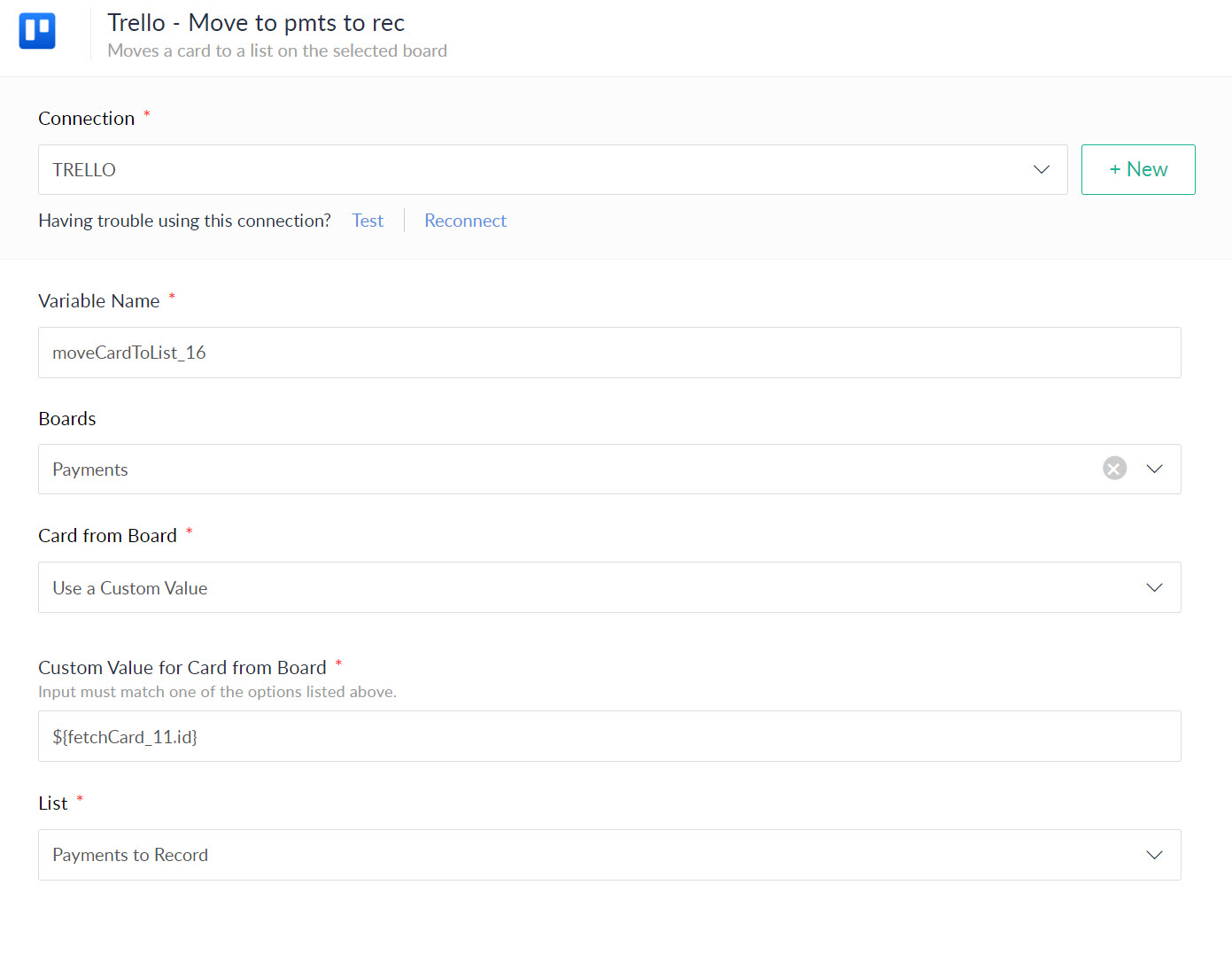
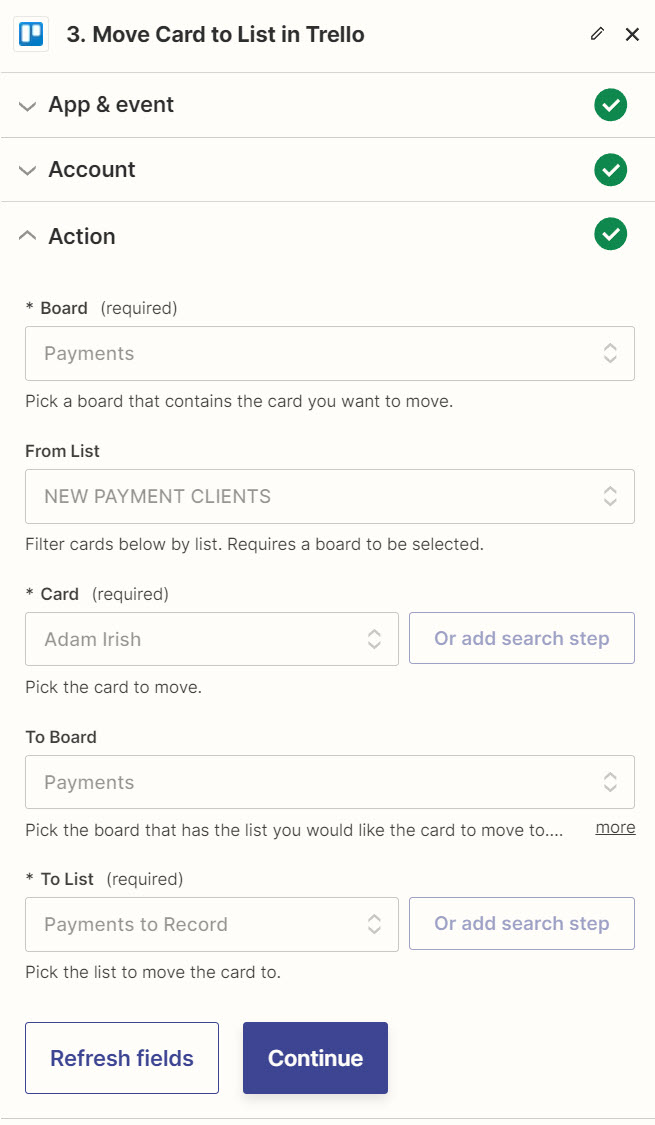
If you want this action event to be added to the Trello application, you can submit your request on our dedicated platform:
https://pabbly.featureos.app/b/Integration-Request
Our integrations team will review your request and, if possible, add the desired endpoint to Trello.
If you want this action event to be added to the Trello application, you can submit your request on our dedicated platform:
https://pabbly.featureos.app/b/Integration-RequestOur integrations team will review your request and, if possible, add the desired endpoint to Trello.
Any update on this? I want to move a Trello card from one list to another based on a trigger in Shiprocket. Is this possible now?
Currently, we don't have this action event for Trello. I have forwarded your request to our integrations team, and if possible, they will add the desired action event.
Our integrations team has informed me that the endpoint is not available in Trello's Public API documentation, which is why we are unable to add it to the action application at the moment. We have contacted their team regarding this concern and will try to make progress as soon as we receive a reply from them.
There have been requests since 2022 and this issue has not yet been resolved! This is a very simple and basic action within Trello so it is not possible to do it.
Would you have any predictions?
Please allow me some time to discuss this with our team. We will get back to you with an update soon.
Hello,
Can you please rty using the "Update a Card" action and let us know if it fulfills your requirement
Hello @Marcos Assis
We have tried using the Update a Card action at our end and it worked for moving a card among the lists of a particular board. Please refer to the following link to view the demonstration video - https://drive.google.com/file/d/1gkMdoKC_CU7b6c1SOoY0ClbSSINzh-jw/view usp=sharing