Trello to Google Sheet: "Start date" Issue
Status: Open · Asked by lelehelloworld on · 0 views
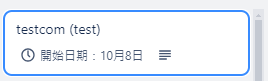
No matter which date I input in Google Sheet, it automatically changes to today's date on Trello.
I remember it's a new feature I requested. Is it a bug?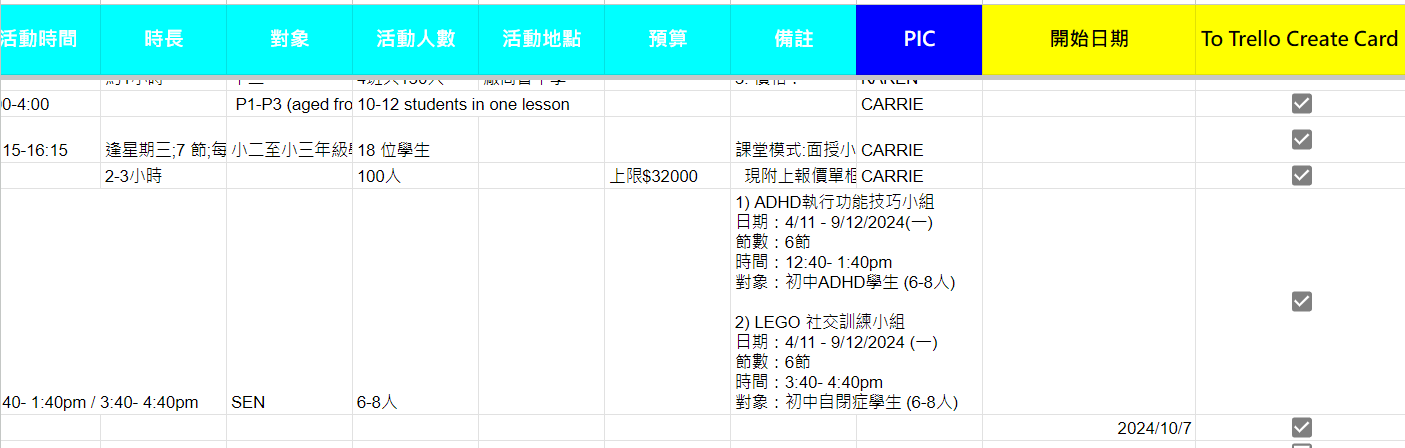
Hello @lelehelloworld
Please enter the date in the Start field as shown in the help text, refer to the attached screenshot for more info.
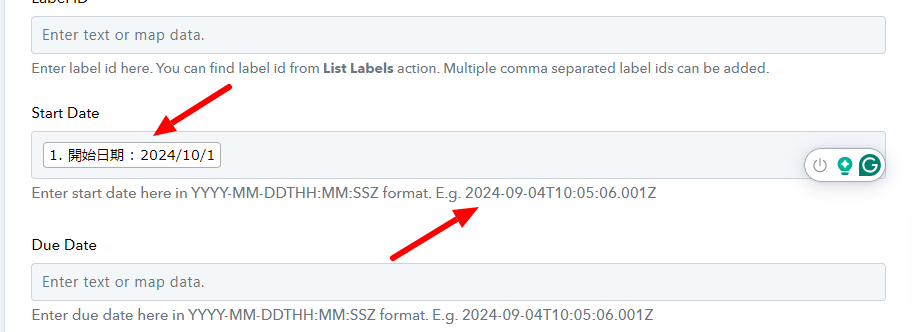
Let us know if you still face the same issue.
Hello @lelehelloworldPlease enter the date in the Start field as shown in the help text, refer to the attached screenshot for more info.
Let us know if you still face the same issue.
I have input the date format as shown in the help text, but doesn't fix it.
Hello @lelehelloworldPlease enter the date in the Start field as shown in the help text, refer to the attached screenshot for more info.
Let us know if you still face the same issue.
Please refer to the image. I used the said format, but still doesn't show as today's date.

Hello @lelehelloworld
We have added a "Date/Time Formatter (Pabbly): Format Date Only" step to your workflow and Trello response contains the start date as the mentioned date.
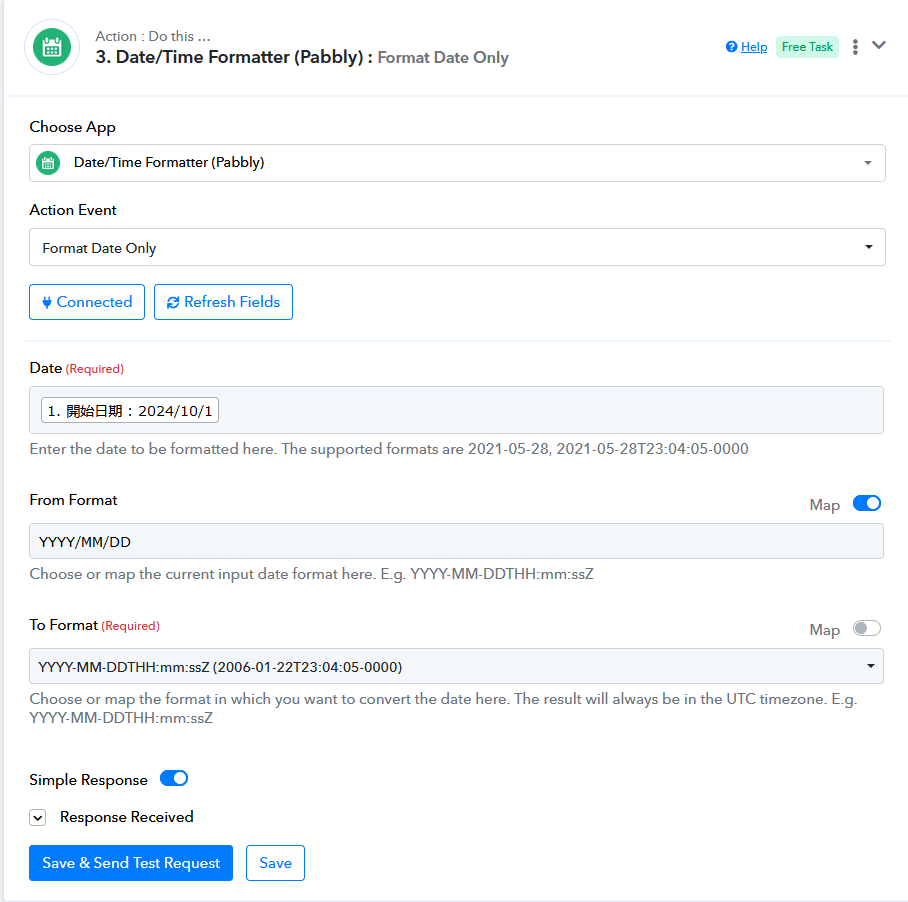
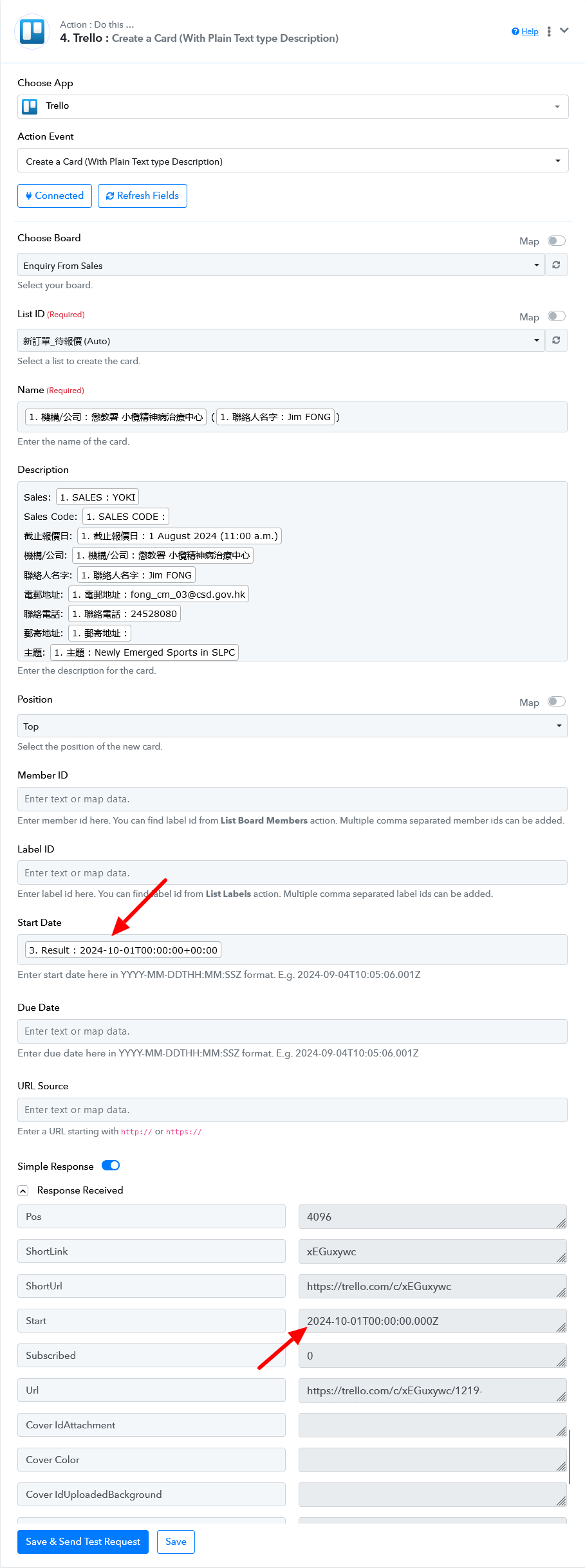
Kindly double-check the date to be entered and let us know if you still face the same issue.