Trouble with Webhook coming from Pabbly Hook
Status: Open · Asked by Justin Meriwether on · 0 views
I'm testing out Pabbly Hook and have connected my ecommerce website to it. Then I am forwarding that request to a workflow in Pabbly Connect.
The Pabbly Hook shows that it is working correctly and succesful. But the Webhook step in my workflow is not receiving anything. Is there something I missed?
Most recent Pabbly Hook ID: req_48556cc1c905421a9e0f098ad02432fa
Pabbly Connect Workflow: https://connect.pabbly.com/workflow/mapping/IjU3NjUwNTY5MDYzMjA0MzQ1MjY1NTUzNDUxMzci_pc
Thank you for your help.
Hello @JustinPM123,
We were unable to locate the provided Hook ID in the account associated with the email address [email hidden].
Could you please share the email address linked to your Pabbly Hook account or confirm the correct Hook ID? This will help us assist you more effectively.
Hello @Preeti Paryani ,
Here is my Pabbly Hook URL: https://hook.pabbly.com/api/webhook/65884f977094b9f694938e26/67f6e6de5e434afb5db3cb7c
I am using the Free account currently with the same email address.
This is the Pabbly Connect > OPS test > Webhook URL https://connect.pabbly.com/workflow/sendwebhookdata/IjU3NjUwNTY5MDYzMjA0MzQ1MjY1NTUzNDUxMzci_pc
Please disable your original workflow and create a new one. Set up Webhook by Pabbly as the trigger step in the new workflow, add this Webhook URL in Pabbly Hook, and check if the data gets captured in your new workflow.
Hello @ArshilAhmad,
I have disabled my original workflow and created a new one called OPS, setup the Webhook by Pabbly trigger, copied the webhook URL, and pasted into the Pabbly Hook - Destination Webhook URL.
The Pabbly Hook is still receiving REQUESTS but the workflow is not.
Here is the new Connect Workflow: https://connect.pabbly.com/workflow/mapping/IjU3NjYwNTY4MDYzNDA0MzQ1MjY4NTUzMjUxMzAi_pc
Please allow us some time to look into this concern. We will get back to you with an update soon.
Hello @JustinPM123,
Upon checking, we noticed that the workflow in Pabbly Connect was disabled, which may have caused the issue.
Please enable the workflow, add a paid step, and set up a new connection in Pabbly Hook. Once done, reconfigure the setup.
If the issue still persists, kindly share a screen recording so we can assist you more effectively.
Hello @Preeti Paryani,
The Workflow was enabled when I last posted. But the workflow did not have a saved step after the Webhook Trigger. So I now have enabled it and added a step to email me when the workflow is successful.
Here is a screen recording of both the Workflow and Hook.
Our technical team has recommended taking these steps.
Please 'Disable' your current Pabbly Hook.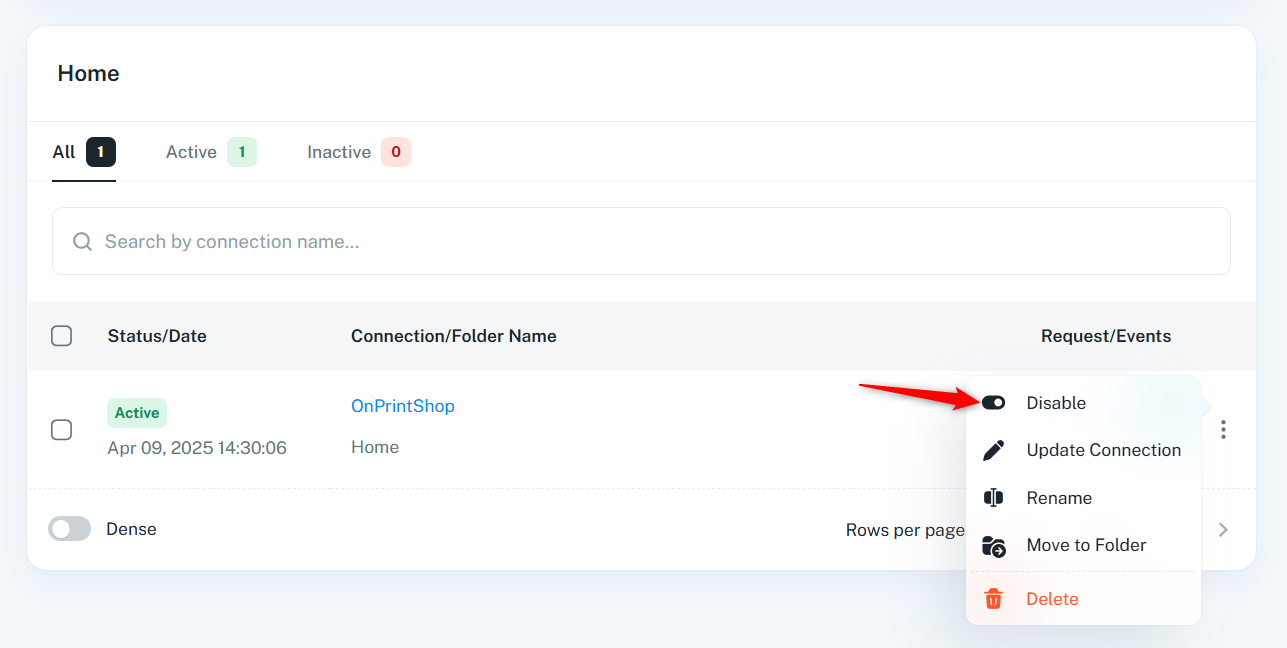
Next, create a new connection and connect your website to the newly generated Pabbly Hook.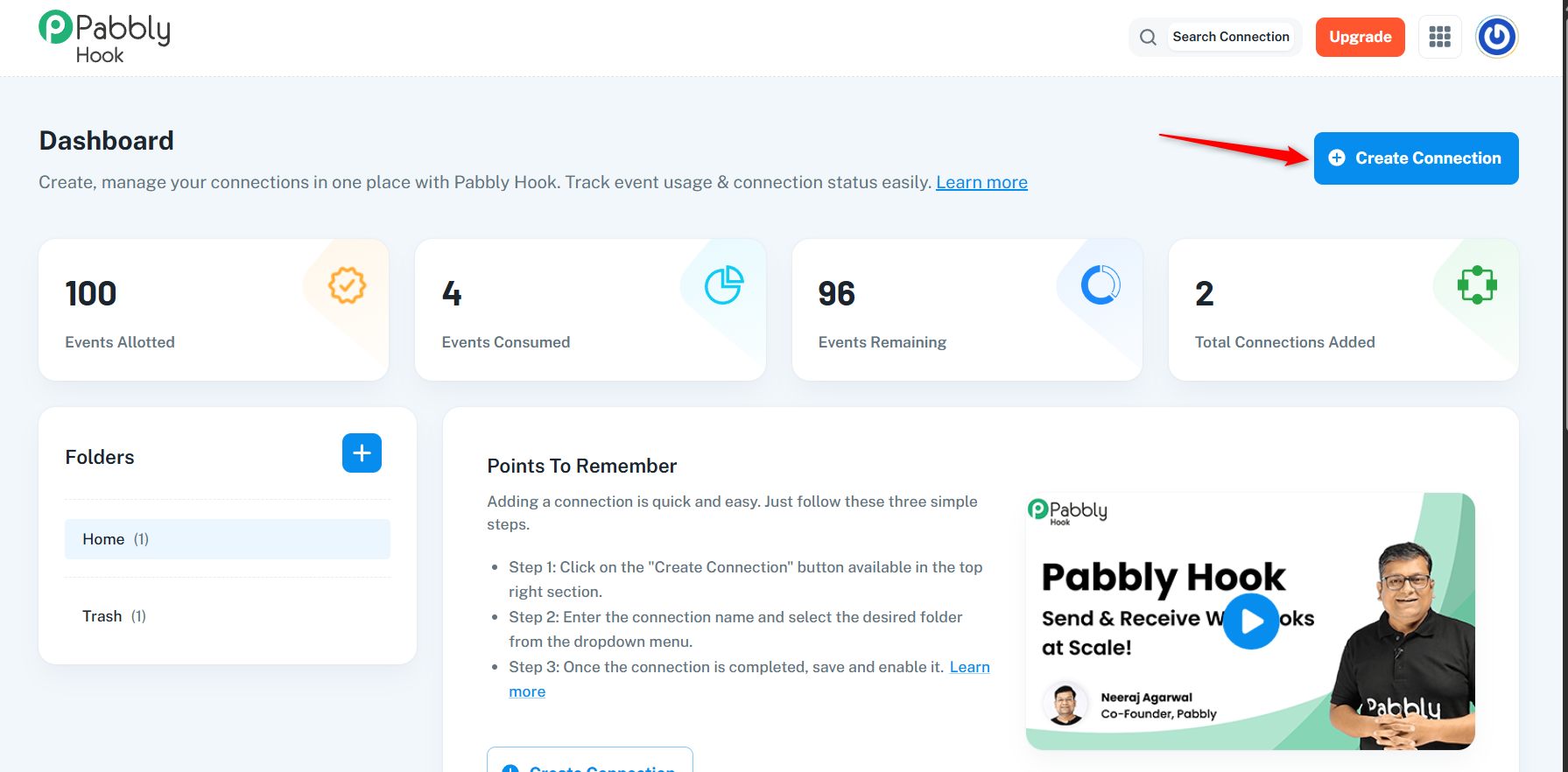
Also, connect the same hook to this workflow and see if that fixes the issue.
https://connect.pabbly.com/workflow/mapping/IjU3NjYwNTY4MDYzNDA0MzQ1MjY4NTUzMjUxMzAi_pc
Thank you for the recommendation.
Is there any reason why I should not try connecting my website directly to the Pabbly Connect > Workflow > Webhook?
You can definitely connect your website directly to the Webhook by Pabbly in your workflow in Pabbly Connect. I had assumed you had a specific use case for Pabbly Hook, which is why I made the suggestion above.
You can definitely connect your website directly to the Webhook by Pabbly in your workflow in Pabbly Connect. I had assumed you had a specific use case for Pabbly Hook, which is why I made the suggestion above.
The only reason for trying Pabbly Hook was to see if I could forward or relay the webhook to multiple destinations. I have not found any documentation regarding this. Is that possible? To forward the webhook JSON data to multiple different URL endpoints, 1 for Pabbly Connect and 1 for 3rd party app?
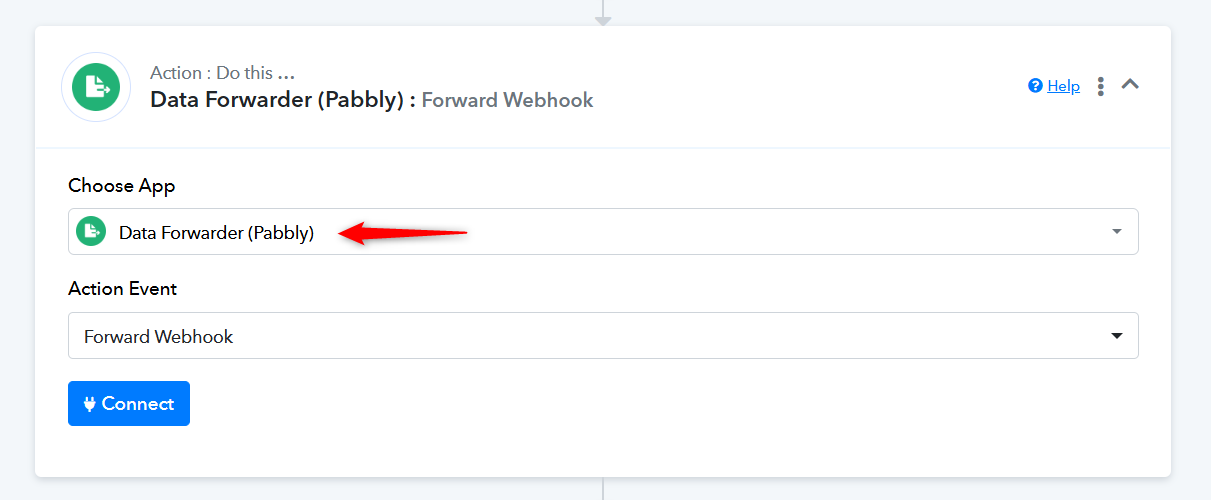
For this use case, you can add a Data Forwarder as the final step in this workflow to send the data received here to another webhook.