Unable to change portal name
Status: Closed · Asked by Chris Chris on · 0 views
I am unable to change the portal name (portal url) in client portal settings.
Whenever i click change and type any name it says user already exists.
Kindly provide a solution.
Hello Krish,
We've investigated the matter in your account and found that we were able to change the name of the client portal without any issues.
Please refer to the below screenshot for more details. 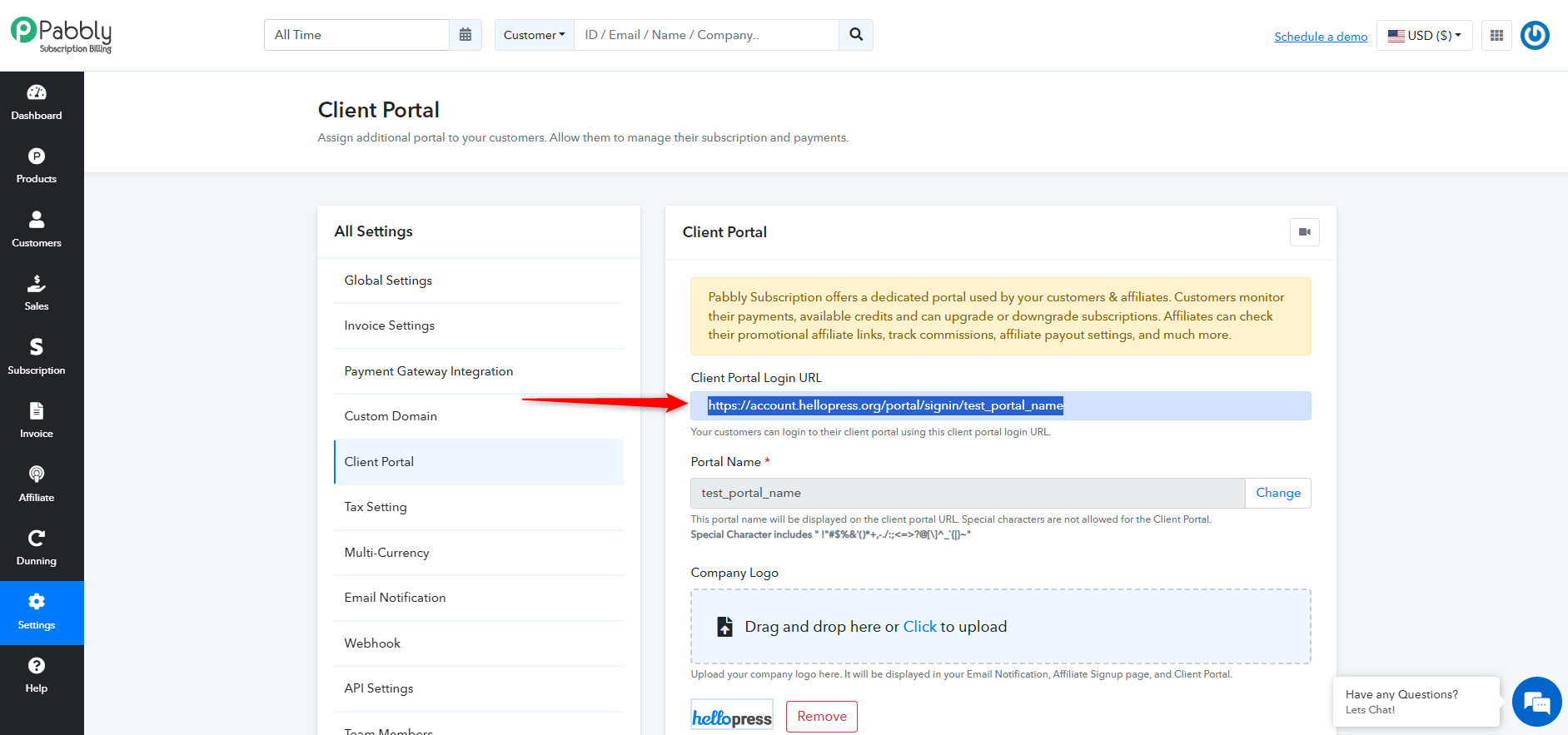
We kindly ask you to check this once more. If the problem persists, please share a recorded video demonstrating the issue. This will assist us in further investigating the situation from our end.
I am still unable to change it, i have shared a video link for reference.
https://www.loom.com/share/0539f326c01b4619a472a3b757c0b218?sid=ecd21da6-a814-4502-91c8-a44b563ec885
Hello Krish,
Upon reviewing, we confirmed that we were able to successfully add the client portal name in your account. We also reviewed the video you shared. It appears that the issue arises because the portal name you're attempting to use is already in use in our system. Please try setting up the client portal with a unique name or combination of words.
But isn't every portal url unique? How can it be in use?
Yes to make the Custom Portal unique you need to enter the unique name for the portal. To know more about how the customer portal please refer to the tutorial video :-