Unable to connect zoho bigin crm
Status: Open · Asked by pawan rajput on · 0 views
Dear Pabbly,
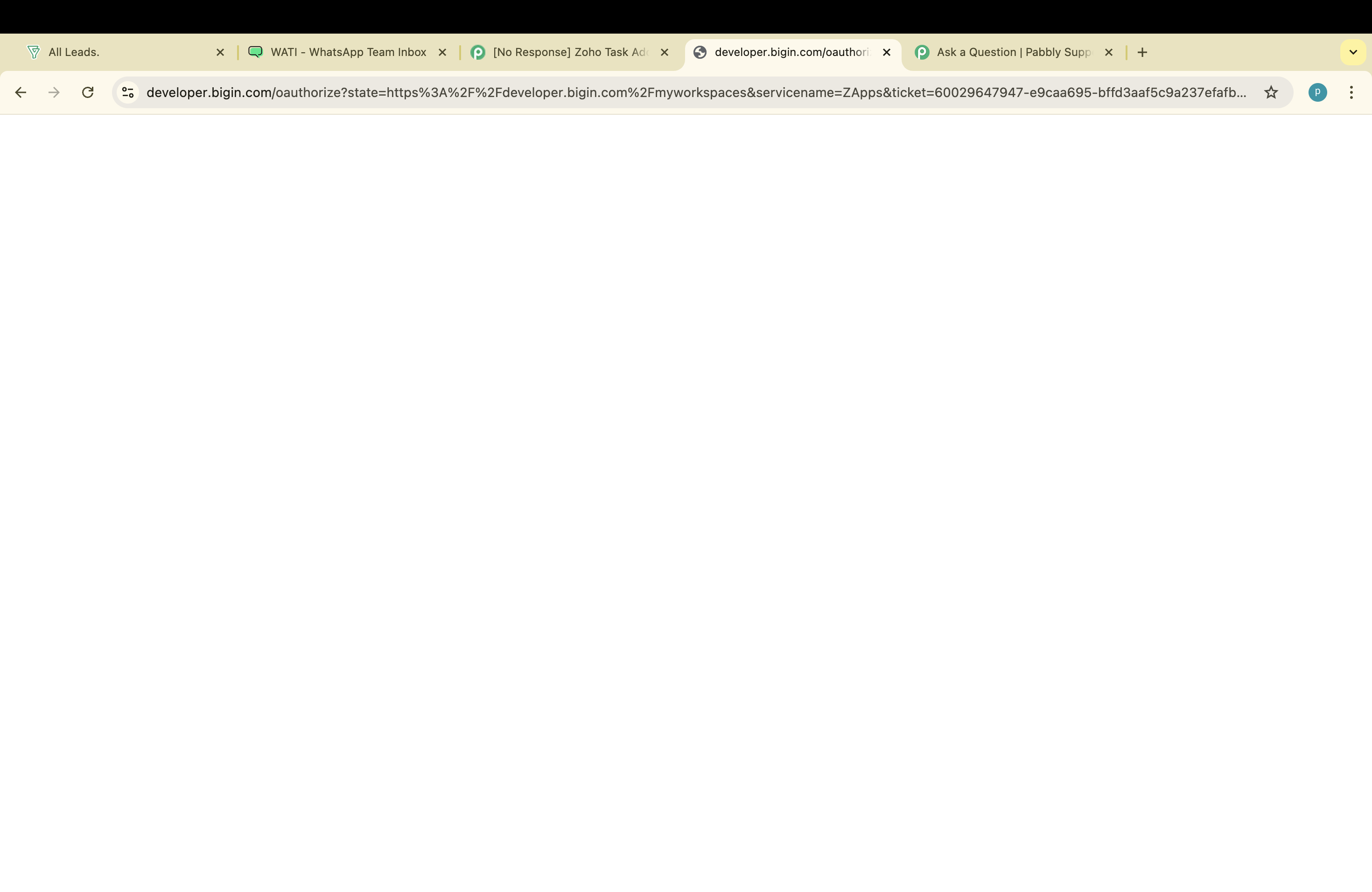
I am unable to connect zoho bigin crm in pabbly. It just shows me white blank screen while connecting. Why???
Attachments
Hi @pawanrajput,
Please log in to your Zoho Bigin and Pabbly Connect accounts in an Incognito tab, and then try to establish a new connection. Make sure to enter the correct domain.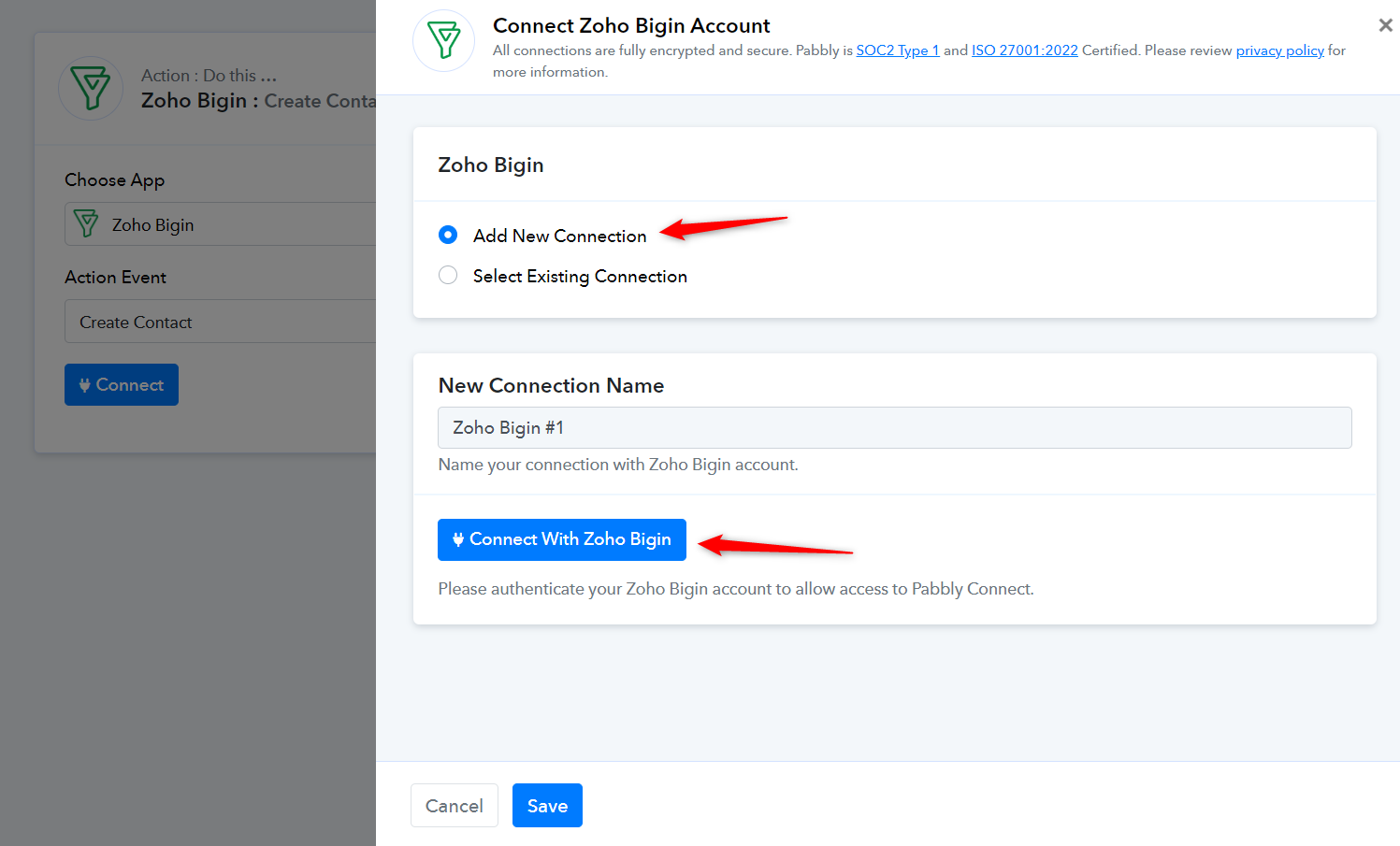
Please watch the video shared below to understand how you can establish the new connection.
I want to use zoho bigin as trigger. This is for action...
Please make a short screen recording showing how you are setting up Zoho Bigin as your trigger step and indicate at which step you encounter the blank screen.
The process of setting up a trigger event is detailed in the help text below the trigger event.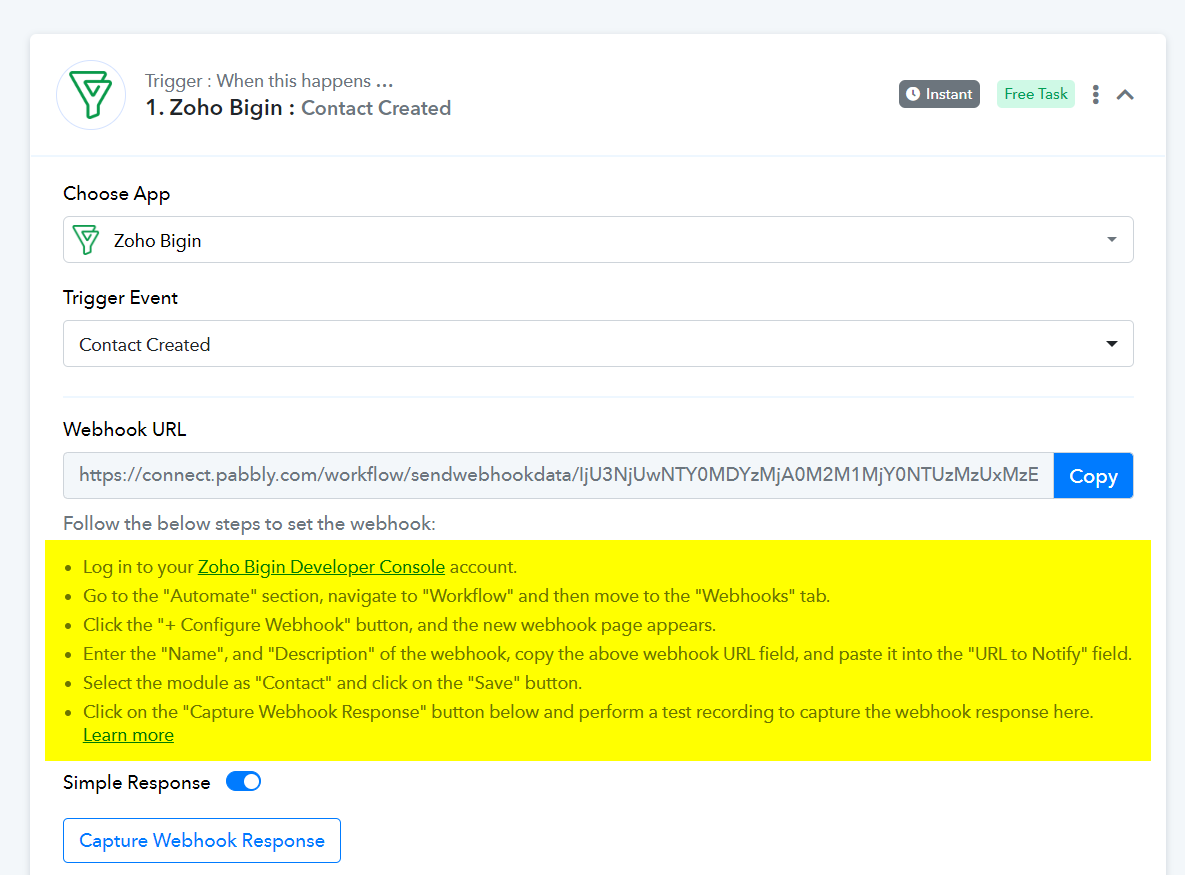
Please login to your Salesforce and Pabbly Connect account in an Incognito Tab, and then try to establish a new connection.
Same issue happening there also. What to do now?
Kindly record a short video on how you are trying to configure the Zoho Bigins trigger event in the incognito mode of your browser, so that we can look into it.
In your previous video, you showed that when you log in to your Zoho Bigin account, it appears as a blank page. Please share a video showing that you are able to log in to your Zoho Bigin account in an Incognito Tab. If it also appears blank in Incognito mode, it means the issue is on Zoho's end, and you'll need to contact Zoho's support team for assistance.