Unable to send gmail
Status: Open · Asked by Parth Nayak on · 0 views
workflow name
Formaloo Job Application Workflow
unable to send gmail even by correct Connection
please support faster
Hello @Parth,
As per the current configuration it seems to be working fine, refer to the attached image.
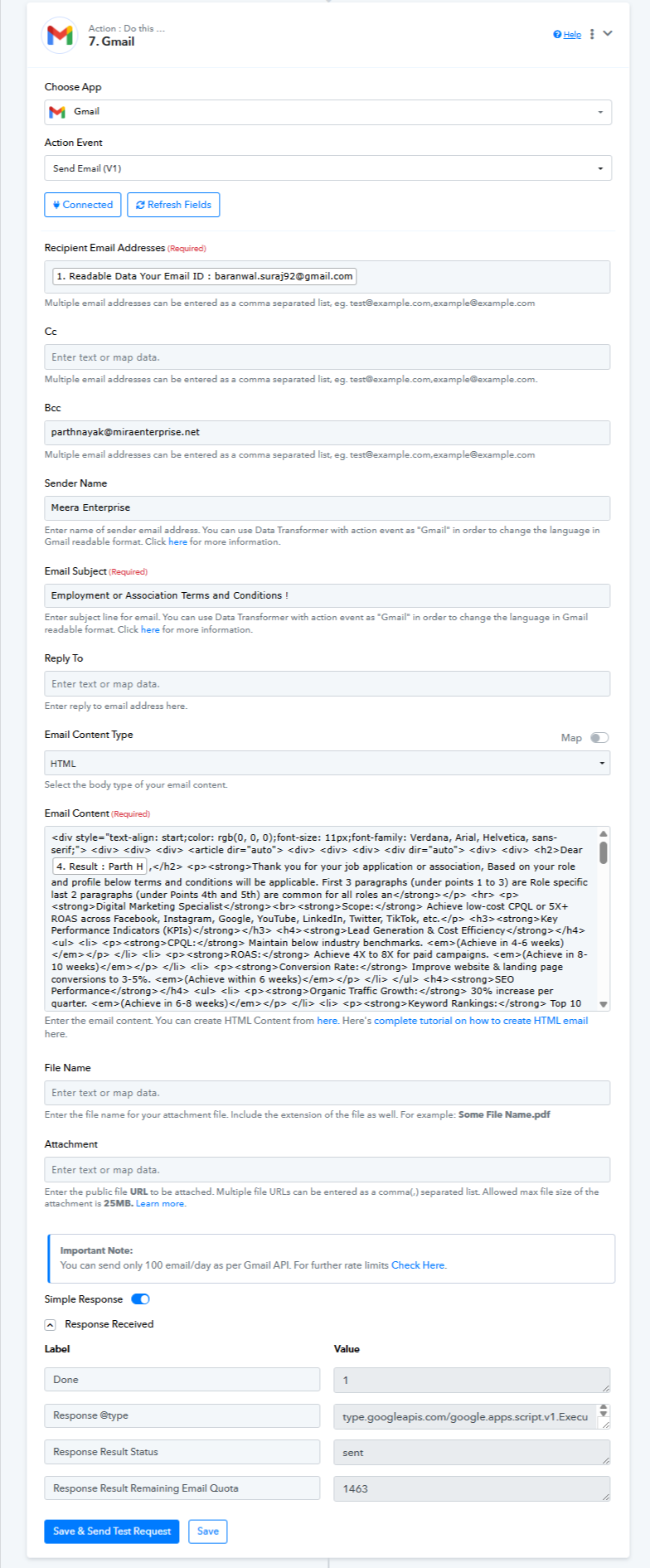
no when i send and save it shows that gmail quota reduced but i am not receiving any mails from that
See it shows that mail sent but recepient did not received our mail. also it is triggering 2 times always, need to stop that also
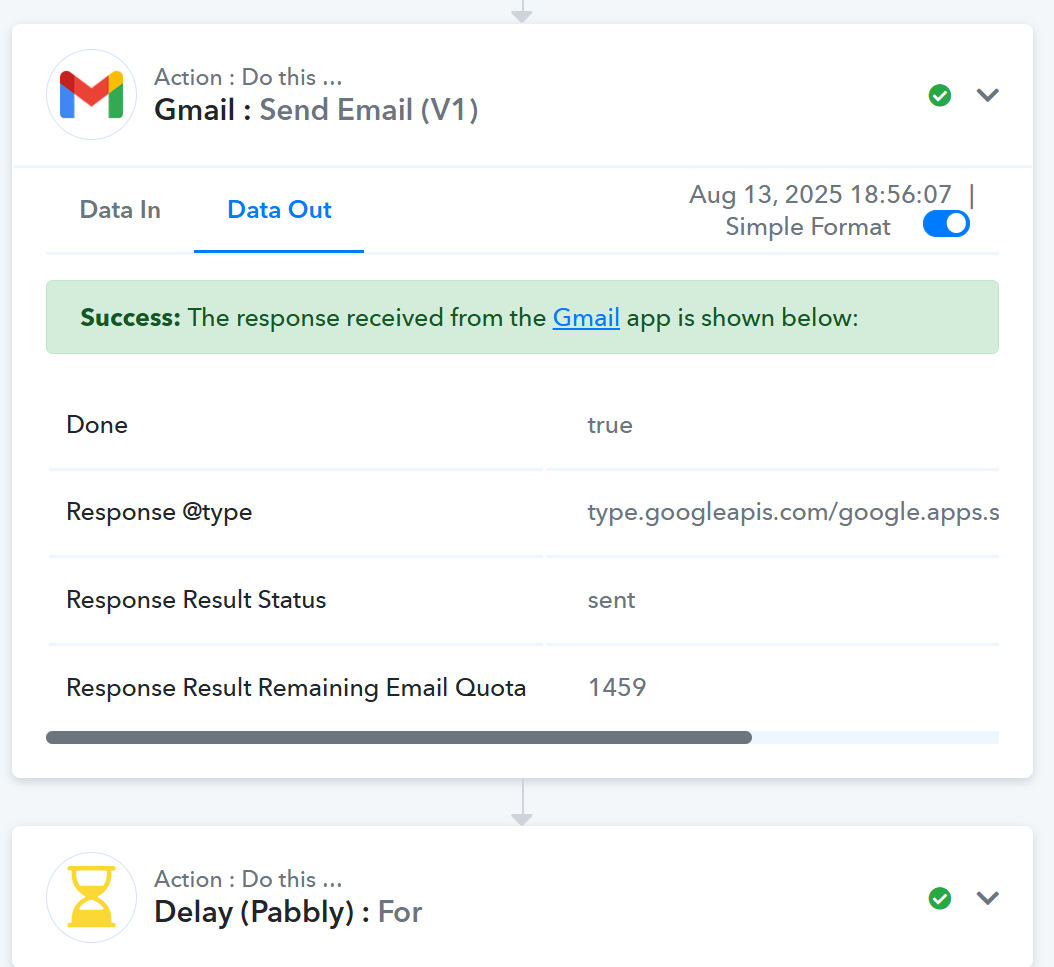
Formaloo trigger step is based on descriptive webhooks; we don't have any control over the data that it sends to Pabbly Connect. If it sends the same data twice, the workflow will also trigger twice.
To test this, you can connect your Formaloo account with webhook.site and verify whether the response is being sent twice from Formaloo's end.
youtube.com/watch?v=V0eih93WSj8
We noticed that, although the payloads appear the same at first glance, there is a minor difference between them.
https://www.diffchecker.com/b8YAAycT/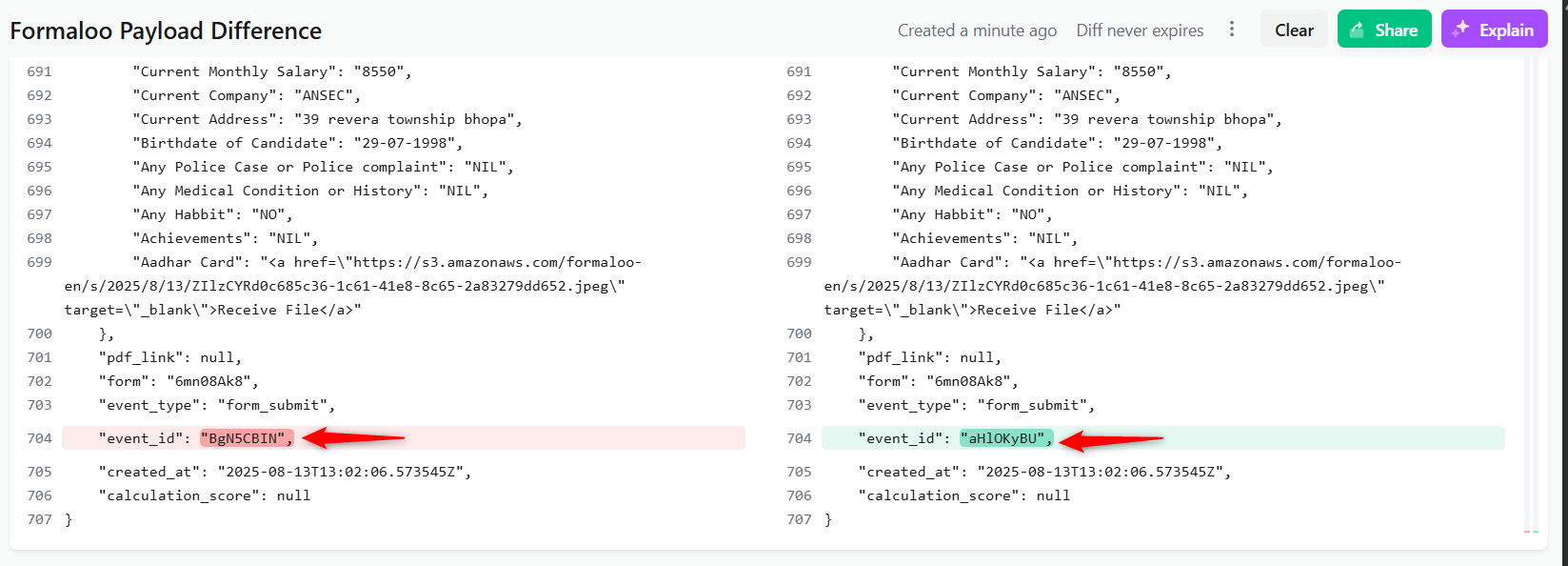
We suggest contacting Formaloo's support to understand why they are sending the data twice for the same form submission.
=======================================================
As for the emails not being received, we suggest checking the SPAM folder, as the Gmail action step is being executed correctly from our end.
i have checked spam too, it is not being sent. let us have google meet to check analyse and solve live onspot
Hello @Parth,
Scheduling a meeting is not an issue, but before that, could you please confirm whether the emails you are trying to send are appearing in the “Sent” section of your inbox?
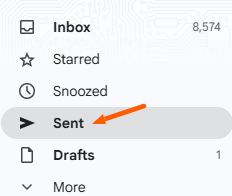
i have already checked it is not there in sent folder please resolve
Hello @Parth,
Could you please provide us with the Formaloo form connected with the concerned workflow? This will allow us to test the issue at our end and escalate if required.
it seems there is issue from our end, will revert incase there is different outcome, sorry for late reply
Hello @Parth,
Thank you for your update.
Noted that the issue seems to be on your end. Please keep us informed if there is any change or a different outcome. Once you have more clarity, we can assist further if needed.
issue still not resolved from our end, will update
meawhile can you guide my customer wants to send message in below format, how to send such mails in automation.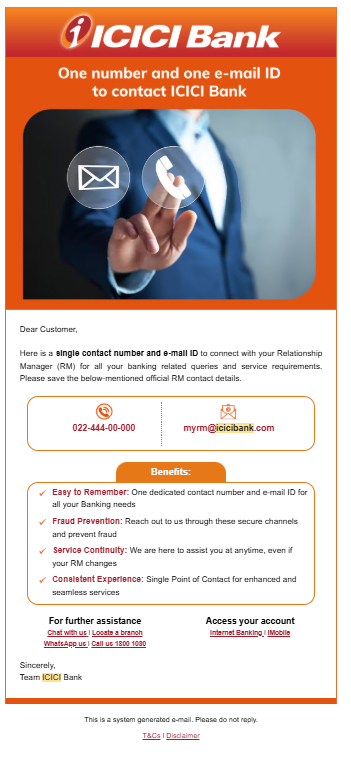
You will need to compose the email in HTML to achieve this use case. Unfortunately, we won't be able to assist you in setting up the HTML content as it falls beyond our scope of expertise. However, you can watch the following video and use this tool, which may help you in composing the email.
above video not showing how to create HTML image based mail body message
The video only shows an example of how you can compose HTML content–based emails. For creating an image-based body, you would need to compose the email yourself. You can either hire a developer to create one for you or take the help of ChatGPT.
ok let me check on my own