Unable to send whatsapp Video messages through pabbly
Status: Open · Asked by Pramod Routh on · 0 views
Unable to send whatsapp video messages with pabbly integration
Hello @Pramod Routh
At this time, it is not possible to send WhatsApp video messages directly through Pabbly’s native actions.
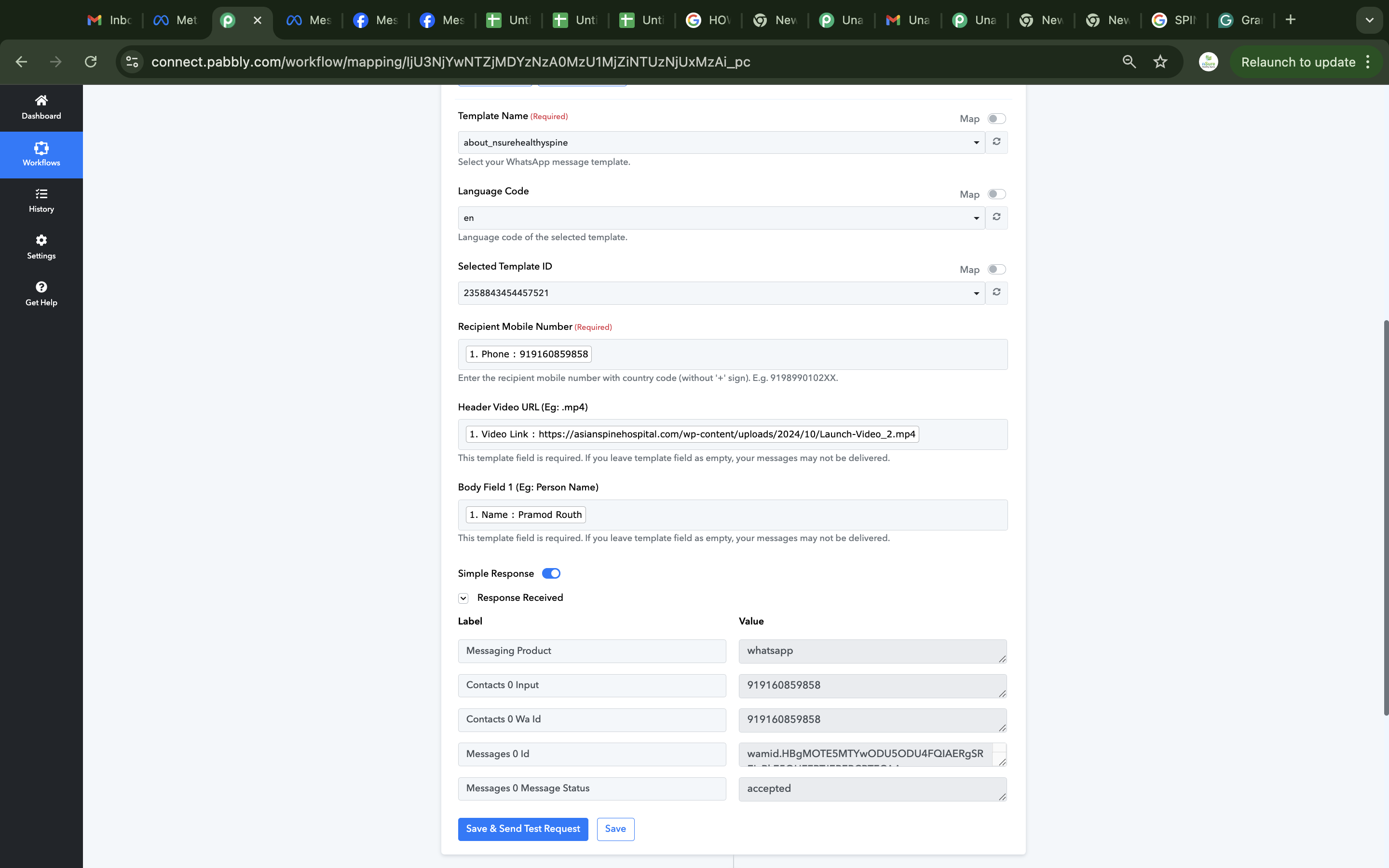
I created a video message template in WhatsApp Messenger. After integrating the template with Pabbly, the message did not go to the recipient's number.
Attachments
Hello @Pramod Routh
Kindly provide us with the workflow URL so we can better look into the issue.
how to send work flow url
Hello @Pramod Routh
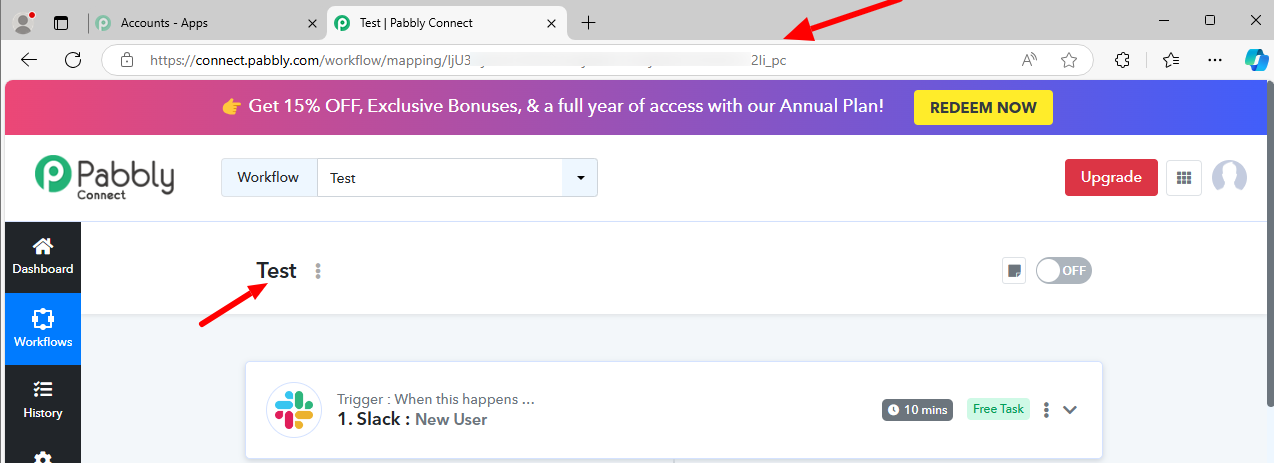
Please open the concerned workflow in Pabbly Connect and copy the website URL and provide us with the same, refer to the attached screenshot for more info.
Hello @Pramod Routh
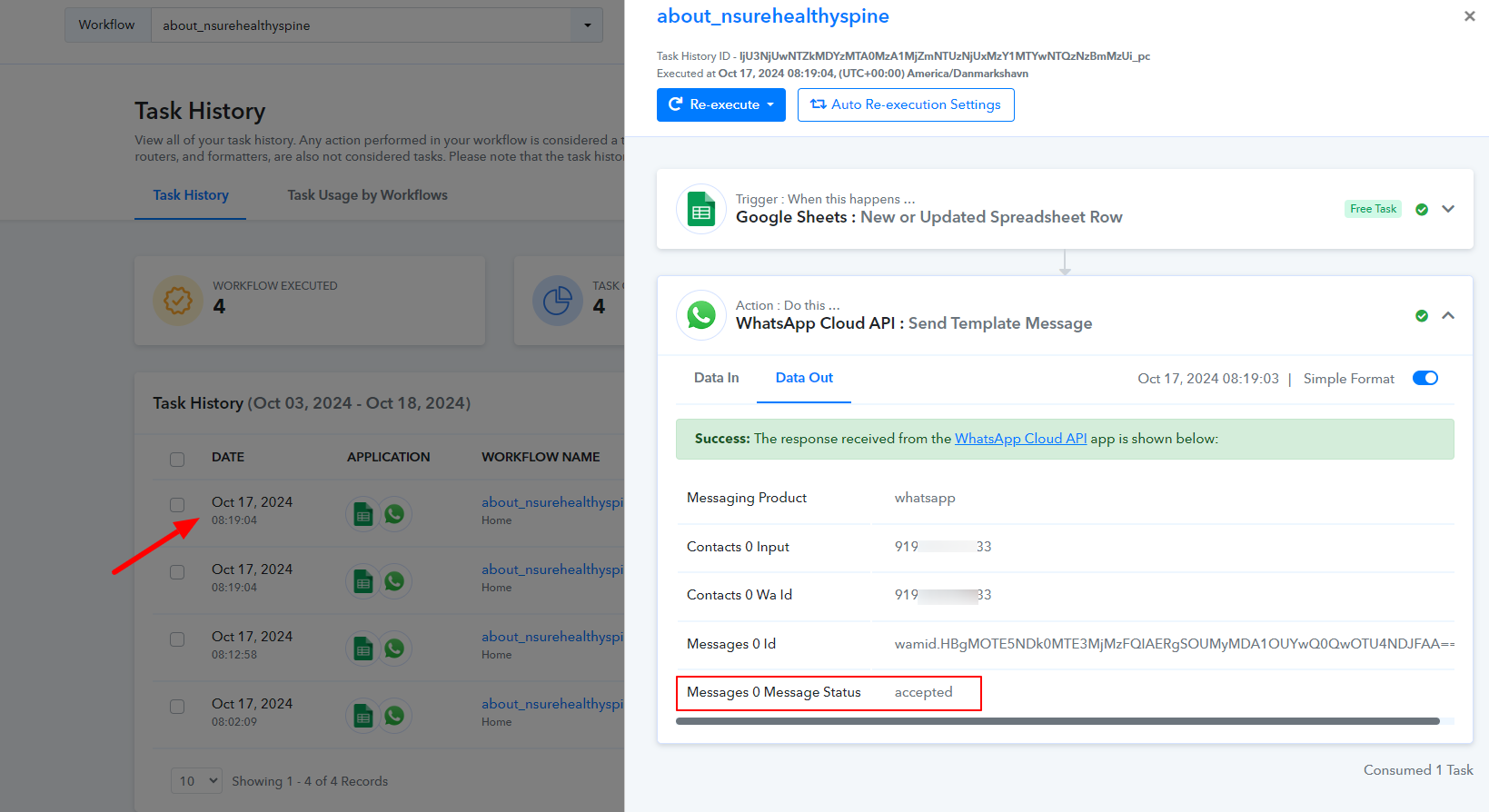
As we have checked your workflow, in the latest task history the WhatsApp Cloud API: Send Template Message action step responses with message status as accepted which is been sent by the WhatsApp Cloud API's end and refers that the message has been sent.
If in case the task history shows the message status as accepted and the message isn't been received, we would recommend you to contact Meta support.
Also, we tried to test the same by sending a message to our number and we successfully received the message.
Not only that, I am unable to send all the templates. Please help me resolve the issue. I recently purchased Pabbly Plus. my meta connection is good
Hello @Pramod Routh
I apologize, but I’m not entirely clear on the specific issue you're experiencing. Could you please provide a more detailed explanation of the problem
I’ve looked into the task history and found the most recent tasks marked as successful. You can refer to the attached screenshot for details.
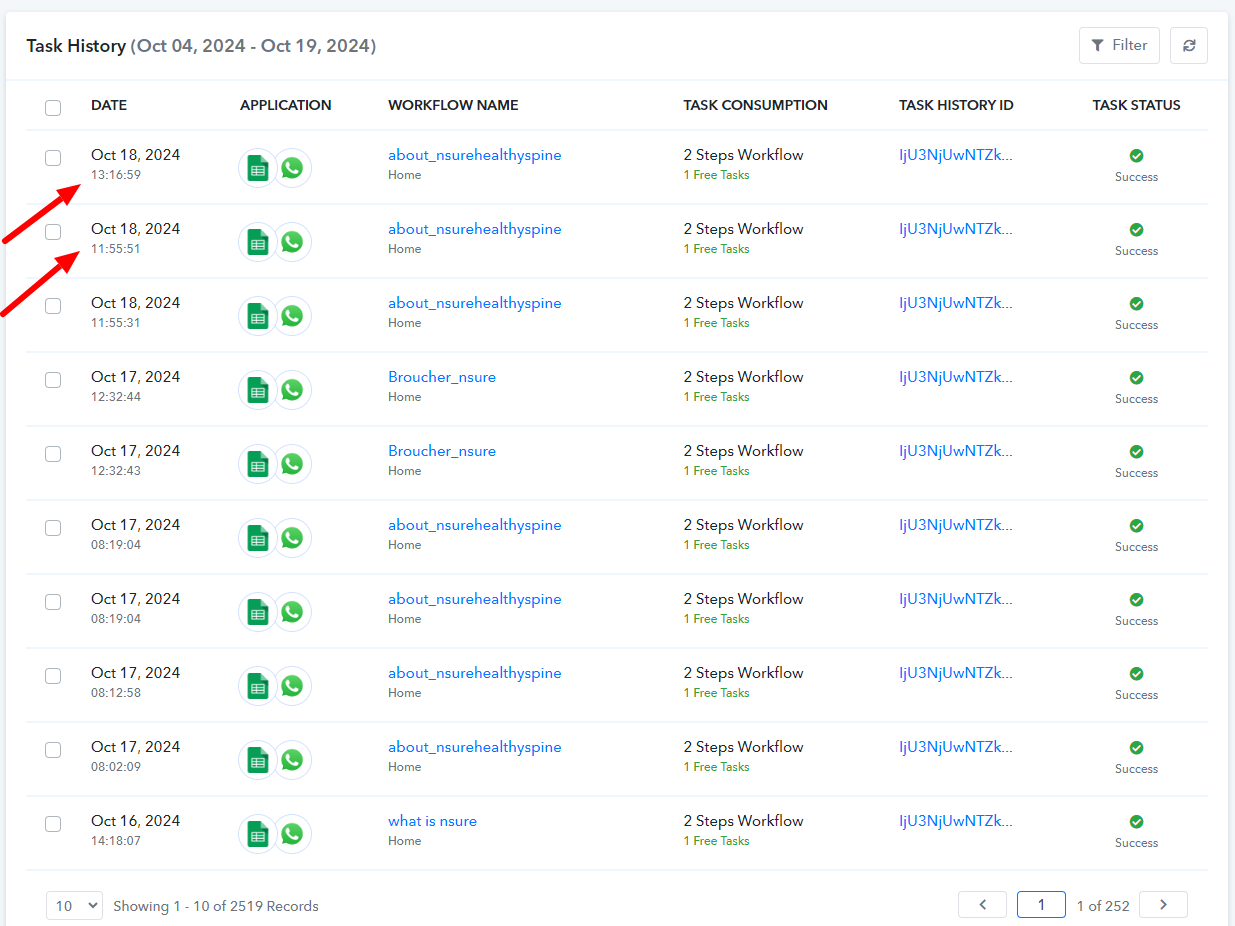
Additionally, the templates shown in the screenshot are visible on my end.
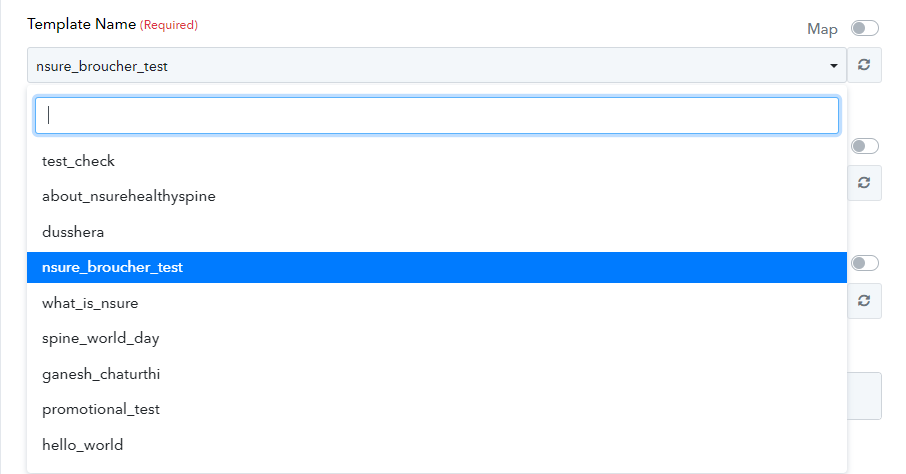
It would be helpful if you could share a screen recording that illustrates the issue you’re facing. This will allow me to assist you more effectively.
Message indicates successful task completion, but the message is not delivered to the mobile number. Please review this link.
Hello @Pramod Routh
To check the issue we have tried to send the WhatsApp message on our number and we successfully received the message, refer to the attached screenshots for more info.
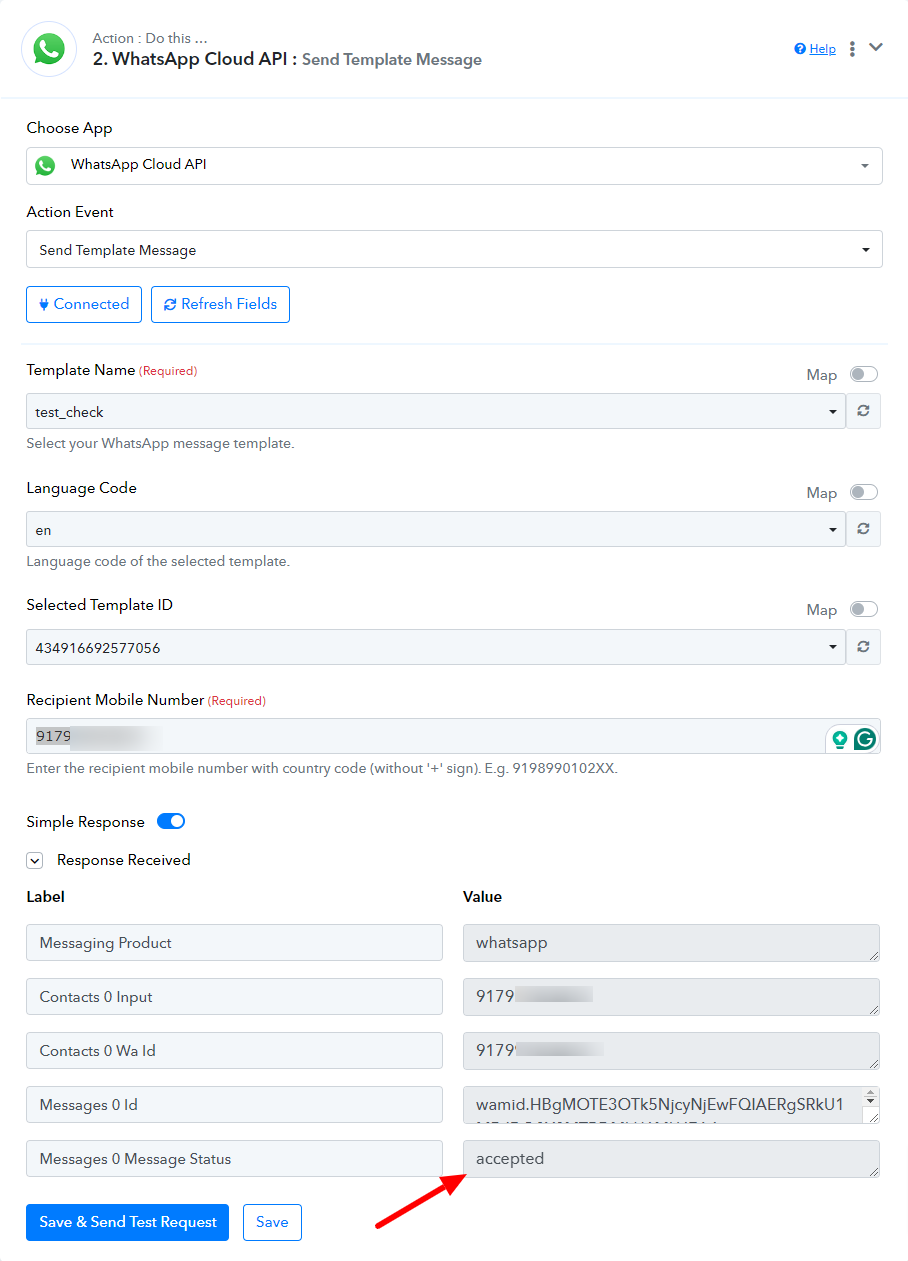
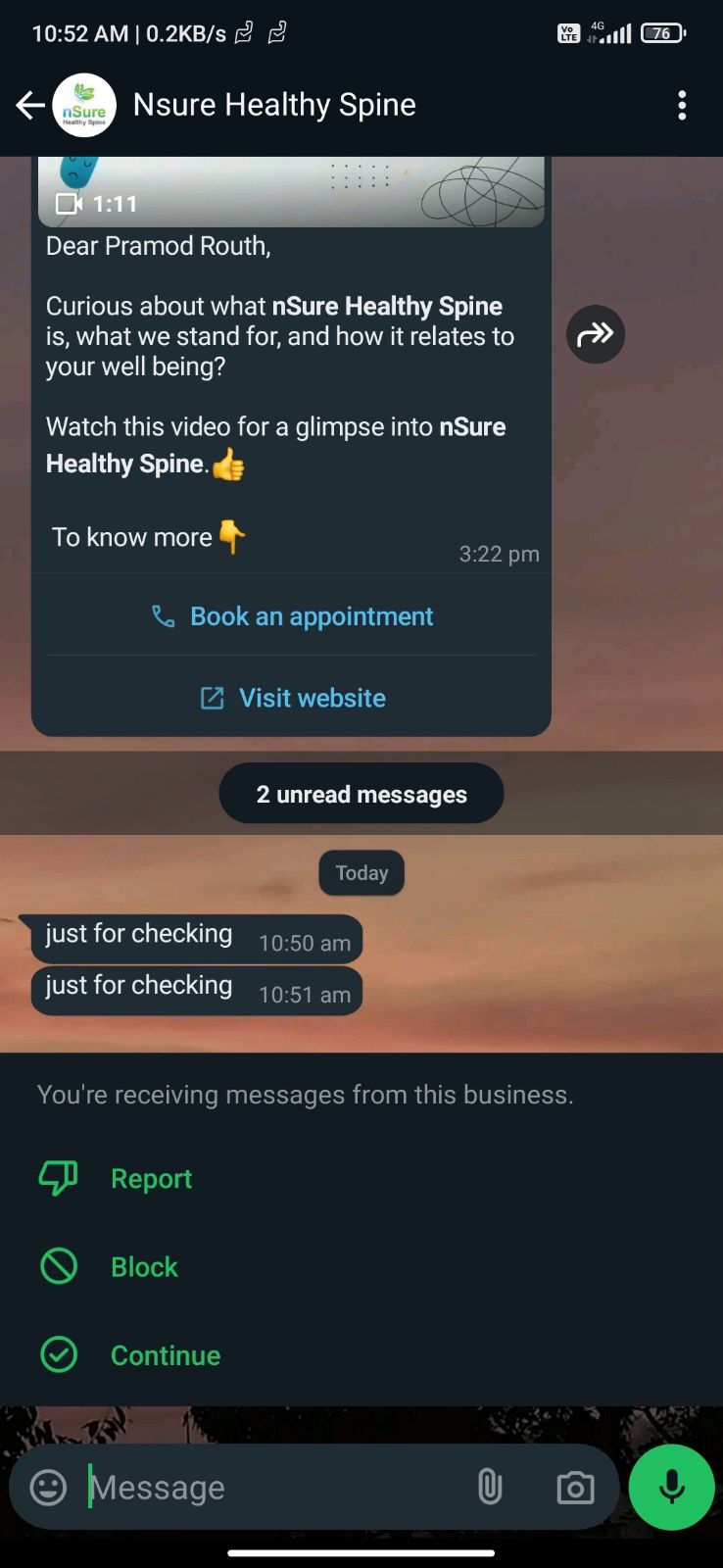
Kindly add a new row to your google sheet and check if the message got delivered to the number in real time(do not click on Save and Send test request button).
t
In real time, only the "save and send test request" functionality is working. If I add a new row from Google Sheets, the messages are not delivered in real time.
Hello @Pramod Routh
Can you please provide us with the Google Sheets(associated with the concerned workflow) access This will allow us to check the issue in real-time.
Kindly provide us with access at [email protected]